
It's been a big few weeks for Google. After almost a year of radio silence, the brand had two big releases in the world of health: the Fitbit Air and the new Google Health app, the latter of which was to replace the beloved Fitbit app for all users.
The replacement has been coming for a while, with Google's buyout of Fitbit completing a few years ago. Since then, I've had multiple reminders popping up, telling me to swap my email address for a Google account. All for this moment.
Anyone with either one of the best Fitbits or a Google Pixel Watch will be using this new platform.
It's an adjustment, but one worth making. I've been wearing the Google Fitbit Air on my wrist for the last few weeks and have spent a few hours scrolling through the app and reviews online - here are the features no one is talking about enough.
Daily updates
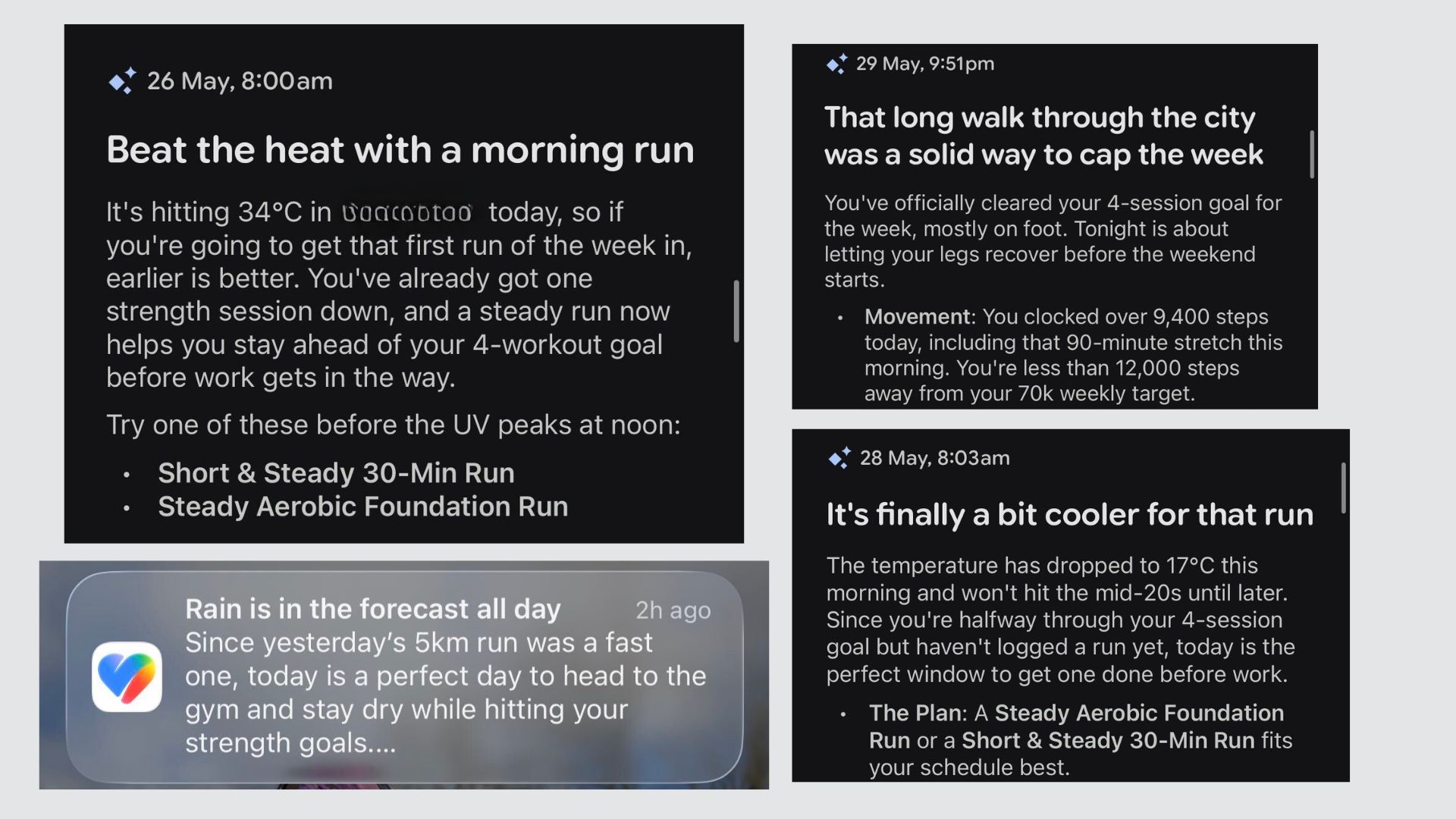
Every day, I wake up to a notification from my Google Health app outlining the day ahead: an overview of my sleep, a suggested workout based on my recent activity and the weather (a genuinely useful AI function in the app), and my readiness for the day.
These appear in a stack of ove rnight notifications on my home screen before I've opened my phone in the morning, so you'll need to make sure notifications are enabled in your phone's settings to make the most of this.
It makes for a positive, productive addition to my morning notifications, which are otherwise a string of WhatsApp messages to reply to and calendar notifications.
Health checks
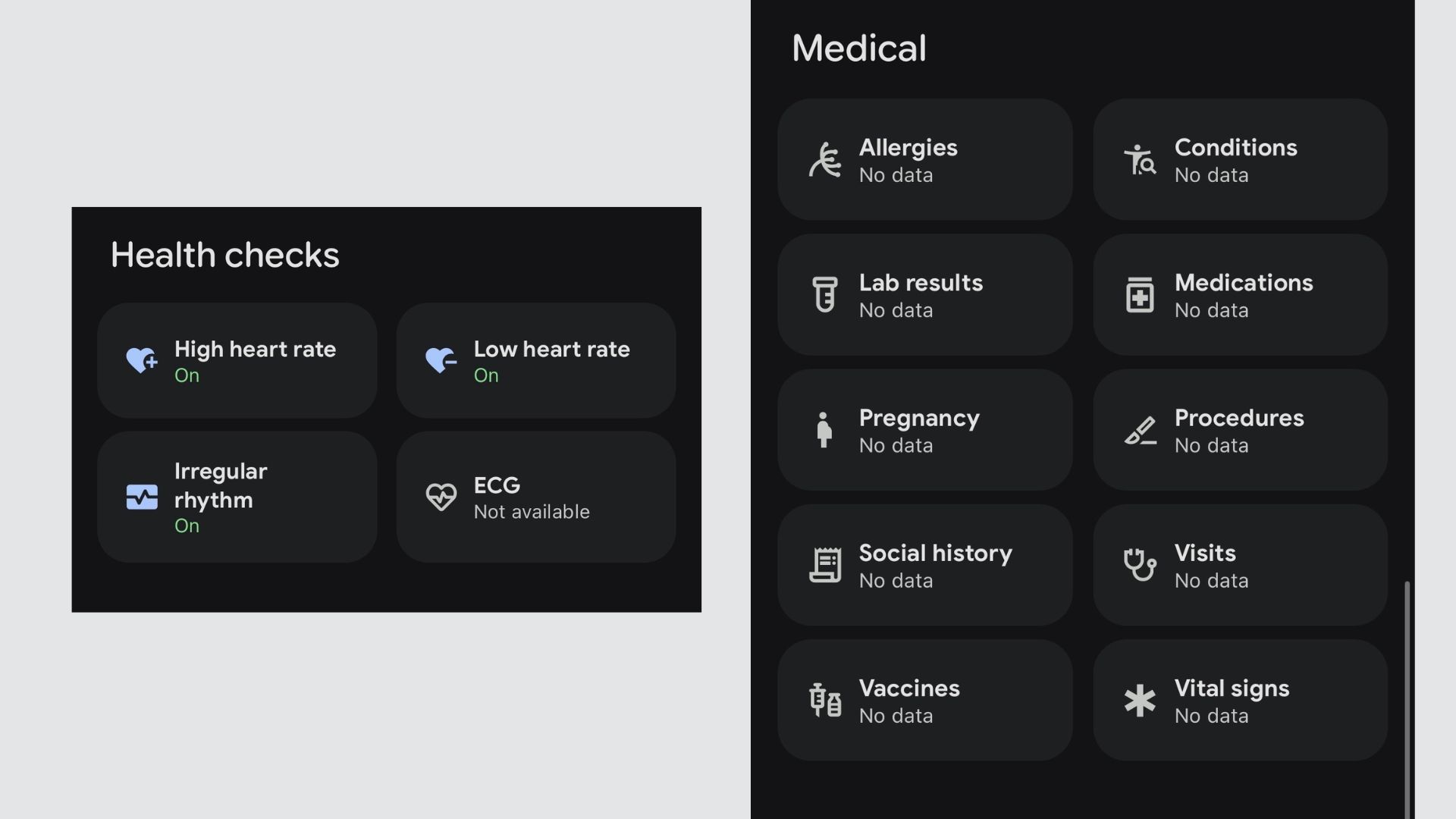
Much like the Apple Health app, Google Health has taken a proactive approach to helping users look after themselves. In the Health tab, you can set up Health checks, which include Low heart rate, High heart rate, and Irregular rhythms. Should your tracker pick up any of these, you'll get a notification.
While they can't be used as a diagnostic tool, it's a useful flag for any underlying health issues that you should discuss with your doctor.
Under this, there is the Medical section. Here, you can link up to your provider and log essential medical information, like your allergies, conditions, procedures, and any medications you're taking. I spotted this only recently, and I'll be setting this up soon. Hopefully, it'll never be needed - but should a medical provider need to access your information in a hurry, you can hand this over.
Wake alarms
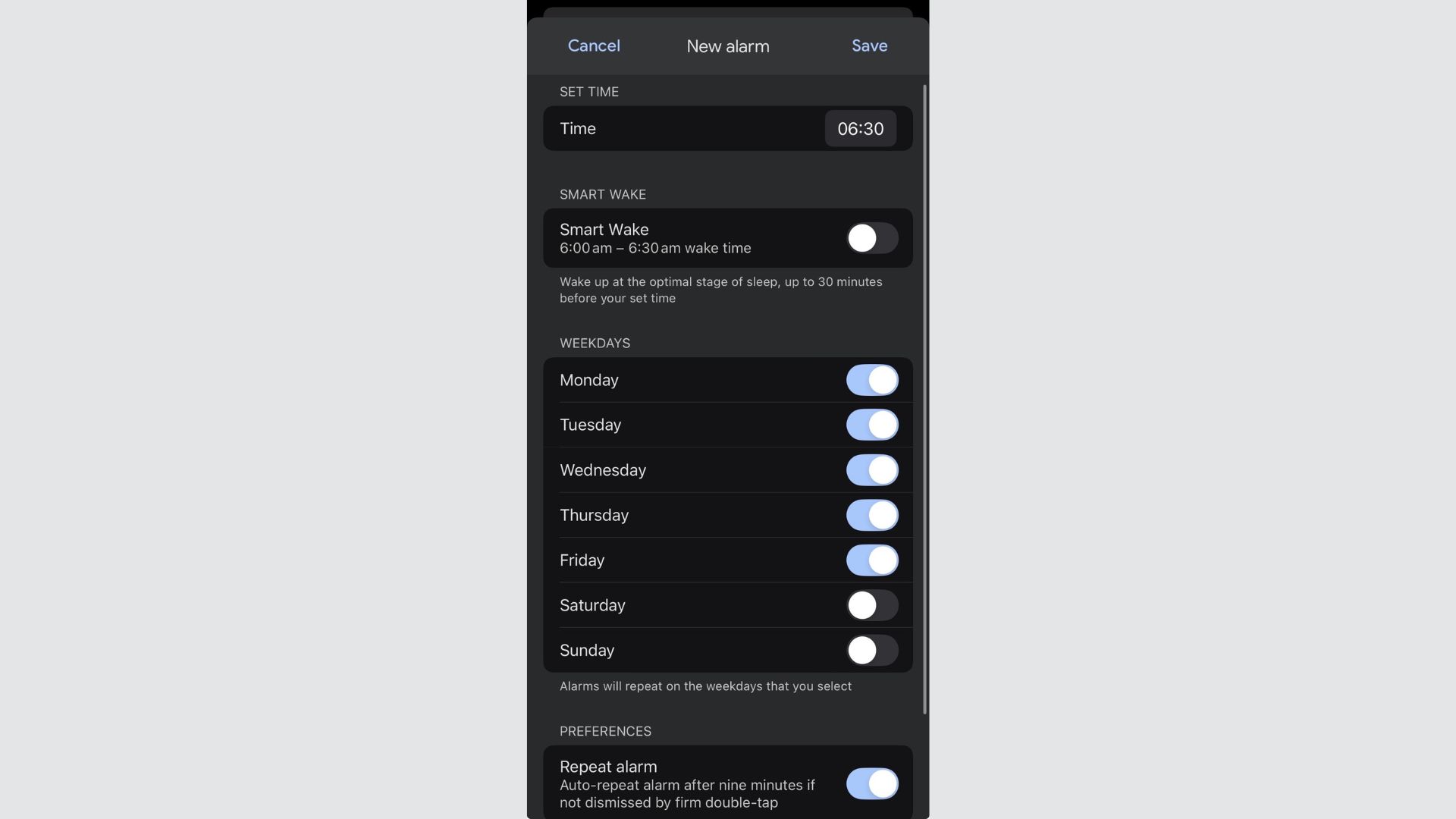
In the Sleep section, you'll find a tab for setting an alarm on your Fitbit. This can be your chosen wake-up time or a Smart Wake alarm, a pre-set alarm to wake you up at the optimal stage of sleep, up to 30 minutes before your manually-set alarm goes off.
Unlike your regular phone alarm, however, this one is bedfellow-friendly. Your partner won't be groaning if you wake up early in the morning. This alarm goes off on your Fitbit by vibrating on your wrist. No noise.
I also find it helpful if I need an alarm during the day, as a reminder to take medication or call someone. It's a private nudge to me alone.
What is Google Health Premium?
To access many of the best features, you'll need a Google Health Premium subscription, coming in at £9.99 per month. Despite having many more features and full AI capabilities, this is only £2 more than Fitbit Premium was.
Extra features, like Gemini-led workout plans and insights, follow-along workouts from the likes of Peloton, and music for sleep, are part of the Premium subscription.
While you can use your Fitbit without this subscription, you'll only get the basics of fitness, sleep, and health tracking. For some people, this is enough but for those new to exercise, or anyone looking to make a change in their lifestyle habits, I'd recommend it as an investment.
Any new Fitbit comes with three months of Google Health Premium included, so you'll be able to explore the platform before signing up for good. Just remember to cancel your subscription if you don't want to pay after this period.
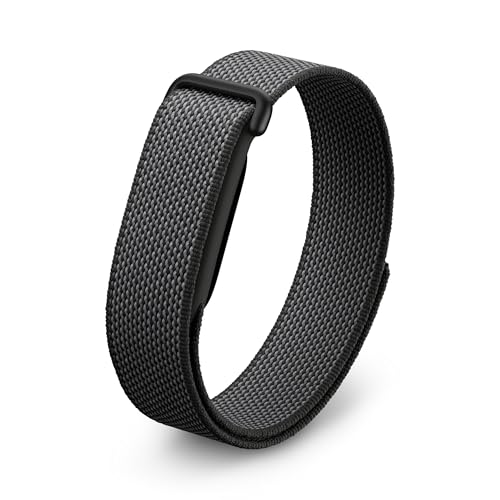
The Fitbit Air is a screenless activity tracker that will blend into your outfit, whether you're at the office or the gym. It also comes in two fun colours: bright pink and purple. The strap is interchangeable with silicone options.
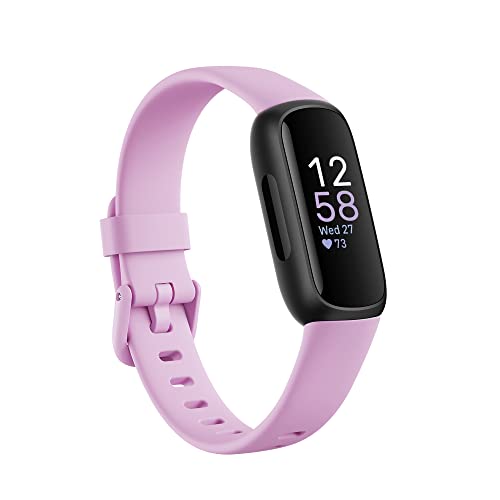
The Inspire 3 is the only fitness tracker I recommend under £100. For those who like the price of the Fitbit Air but want a screen, this is the one I'd recommend. It also comes in three colours: this chic purple, orange, and black.
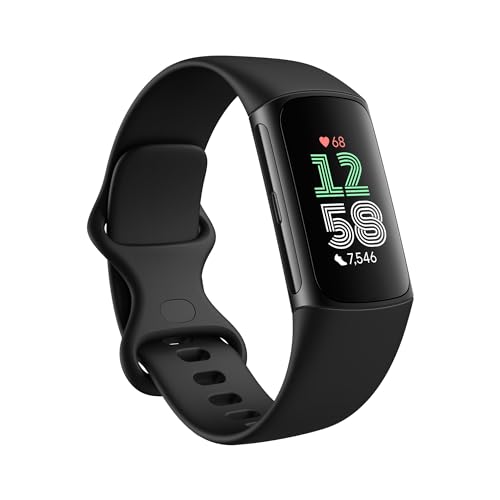
The Fitbit Charge 6 is one of my favourite running watches. It's set up to help beginners take charge of their fitness with Bluetooth connectivity to popular workout machines, long battery life, and excellent GPS accuracy. It comes in black, orange, and cream.
What Fitbits work with Google Health?
The new Fitbit Air is the most compatible with Google Health, so if you're looking to upgrade, this is a good option. It is screenless, though, so won't be suitable for everyone. The Fitbit Charge 6 and other newer models, like the Inspire 3 and Google Pixel Watch 3 and 4, are the next best options.
The Fitbit Versa 4 and Sense 2 also work, but Google has discontinued these models in favour of the Pixel range, so they will eventually be incompatible.