What you need to know
- Google is rolling out a dedicated Images tab in the Google app for iOS and Android.
- The Images tab is a Discover-style feed of visual content based on user interests and activity.
- After browsing content in the Images tab, it can be shared, saved to collections, or used to start a new search.
Enjoy our content? Make sure to set Android Central as a preferred source in Google Search, and find out why you should so that you can stay up-to-date on the latest news, reviews, features, and more.
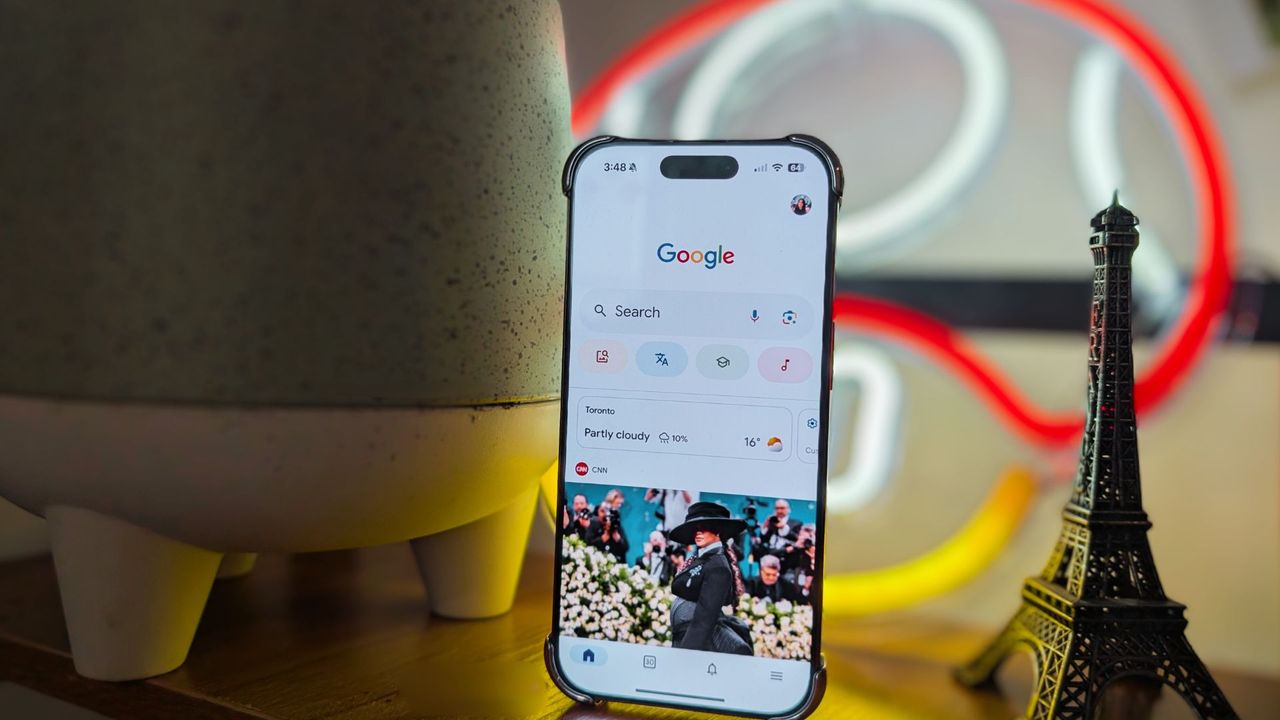
The Google app on iOS and Android has become a versatile home for web searches, AI features, and image browsing. Now, Google is updating the app on iOS and Android to add a dedicated tab for visual content called Images. Following prior tests, the Google app is gaining a Discover-style hub for photos and graphics in the U.S. starting this week.
The company explains in a blog post that despite Google Images' popularity, users find it hard to describe exactly what they're looking for. That's where the Images tab in the Google app comes into play. It'll show users new images daily based on their interests, and the algorithm will adjust over time as interests evolve.
"We’re making that inspiration even easier to find with a new way to discover visual content in the Google app," Google says.
That sounds like a mix of Google Discover, which curates news and entertainment content based on your interests, or social sites like Pinterest. Google calls the Images tab "a new way to explore and organize images in the Google app." It's located at the bottom of the Google app homepage, next to the Home, Search, Notifications, and Activity tabs.
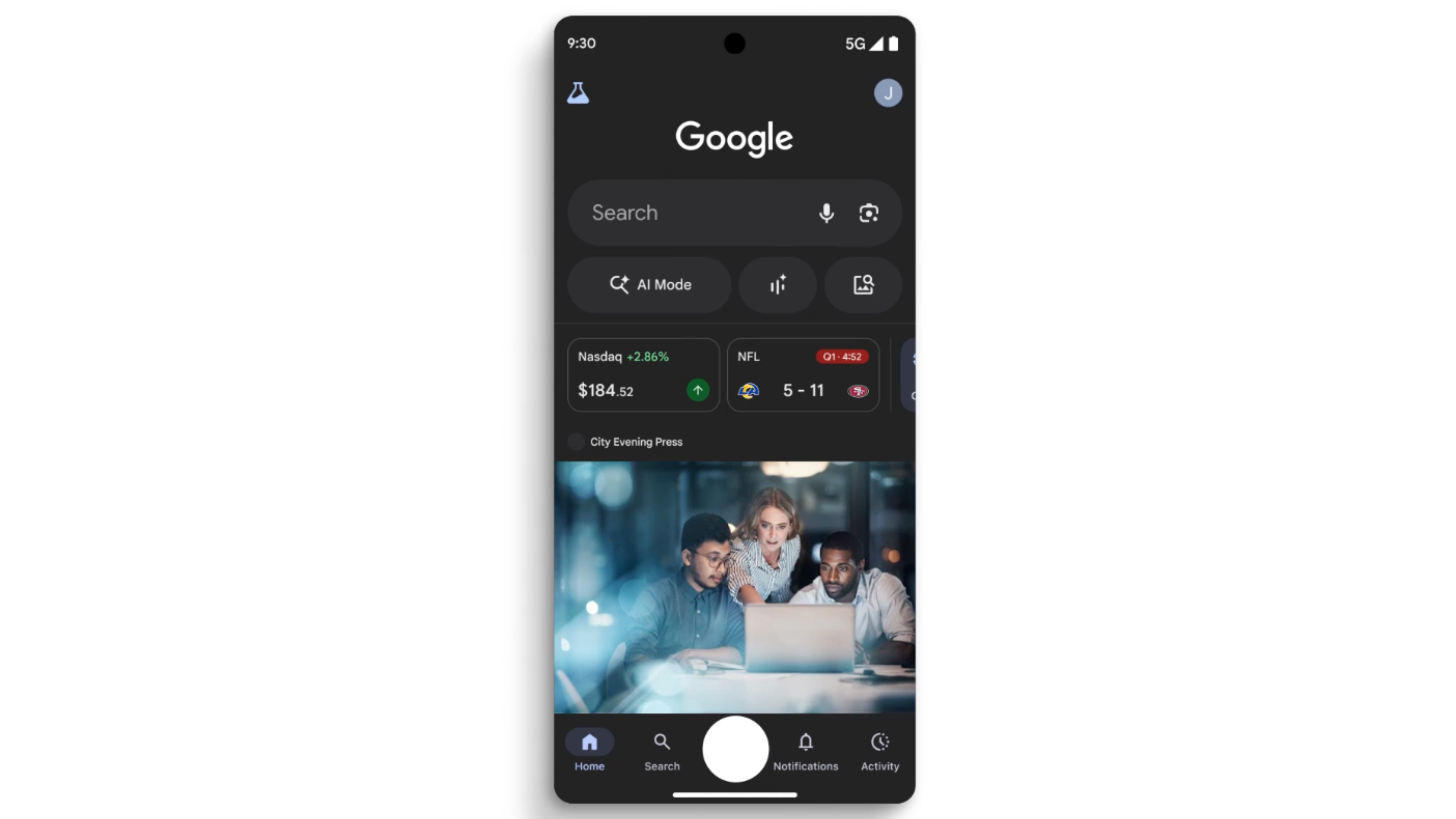
After discovering visual content in the Images tab, users can save it to their collections in the Google app. You can also use images you find to search for new ones. It's sorted based on topic, with a general "For you" roundup in the Images tab beside personalized topic pages based on your interests and activity.
You can try out the Images tab in the Google app starting now, and it's going to be rolling out further over the coming weeks to all iOS and Android users.
The Google app is getting ready for the holidays
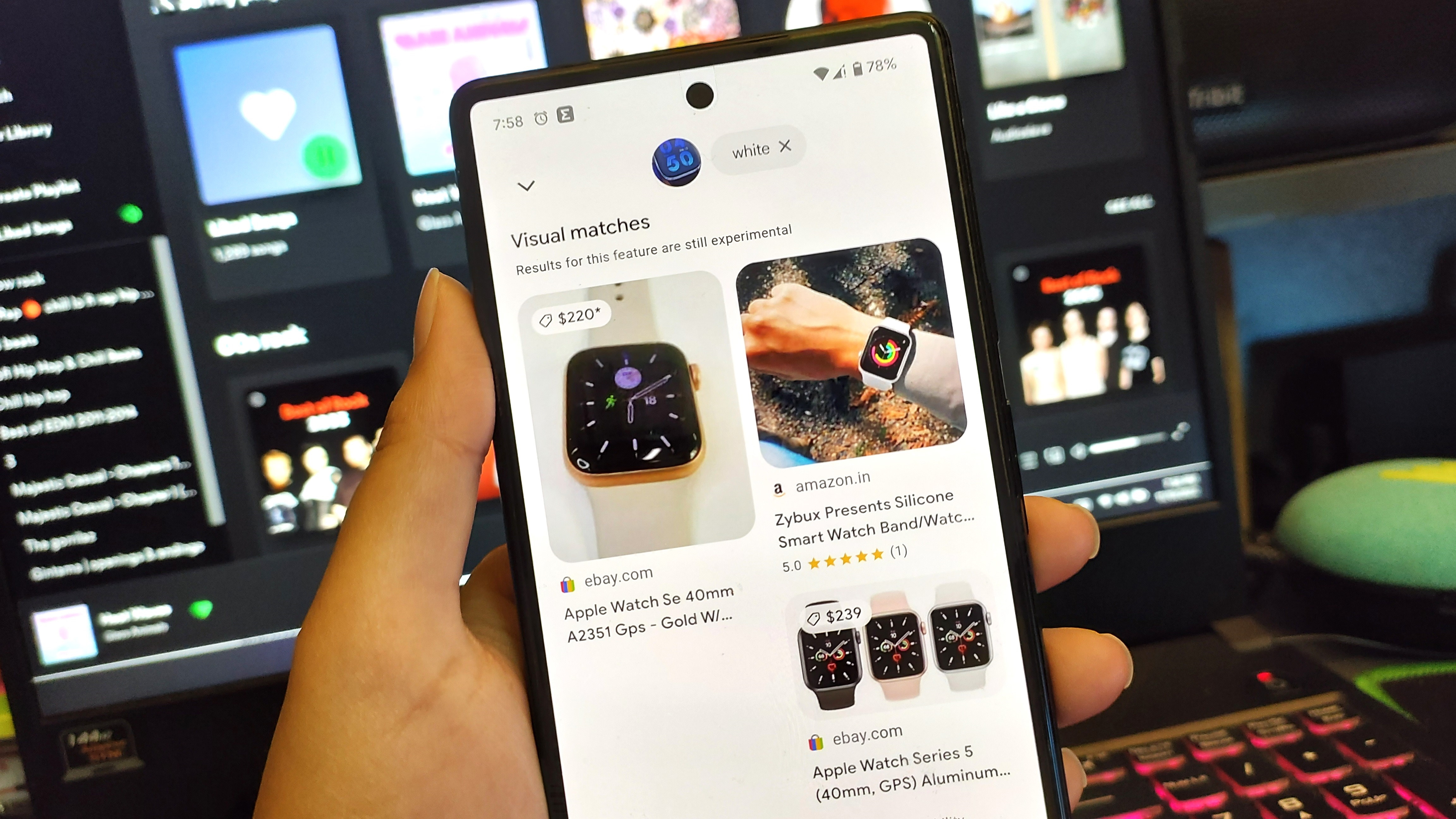
The Images tab is the latest in a flurry of Google app updates rolling out as the holiday season approaches. Earlier this week, Google updated AI Mode to be your personal shopping helper, supporting natural language conversations about the products users want to buy. It can scan product information, buyer reviews, and even check if something is in-stock at a store near you on your behalf.
Like the Images tab in the Google app, these shopping features are rolling out now for AI Mode in Search in the U.S.