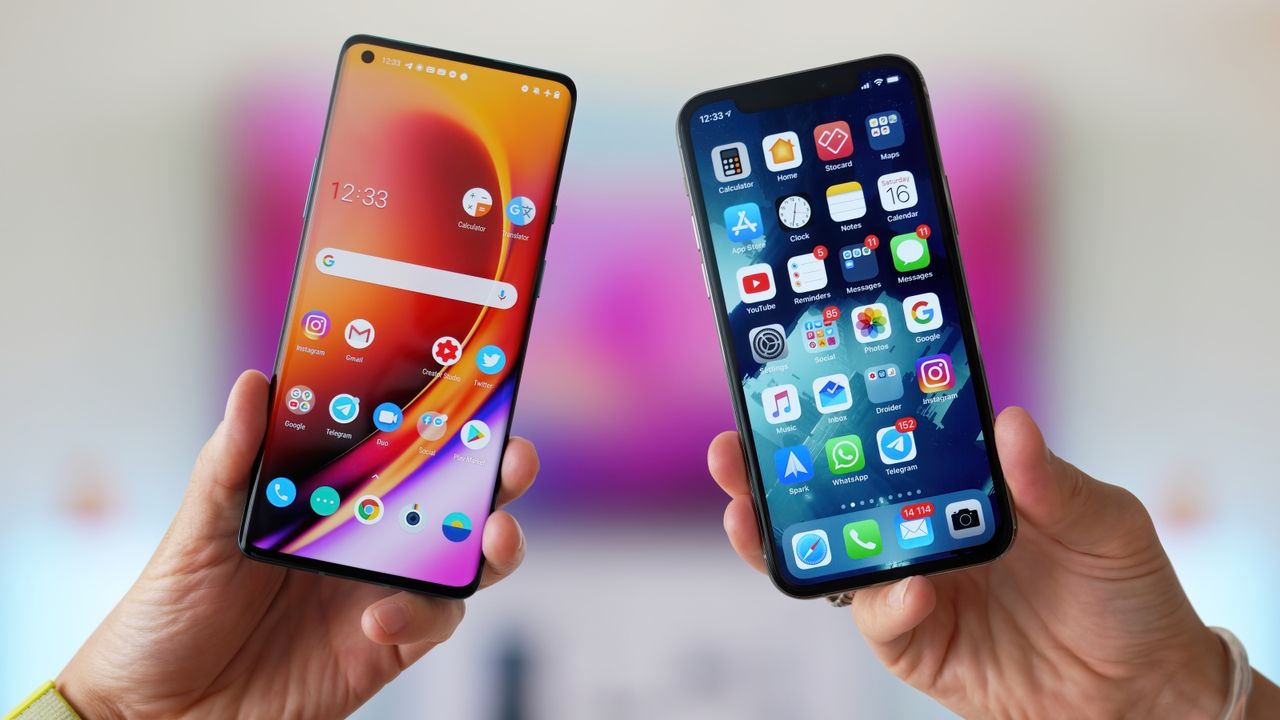
AirDrop gives iPhone users an easy way to move photos and files between their devices, with Google introducing its own version of the feature last year. Dubbed Quick Share, the file-sharing tool lets you easily move files between Android devices.
And now, Google says it’s developed a way for Quick Share to work with AirDrop so that Android phones can now share more easily with iPhones.Announced today (November 20), the new feature is limited to Pixel 10 phones for now.
Here’s how Quick Share works with Air Drop
Based on a GIF that Google shared, Quick Share and AirDrop work together pretty seamlessly. If you’re familiar with Quick Share, the feature will operate much the same way as before. If you’re not, check out our guide on how to use Quick Share.
Swipe down on your Android phone to bring up your connectivity menu. Tap Quick Share and then select the files you want to share, such as an image. Your phone will then look for nearby devices.
The person using an iPhone will need to swipe down on their device and turn on AirDrop; that will let the iPhone detect that the Android phone wants to send a file.
According to Google, Quick Share utilizes AirDrop’s “Everyone for 10 minutes” mode to enable sharing. Reportedly, this is not a workaround but a direct peer-to-peer connection. Google says it hopes to work with Apple to enable a “Contacts Only” mode down the line.
Secure sharing
In a blog post, Google’s security team wrote that the sharing upgrade was built with security in mind.
“You can share across devices with confidence knowing we built this feature with security at its core, protecting your data with strong safeguards that have been tested by independent security experts,” the post reads.
The new feature uses built-in security protections from both Android and iOS in combination with defenses like Google Play Protect to make the sharing channel secure. Additionally, you have to manually approve sending or receiving a file, to ensure that you’re only accepting files from trusted sources.
What’s next for Quick Share
For now, the feature is gradually rolling out to the Pixel 10 lineup. The limited run may be a live test with Pixel devices in the wild as the announcement notes that the company is looking forward to “improving the experience.”
As with every Google rollout, if you aren’t able to try the feature out immediately give it a day or two and try updating your phone.
The announcement added that Google plans to expand the feature to more Android devices in the future, though there’s no timeline given for that

Follow Tom's Guide on Google News and add us as a preferred source to get our up-to-date news, analysis, and reviews in your feeds.