
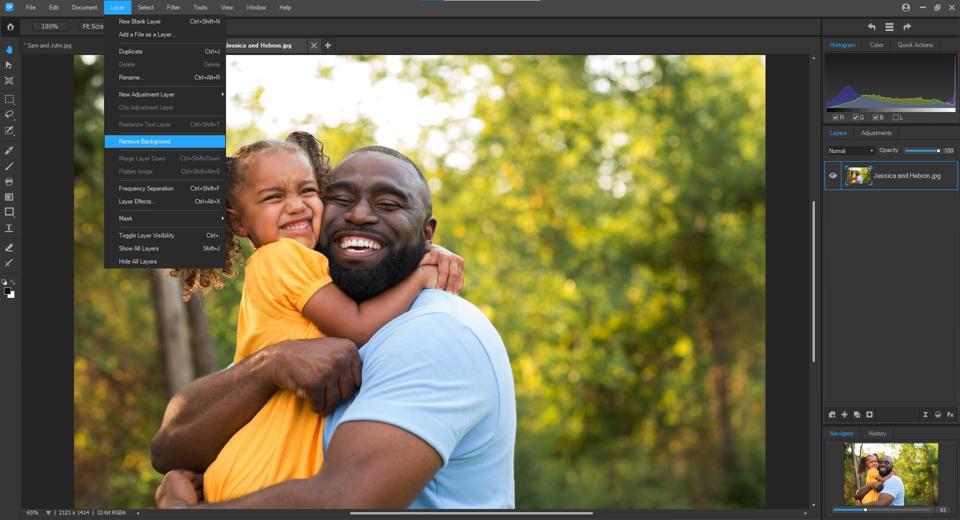
In the ever-changing world of photography, increasingly people are looking for ways to make their images stand out from the crowd by using a bit of creative editing. While many may turn to Adobe Photoshop to work their magic, there are more affordable alternatives on the market.
Regular readers and photography aficionados may remember that back in July, I took a look at the Beta version of ACDSee’s editing software, Gemstone, which the company released in a bid to garner some constructive feedback from the photographic community.
After a few tweaks, the official version of Gemstone was released in late December 2021 and with the feedback taken onboard, ACDSee is determined to differentiate itself with this new photo-editing software.
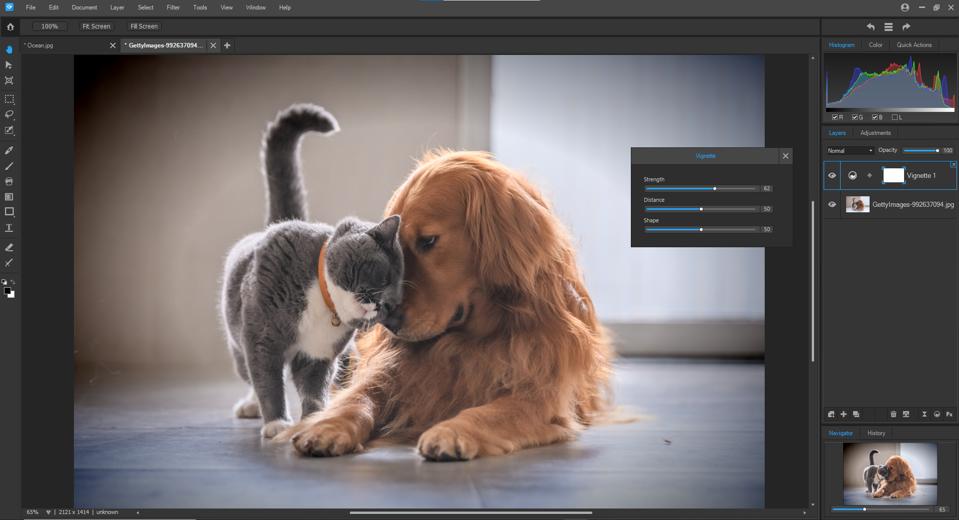
It’s important to note that Gemstone has been developed exclusively for Microsoft Windows. While this may be bad news for those of us who use Macs, it bodes well for PC users looking to get a smoother, Windows-specific experience when editing their photos. Some of Gemstone’s features are similar to many existing photo editing packages on the market. It has popular tools such as the color EQ which enables experimentation with the saturation, hue and contrast.
However, Gemstone’s brightness feature is a new tool that enables the brightness of a specific color to be specifically altered. With this feature, it’s possible to create bold or subtle tones that can alter the entire mood of the image in just a few clicks.
Gemstone’s color wheel feature enables emphasis to be placed on certain elements of an image by bringing out individual colors within that element. For example, the green shades within nature photos can be emphasized or hidden red tones can be uncovered in an autumn shoot. The user can go on to adjust the saturation and hue of the image to suit the mood required.
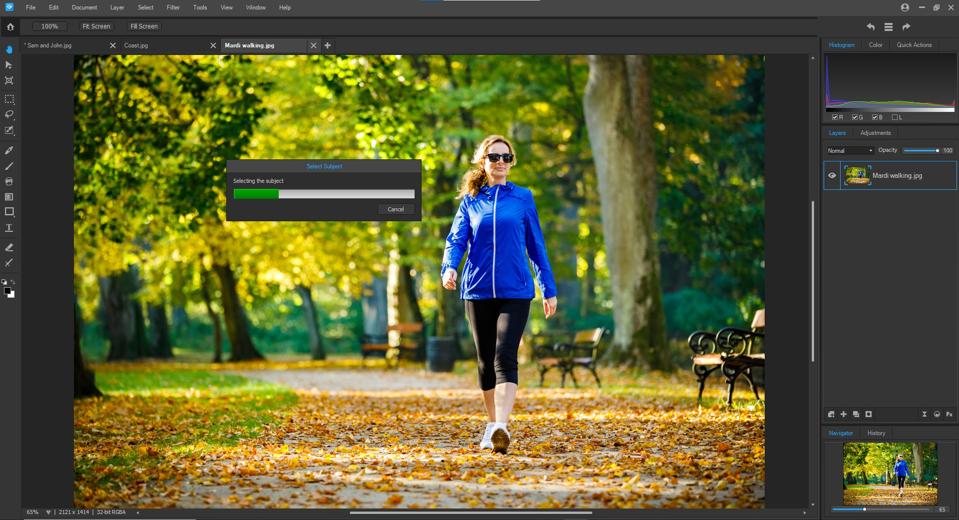
There are plenty of other features included in Gemstone that will suit everyone from beginners to experienced image editors. For example, there’s a RAW file import feature with support for more than 500 different models of digital cameras. The MDI interface is also new and enables multiple documents to be open at the same time while providing an easy-to-use split view. For complex edits, there is a fully functioning layer editor for making adjustments or applying effects that can be tweaked at any time.
Gemstone can also work perfectly alongside tools in ACDSee’s Photo Studio software, including Light EQ, Frequency Separation, Path Text, Pixel Targeting, Color Wheels, Tone Wheels and the Liquify Tool.
Pricing & Availability: ACDSee Gemstone is available now for a one-off payment of $79.99 / £60.99 / €71,99.
More info: www.acdsee.com
System requirements:
- Intel or AMD® processor with 64-bit support
- Intel i5 or better processor recommended
- 4 GB RAM (8 GB RAM or more recommended)
- 512 MB Video RAM (VRAM)
- DirectX 10 compatible graphics adapter
- 1024 x 768 display resolution (1920 x 1080 recommended)
- 2 GB of available hard disk space
- Microsoft Windows 7 (SP1), Windows 8, Windows 8.1, & Windows 10 (64-bit editions only)
- Microsoft® Internet Explorer 9+
- Microsoft® DirectX 10 or higher