Touchscreens used to be the big innovation. But now, new ways to control devices—like voice commands, hand gestures, and eye movements—are changing how we play games and use tech. As digital experiences diversify, some users are also turning to platforms like Avia Master to explore new forms of interaction. These human-machine interfaces aren’t just futuristic novelties. They’re becoming core parts of digital interaction.
Voice UX: Talking to Your Tech
Voice control has moved far beyond telling your smart speaker to play a song. It’s now a real interface layer for games, VR, and smart devices. Voice UX (user experience) isn’t just about recognizing words. It also includes tone detection and natural language understanding. The goal? Making machines respond more like people.
In gaming, voice commands can replace menus or button mashing. Players in tactical games like Tom Clancy’s EndWar issue voice commands to units. In VR, voice can trigger in-game actions without breaking immersion. Some indie titles now feature voice-driven puzzles or dialogue.
Big tech continues to improve voice systems. Tools like Siri, Alexa, and Google Assistant now handle more complex commands. Game developers benefit from that progress through voice SDKs and plug-ins.
Here’s what good voice UX brings:
- Hands-free control: Crucial in VR/AR where physical controllers aren't always ideal.
- Accessibility: Enables play for users with physical limitations.
- Efficiency: Some actions are just faster spoken aloud.
- Immersion: Natural speech deepens player engagement.
Voice still faces challenges with noise filtering and accent recognition. But the tech improves every year.

Gesture Control: Your Body as the Controller
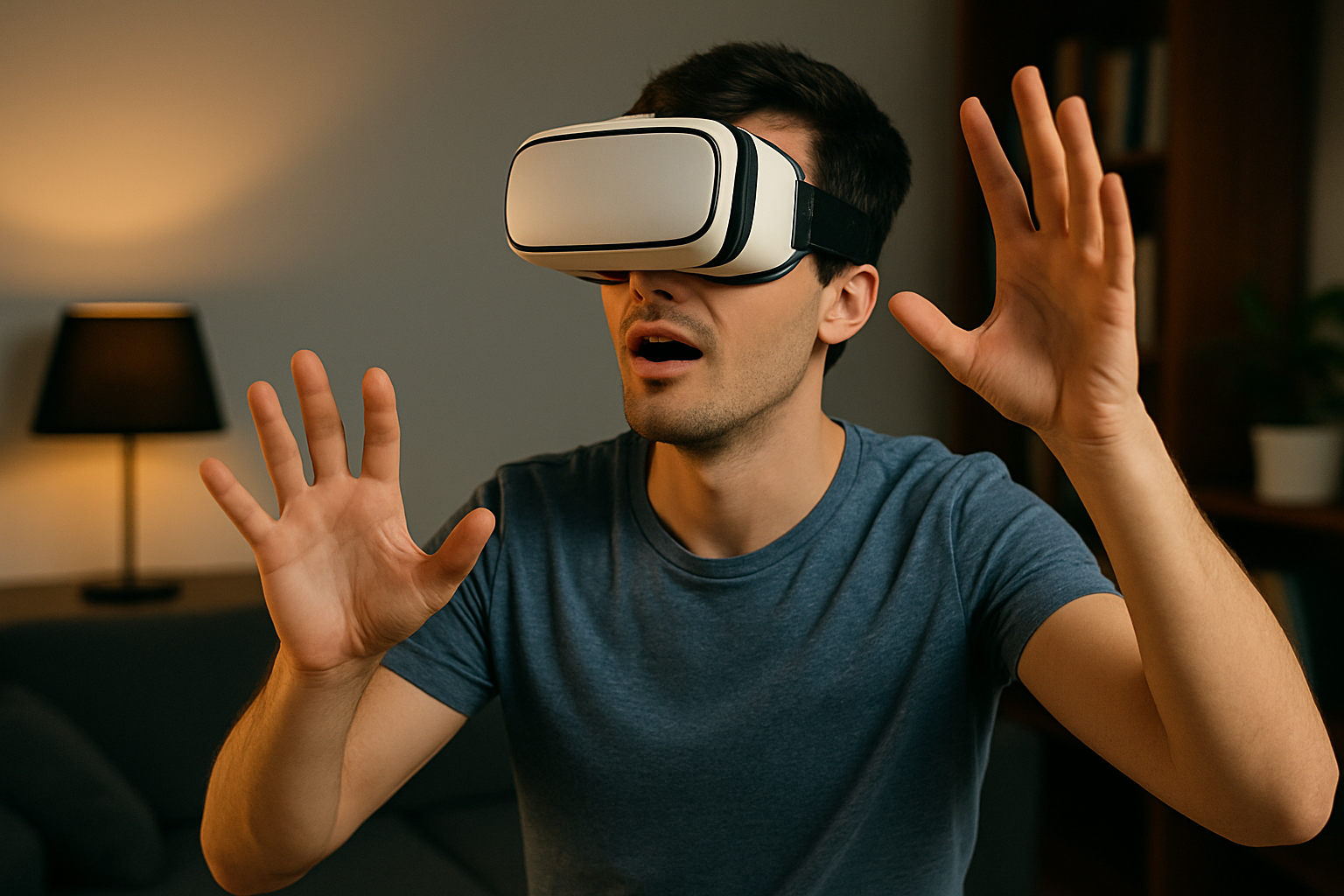
Gesture control turns movement into input. It’s more than waving—it’s about capturing detailed hand, finger, and even facial motions.
The Kinect was a big step early on. It brought full-body tracking into living rooms. While the hardware didn’t last, its impact shaped modern motion interfaces. Today, VR headsets and tracking cameras use infrared and computer vision to interpret gestures in real time.
Tools like Leap Motion and Meta Quest’s built-in tracking can detect subtle finger movement. Developers now use gestures in training sims, games, and even user interfaces.
Why use gesture control?
- Intuitive: Reaching and swiping feels more natural than pressing buttons.
- No extra gear needed: Many devices track motion without accessories.
- Real-time interaction: Systems respond instantly to movement.
Common Gesture-Control Applications
Gestures are useful across a wide range of settings:
- VR interfaces and object manipulation
- Fitness and rhythm-based games
- Touchless navigation in sterile environments
- Smart home systems with motion-based triggers
Gesture input feels futuristic, but it’s all about improving interaction. Precision tracking is key to making it work well.
Eye-Tracking: Look, and It Responds
Eye-tracking is now a real interface, not just a lab tool. More headsets and monitors come with built-in eye-tracking, unlocking new types of user input.
This tech tracks where users are looking on screen. Games and systems use that data to adjust focus, activate objects, or guide AI behavior. It can even be used to scroll pages or navigate menus with just a glance.
One major use is foveated rendering. Systems render full detail only where you're looking, reducing performance load and increasing VR frame rates.
What Eye-Tracking Adds to Interfaces
The benefits of gaze-based control include:
- Speed: Systems respond to your gaze instantly.
- Immersion: Characters and environments react naturally.
- Comfort: Less reliance on hand movement reduces fatigue.
- Accessibility: Enables control for users with limited mobility.
Gamers using tools like Tobii report better immersion and smoother control. Outside of games, it’s helping in research, training, and usability testing.
When Tech Meets Human Behavior
The real power comes from combining voice, gesture, and gaze. Used together, they create multi-layered interfaces that feel natural. In one game, you might use a joystick to move, voice to command, and gestures to interact.
How Designers Blend Multiple Inputs
Using several input types together takes smart planning. Here’s how developers make it smooth:
- Context-based input: Only the best method is active at a time.
- Flexible systems: Let users switch between voice, gesture, and gaze as needed.
- Feedback: Clear visual or audio cues confirm actions.
- Low latency: Immediate response is critical for immersion.
These mixed-mode systems aren’t about novelty. They help users control systems faster and with more precision.
Conclusion
Voice, gesture, and gaze are changing the way we use games and gadgets. They make interaction more immersive, accessible, and natural. This isn’t experimental tech anymore—it’s already shaping real-world experiences. And while traditional inputs still matter, these new methods are quickly becoming essential parts of how we interact with digital worlds.