A Reddit post can be interesting on the page and still make a weak YouTube video. That’s the problem most beginners run into. The story may already have tension and a good hook, but turning it into a faceless video is a separate job. You still need to break it into scenes, keep characters consistent, and add enough visual variety to hold attention. For creators who want a clearer path from Reddit thread to video draft, a script to video ai workflow can make the process easier to plan from the start.
That’s where the process usually falls apart. New creators often jump between notes, image generators, editing apps, voice tools, and video makers that produce clips with no real continuity. It takes longer than expected, and the results can feel stitched together. Using a more structured workflow in Media.io helps because it gives the story a clear path from text to draft instead of relying on one prompt and hoping for the best.
The Real Problem Behind Turning Reddit Stories Into YouTube Videos
Finding Reddit stories is easy. Turning them into a usable video plan is the harder part.
For faceless confession or drama channels, you need more than a few AI clips. You need clear story beats, workable pacing, and characters that still look like the same people from one scene to the next. When that consistency slips, the video starts to feel random.
This is also why manual workflows are tough to keep up with if you want to upload regularly. You have to clean the story, map the scenes, set up characters, generate visuals, and then fix issues in editing. The work adds up fast, especially when each stage happens in a different tool.
That’s where generic video generators often miss the mark. They may give you footage, but story channels usually need editable scene planning, reusable character assets, and a workflow you can actually review before rendering.
What Makes a Reddit Story Video Ready to Publish
For a beginner, a publishable result does not have to look like a polished animated series. It needs to be clear, watchable, and consistent enough to test with viewers. In most cases, that means a short episode with a visible narrative arc, recognizable characters, steady scene flow, and enough polish to move into voiceover or final edits.
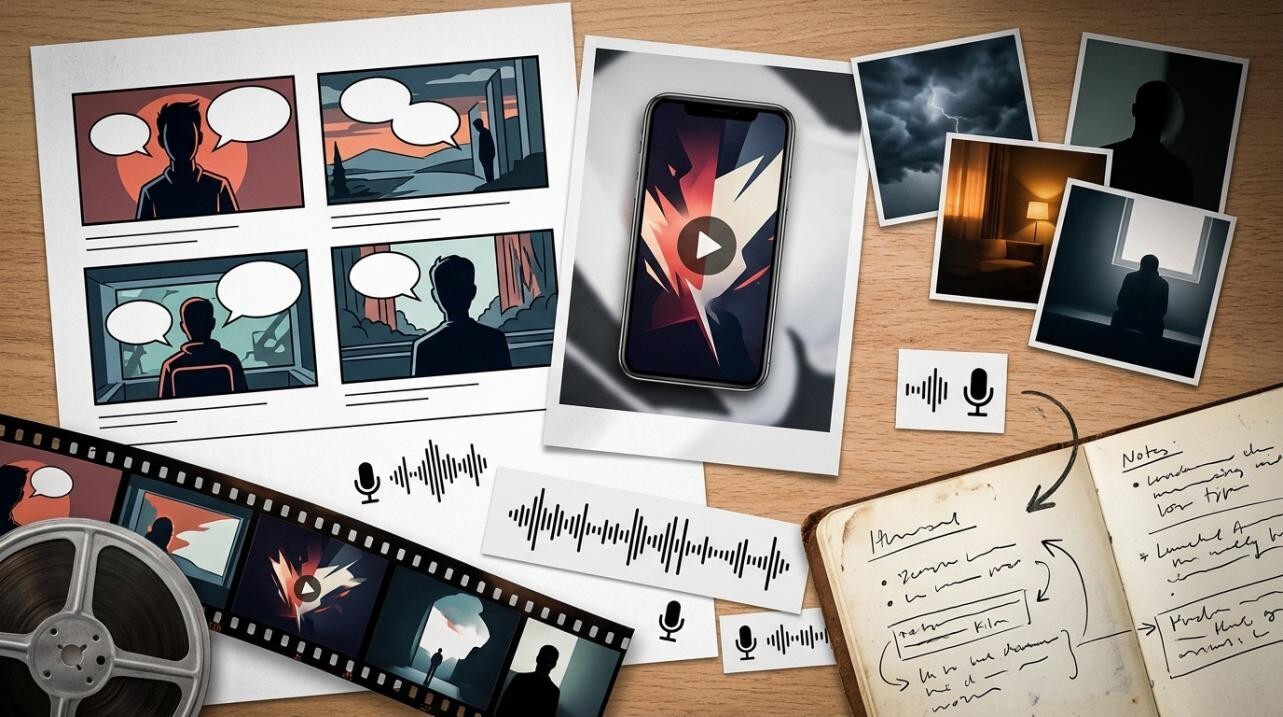
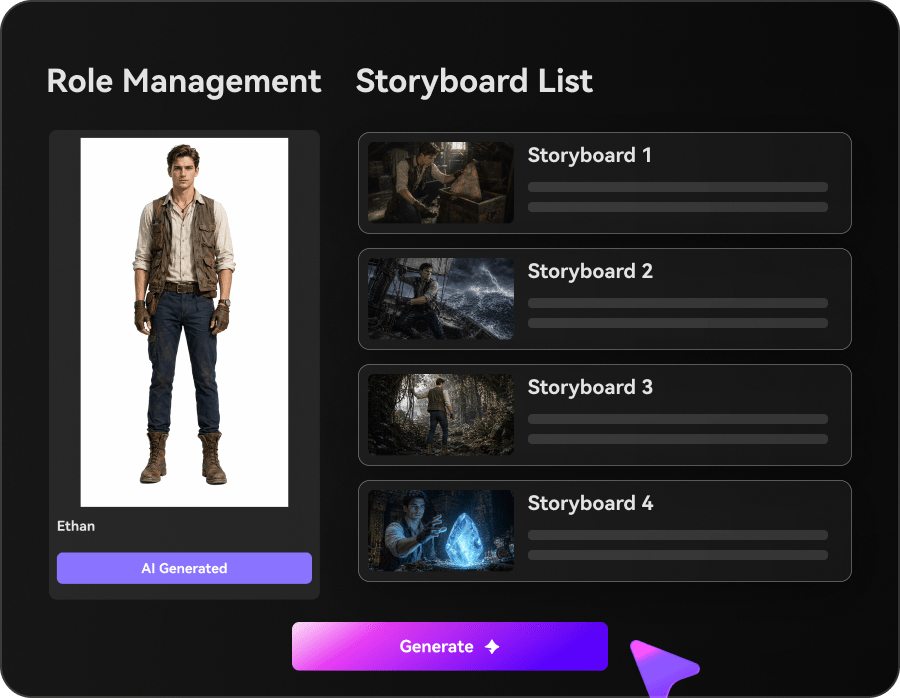
It also helps when the workflow shows what it is building. In practice, that means starting with a screenplay-style blueprint that lays out the title, theme, setting, and plot beats, then moving into a cast sheet and editable storyboard cards. You can check the structure before committing to the final render.
For many starter channels, that is enough. A 720P HD output and a video length of up to 2 minutes works well for testing pacing, format, and audience response before you build a larger series.
How to Complete Reddit Story Video Creation With Media.io
The main advantage here is that you do not have to rebuild the process every time. Media.io gives beginners a guided path from long-form text to a usable video draft. If you want a dedicated script to video ai workflow, you can use it for Reddit threads, screenplay drafts, novel excerpts, or YouTube scripts while keeping the story structure visible.
The goal is simple: get to a solid first episode draft that you can review, adjust, and reuse as a format.
Step 1. Start With The Story Text And Extract A Usable Blueprint
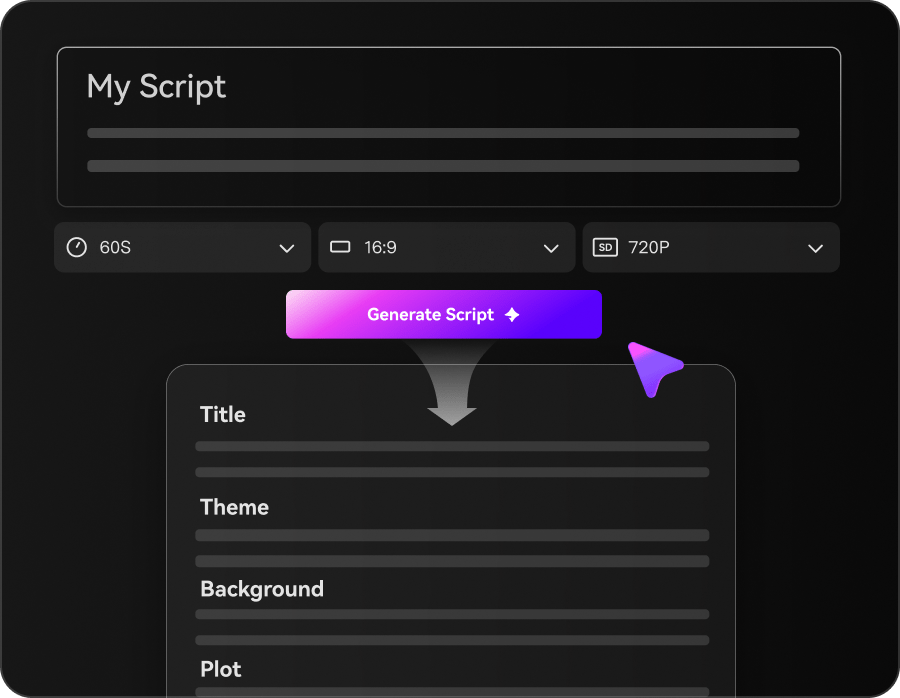
Open the AI Story and paste in the Reddit post or your edited version of it. From there, the system can turn the long text into a clearer blueprint with the main beats, title direction, setting, and scene sequence.
This matters because long story input is where many DIY setups start to break down. If you are working with up to 5,000 words in one project space, there is less manual chopping and less guessing about where one scene should end and the next should begin. By the end of this step, you should have a structure you can actually work with instead of a block of raw text.
Step 2. Lock Characters And Refine The Storyboard Before Rendering
Next, build the cast sheet. You can generate characters or upload photo references, then keep those people visually consistent across scenes. That matters a lot for confession, relationship, and suspense stories, where character drift is easy to notice.
Then review the storyboard cards or shot list. Each beat should have a purpose on screen. A reveal should not look like a filler shot, and a flashback should feel different from the present timeline. If you plan to publish similar videos, save your cast, scene, and shot assets so you can reuse them later.
This is the stage that deserves the most attention. It is much easier to fix continuity and pacing here than after the final sequence has already been rendered.
Step 3. Render The Episode And Move It Into Post-Production If Needed
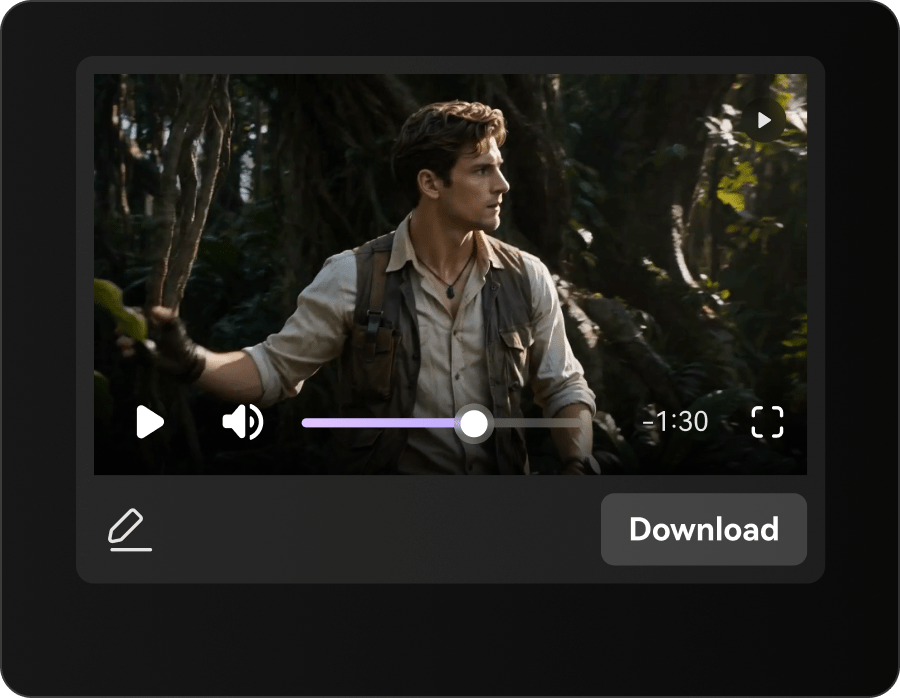
Generate the first draft and watch it back for continuity, pacing, and whether the visuals actually match the narration. If something feels weak, adjust that part of the storyboard first instead of reworking the entire project.
Once the draft is usable, you can move into post-production if needed. Media.io also offers related tools such as video enhancer, video extender, object remover, and video style transfer, which can help clean up the episode or push the look a little further without forcing you into a completely separate process.
A good routine is to review the draft, fix one clear issue, and save the assets that worked. That makes the next episode easier to build.
Tips And Mistakes To Keep In Mind
A few habits make this workflow easier to manage.
Start by cleaning the Reddit text before you import it. Remove repeated lines, vague references, and side details that do not help the main story. Cleaner input usually leads to a cleaner scene plan. It also helps to keep character references stable across episodes if you want the channel to feel visually consistent.
The biggest mistake is expecting a perfect result from a single click. Output quality depends a lot on how clear the original story is and how carefully you review the storyboard. Another common mistake is skipping the cast setup and assuming the characters will stay consistent on their own. In most cases, they do not. Also keep in mind that some advanced features may require a subscription, and a stable internet connection makes longer story projects easier to handle.
Final Takeaway
If you are new to faceless YouTube story videos, the real benefit of AI is having a workable process. A Reddit post is much easier to turn into something publishable when you can move from text to blueprint, then into cast, storyboard, render, and post without juggling a pile of separate tools.
If you want to test the format, start with one short confession-style episode. Keep the story tight, review what holds attention, and save the assets that work. That gives you a practical base for the next upload instead of starting from scratch every time.
FAQs
Can beginners really turn a Reddit post into a usable YouTube story video without editing experience?
Yes, especially when the workflow is broken into steps. Beginners usually get better results when they can review a blueprint, cast sheet, and storyboard before generating the final video.
How long should a Reddit story be before turning it into an AI-generated episode?
Shorter stories are easier to test first. A concise confession or relationship post is usually enough to build a clear episode draft without making the scene plan too crowded.
What matters more for better results: the original story, the character setup, or the storyboard review?
All three matter, but storyboard review is often where the final quality improves most. Even a strong story can feel flat on YouTube if the scenes and character continuity are not checked before rendering.