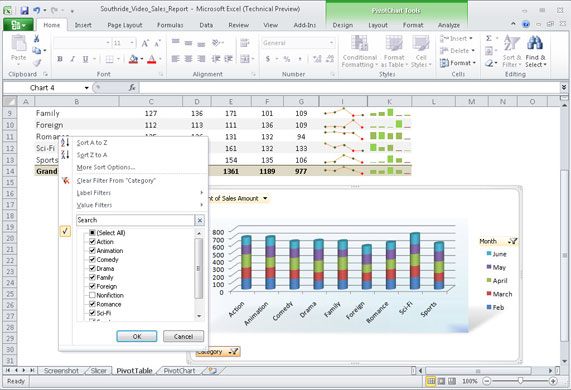
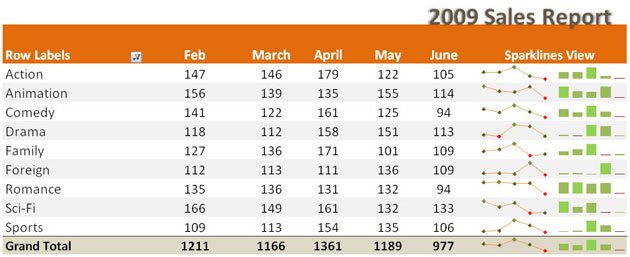
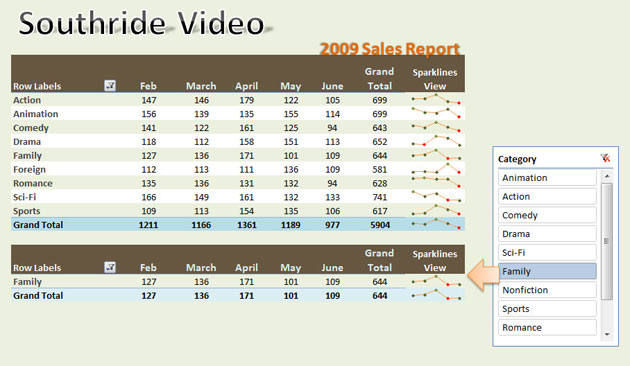
In Excel 2010, PivotCharts provide new ways to “slice and dice” large sets of data so that you can get instant insights into what’s changing.Photograph: MicrosoftExcel 2010’s Sparklines: the close-up shows how you can have charts within a single spreadsheet cell to provide a thumbnail view of your data.Photograph: MicrosoftSlicers are a new feature in Excel 2010. They appear as separate objects, and let you select data from a PivotTable on the fly.Photograph: Microsoft
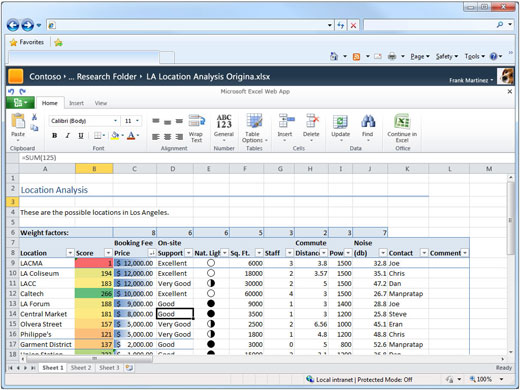
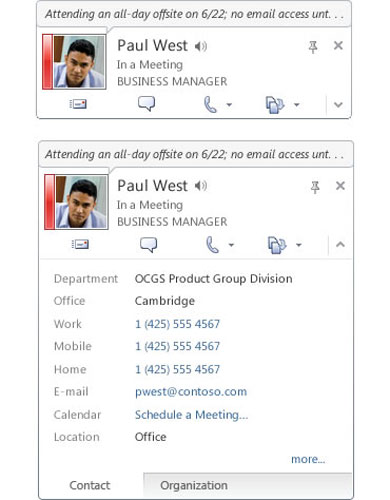
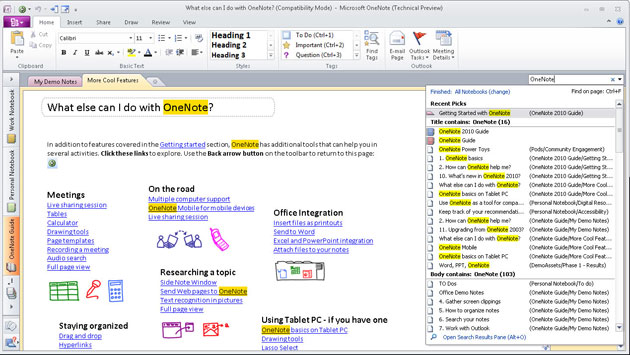
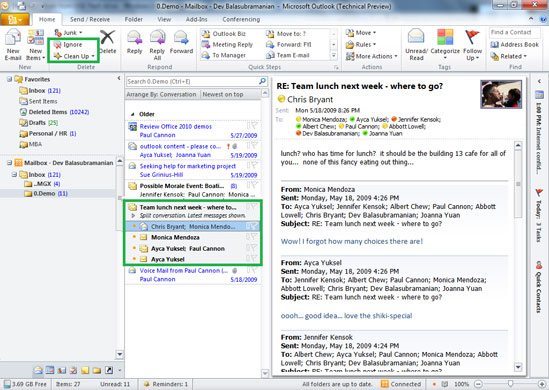
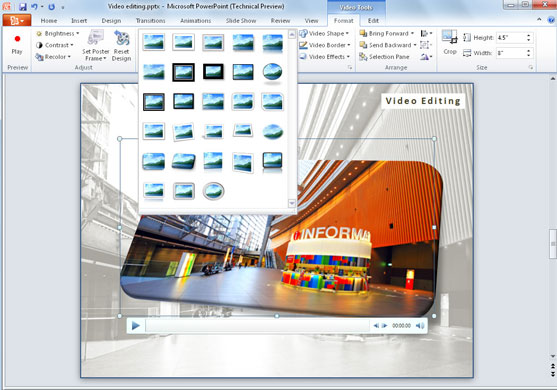
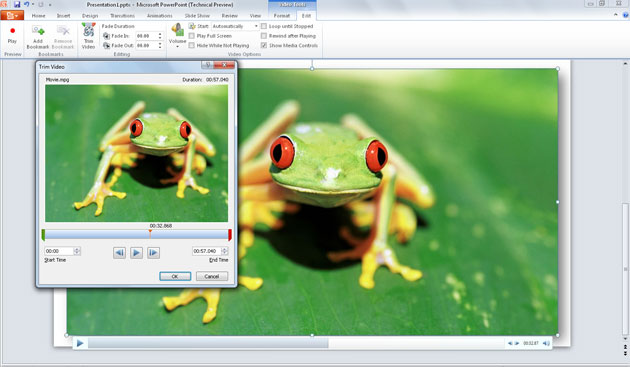
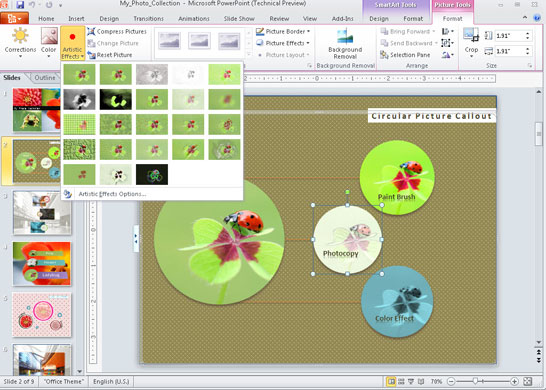
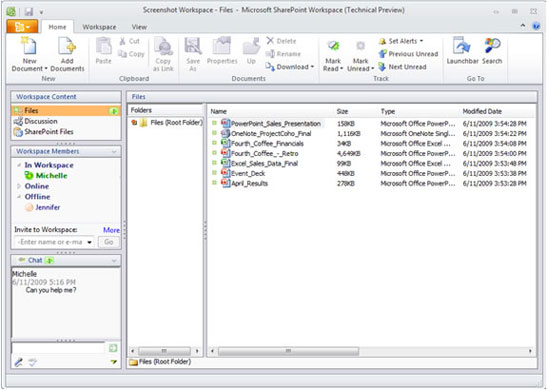
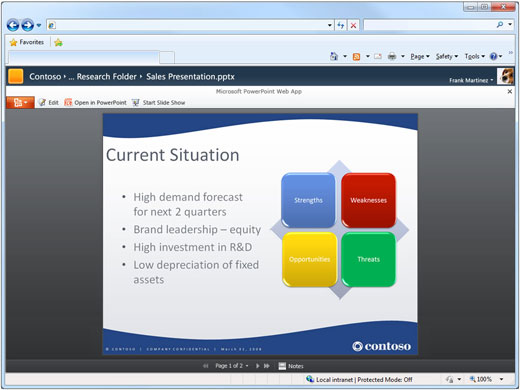
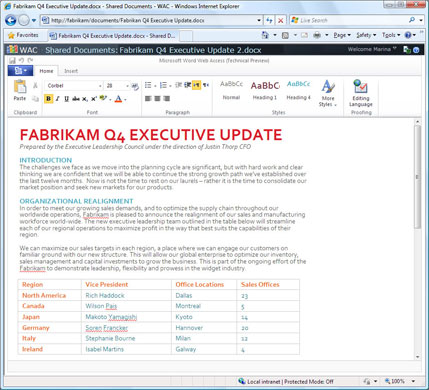
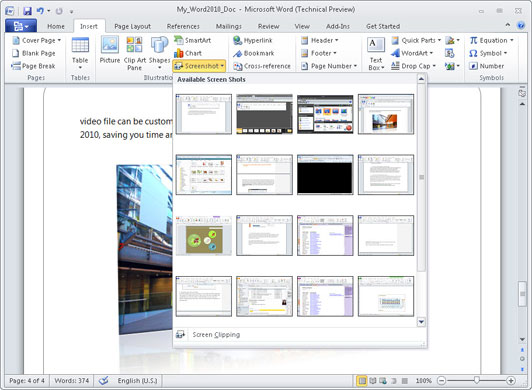
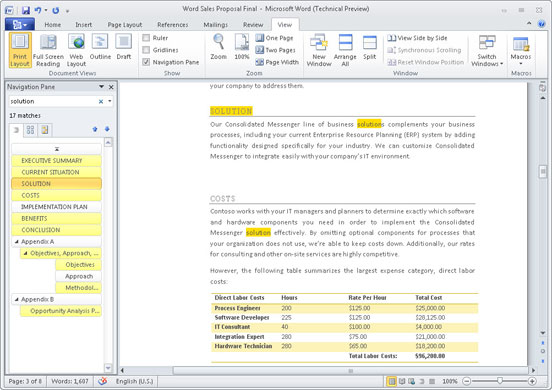
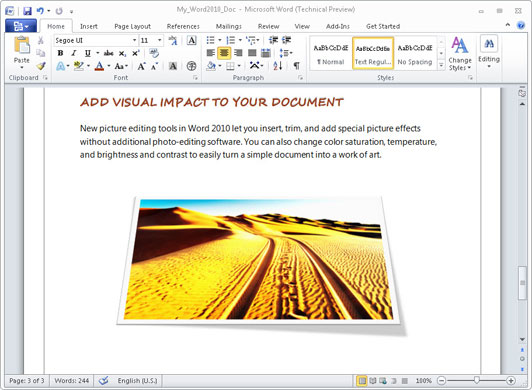
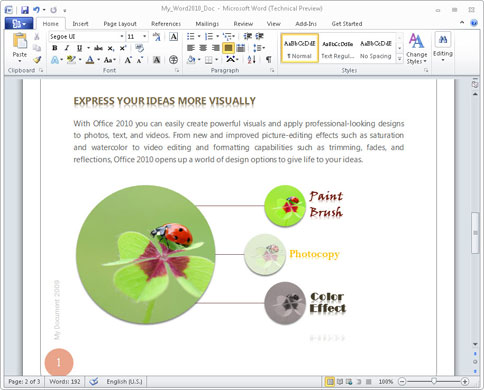
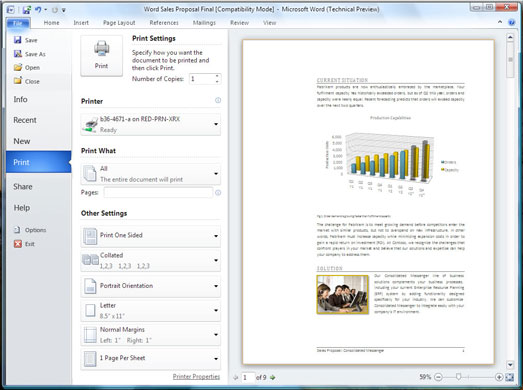
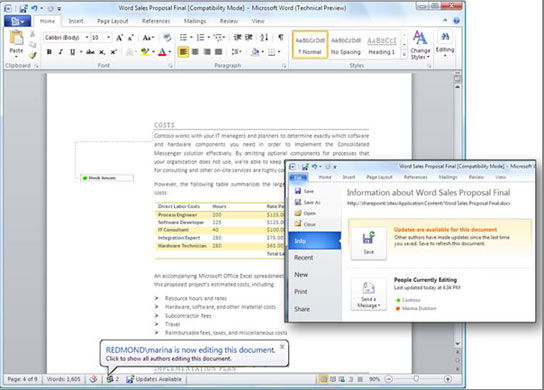
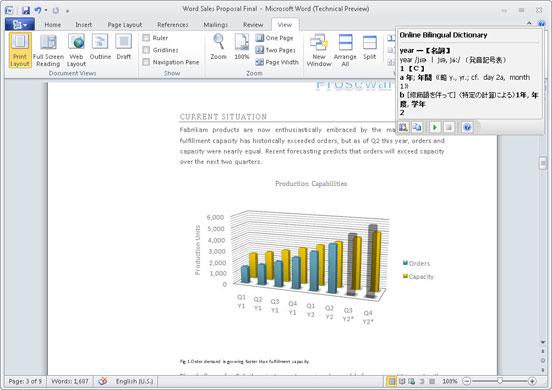
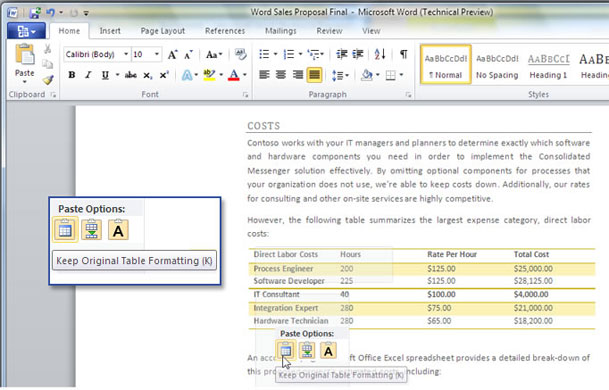
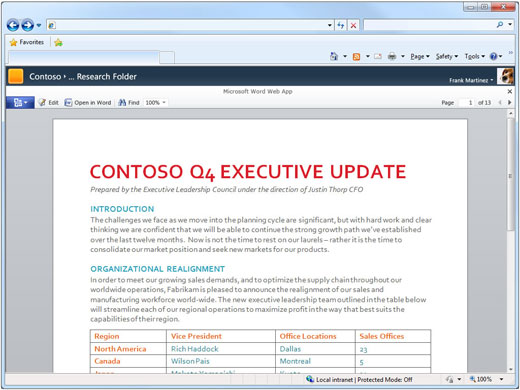
The web-based version of Excel 2010 features the ribbon-based user interface and appears to be a big leap forward for online spreadsheets.Photograph: MicrosoftMicrosoft says: “Presence information is consistent throughout Microsoft Office 2010 applications.” You can find out if someone is available without having to switch applications.Photograph: MicrosoftMicrosoft OneNote is included in all the Office 2010 suites, and now has improved search capabilities.Photograph: MicrosoftOutlook 2010 now features the ribbon-based Fluent user interface. It also lets you choose Arrange By Conversation for more efficient access to a series of emails.Photograph: MicrosoftPowerPoint 2010 lets users apply the same sort of effects to videos as they often do to still photos.Photograph: MicrosoftPowerPoint 2010 now includes the ability to edit videos inside PowerPoint, instead of using a separate application.Photograph: MicrosoftOffice 2010 now has built -in graphics editing features, so you can edit images inside PowerPoint and Word 2010.Photograph: MicrosoftSharePoint Workspace 2010 – formerly called Groove – enables users to work offline then synchronise their changes back to the server.Photograph: MicrosoftPowerPoint 2010 will also be available online as part of the Office Web Applications suite.Photograph: MicrosoftUsers who don’t have access to Office 2010 on the desktop can edit documents in Word 2010’s lighter-weight web application.Photograph: MicrosoftWith Word 2010, you can easily add screenshots from programs that are open on your desktop, without using a different application Photograph: MicrosoftThe Navigation Pane in Word 2010 shows the different sections of a document so you can jump to the one you want, or rearrange the order.Photograph: MicrosoftWord 2010’s built-in picture editing tools also let you edit photos from inside the applicationPhotograph: MicrosoftWord 2010 provides built-in tools for manipulating pictures and graphics without using a separate program.Photograph: MicrosoftThe old “Office orb” has been replaced by a new Backstage section that handles the save, print and other features that happen “behind the scenes” of a document. This screenshot shows Backstage in Word 2010.Photograph: MicrosoftOffice 2010 applications enable more than one person to edit a document at the same time. Here, “multiuser co-authoring” is shown in Word 2010.Photograph: MicrosoftHighlight a word or phrase and the Mini Translator in Word 2010 provides dictionary definitions. Photograph: MicrosoftStop hitting undo! Word 2010’s paste preview feature lets you see how something will look before you paste it in.Photograph: MicrosoftUsers will be able to read their documents online using Word’s web viewer.Photograph: Microsoft
Sign up to read this article
Read news from 100’s of titles, curated specifically for you.