FaceTime is getting a powerful upgrade with iOS 27: Dual Capture support. You can now show both your front-facing camera and rear camera at the same time during FaceTime calls.
Say goodbye to "one sec, let me flip my camera." This upgrade lets you share your surroundings and stay on screen simultaneously. The feature works on compatible iPhones with iOS 27.
If you want to test it now, the iOS 27 developer beta is available to download for users now, as long as you've registered.
Which iPhones support Dual Capture on FaceTime?
For now, this is strictly an iPhone 17+ exclusive. While older iPhones can view your dual-camera stream, only Apple's latest lineup has the hardware muscle to actually broadcast one.
These are the exact models you'll need:
- iPhone 17
- iPhone 17 Pro
- iPhone 17 Pro Max
- iPhone Air
How to use Dual Capture on FaceTime
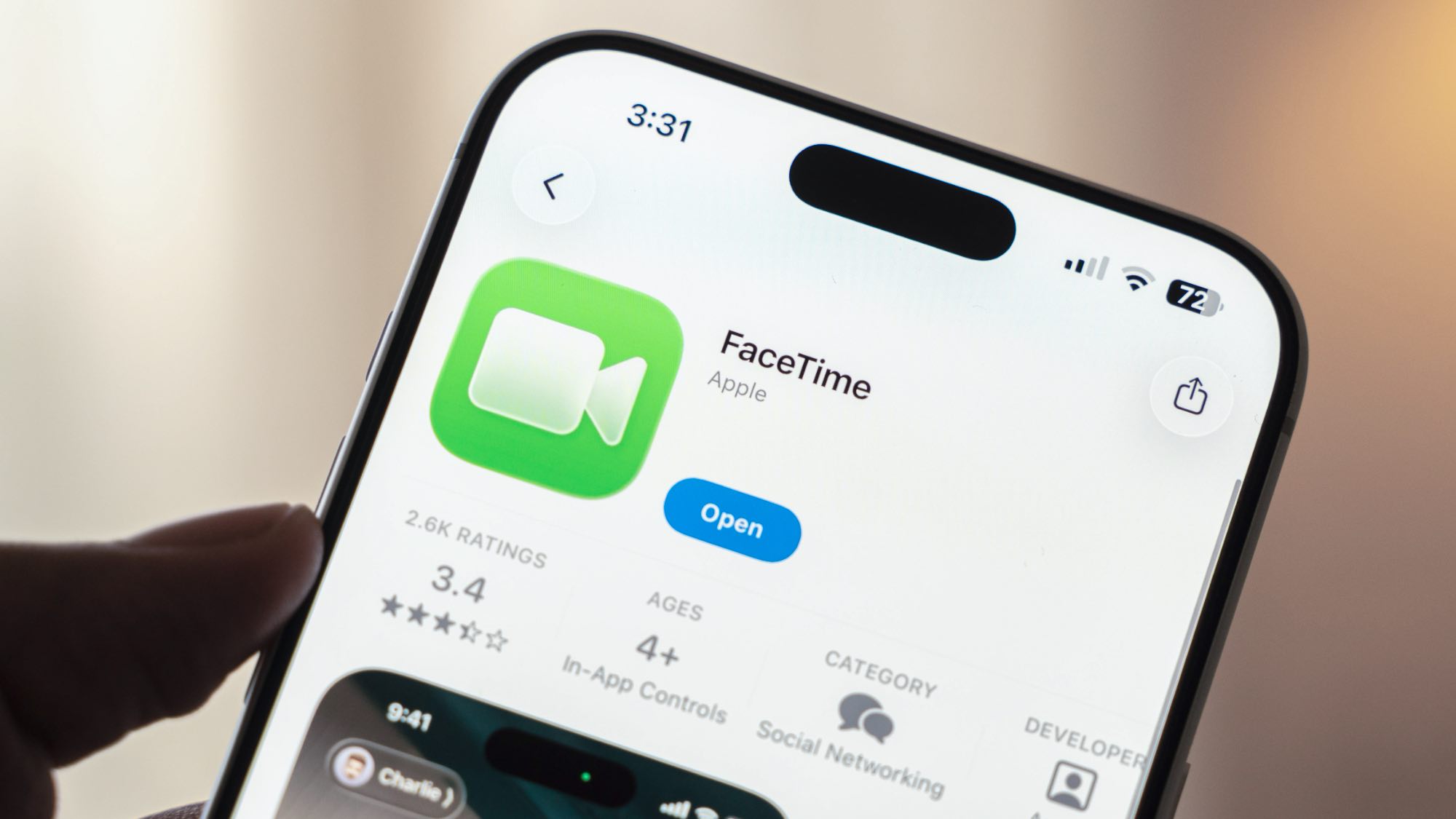
Open FaceTime and start a call with someone. During the call, tap the Flip button on your camera viewfinder. Your rear camera activates alongside your front camera, showing both views on the call.
Tapping Flip again lets you disable the rear camera and return to front-camera only. The default is to keep your front camera active when you switch to the rear camera, so the other person always sees your face.