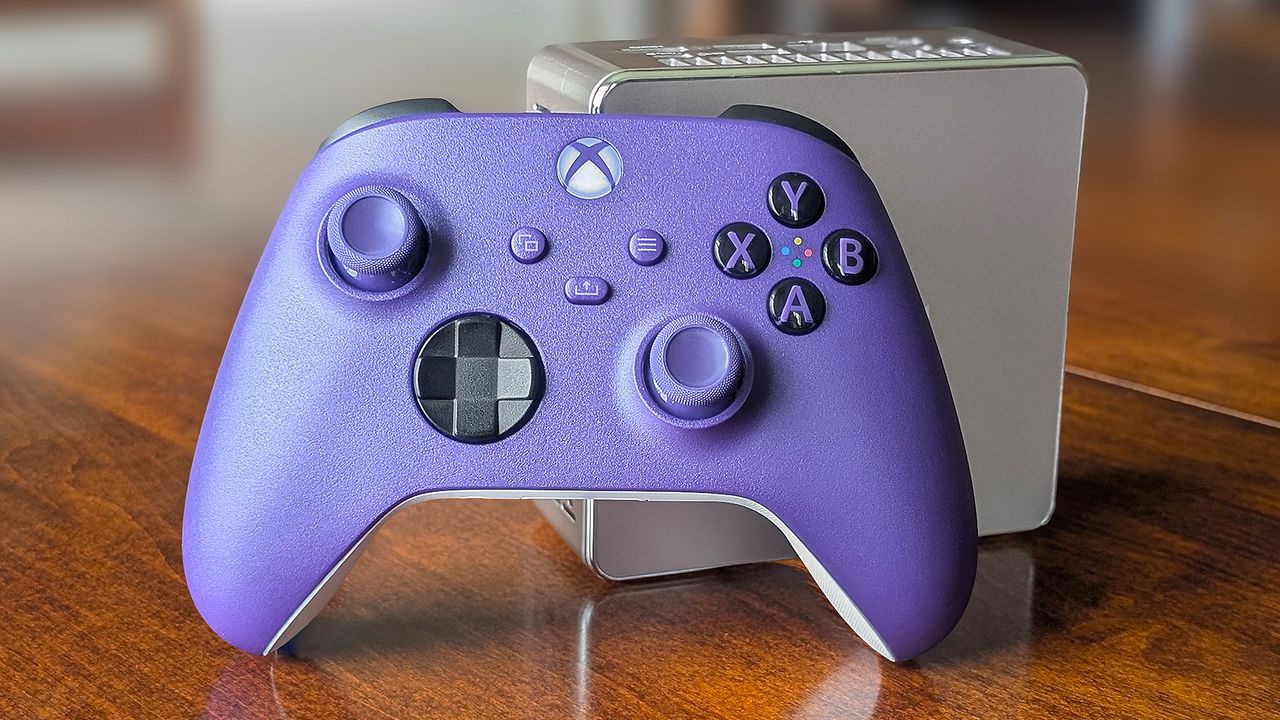
If there's one gaming hiccup I can't stand, it's controller stick drift. It's an issue I think a majority of gamers have experienced at some point, and it's not only incredibly annoying, but also gets in the way of competitive play.
Stick drift is sometimes caused by a buildup of crud around the stick bases or a lack of proper calibration. These issues can usually be fixed.
But when the problem lies deeper, stick drift can be a cause for a complete controller upgrade. I've gone through this exact scenario at least a couple of times, and in both cases I ended up buying a new Xbox controller to use with my gaming PC.
I know, it's wasteful. But when stick drift can't be fixed with a deep clean or a stock recalibration, the next best solution usually involves replacing internal components. What's worse is that the problem might not be solved once those upgrades are made.
DriftGuard cracks Xbox controller joystick calibration
DriftGuard is a third-party app that began its journey in 2024, focusing on PS4 and PS5 controllers. It's an understatement to say it's been a massive help for PlayStation users.
Until recently, however, it's been far less useful for Xbox controllers due to specific hardware restrictions. That's now changed with DriftGuard's latest breakthrough.
HISTORIC BREAKTHROUGH: UNPATCHABLE CALIBRATION We cracked it! Massive thanks to Lewy20041 & @driftguardapp for this historic hardware discovery. We have unlocked ultimate manual & automatic joystick Calibration for any Xbox Contoller 🎮It is UNPATCHABLE and PERMANENT written… pic.twitter.com/bwX7n9c73QMay 19, 2026
As mentioned in the announcement post from DriftGuard team member @modyfikator89, they've "unlocked ultimate manual and automatic joystick calibration for any Xbox controller."
What's better? The changes to your Xbox controller made through DriftGuard are unpatchable and permanent. By storing the calibration in the controller's memory, the changes can't be unmade with an official controller update.
It appears that the new fix discovered by DriftGuard works on all Xbox controllers, whether they're wired or wireless. I'm talking Xbox 360, Xbox One, Xbox Series S|X, Xbox Elite V1/V2/Core, and more.
As modyfikator89 points out in a follow-up post (translated from Polish), "Every Xbox controller can be calibrated."
Każde pada od Xbox da się skalibrować pic.twitter.com/djlmrQNWTrMay 20, 2026
It's stated that more features related to Xbox are coming to DriftGuard in the future, but for now, this new stick drift fix is expected to hit the Steam version in "a week or even less." You can also employ DriftGuard calibration for free through a browser.
I'm not expecting the new features to completely fix stick drift in an Xbox controller with broken internal hardware, but, hey, it's well worth a shot before you go out and buy a new gamepad or send your old one in for repair.
👉 What is a Hall Effect controller anyway, and do I really need one?
Doesn't the official Xbox Accessories recalibration tool fix stick drift?
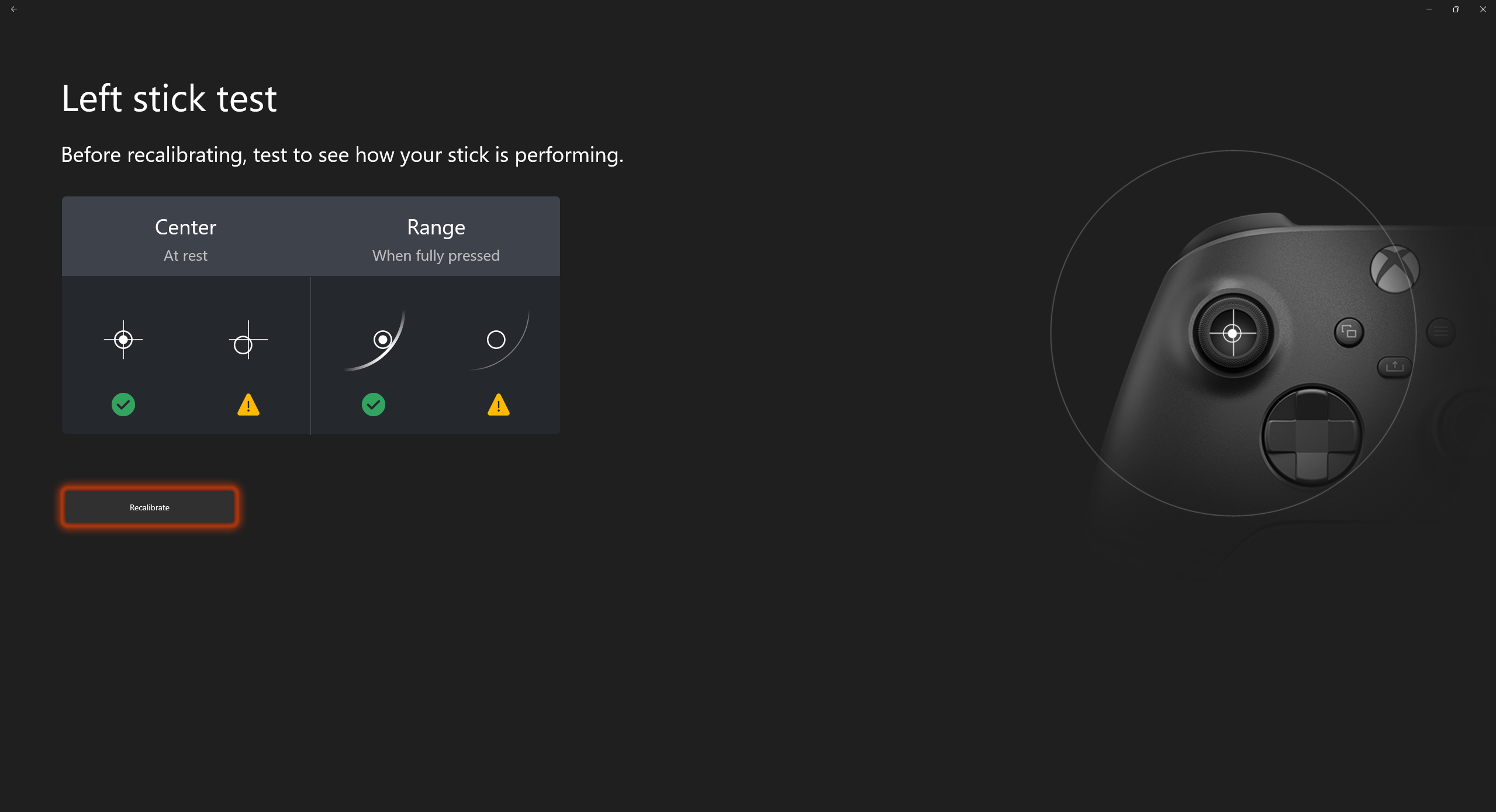
Microsoft has its own recalibration tool available through the Xbox Accessories app. Unfortunately, it only works on Xbox Wireless Controllers and Xbox Elite Wireless Series 2 Controllers.
I've used Microsoft's app in the past, and it never really quite gets the recalibration right. Let me know in the comments section below if you've experienced something similar.
Windows Central's take on DriftGuard's Xbox breakthrough
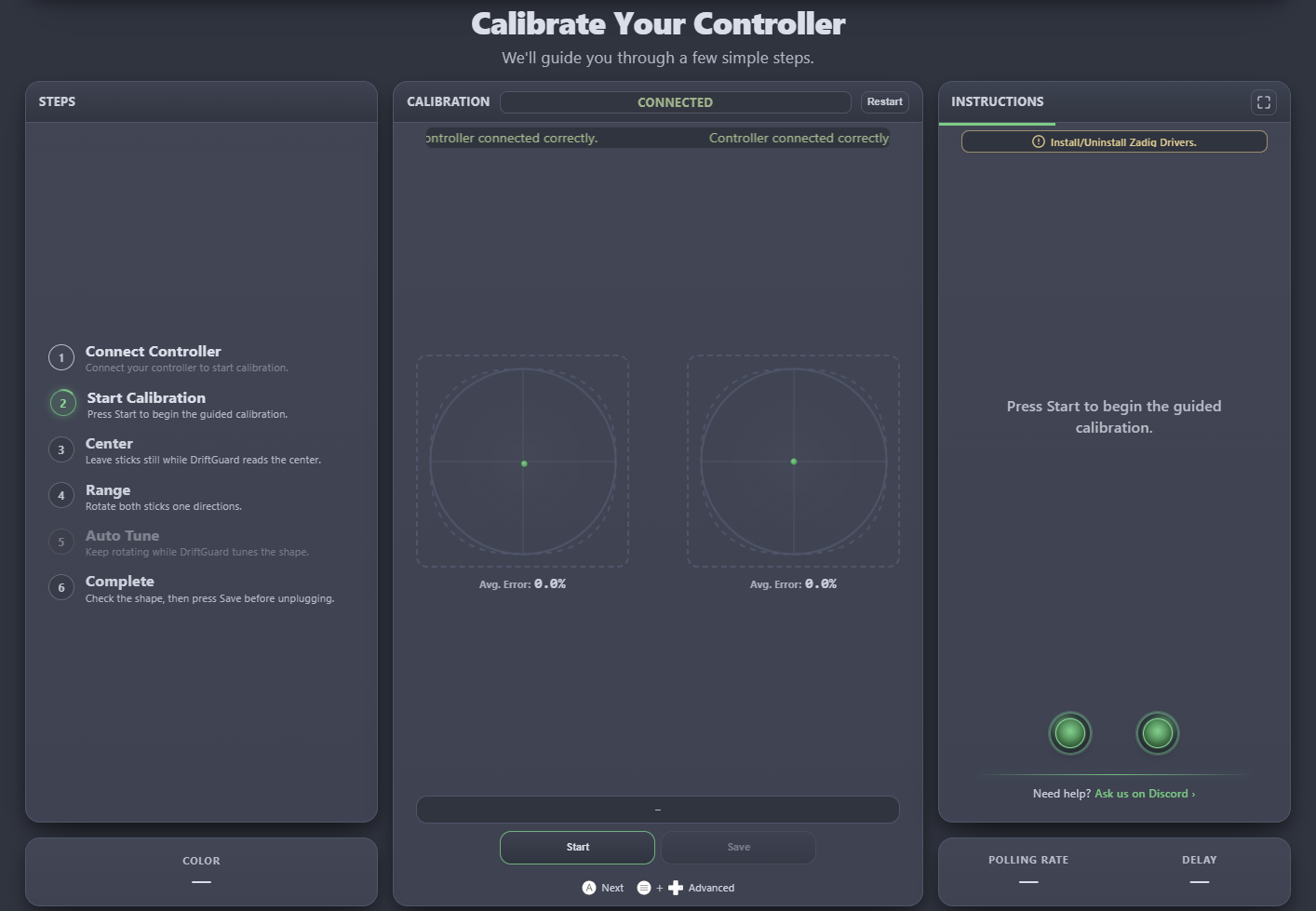
What's that sound? It's millions of Xbox gamers crying out in joy now that their controller is no longer busted. At least, that's what I expect will happen if DriftGuard actually nails its Xbox recalibration components.
I gave DriftGuard a shot, and it seemed to find some calibration wonk that the official Xbox tool didn't catch. My controller is in good shape, though, so it's hard to tell exactly how much it's changed.
In any case, anything that works better than Microsoft's official recalibration tool is more than welcome. I urge you to give DriftGuard a shot for free through the official website. If you like it enough, the paid Steam version helps support the developers and unlocks some extra features.

Join us on Reddit at r/WindowsCentral to share your insights and discuss our latest news, reviews, and more.