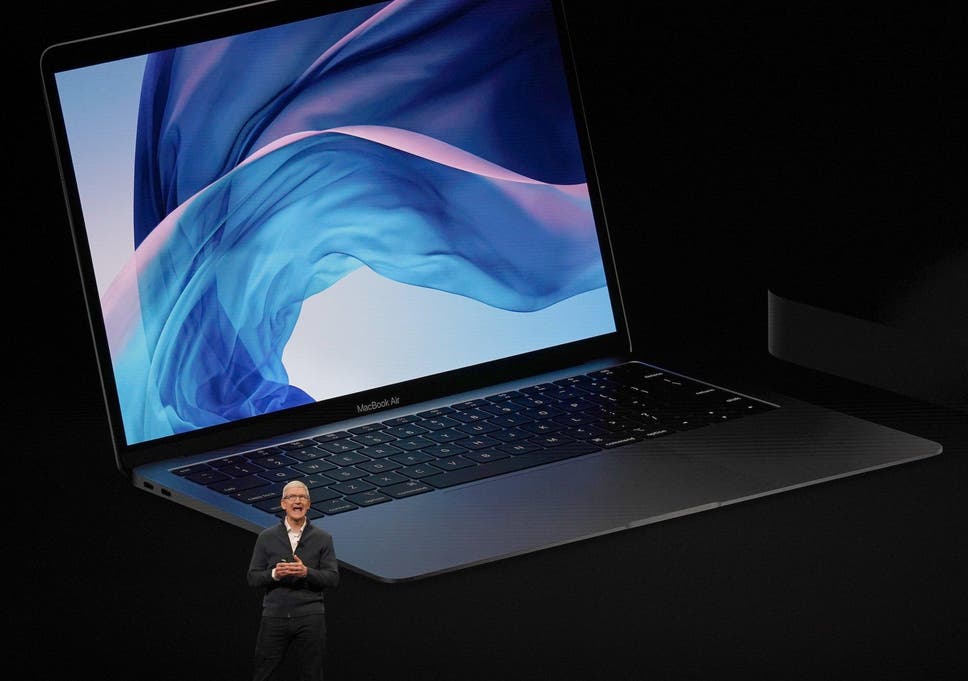
Apple has warned that customers should not use a camera cover on their MacBook, MacBook Air, or MacBook Pro.
An Apple Support page advises customers that using a cover – which stops would-be hackers from spying on you through your webcam – may harm your display.
This is because “the clearance between the display and keyboard is designed to very tight tolerances”, the page reads.
“Covering the built-in camera might also interfere with the ambient light sensor and prevent features like automatic brightness and True Tone from working” it also says.
True Tone is a feature that adjusts the colour and intensity of the laptop's display and Touch Bar to match the surrounding environment, in order to make images appear more natural.
The page instead recommends that users use the camera indicator light to tell if their camera is active or not. The light and camera are hardwired together, meaning it is not possible for one to come on without the other.
It could be that your work environment requires that you cover your laptop camera; in these cases, Apple recommends the following:
- Make sure the camera cover is not thicker than an average piece of printer paper (0.1mm).
- Avoid using a camera cover that leaves adhesive residue.
- If you install a camera cover that is thicker than 0.1mm, remove the camera cover before closing your computer.
MacBook owners can also control which apps have access to the camera because, since macOS Mojave, users have to give their permission before the camera will activate.
This can be edited by users going to the System Preferences menu, clicking Security & Privacy, clicking “Privacy”, and then selecting Camera.
A list of tick boxes are then found next to apps that want to access the webcam.
MacOS Mojave was introduced in 2018, and has been succeeded by macOS High Sierra and was followed by macOS Catalina.
Both of those operating systems will be out of date when Apple rolls our Big Sur, the new operating system for its computers.
Apple says Big Sur is the biggest upgrade since Mac OS X was first introduced, 20 years ago.