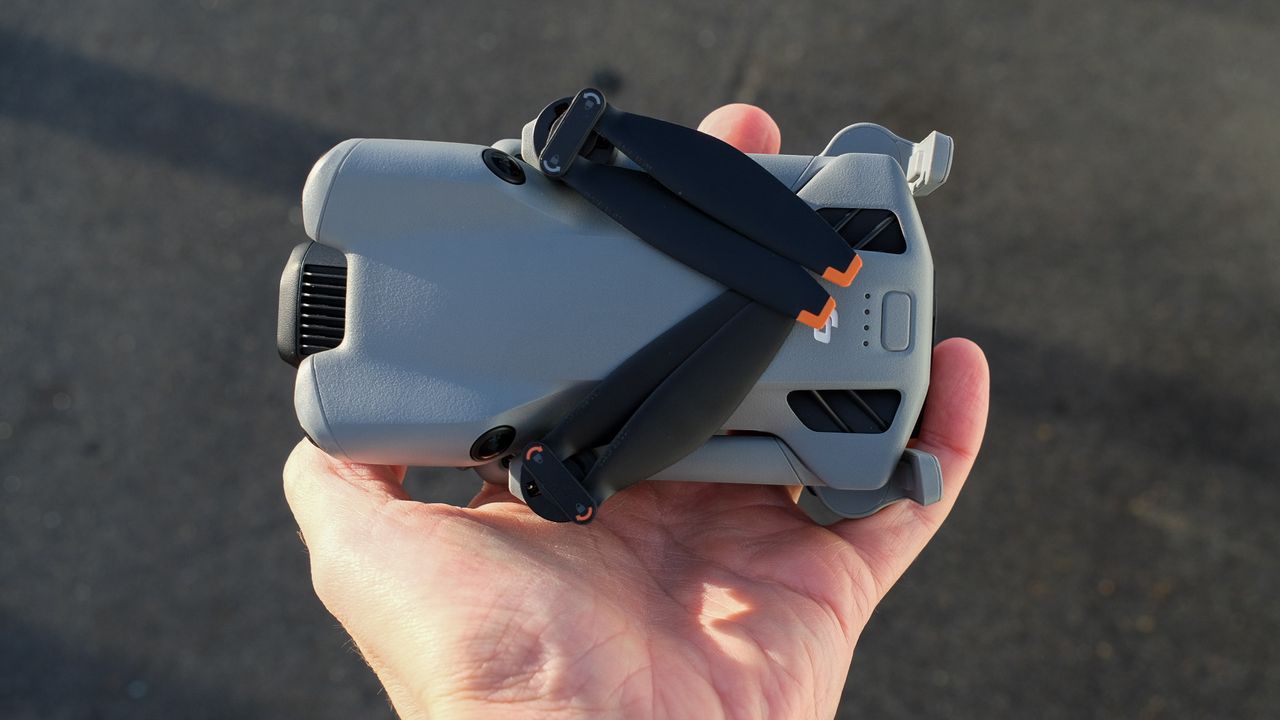
DJI has quietly rolled out a new firmware update for the Mini 5 Pro, bringing a trio of improvements aimed at safety, stability and day-to-day usability for pilots of the popular sub-250 g drone.
The new v01.00.0400 firmware, along with updates for compatible DJI remotes, is now available via DJI Fly and DJI Assistant 2.
One of the headline tweaks in this update is an optimised low-battery Return-To-Home (RTH) strategy.
DJI engineers have refined the algorithm that guides the Mini 5 Pro back to the home point when the battery reaches a critical level.
That means in situations where power is running low, the drone should now make more reliable decisions about returning home safely, rather than attempting risky routes or getting stuck short of the landing point.
Barriers no more
Official support for propeller guards is another upgrade to Mini 5 Pro pilots.
While prop guards have long existed as third-party accessories (with options already available online), DJI’s firmware now formally recognises these attachments.
That means prop guards can be installed without confusing firmware warnings or flight limitations, making it easier and safer to fly in tight spaces, indoors or around people.
The update also includes various fixes for known issues, smoothing out quirks that the early adopter community has highlighted since launch.
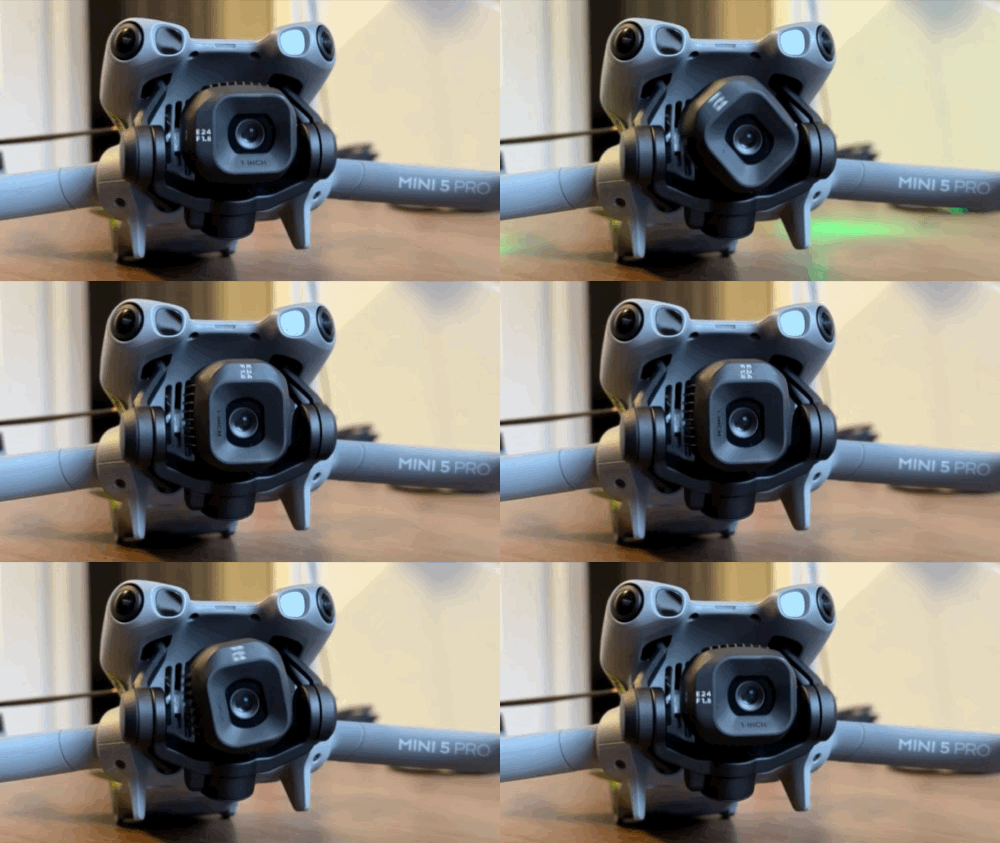
DJI notes that some camera settings may reset after the update, so pilots should double-check their configuration post-install.
As with most DJI firmware releases, users will need DJI Fly v1.19.4 or later to unlock all of the new features.
To update, connect your Mini 5 Pro to the DJI Fly app and follow the on-screen prompts when the update becomes available.
Alternatively, you can use DJI Assistant 2 on a computer if you prefer.
Always ensure your controller and drone are fully charged before starting a firmware update.