Enjoy our content? Make sure to set Windows Central as a preferred source in Google Search and find out why you should so that you can stay up to date on the latest news, reviews, features, and more.
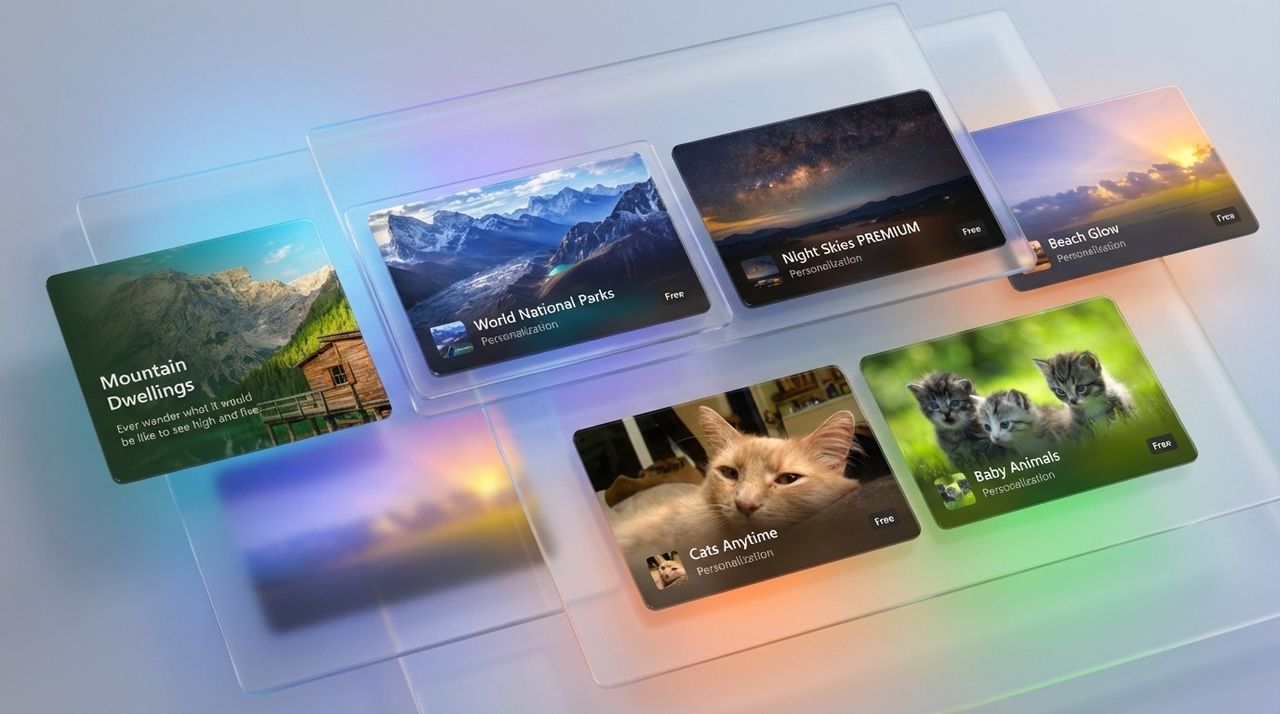
Customizing your Windows 11 PC is about to get easier. A new section in the Microsoft Store will feature a large collection of themes.
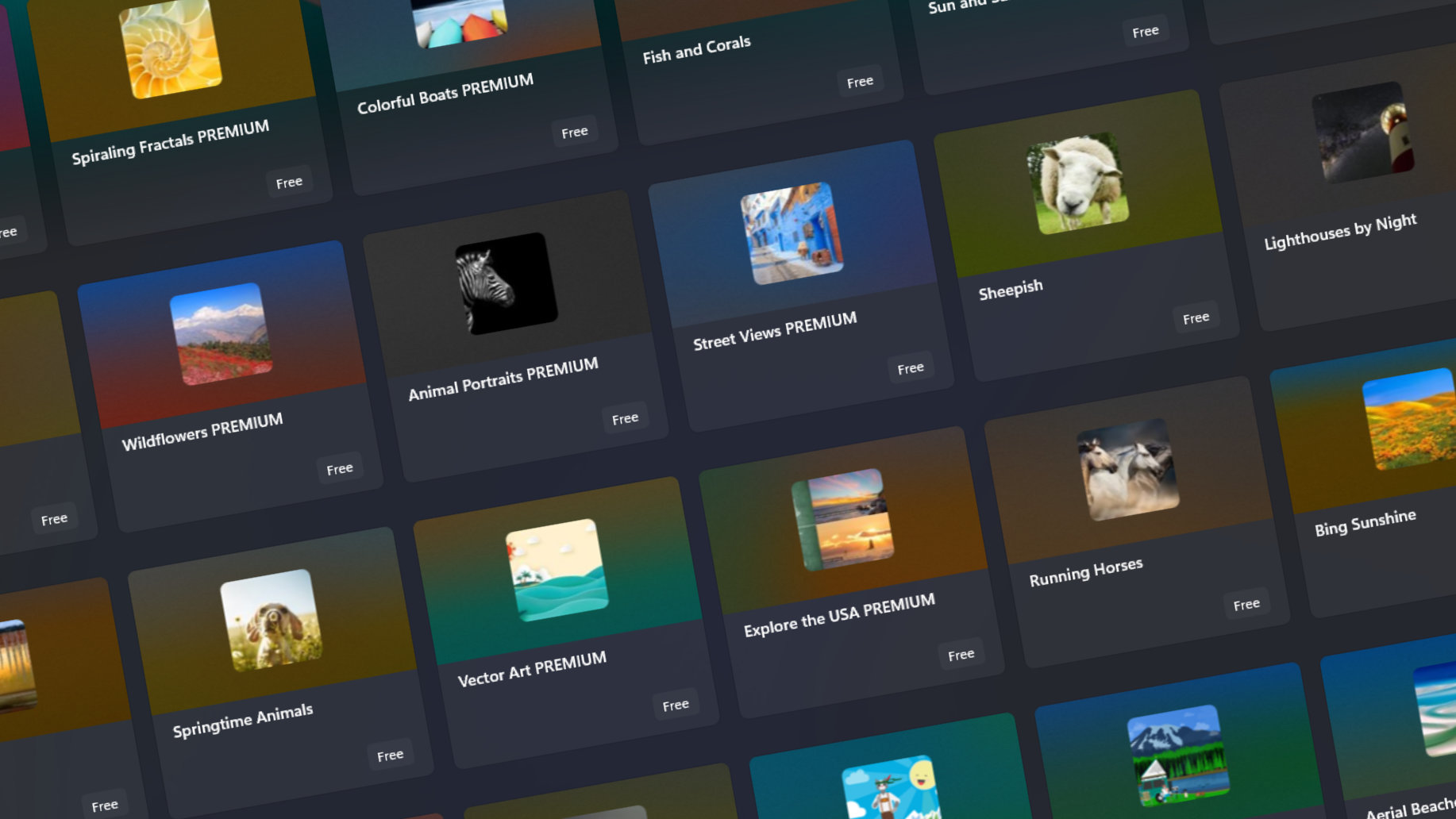
The Microsoft Store already included hundreds of themes, but the new Themes department within the store will make those themes easier to find and apply.
"We are beginning to rollout a new Themes department in the Microsoft Store on Windows, where visitors can quickly find curated and trending themes to customize their Windows devices with a single click," shared Microsoft Store Vice President Giorgio Sardo in a blog post.
"We’ve heard from so many of you that you want your PC to feel like your own. Maybe you’re a gamer who wants to celebrate the latest release, a fan who finds joy in seeing beloved characters each morning, a designer searching for an artfully composed background that sparks creativity every time you log in, or someone who simply wants their desktop to feel fresh and uplifting."
The new Themes department will roll out gradually, so you may not see it yet. Even if it hasn't shipped to your PC, you can download and apply themes from Microsoft. The tech giant shared shortcuts, including the Sea of Thieves Official Theme and the Dreamscapes Theme.
The Themes department is the latest part of a saga I've covered throughout the year. Back in January, Microsoft announced that it would retire its dedicated theme download webpage. For months, the old website and themes within the Microsoft Store lived side-by-side, both acting as a tool to customize your PC.
Eventually, Microsoft kept its word and retired that page, pointing people instead to the Microsoft Store. But the Microsoft Store was not ready to receive an influx of users seeking themes. It did include hundreds of themes, but they were poorly organized.
The Themes department in the Microsoft Store hosts over 400 themes, including 35 recent additions. You'll access those themes by clicking a paintbrush icon that appears below the AI Hub shortcut.
Sardo also highlighted that there are several apps to customize Windows 11 in the Microsoft Store, giving a shout-out to TranslucentTB, Lively Wallpaper and Seelen UI.
I'd also recommend checking out FluentFlyout, Auto Dark Mode, and Start11.

Follow Windows Central on Google News to keep our latest news, insights, and features at the top of your feeds!