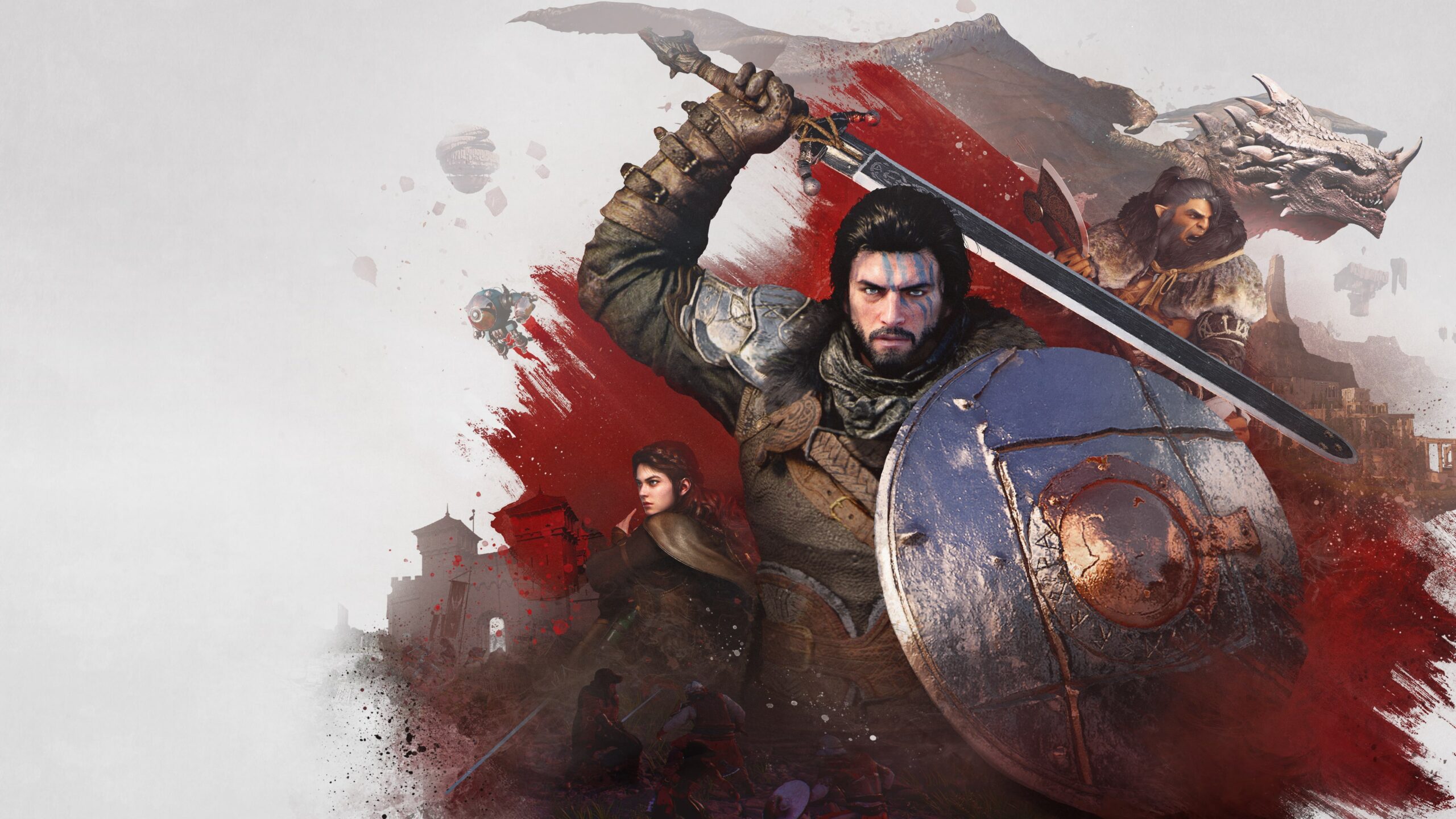
Crimson Desert patch 1.01.00 is out on Steam, with PS5 and other platforms following soon, and the update cuts down loading times, improves controls, and adds several quality-of-life tweaks across Pywel.
New summonable mounts are here with faster fast travel and respawns, and a lot more. Player and horse movement have been reworked so that speed ramps when holding or tapping run, with ‘Make Now’ letting you instantly craft or cook from the recipe list, and several other improvements have been made.
With that said, here’s a complete breakdown of Crimson Desert patch 1.01.00 notes.
Table of contents
Full Crimson Desert patch 1.01.00 notes
New mounts and world changes
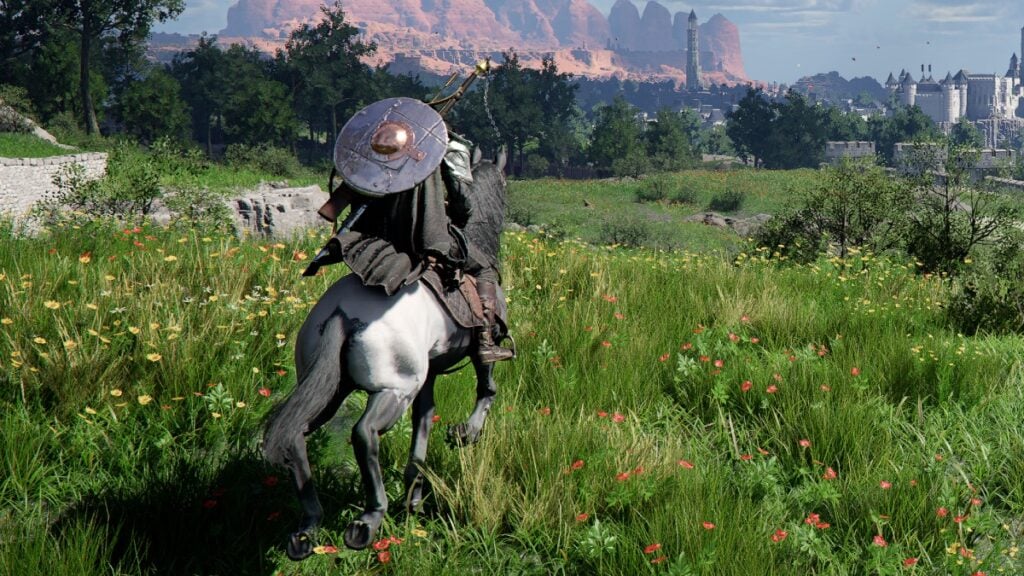
Patch 1.01 expands how you move around Pywel by adding five new mounts, each tied to specific conditions you’ll need to complete before you can obtain and summon them. Once unlocked, they function like standard summonable mounts:
-
Legendary Animals
- White Bear
- Silver Fang
- Snowwhite Deer
-
Boss’ Mounts
- Rock Tusk Warthog
- Icicle Edge Alpine Ibex
The world now features new material chests scattered across Pywel. Wells now dispenses five units of water per draw, while tools like the Mining Knuckledrill and Demenissian Chainsaw automatically collect materials from mining and logging operations. Pickpockets are also less likely to sprint into houses while fleeing.
On top of that, wholesale grocer NPCs have been added to regional farms, and some Knowledge entries have been adjusted to match. Shop item knowledge can now be learned in one go, with a short three-second timer to pick up all relevant entries.
The Pirate King Hat’s treasure detection range gets a slight buff, and the Knowledge Helm can now scoop up all visible knowledge entries on screen at once.
Refinement Coin and inventory upgrades
The Refinement Coin is a new item that lets you temper equipment up to Stage 4 without consuming extra materials. You don’t get it for free; it drops from specific main and faction quests, so you’ll still need to play, but the resource pressure eases up once you have a stack.
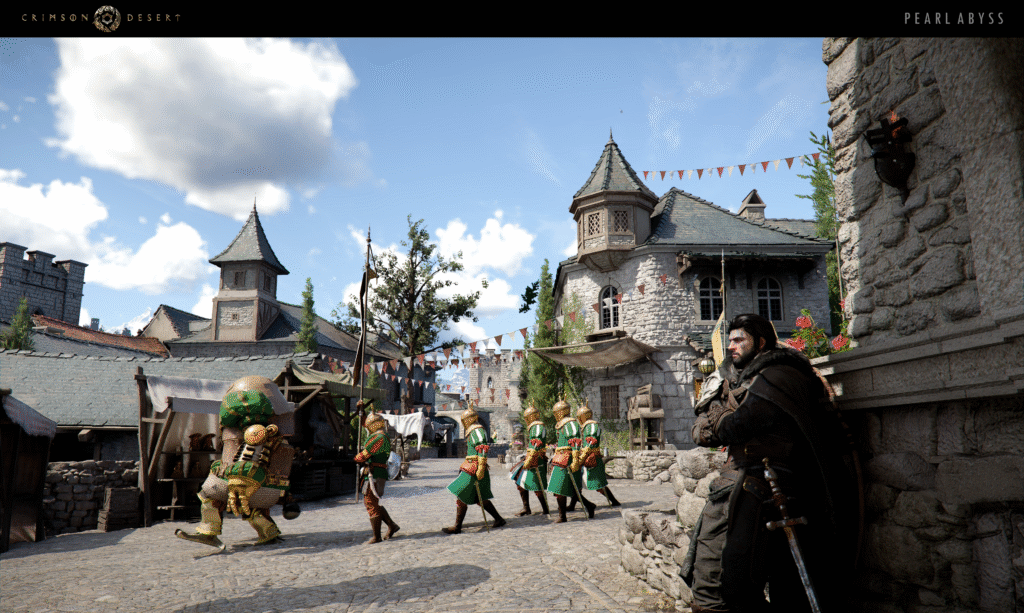
Inventory and storage are also less of a headache. A new ‘Store all selected items’ option lets you move multiple flagged items into private storage in one go:
- Shift + Right Mouse Button on PC
- Square on PS5
- X on Xbox
Once you hit the maximum inventory expansion of 240 slots, any extra expansion items now convert into boxes containing crafting materials and other loot rather than being useless.
The storage chest in Howling Hill Camp has been relocated from behind Karl to inside Kliff’s tent, making it easier to reach. If sealable items get lost, they’ll either become sealed or be registered as lost items, and the game will notify you after a save or load if you left a sealable item out.
Crafting, cooking, and Abyss quality-of-life
Crimson Desert has a new “Make Now” button that lets you immediately craft or cook anything from the recipe menu as soon as you select it, without manually picking ingredients every time. The Cooking or Crafting menu also groups recipes of the same type (such as Filling, Satisfying, Hearty), making it easier to find what you want.
One notable change is that Abyss Cells from disappearing rocks can now be thrown into the Kuku Pot, which helps with resource usage. Separate fixes also patch up issues like the Energy Drain Abyss gear effect not triggering and certain Abyss gates opening in unintended ways.
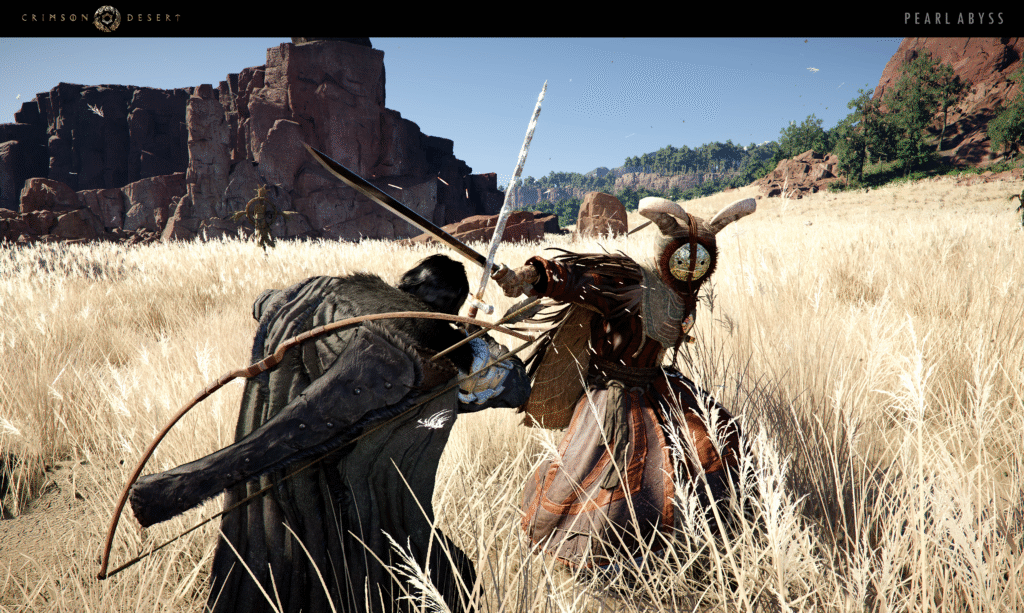
Movement, Flight, and stamina feel better
A big focus in patch 1.01.00 is on how your character and horse handle. Movement has been reworked so speed scales more intuitively – holding the run key ramps up your movement speed, and tapping it once also bumps you into a faster gait. Crucially, your speed no longer drops off just because you aren’t holding the run button the whole time, though keeping a full sprint still requires periodic sprint input.
Flight now consumes less stamina, and a bug that caused a brief stop before moving has been fixed. You can use your equipped gear while flying, and an issue where Flight refused to activate in certain situations has been addressed. Stamina costs for Aerial Maneuver and Aerial Swing have been reduced, and starting to glide no longer briefly dips your movement speed.
The interaction range with NPCs and objects has been increased, and turning responsiveness has been improved for short-distance movements. Objects in general are easier to interact with, and the UI now shows a guide message if you try to draw a weapon in a spot where it’s not allowed.
Aerial Stab nerf and combat balance changes
One standout nerf is to Aerial Stab. Players discovered a way to spam it midair, which broke the balance, so Pearl Abyss has reworked the skill. The animation has been improved, and stamina consumption now increases with each consecutive use, keeping it fun for mobility but limiting abuse in combat. A bug where Aerial Stab wouldn’t activate if Kliff had a non-one-handed sword main weapon has also been fixed.
An issue where Meteor Kick could be used in midair even without reachable ground has been resolved, and the knockback radius of Focused Repulsion has been corrected so it’s no longer abnormally large.
Small and Medium Stoneback Crabs now specifically fall backward when hit by Force Palm, which is a tiny but clear readability tweak. Bosses and certain enemies have been adjusted so they don’t instantly attack right after you die and revive.
The stun gauge for bosses dismounting from mounts no longer resets instantly in odd edge cases. Tool-type items now include an aim key guide, and weapons can be drawn using a dedicated unsheathe key, with the UI updated to surface that shortcut during fights.
Keyboard and mouse improvements
Inventory interaction has shifted from hover-based to click-based – you now left-click to select an item and right-click or double-click to use it.
Selling items in shops is faster as well. You can now sell items by double-clicking them. While we’re on keyboard or mouse, skills like Blinding Flash and Spinning Slash no longer get randomly interrupted when you repeat their inputs under certain conditions.
There’s also a new “Precise Control” mode for Axiom Force when you play on a mouse and keyboard. Holding Q or the mouse back button while moving the mouse lets you shift objects more precisely, which should help with puzzle sections or narrow placement tasks.
Quest fixes and smoother progression
In the Prologue quest “New Journey,” an issue where progression could break if you threw an object at Sebastian to attack him has been fixed. In Chapter 2’s “Missing Companion,” the delivery target no longer randomly disappears mid-mission. Chapter 3’s “Dance with the Devil” also gets a fix, so destroying totems reliably reduces the totem count.
Pearl Abyss also adds extra guidance prompts in spots where the game previously left you hanging, making it easier to understand objectives without digging through menus.
UI changes that actually matter
With patch 1.01.00, you can now lock the minimap with North at the top, which is a big plus if you prefer fixed-orientation maps. Icons have been added to show the location of keys and anvils on the minimap, making exploration and crafting prep easier.
You can check quest and challenge progress, see reward details, and view time stamps, with the storage cap bumped up to 2,000 notifications. The Journal shows an icon for new quests, while faction facilities appear on the minimap whenever their liberation gauge is visible.
Other UI tweaks include:
- Main screen notifications have clearer timing and display behavior
- The Knowledge menu can show both main categories and subcategories together
- The inventory now defaults to “Use All” when you open pouch-type items
- PlayStation L3 or R3 and Xbox LS or RS button icons have been updated
- General UI text is brighter for better readability
Graphics, PS5 4K option, and performance
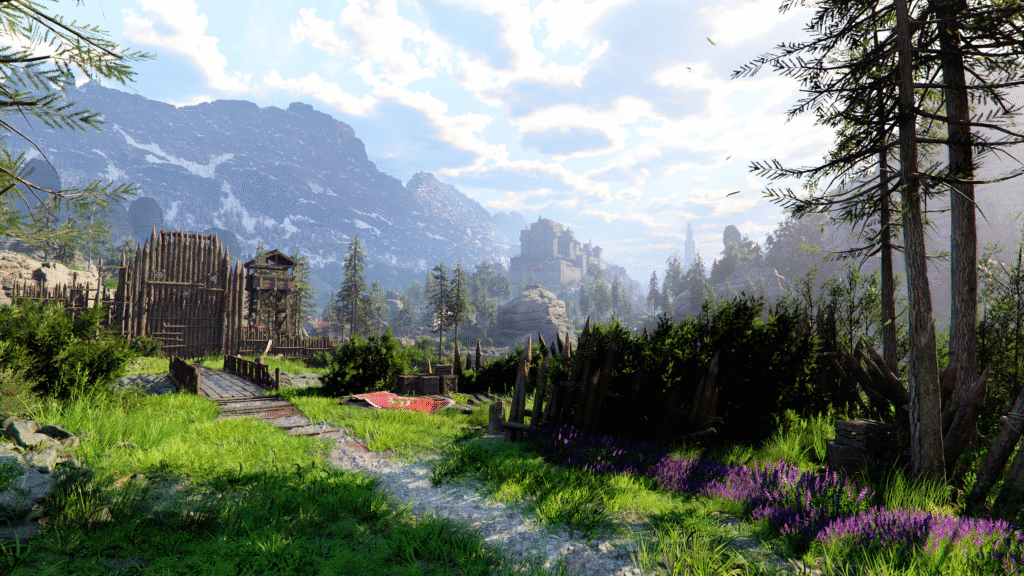
Rendering stability and visual quality have been improved in low-resolution or upscaling scenarios, and translucent materials like hair, fur, and clothing look better when using FSR-RR or DLSS-RR.
On PlayStation 5, there’s a new “Fixed 4K Output” setting. When enabled, the game outputs at 4K even if your display isn’t a native 4K panel, with Performance Mode supporting FSR upscaling. This option is on by default, but you can disable it to let the game match your monitor’s maximum supported resolution instead.
Long play sessions no longer ramp up screen noise, and a DLSS-RR issue where displacement mapping didn’t apply correctly has been fixed. The DLSS-RR preset changed from D to E, which improves overall image quality and resolves a bug where texture animations like waterfalls could stop playing.
Performance-wise, loading times are shorter when traveling via Abyss Traces and when respawning. The patch also includes stability and crash fixes across PC, console, and Mac, plus a specific fix for frame drops during the Crowcaller boss fight.
Localization, crime system tweaks, and other bug fixes
A UI bug where current quest objectives displayed the wrong item descriptions has been fixed, and various translation and wording issues have been cleaned up across all supported languages.
Criminal acts no longer decrease Contribution before an NPC actually witnesses them, which makes stealth and misclicks less lethal to your reputation. Attacking NPCs with trees now correctly counts as a crime instead of slipping through the system, while greeting people with a low bounty should no longer accidentally flag as criminal behavior.
Beyond that, the patch tackles a long list of other bugs:
- Resting and waiting at beds and campfires now work reliably
- Damiane and Oongka no longer turn invisible in certain scenarios
- Banked money no longer disappears in specific interest refresh edge cases
- Cows behave better during herding, and animals have new sound effects when eating meat
- Bow aiming, housing mode dragging, shallow-water falls, quick-slot equipment swaps, and overlapping UI elements all get bug fixes
- Blinding Flash Finisher no longer yeets you off cliff edges
For more details on Crimson Desert patch 1.01.00, check Pearl Abyss’ official blog post.