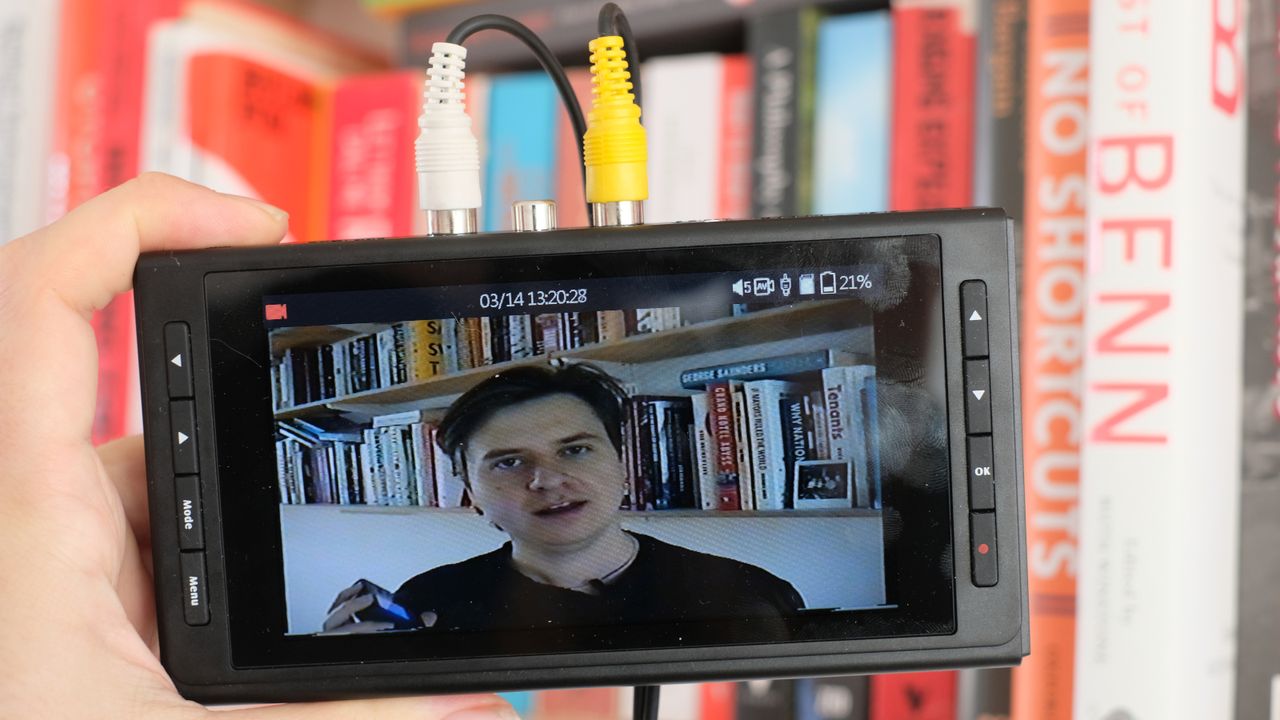
Analog video converter devices tend to come in one of two formats – simple USB capture dongles that plug into a computer, and standalone capture devices with their own screens, batteries and card slots. The ClearClick Video2Digital Converter 3.0 is the latter.
With a lovely, luxurious 5-inch screen, a selection of input and output ports, and the ability to record footage directly to a micro SD card or a USB flash drive (remember those?), it’s a device with a fairly simple promise. Analog video goes in, digital file comes out.
If you’ve got a load of VHS tapes, camcorder tapes or even audio cassette tapes (it does audio-only, too), the ClearClick Video2Digital Converter 3.0 is billed as a quick and easy means of converting these types of media to shareable digital files. Does it work in practice? There’s only one way to find out, so I shot some footage on an 8mm Canon camcorder and ran it through the converter to find out.
Specifications
Inputs |
RCA, S-video, USB-C (power) |
Outputs |
HDMI, USB |
Storage |
Micro SD, USB flash drive |
Battery |
Built-in rechargeable |
Display |
14.5cm (diagonal) |
Video output |
720x480, 640x480 |
Weight |
212g |
Dimensions |
15.5 x 8.2 x 2.3cm |
Price & availability
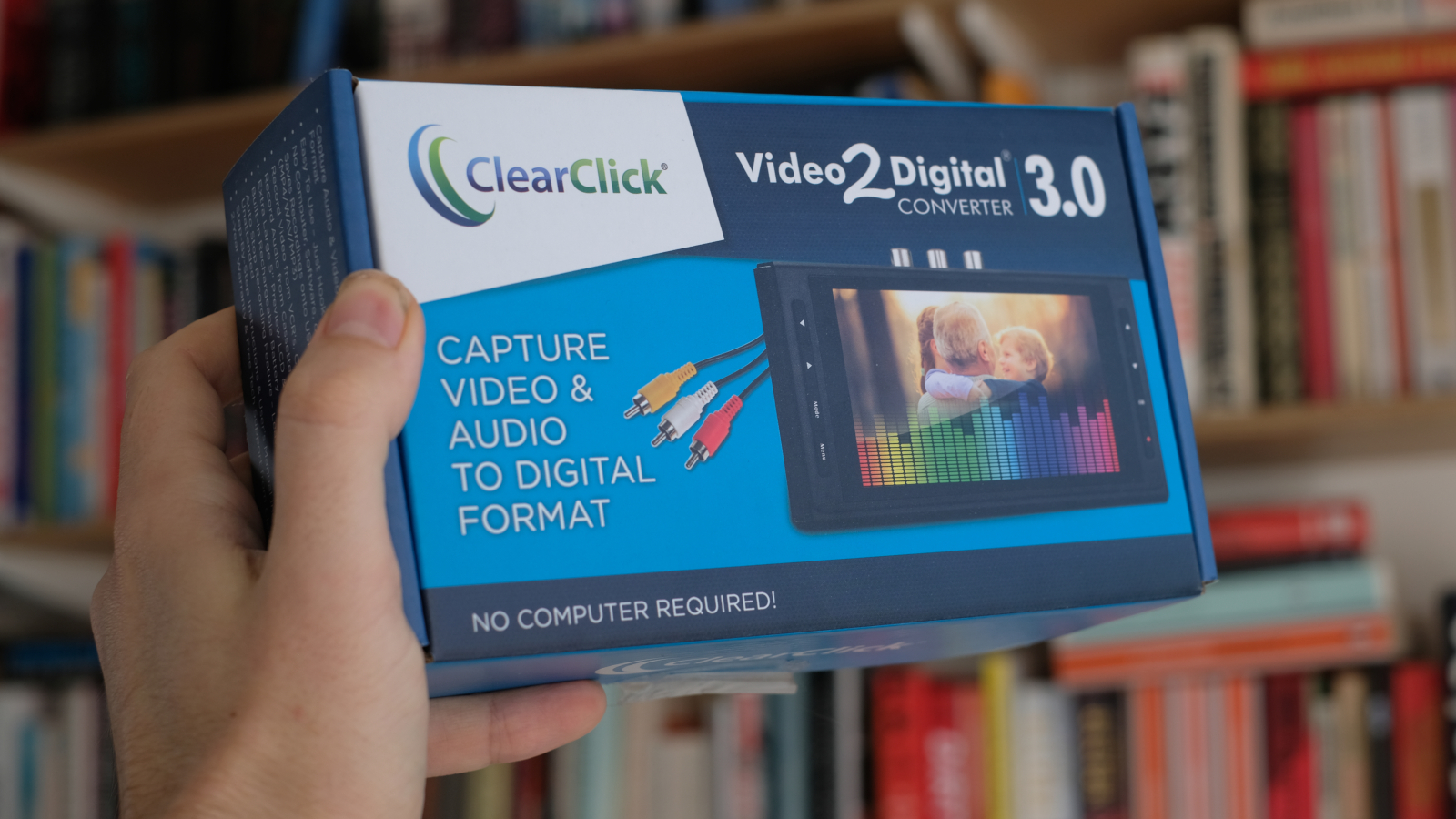
At an RRP of $189 / £176, the ClearClick Video2Digital Converter 3.0 is one of the more expensive options in the analog-to-digital video converter space. For context, one of the most affordable known brands in this sector, Digitnow, offers the DigitNow Video Capture dongle-style capture device for an RRP of $60 / £46 (and in practice it’s usually $20 or so cheaper), and the standalone DigitNow Full Media Recorder for $80 / £69.
It’s undeniably pricey – realistically, you’re going to need to have a lot of analog video to convert to justify spending that much. It’s also worth noting that if you’re outside the US, it’s not worth buying directly from ClearClick themselves, as shipping can get very expensive (I was offered £62 for delivery within 7-10 days, or £27 for a shipping time of 20-40 days). It’s available on Amazon UK – just go there instead.
Design
Let’s get to the good stuff. I’ve tested a few analog-to-digital video converters for DCW now, and the ClearClick Video2Digital Converter 3.0 is the one that made the best first impression upon unboxing. A lot of these devices are quite cheap-feeling and flimsy, with antiquated USB connections. The ClearClick won early brownie points for its USB-C charging/power port, making it feel like a much more contemporary device than rivals like the DigitNow Full Media Recorder with its mini USB port.
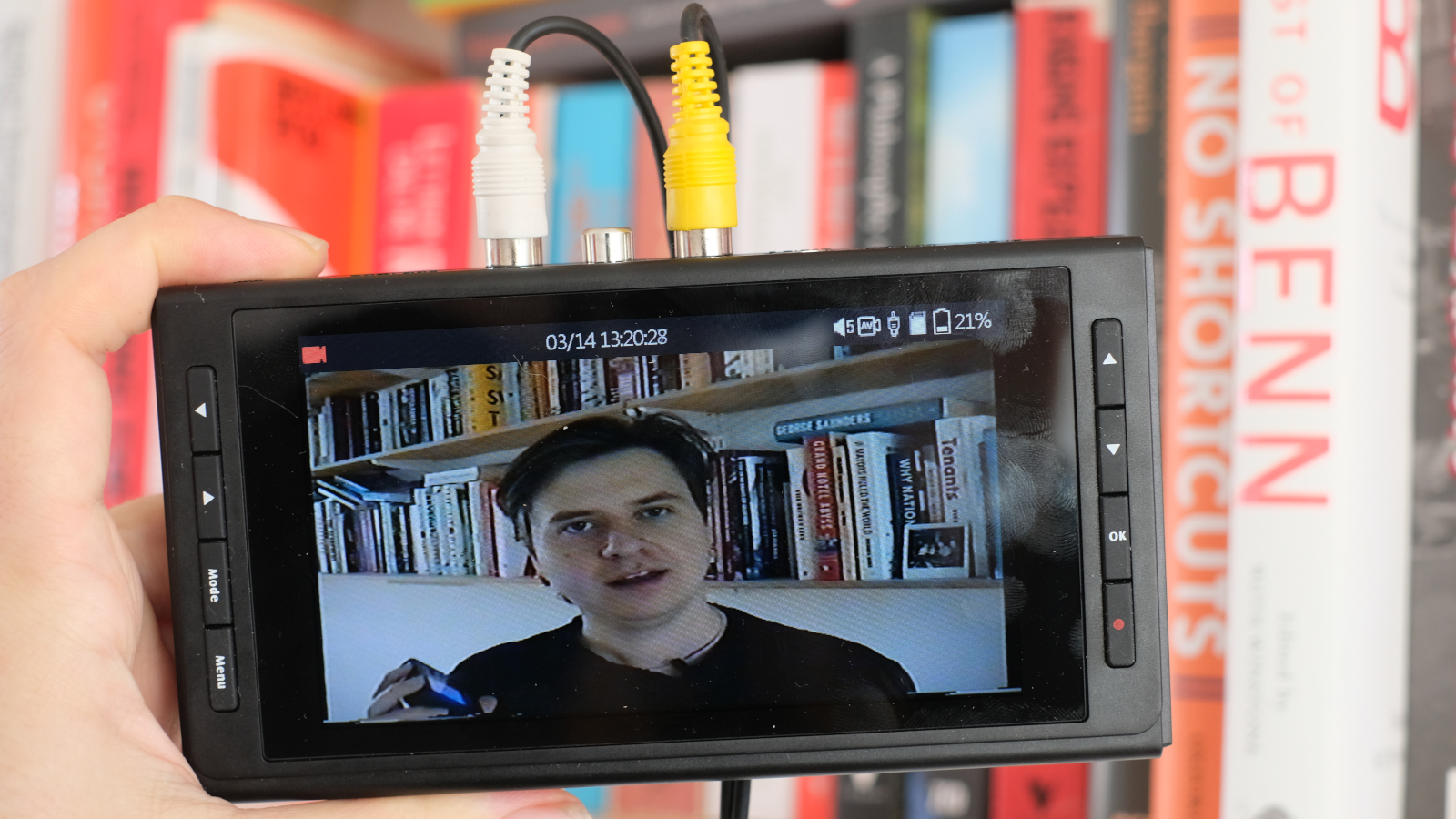
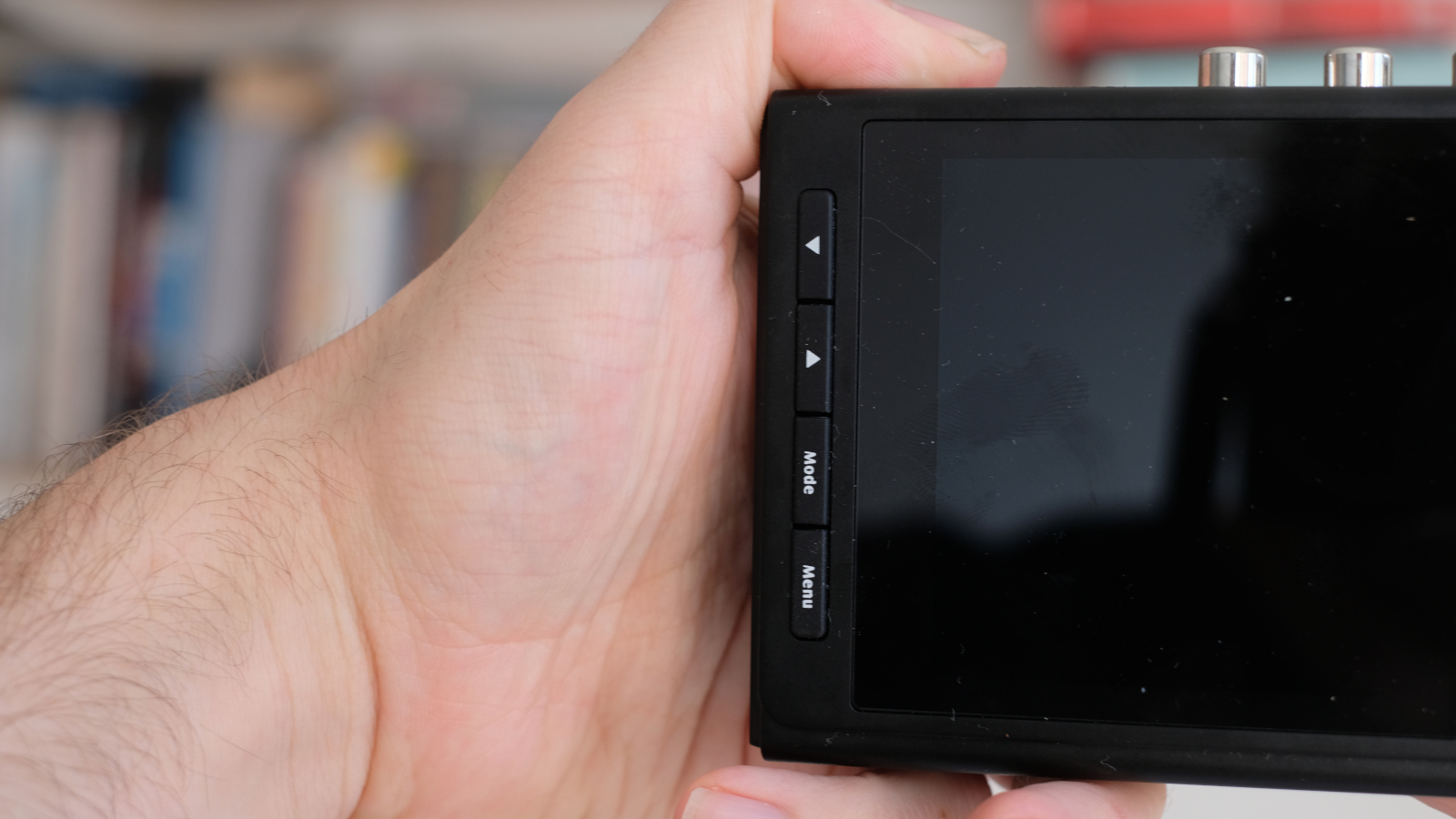
The screen is also lovely – luxurious, bright and clear. The manufacturers describe it as a 5-inch display, but this is measuring along the bottom edge; by the diagonal measure usually used to denote screen size, it’s actually more like 5.7 inches (14.5cm). The device’s fairly large size provides plenty of room for lots of physical buttons, which makes the menus very easy to navigate.
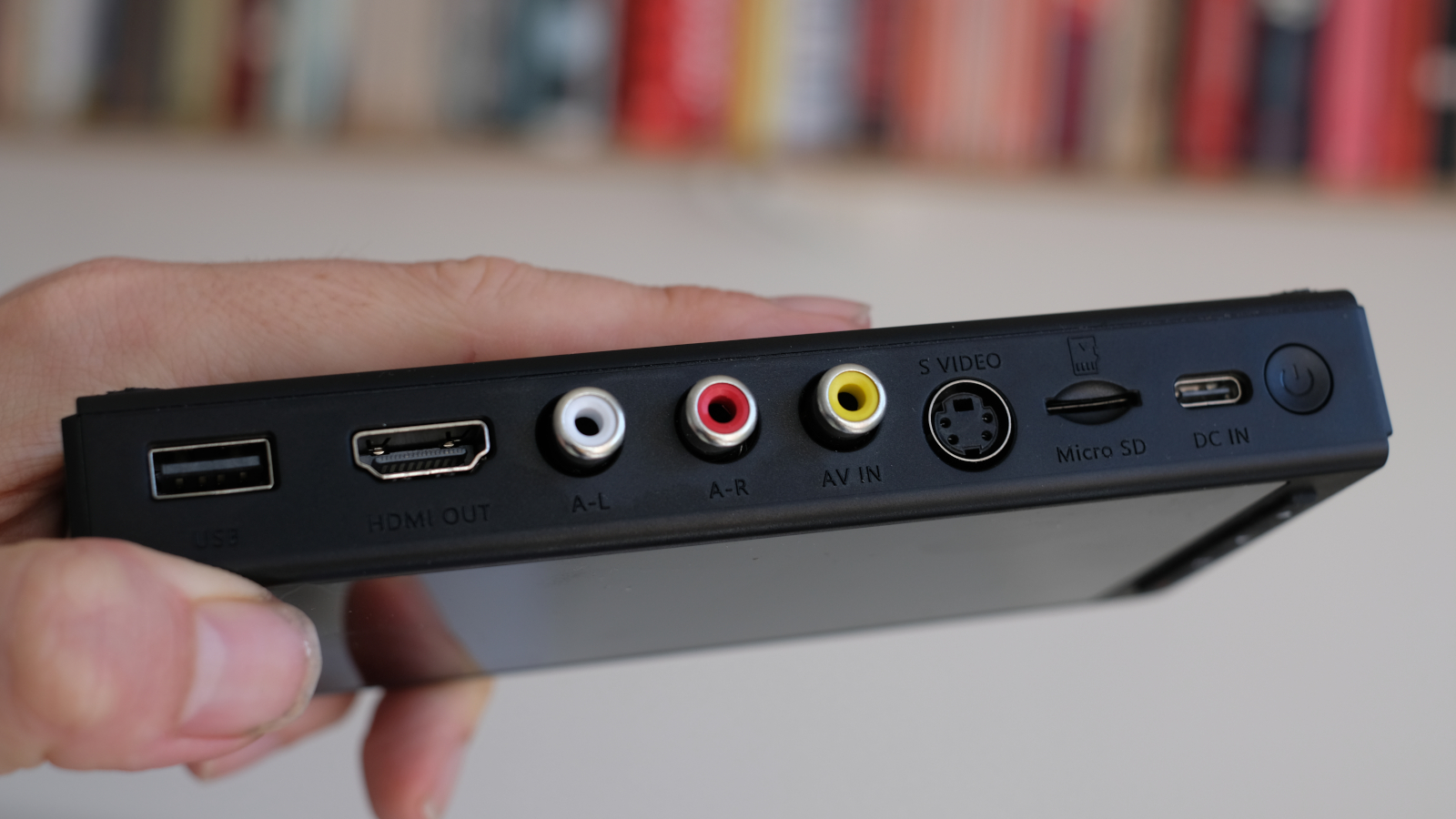
Ports are all located along a single edge, with RCA (red, white and yellow) and S-video inputs to hook up to your VHS player, camcorder or other device. There’s a micro SD slot for your storage media, or a USB port to connect up a USB flash drive, if you prefer. Then there’s also the USB-C charging port, which can also be used for constant DC power – and likely will be essential for long conversions, as I found that the device’s battery meter tended to tick down quite quickly. An HDMI output port allows you to display your content on an external screen.
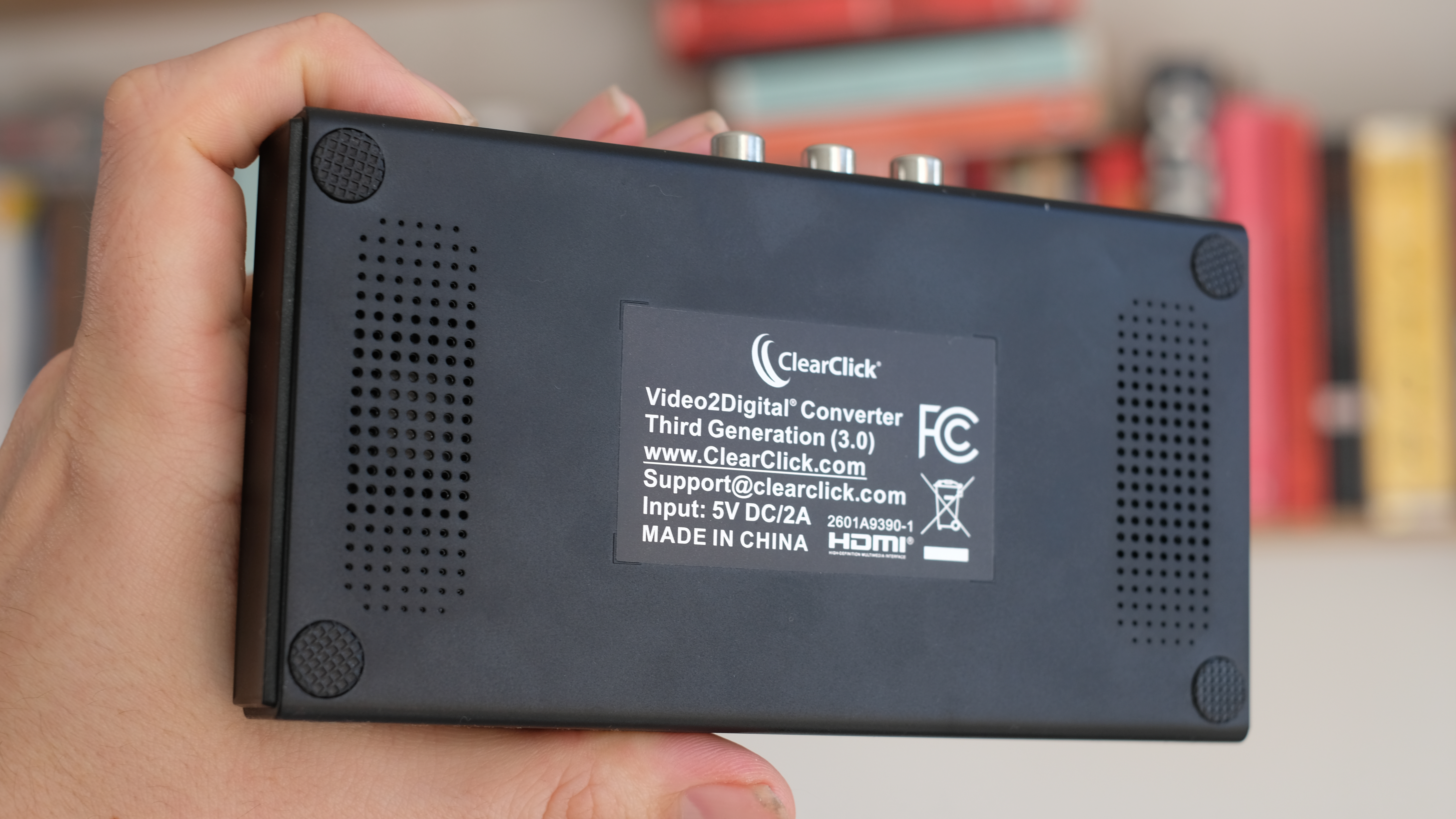
On the rear of the device are a couple of simple speakers, allowing you to monitor the audio output of your video, as well as the visuals. Size-wise, the converter is nice and compact – about the same height and width as the average smartphone, just quite a bit thicker. It won’t take up much room in a drawer and is very easy to transport.
Performance
Above: sample digital conversion from a camcorder made using the ClearClick Video2Digital Converter 3.0
In terms of its ease of use, the ClearClick Video2Digital Converter 3.0 is about as close to foolproof as you can get. Plug your analog media device into the RCA ports and the video will immediately show up on the screen. Hit play on your device, then hit the record button on the converter to start recording. Press it again when you want to stop, and you’ll have an oven-ready MP4 file on your SD card. You can also switch to screenshot mode and tap the same record button to capture JPEG stills.
Like all of these analog-to-digital converters, it records media as it’s playing – so converting an hour-long video will take an hour. ClearClick has added a few quality-of-life features that mean you don’t need to babysit the conversion for the entire time, all of which can be accessed through the menus. There’s an Auto Stop function, allowing you to set a timer for how long you want the recording to last, but potentially more useful I think is the Signal Loss Detection feature, which simply stops the recording when the signal cuts out (i.e. when the tape ends).
There’s also a scheduling function, allowing you to set a recording to start at a precise date and time, or recur daily/weekly. Honestly, I’m hard-pressed to envision a scenario where you would need to do that, but it’s there if you want it.
As for the recording itself, I have no complaints. The ClearClick Video2Digital Converter 3.0 captured the video from my camcorder perfectly clearly, with accurate and synced-up audio. There aren’t many recording options – just 720x480 pixels, or 640x480 for a 4:3 aspect ratio, only in MP4 – but there don’t really need to be. Most footage from camcorders or VHS players is going to be such poor quality anyway that you’re not going to improve matters much by throwing more pixels at it. I had an editable, shareable digital version of my analog footage within minutes – can hardly complain about that!
Verdict
The ClearClick Video2Digital Converter 3.0 does what it promises quickly, easily and efficiently, in a device that’s well-made and feels more premium than many others on the market.
The only real sticking point is the price. This is a much nicer, better designed and more modern-feeling device than a rival like the DigitNow Full Media Recorder. It’s got a bigger screen, a better selection of ports, and records in a more useful file format – but it also costs more than twice as much. Realistically, that’s only going to be worth it if you’ve got stacks and stacks of analog video to convert.
If you’ve got the budget, and the volume of an analog video to justify it, this is one of the most impressive analog-to-digital video converters I’ve used.
Features |
Simple but effective, with useful quality-of-life features to make recording a smoother, easier process. |
4.5/5 |
Design |
Looks and feels much more premium than most rivals, and the big, bright display is lovely. |
4.5/5 |
Performance |
Few complaints. A good-quality digital copy of an analog video was produced quickly and simply. |
4.5/5 |
Value |
Much more expensive than rivals. Only worth it if you have a lot of media to convert. |
3/5 |