
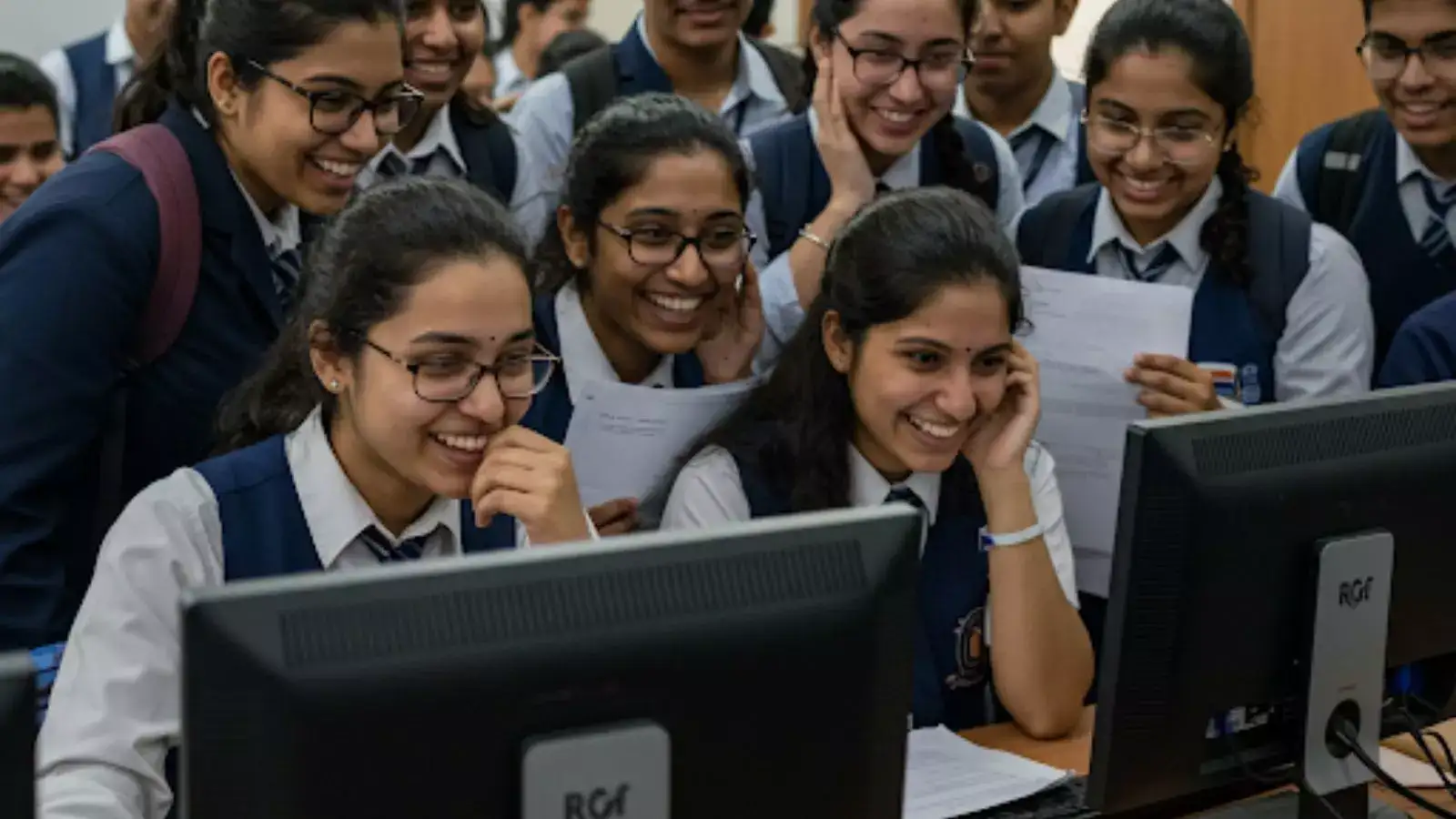
When will the Central Board of Secondary Education (CBSE) release Class 12 results? This one question is on the minds of more than 18 lakh students waiting anxiously for their scorecards for past few days now. After DigiLocker, the UMANG app has activated the result banner 'CBSE Class 12 results will be soon available on UMANG'. This Sunday, DigiLocker also showcased ‘Class 12 Result Coming Soon’ banner, further intensifying the speculation around the result date.
ALSO READ: Petrol, Diesel prices today hiked?
The CBSE board has not officially confirmed the result date and past trends show that results are usually announced by the third week of May. Over the last three years, CBSE has declared the results on May 12 or May 13.
CBSE Class 12 Results 2026 Date and Time
Expected Date: Third week of May
Time: Not known
ALSO READ: PBKS vs DC yesterday's Match 2026
Official websites to check CBSE Board Results
cbse.gov.in
cbseresults.nic.in
results.cbse.nic.in
DigiLocker
UMANG
SMS service
Class 12 Results CBSE 2026: How to check through DigiLocker?
Go to the DigiLocker website or open the mobile app.
Sign in using your Aadhar-linked mobile number
Search for “CBSE” under the Education category.
Select “CBSE Class 12 Result 2026.”
Enter your Roll Number, School Code, and Admit Card ID to view your marks.
Download and save your digitally signed marksheet.
CBSE 12th Board Results 2026 via UMANG app
Download the UMANG app from the Google Play Store or Apple App Store.
Register or log in using your mobile number.
Search for “CBSE” in the app.
Select “CBSE Class 12 Result 2026”.
Enter details such as roll number, school number, admit card ID and date of birth.
Click on Submit to view and download the marksheet.
CBSE 12th Results: How to check online
Visit the CBSE official website, results.cbse.nic.in
Click on the "CBSE Class 12 Result 2026" link
Enter roll number, school number, and admit card ID
Submit all the required details and click submit
The result will appear on the screen
Download the scorecard for future reference





.jpeg?w=600)