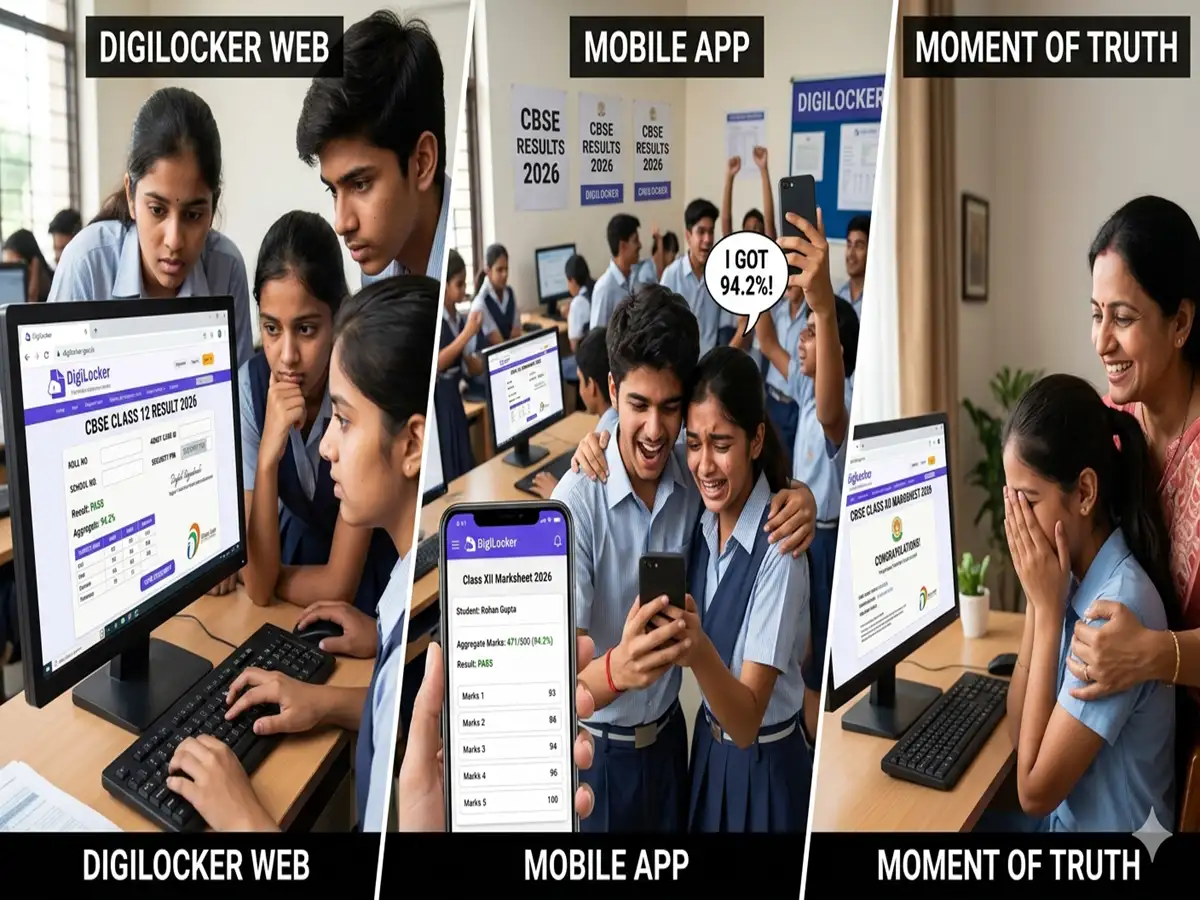
The Central Board of Secondary Education has officially announced the CBSE Class 12 Results 2026 on its official websites. Students who appeared for the board examinations can now check their scores online using their login credentials. The overall pass percentage this year stands at 85.20%.
The much-awaited declaration has brought relief to lakhs of students and parents across the country who had been eagerly awaiting the results. Apart from the official website, students can also access their digital marksheets through DigiLocker and UMANG.
CBSE Class 12 Results 2026: Steps to download from DigiLocker
Step 1: Visit the DigiLocker website or launch the DigiLocker mobile application.
Step 2: Sign in using your registered mobile number or Aadhaar-linked credentials. New users must complete the signup process before accessing documents.
Step 3: Once logged in, navigate to the “Education” or “Issued Documents” section on the dashboard.
Step 4: Choose Central Board of Secondary Education from the list of available education boards.
Step 5: Click on the “Class XII Marksheet” or the corresponding result option.
Step 6: Enter the required details, including roll number, school number and admit card ID, exactly as provided on the admit card.
Step 7: Submit the information to access the provisional digital marksheet online.
Step 8: Download and save the marksheet for future reference. Students can also securely store the document in their DigiLocker account for easy access later.
CBSE Class 12th result: How to check results through SMS
Apart from the official websites, students can also check their results through SMS services, and the IVRS.




.jpeg?w=600)