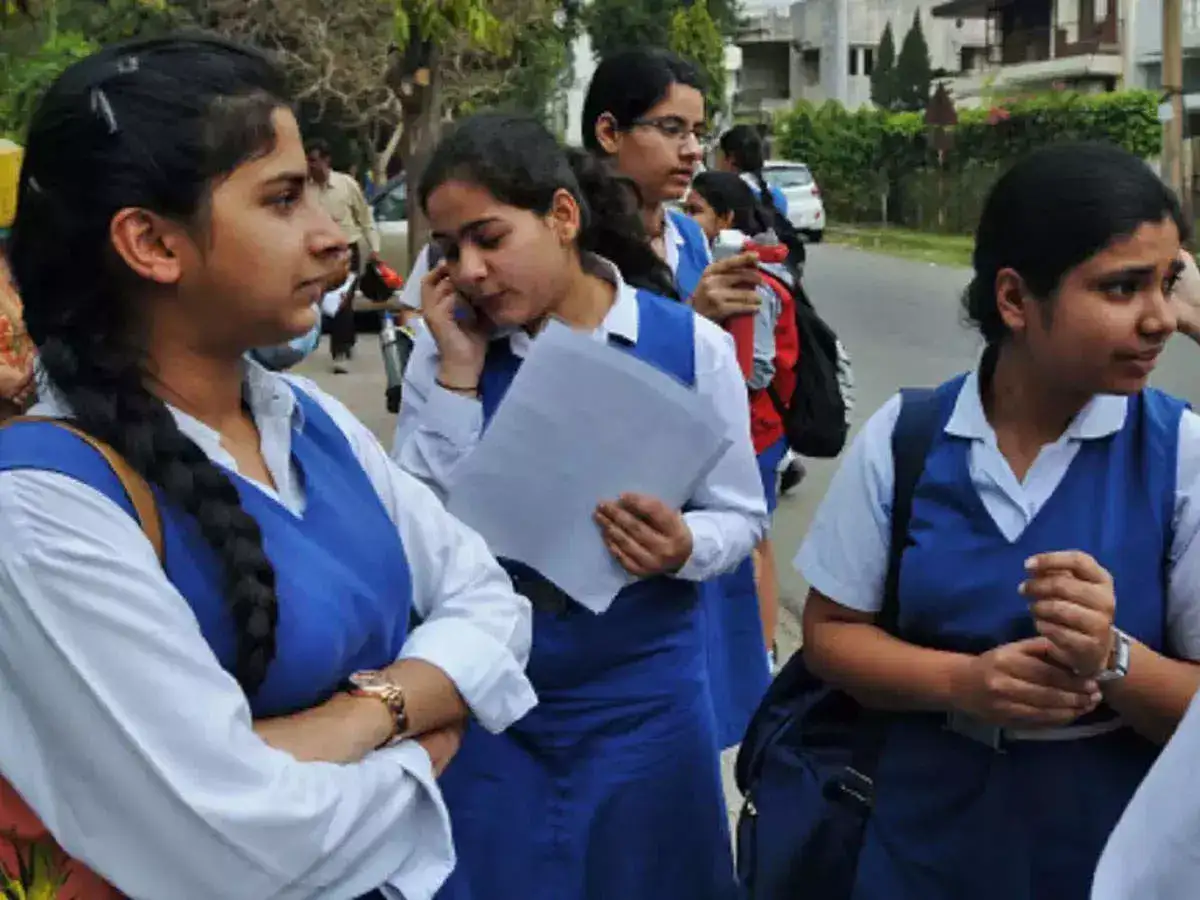
The Central Board of School Education (CBSE) has officially declared the CBSE Class 12th Result 2026 on its official websites, cbse.gov.in and results.cbse.nic.in. Trivandrum is the best performing district this year with a pass percentage of 95.62 percent, followed by Chennai at 93.84 percent and Bengaluru at 93.19 percent. Vijayawada stood fourth with 92.77%, while Delhi West and Delhi East reported pass percentages of 92.34% and 91.73% respectively. Last year, Vijayawada recorded the highest pass percentage at 99.60 per cent, followed by Trivandrum at 99.32 per cent.
Ahmedabad registered 90.60%, followed by Gurugram at 88.45% and Ludhiana at 87.92%. Pune recorded 87.32%, while Ajmer stood at 86.78%. Further, Panchkula reported 85.73%, followed by Ranchi at 85.01% and Guwahati at 83.41%.
Lucknow recorded 82.21%, while Bhubaneswar and Dehradun posted 81.71% and 81.42% respectively. Raipur stood at 80.88%. Bhopal reported 79.43%, followed by Noida at 79.02%, Patna at 74.45%, and Prayagraj recorded the lowest pass percentage at 72.43%.
Rank
Region
Pass %
1
Trivandrum
95.62%
2
Chennai
93.84%
3
Bengaluru
93.19%
4
Vijayawada
92.77%
5
Delhi West
92.34%
6
Delhi East
91.73%
7
Ahmedabad
90.60%
8
Gurugram
88.45%
9
Ludhiana
87.92%
10
Pune
87.32%
11
Ajmer
86.78%
12
Panchkula
85.73%
13
Ranchi
85.01%
14
Guwahati
83.41%
15
Lucknow
82.21%
16
Bhubaneswar
81.71%
17
Dehradun
81.42%
18
Raipur
80.88%
19
Bhopal
79.43%
20
Noida
79.02%
21
Patna
74.45%
22
Prayagraj
72.43%
How to check CBSE Class 12 Results 2026?
Candidates can visit the official websites such as cbse.gov.in or results.cbse.nic.in to download the scorecards. They can also use the Digilocker, UMANG app and SMS service to access the results.
Steps To Download CBSE 12th Result 2026
Visit the official website: results.cbse.nic.in
Click on the "CBSE Class 12 Result 2026" link
Enter the required details such as roll number, school number, and admit card ID
Submit the details to view the result
Download or print the scorecard for future reference
DigiLocker CBSE Class 12 Results 2026 step by step guide
Visit the official DigiLocker website or open the DigiLocker app
Log in using your registered mobile number or Aadhaar details
Enter the OTP received on your mobile number for verification
Go to the “Issued Documents” section
Select Central Board of Secondary Education from the list
Click on “Class 12 Marksheet 2026”
Enter details such as roll number and year of passing
Submit the information
The digital marksheet will appear on the screen
Download and save the scorecard for future reference
Sign up to read this article
Read news from 100's of titles, curated specifically for you.





.jpeg?w=600)