
During normal times, if you wanted a new laptop, you’d just buy one. But we’re no longer living in normal times. Thanks to the RAM crisis, laptop and upgrade prices have gone completely sideways.
AI data centers are gobbling up so much memory that everyday laptop RAM has doubled, tripled, or even worsened in some cases. Upgrading your own RAM isn’t cheap either. DDR5 kits that cost $100–$150 last year now run $300–$400 or more. And manufacturers are passing those extra costs straight on to you and me. Overall, PC prices are up 15-20% on average, with some popular models jumping 30-40%.
You might be tempted to wait this RAM insanity out, but that isn’t always the winning strategy — especially since analysts expect the crunch to drag on through the rest of 2026 and well beyond. In some cases, it might be smarter to pull the trigger now before prices climb any higher.
Here’s your laptop survival guide to help you decide whether to buy now or wait.
If you’re buying now
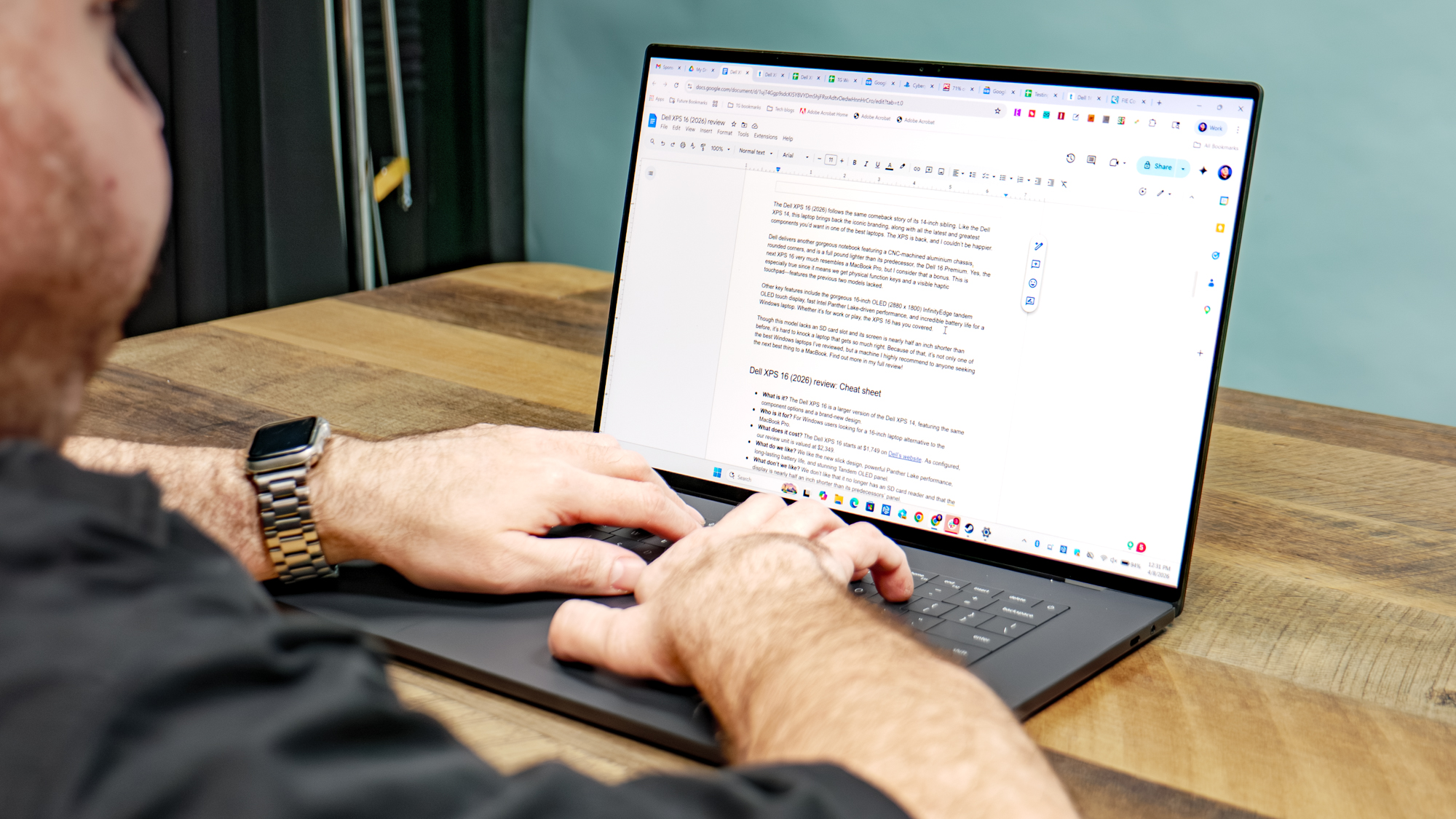
If your current laptop is over five years old, the battery is trash, the keyboard is failing, or it’s crawling along too slowly for your needs, it’s time for a new machine. However, don’t rush into the first new laptop you see on Best Buy’s site. Instead, hunt for “old gold”— particularly 2024 or early 2025 high-end business laptops with upgradeable DDR4 or DDR5.
Refurbished or open-box Lenovo ThinkPads and Dell Latitudes are excellent right now. Many still support 32GB (or more) of affordable aftermarket RAM and feel far more durable than typical consumer ultrabooks.
Whenever possible, buy a base model with 8GB or 16GB of RAM, but only if it has SO-DIMM slots. A $500–$600 laptop plus $80–$120 in DIY RAM is almost always cheaper than the manufacturer’s “pro” version with pre-installed memory. This hack can save you hundreds.
Meanwhile, as Windows laptop prices keep climbing, Apples have remained relatively stable. The new MacBook Air M5 starts at $1,099 for the 13-inch model with 16GB of unified memory and 512GB of storage as standard. For even lighter everyday tasks, the all-new MacBook Neo starts at just $599. Right now, the Apple ecosystem feels like one of the safer havens during this RAMageddon.
The MacBook Neo’s 8GB of RAM handles basic tasks well, thanks to Apple’s efficient design. But in general, you should avoid any new Windows laptop that ships with only 8GB — especially the ones some retailers and manufacturers are still slapping “AI PC” stickers on. Unless you’re doing nothing beyond light web browsing and streaming, 8GB will feel painfully slow. You want at least 16GB so the machine stays usable for the next few years.
If the laptop has upgradeable RAM slots, that’s a big plus. But if you’re set on a thin ultraportable with soldered memory, do not settle for less than 16GB.
3 laptop options now

If you’re looking for an upgradeable notebook, business laptops are a great choice. Below are three options that match what I outlined in the “If you’re buying now” section: 2024-2025 business laptops with upgradeable SO-DIMM RAM slots, robust build quality, and reasonably affordable prices.
If you’re waiting
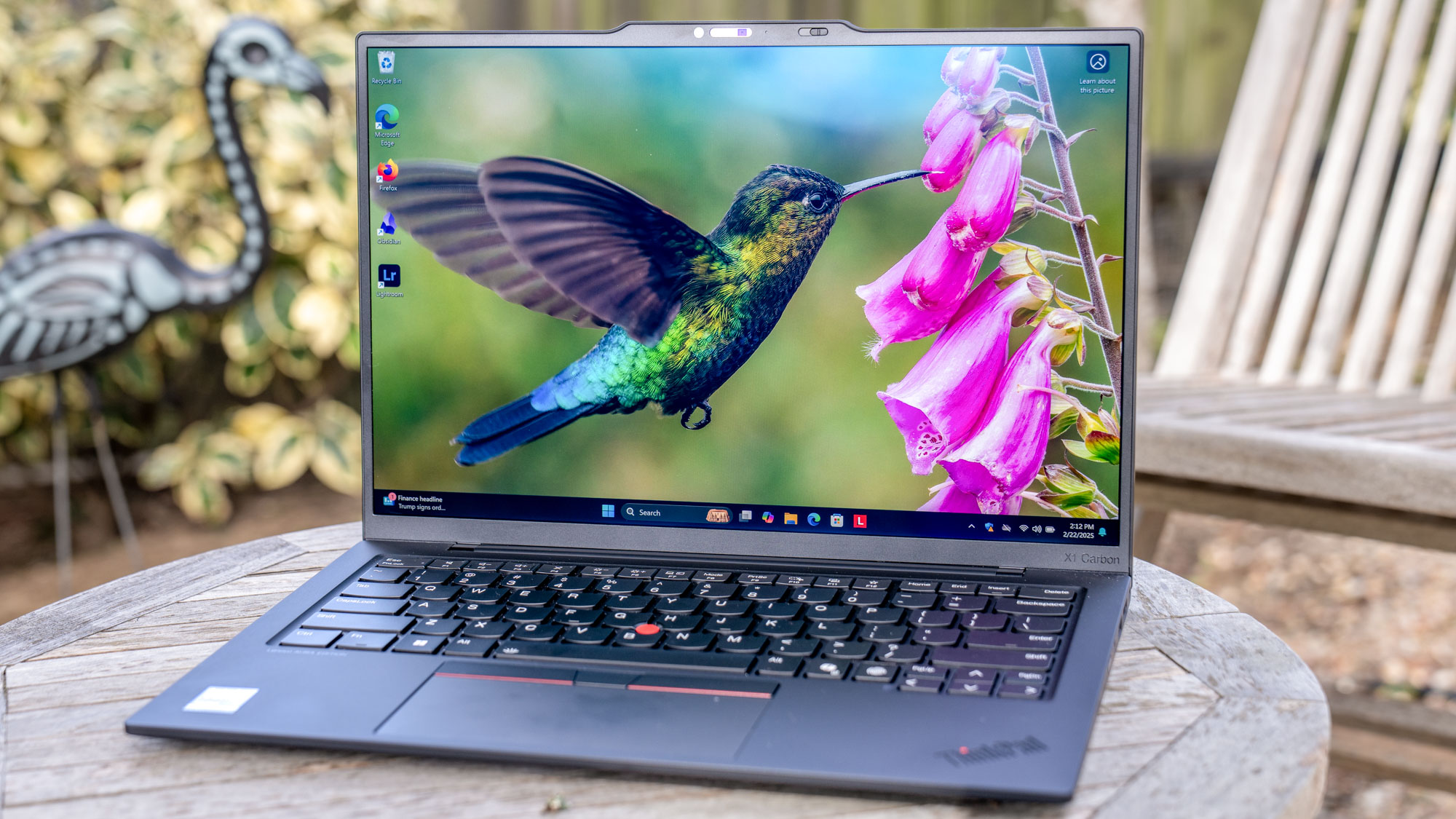
If your current laptop still has 16GB of RAM or more, the smartest move is to ride it out until the crisis eases. The good news? A few simple tweaks can keep it performing well for a long time.
Open Task Manager, right-click any high-CPU or high-RAM background processes, and set them to Efficiency mode. This throttles background tasks without hurting performance. Then head to the Startup apps tab and disable anything you don’t need to launch at boot. These two steps alone can free up hundreds of megabytes of RAM and make your machine feel noticeably snappier.
You can also extend performance with virtual RAM. Search for “Advanced system settings,” then go to Performance Settings > Advanced > Virtual Memory. Uncheck automatic management, select your fastest SSD, and set a custom size — roughly 1.5x your physical RAM for the initial size and up to 3x for the maximum. After rebooting, Windows will use that extra drive space as emergency memory when needed. It’s not as fast as real RAM, but it helps prevent freezing and slowdowns.
Finally, for heavy tasks like video editing, 3D rendering, or large AI workloads, skip buying new hardware altogether. Rent a powerful virtual machine from services like Shadow PC, Azure Virtual Desktop, or Paperspace for $20–$40 a month instead. It spares your current laptop and saves you cash.
Bottom line
Most memory makers have already sold most of their 2026 (and some of 2027) production to AI hyperscalers, so this RAMageddon isn’t ending anytime soon.
If your current notebook is still getting the job done, you can comfortably wait. If you need a new laptop now, don’t settle for a weak 8GB machine — hunt for 2025 closeouts or models with genuine upgradeable RAM slots instead. Or you can just say "screw it," get a MacBook Air or MacBook Neo, and call it a day.
Shopping for a laptop in 2026 is trickier than it used to be, but if you follow the tips above and play it smart, you’ll come out ahead once the memory market finally settles down.