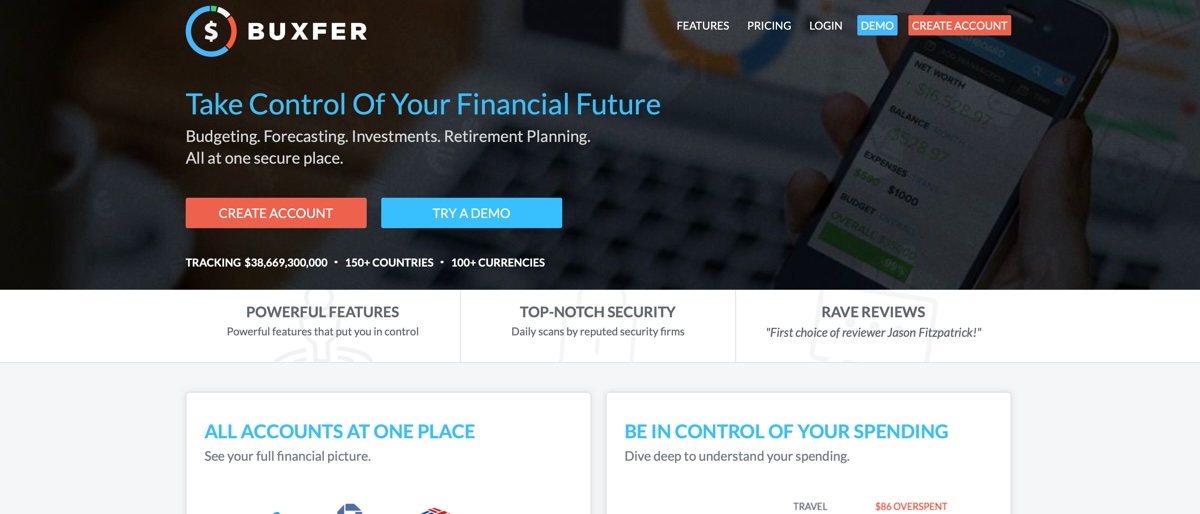
Buxfer personal finance is an online package that can be used to pick through your spending activities and help you organize and budget for the future. Along with tackling your personal finances, Buxfer can also be used to keep an eye on all of your bank accounts. On top of that, it can track other financial interests, including investments plus savings and now via iOS and Android app editions too.
While it is possible to link to your bank accounts Buxfer, the service is not currently set up for the Open Banking scheme, which might make it less of an obvious choice than other comparable products that use a secure API. This feature doesn’t come with the free edition anyway. Indeed, if you’re looking to enjoy all of its power tools then you’ll want to head for the Prime edition of the software, rather than the basic though still pretty appealing free version.
On the competition front check out Mint, You Need a Budget (YNAB), BankTree, AceMoneyLite, Money Dashboard or Moneydance for some comparisons.
- Want to try Buxfer? Check out the website here
Buxfer: Pricing
Alongside a working demo version of Buxfer you can also enjoy its charms with a free basic account edition, which delivers exactly that. However, if you’re looking to squeeze more from Buxfer there are currently four other package options available.
These start out with Plus, which is $7.99 a month when billed annually, with Pro costing $9.99 per month when billed annually and finally a Prime edition, which will set you back $20.99 per month. As is frequently the case, all prices are lower if you pay annually though the monthly option is there should you prefer it.
The more you pay, the more features you get, although the more basic edition comes pretty well stacked for most average users. At the other end of the pricing spectrum, Prime delivers power tools such as Smart Alerts, the ability to make payments and complex control of investments.
Buxfer: Features
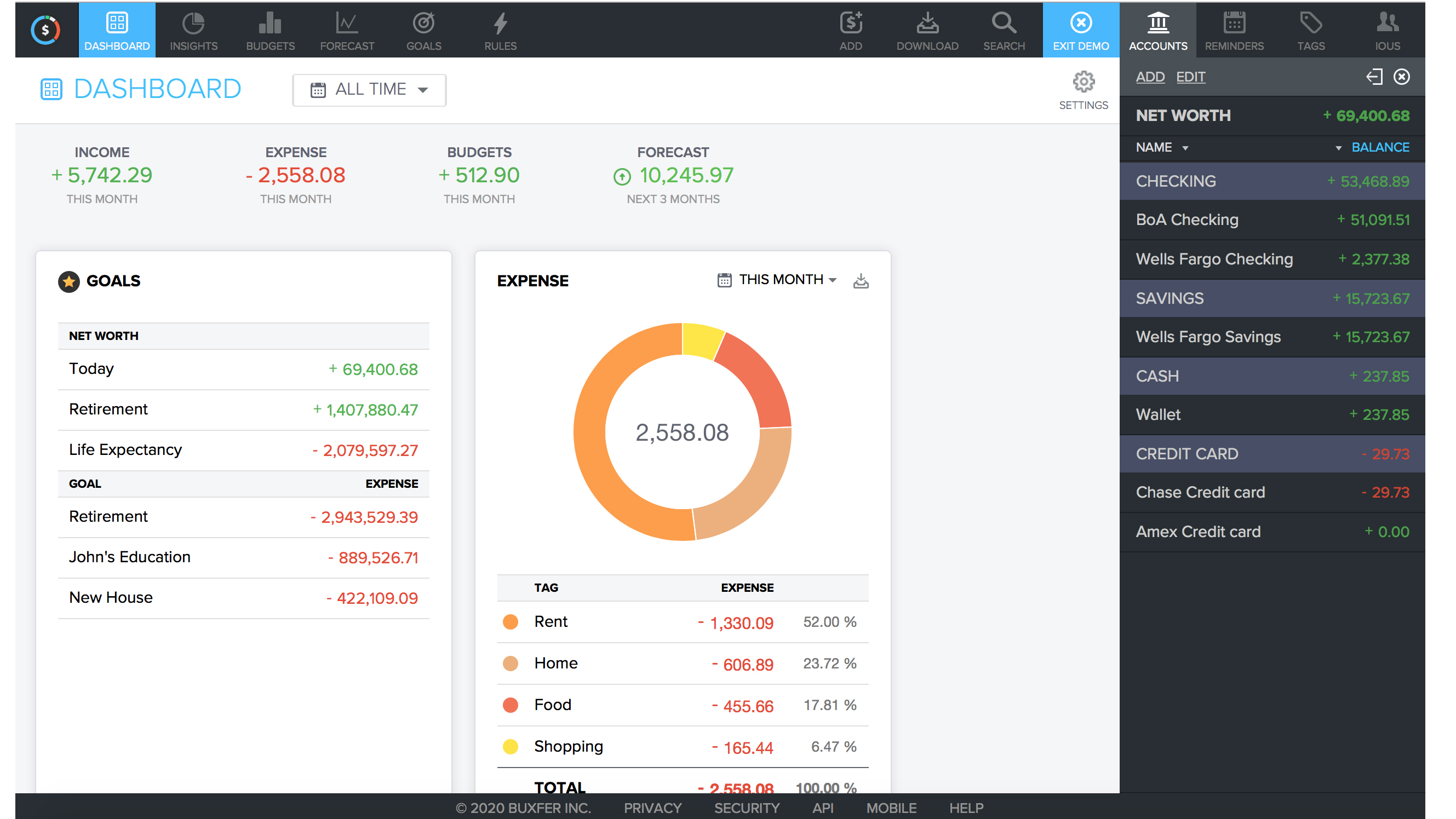
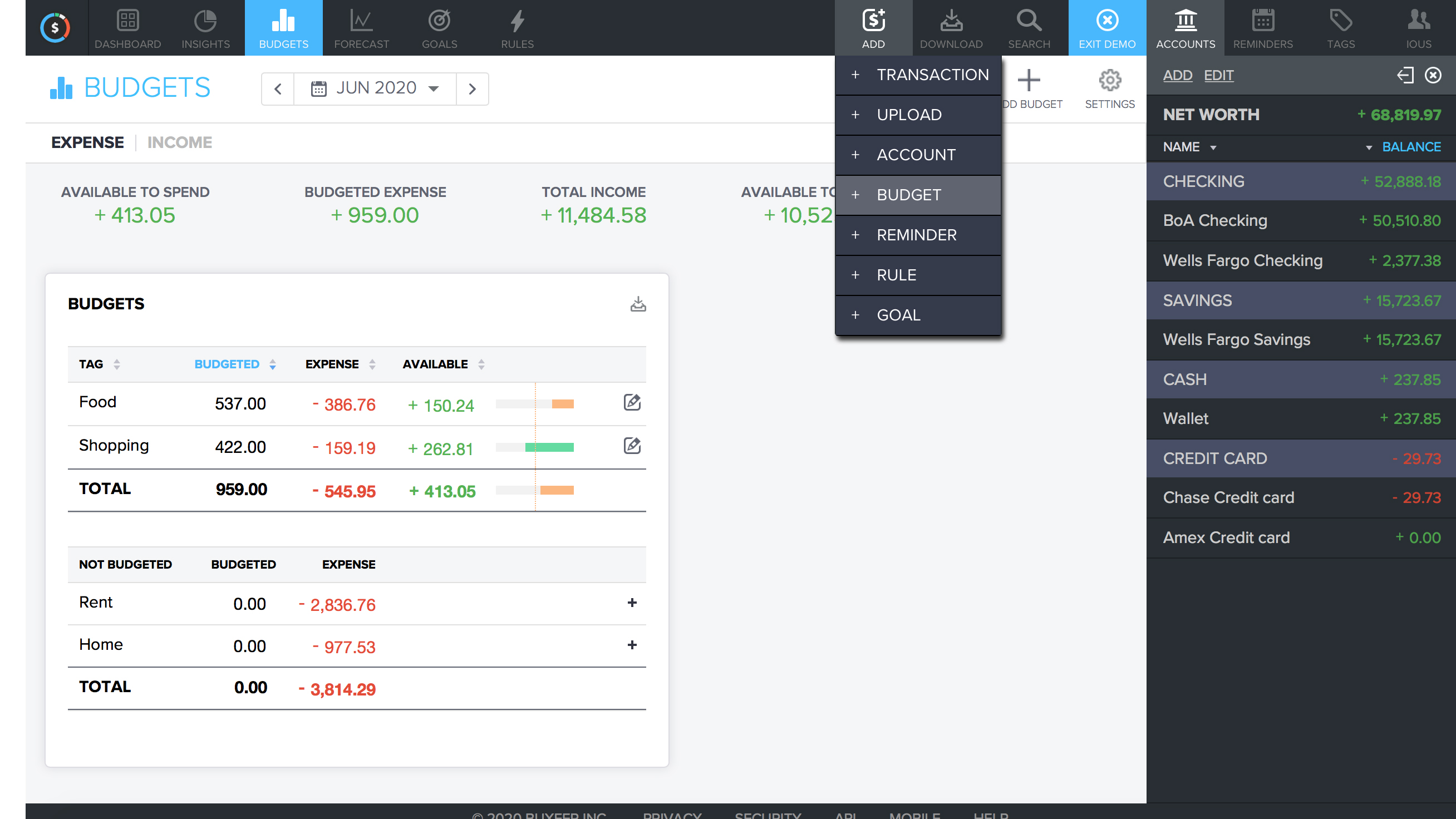
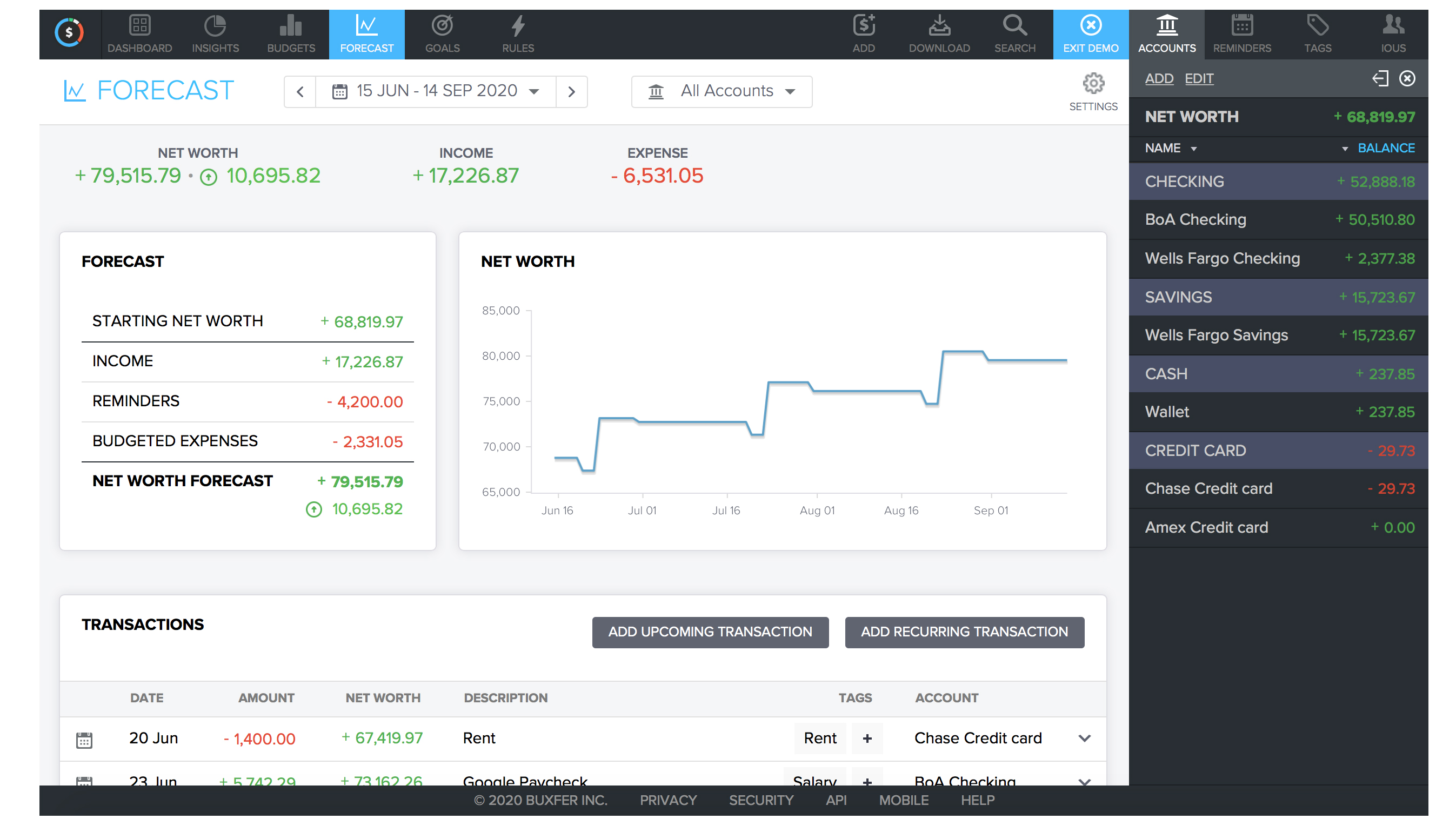
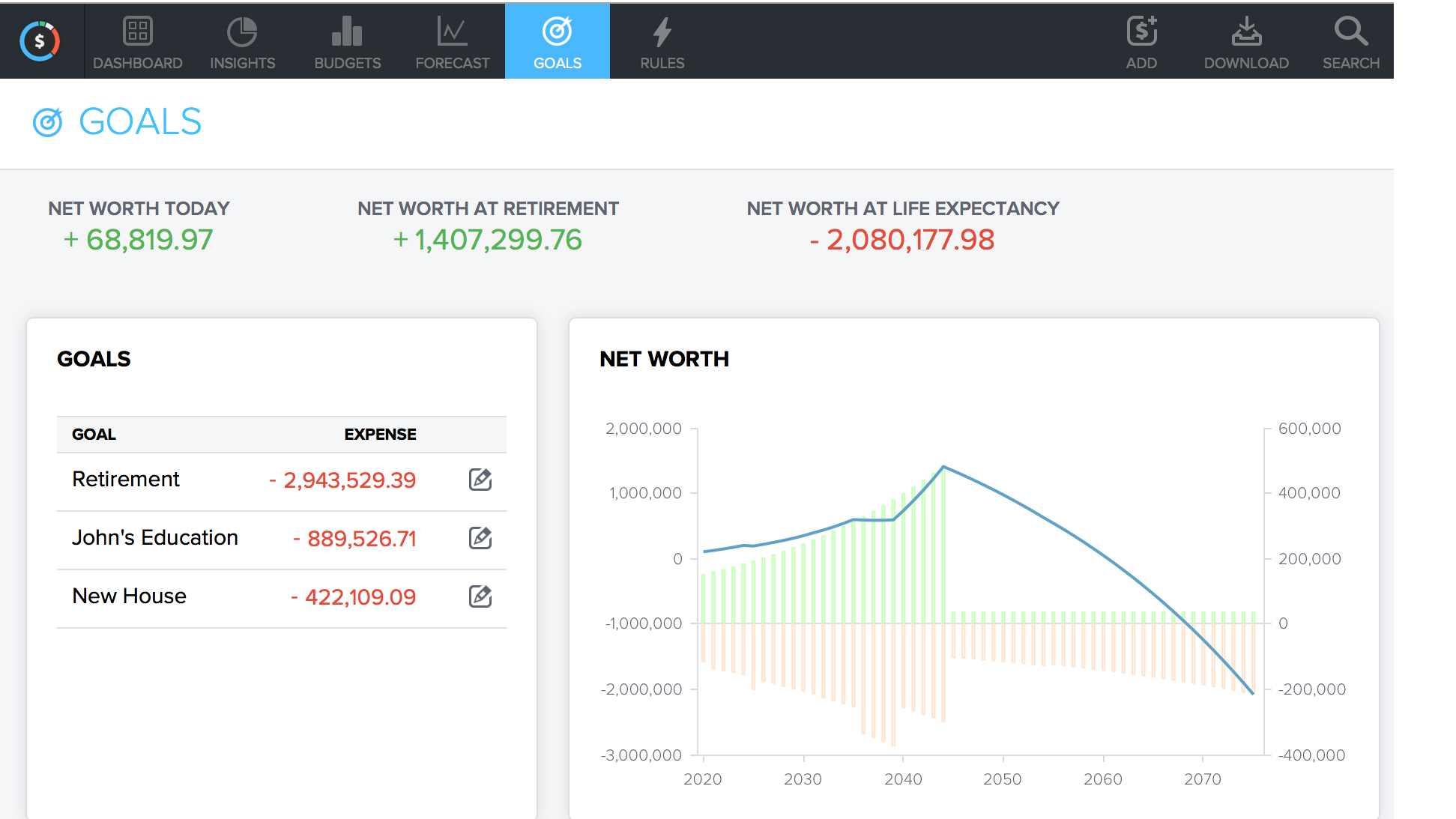
Buxfer’s dashboard area is where you manage all of its tools and functionality. Like other personal finance packages, the layout features a fairly common theme, with core functions laid out in a neat and tidy structure. Along the top of the menu alongside the Dashboard menu there are one-click links to Insights and Budgets along with Forecast and Goals options. Buxfer subsequently allows you to manage expenses, budgets and also forward-looking forecasts all within the main pane.
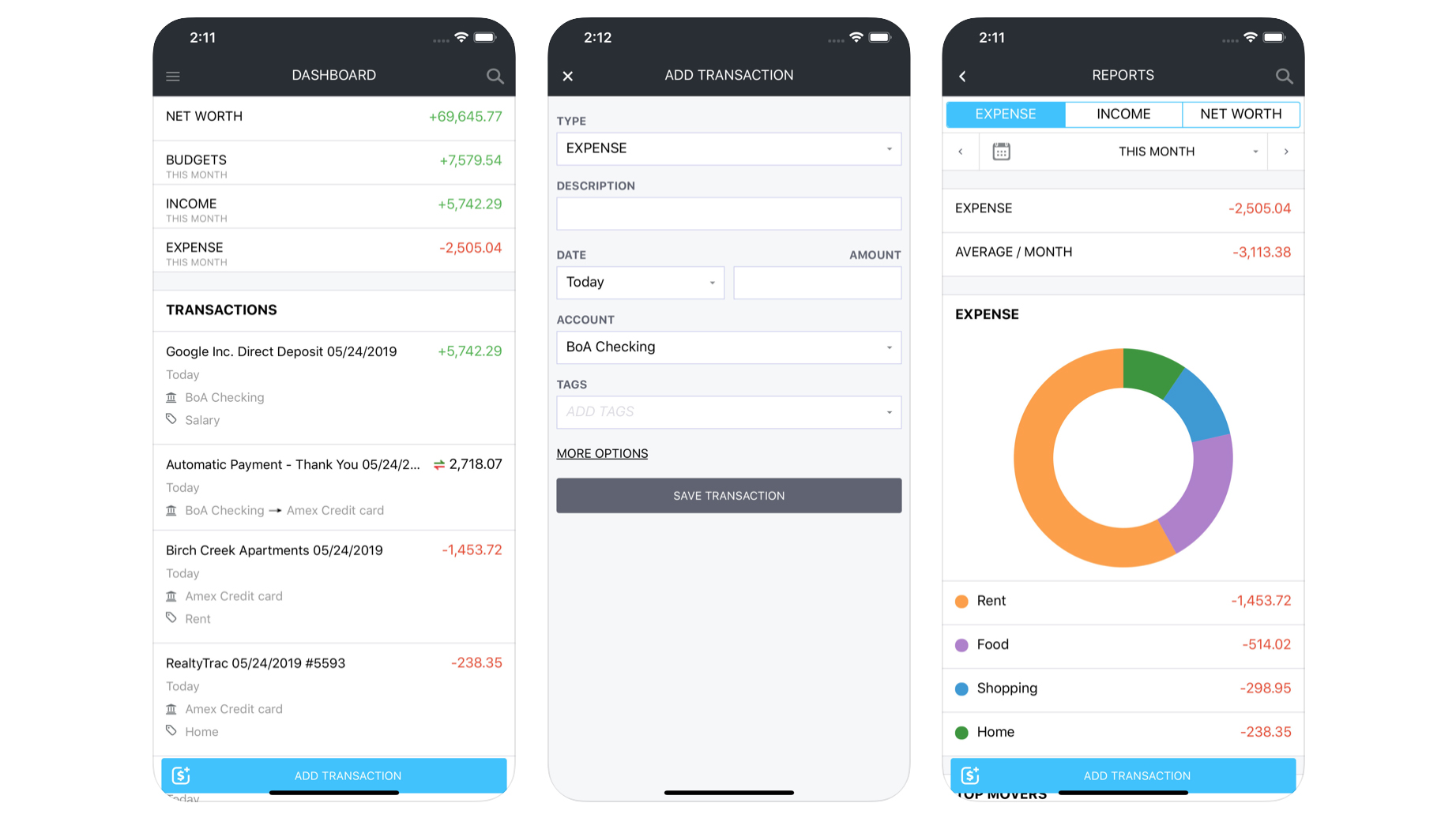
Adding accounts and transactions can be done on-the-go via the app, which makes it invaluable, while there’s also compatibility with over 15,000 banks around the world. There’s a reporting option too, which helps build up a bigger picture of your finances. The more feature-heavy paid-for editions mean you’re able to track money, pay bills and also create IOUs amongst other things.
Buxfer: Performance
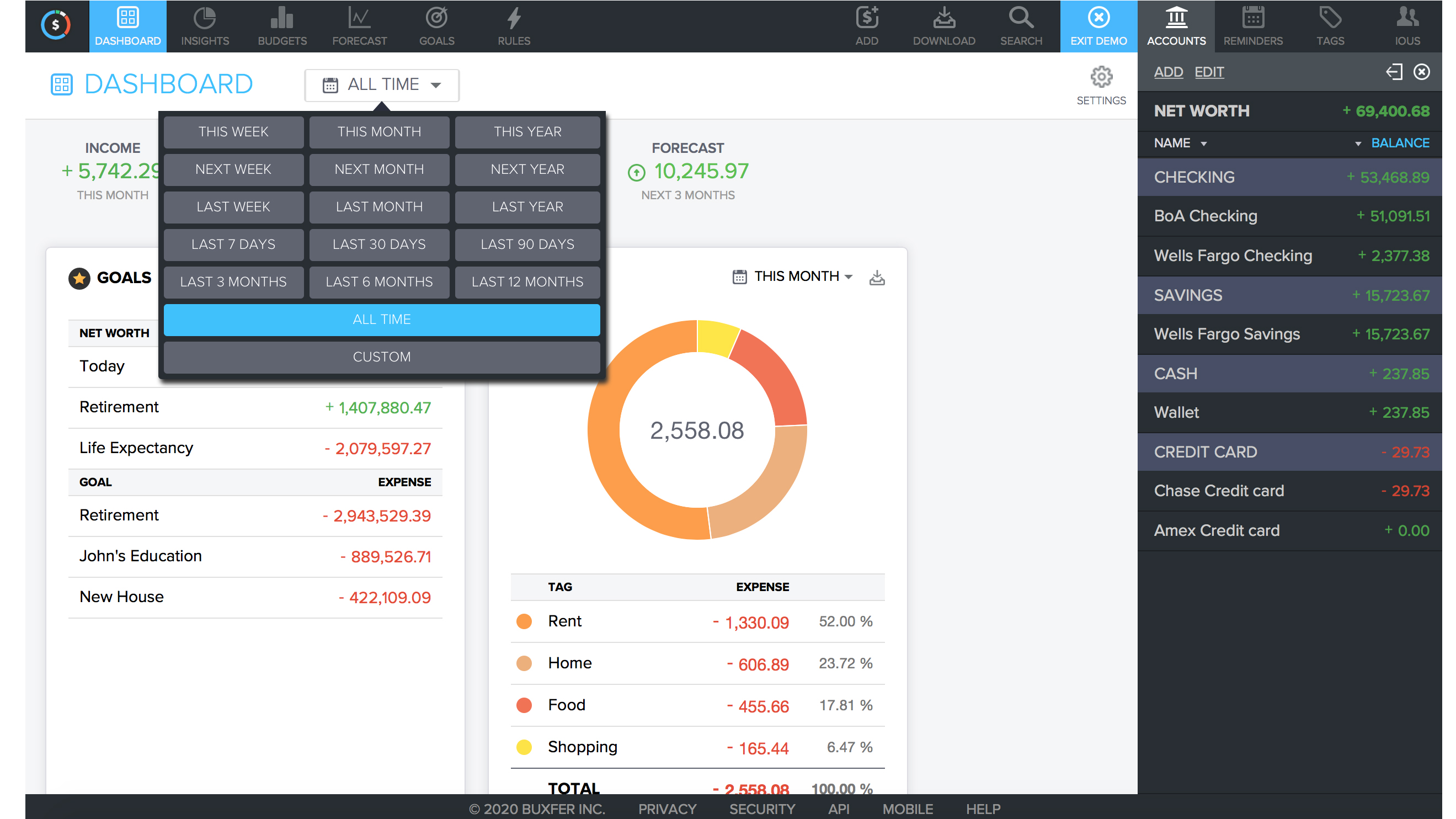
The boffins behind Buxfer have done a fine job of producing financial management software that runs a treat, especially if you’ve decided to add it to your phone. Indeed, both the iOS and Android editions perform very well during day-to-day use. Dipping into the desktop web-browser edition, meanwhile, proves to be a largely fault-free exercise, which is more than ably displayed if you decide to try out the demo version before signing up for a Buxfer account. Not having any software to download means Buxfer relies on connectivity to keep it steaming along.
Buxfer: Ease of use
Fans of simple sign-up procedures will like the way that Buxfer can be accessed using Google, Facebook, Microsoft or Yahoo log-in routes, or by creating an account from scratch after entering an email and password. On the Buxfer home page you can also try out a demo version of the service, which is a great way to familiarize yourself with the options on offer, plus there’s a little guided tour thrown in for good measure. The browser-based dashboard is simplicity itself to get around, while the app editions of the Buxfer service have all been well thought out and robustly engineered too.
Buxfer: Support
For a free and easy-to-use program, in its most basic edition, Buxfer doesn't need too much in the way of hand-holding to master, which means you probably won't need to contact them. Besides, the website contains a good deal of information and FAQs on core functionality, plus you get a quick whistle-stop tour if you try the demo. You’ll need to shell out for the Prime bundle in order to enjoy live chat and phone support, however, although with that currently being priced at $20.99 per month the cost isn’t exactly prohibitive if you're going to be a heavy user of Buxfer’s services.
Buxfer: Final verdict
Buxfer is a great solution for organizing your finances and dealing with other less frequently dealt with money matters, all rolled into one handy cross-platform bundle. The app side of things offers most of the appeal, though Buxfer has had lots of love given to its browser dashboard too, meaning it’s a doddle to use in any environment. Buxfer assures users that it calls upon industry-standard security measures to make it safe to use, including 128-bit encryption.
However, if you need all of its tools and options then head for the Prime edition, which adds in multi-factor authentication, along with live chat and phone support, plus the ability to make payments and carry out full backups. Less demanding users will, however, find the base-level or the budget editions equally as handy.
- We've also highlighted the best personal finance software