World Backup Day is today, March 31, and as always, it's the perfect day to back up all of your data lest you become an April Fool one day later. Yes, data loss can happen at any time and without warning.
I'm personally checking in on data backups I made last year when I originally wrote this guide on how to "save the internet" on a portable SSD. The drive has been stashed away safely in the meantime, with no need to use it (thankfully).
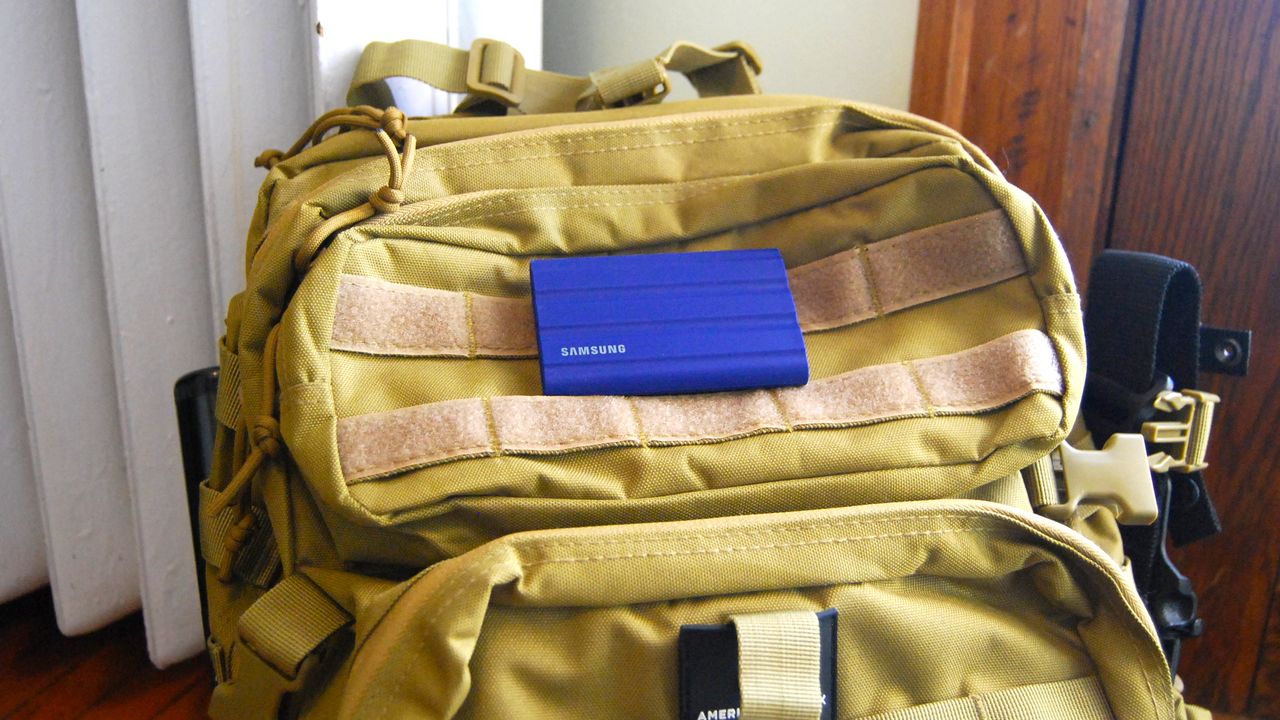
I created the drive as a safety net should the real internet ever go down for an extended period. In a world that has proven countless times to be unpredictable, having a backpack ready with survival essentials is about the minimum you can do to prepare for the future. An SSD loaded with important information is a key factor.
The SSD is loaded with documents — e-books, service manuals, maps, and miscellaneous guides — that could prove useful should I ever find myself cut off from the internet and its wealth of knowledge.
While my SSD will hopefully never become useful, and this will all have been a waste of time, I'd like to help you get your own vault of documents ready. Just in case. Here's how to do it.
The rugged SSD I'm using to save the internet
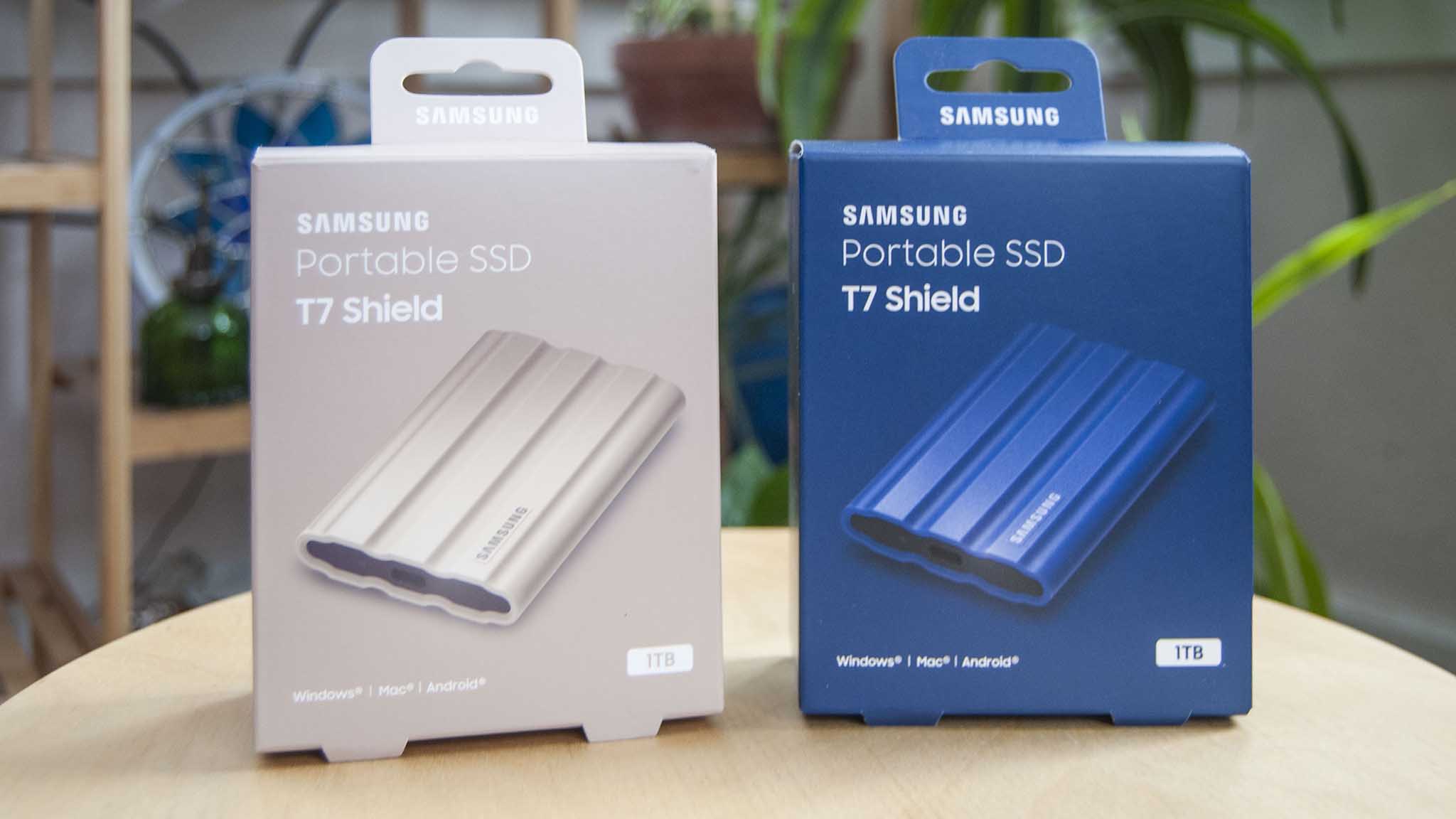
The external SSD I've chosen to safeguard my documents in the case of a catastrophe, as outlined here, is Samsung's T7 Shield. I have two of them loaded up with the same documents, lest one fails and dooms all of my preparations.
I reviewed the T7 Shield when it launched in 2022, remarking on its shockproof exterior coating, IP65 water and dust resistance, built-in encryption and password protection (not very important in this case), and stellar performance.
Unfortunately, prices for Samsung's T7 Shield have skyrocketed in recent months due to global DRAM and NAND shortages, and a 1TB model is now priced at about $224.99. Thankfully, SanDisk's 2TB Extreme Portable SSD is still sitting at about $272, a much better value.
If you'd rather save some space and lower the weight of your backpack, a microSD can make for a great alternative. They're generally super reliable (plus they're waterproof), and you can get a 512GB card for about $104 at Amazon.
Start with ALL of Wikipedia
Wikipedia, once derided by schoolteachers everywhere, has become one of the largest free repositories of information available on the internet. It's not perfect, but there's undoubtedly more valuable info within than you could ever hope to absorb.
The funny thing about Wikipedia is that when you remove the images and other media, the entire website of more than 62 million pages is only about 25GB in size. That's a file that's easily tucked away on an external SSD.
Wikipedia actually promotes this sort of thing, offering a Database Download guide for anyone interested. Because you're viewing Wikipedia offline, you'll also want to grab an offline reader to use should the internet fail.
I grabbed Kiwix — it's open-source and free — and placed the zipped download file on the SSD, ready for installation on a PC when (and if) the time comes. Once installed, it allows you to view Wikipedia as normal, including clickable links between pages.
Add maps for your region
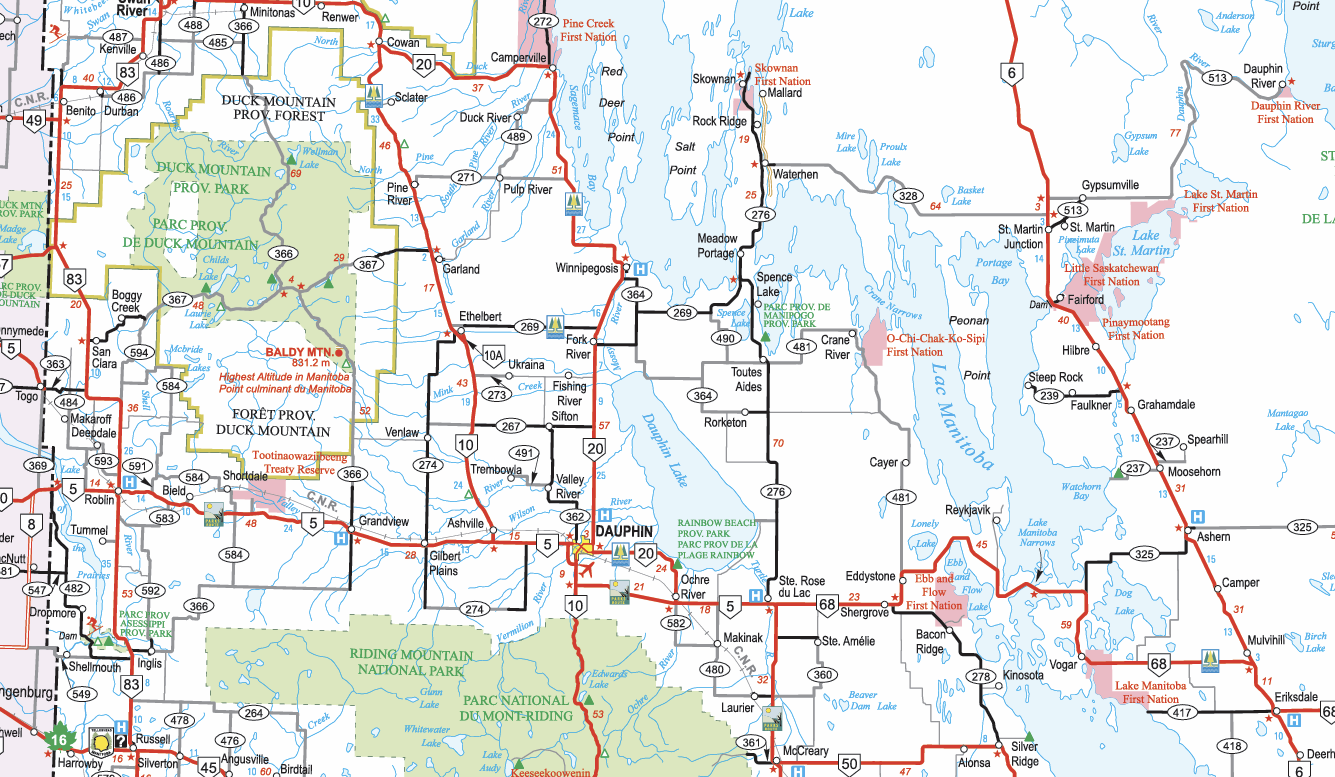
I like to think that I know my way around my province, but that's if I keep to the main highways. And, if there's ever a reason big enough to leave my home and city, I don't doubt that the highways will be packed with people also on their way to safer pastures.
While I suggest everyone carry around a physical road map in their car — they're still easy to find at gas stations — having digital copies on your SSD isn't a bad idea. Government agencies typically offer high-res maps for free to download; you just have to search them out, depending on your location.
I have a full Canada/US road atlas saved, as well as more granular maps for Canada and the nearby home provinces.
Medical books and manuals could save a life
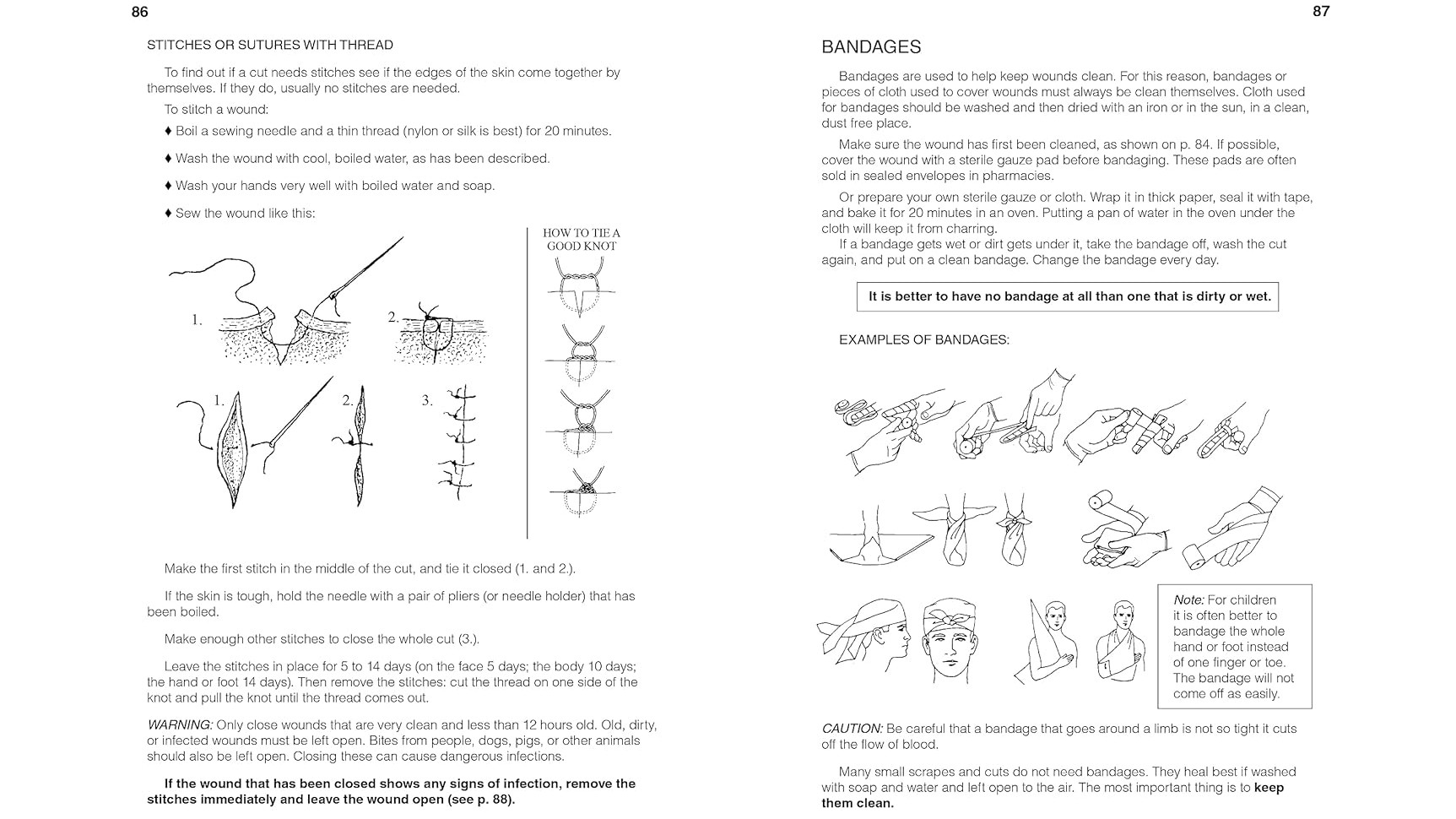
Is someone choking on their rabbit stew? Better take a quick look at YouTube for a Heimlich maneuver instructional. Need to figure out why that wound is turning dark red? Pull up WebMD. Oh, that's right. Those tools don't work anymore.
The tendency to self-doctor thanks to medical knowledge found online continues to rise, and we're getting pretty good at figuring out what's wrong before seeing a specialist. Not so much if you're cut off from the internet's medical knowledge.
Various medical instructionals, manuals, and guides should make it onto your SSD, especially if you're currently dealing with any focused maladies or diseases. Even if you know how to deal with the issue, someone else might not.
David Werner, Carol Thurman, and Jane Maxwell wrote an excellent book titled Where There Is No Doctor with just about everything you need to know about rudimentary medicine.
I found a PDF version of the book that will open on just about any PC. Official copies in digital form are hard to find, so I'll leave that up to your search skills rather than get myself into any legal trouble.
Include technical manuals and codes
Also found on my survival SSD are things like Morse Code charts, gas pump user manuals (you might need to get gas out of an abandoned station), the periodic table, mathematics textbooks, a manual for my generator, and various other survival documents that could come in handy one day.
What could prove most useful is a book called Dick's Encyclopedia of Practical Receipts and Processes written by William B. Dick. You can pick up an e-book version for about $15 on Amazon. If you find yourself preparing to live again as they did in the late 1800s, this is the go-to document to have on your SSD.
Don't forget to have some fun
The world as you know it is falling apart around you, and you're sick of reading up on survival tactics that you saved on your SSD. You need an escape! Good thing you saved some of your favorite movies, TV shows, and books on your hard drive.
Text documents don't take up a lot of space, so, assuming you bought a drive with a sizable capacity, it should easily have enough room for some of your favorite media to come along for the ride.
Which laptop is best for the apocalypse?
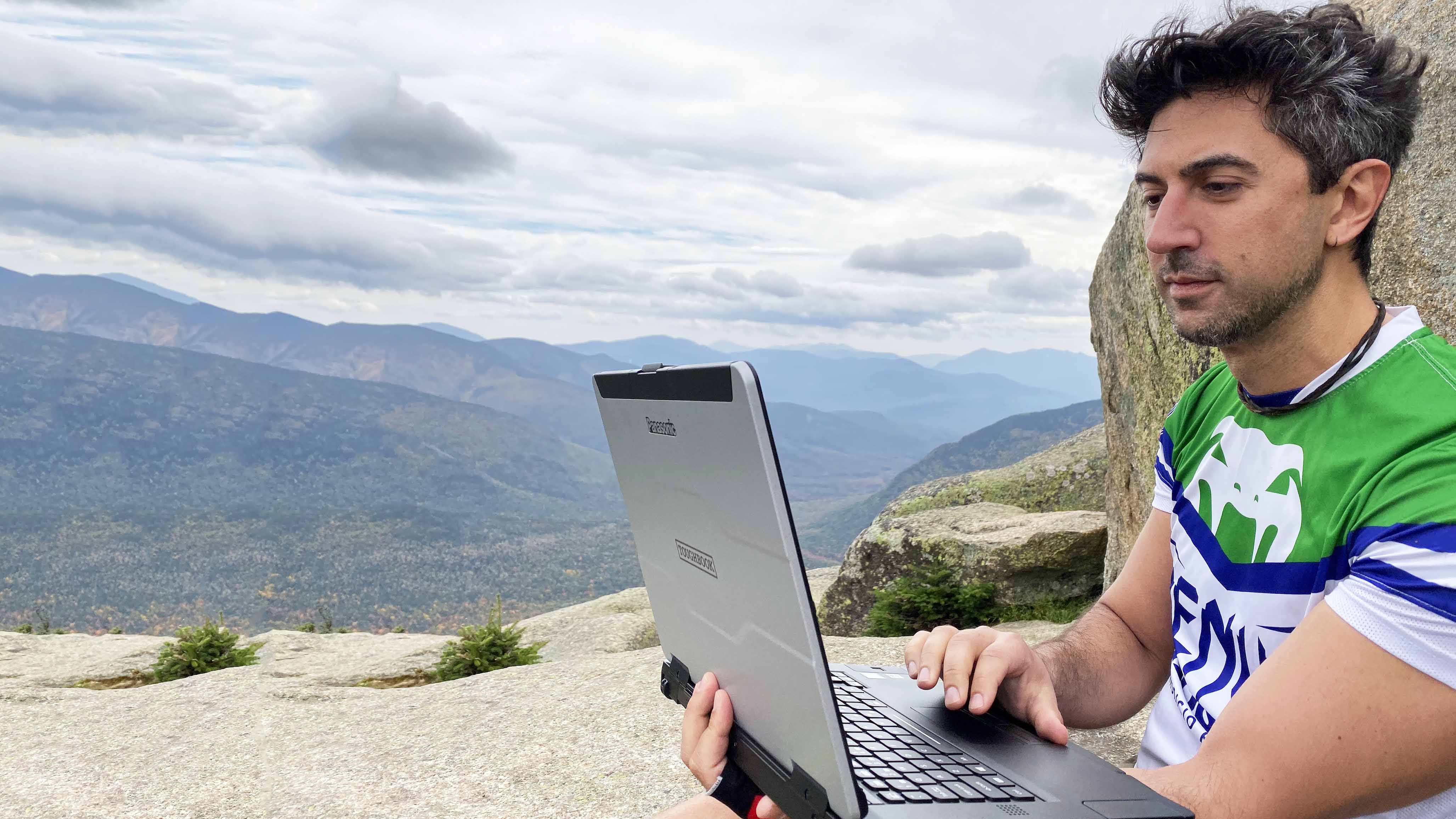
If there's one laptop I'd trust to come with me into the face of a major disaster, it's the Panasonic Toughbook 55 Mk3 that was released in 2024. Sure, the SSD I've used to save the internet can hook up to almost any tablet, laptop, or desktop PC with USB-C, but the slim and sleek aluminum devices I'm so used to using won't fare well on an expedition.
The laptop is designed from the start with emergency responders, law enforcement, military, and industrial sectors in mind. That's evident just from looking at the chunky design.
Windows Central Editor-in-Chief Daniel Rubino reviewed the Toughbook 55 Mk3, noting:
"Panasonic is almost unmatched in this field, and the Toughbook 55 shows why. Its rugged and semi-rugged PCs (and Android tablets) have not just the best features and designs but the best features and designs its core customers want. Panasonic then executes those requirements with outstanding engineering.
"Equipped with a 13th-generation Intel processor, built-in 4G LTE, and on-the-fly customization capabilities, the Toughbook 55 stands out as the premier semi-rugged laptop currently available and is expected to remain at the forefront for the coming years."
I'm not suggesting everyone go out and buy one of these — the $2,849 price tag spotted recently at Amazon will get in the way — but it's definitely a unique laptop that will likely survive longer than any of our other favorite laptops.
Have you created something similar to get you through an extended internet outage?
I know I'm not the only one who's concerned about data safety and access to information should the internet ever go down for an extended period. Have you done something similar to what I've laid out above? Let me know in the comments section!

Join us on Reddit at r/WindowsCentral to share your insights and discuss our latest news, reviews, and more.