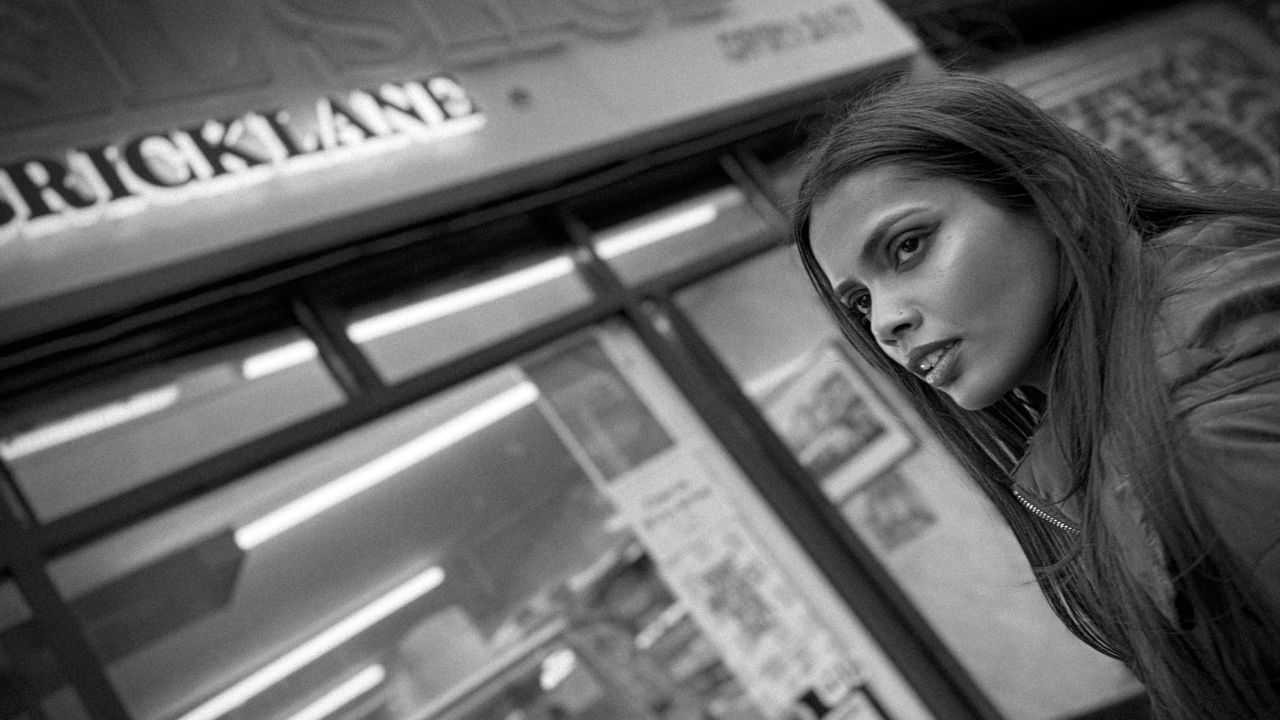
If I’m testing a gadget for Digital Camera World, then I usually head to the Barbican Centre in London, England. The Barbican’s sprawling maze of Brutalist architecture makes a great location for a model shoot, especially when I need to light them with an LED or test out a variety of fog machines in the location’s long, dark corridors.
When Apple lent me an iPhone 17 to review as a camera, I predictably shot at the Barbican. However, I also wanted to put the iPhone 17 through its paces in a new location, to break free of the Barbican’s familiar grey-and-brown color palette and stony textures.
I only had my model for two hours, so I decided to ask the machine mind of ChatGPT to conjure up a London-based two-hour photo walk that would give me a wide range of locations in which to shoot my model.
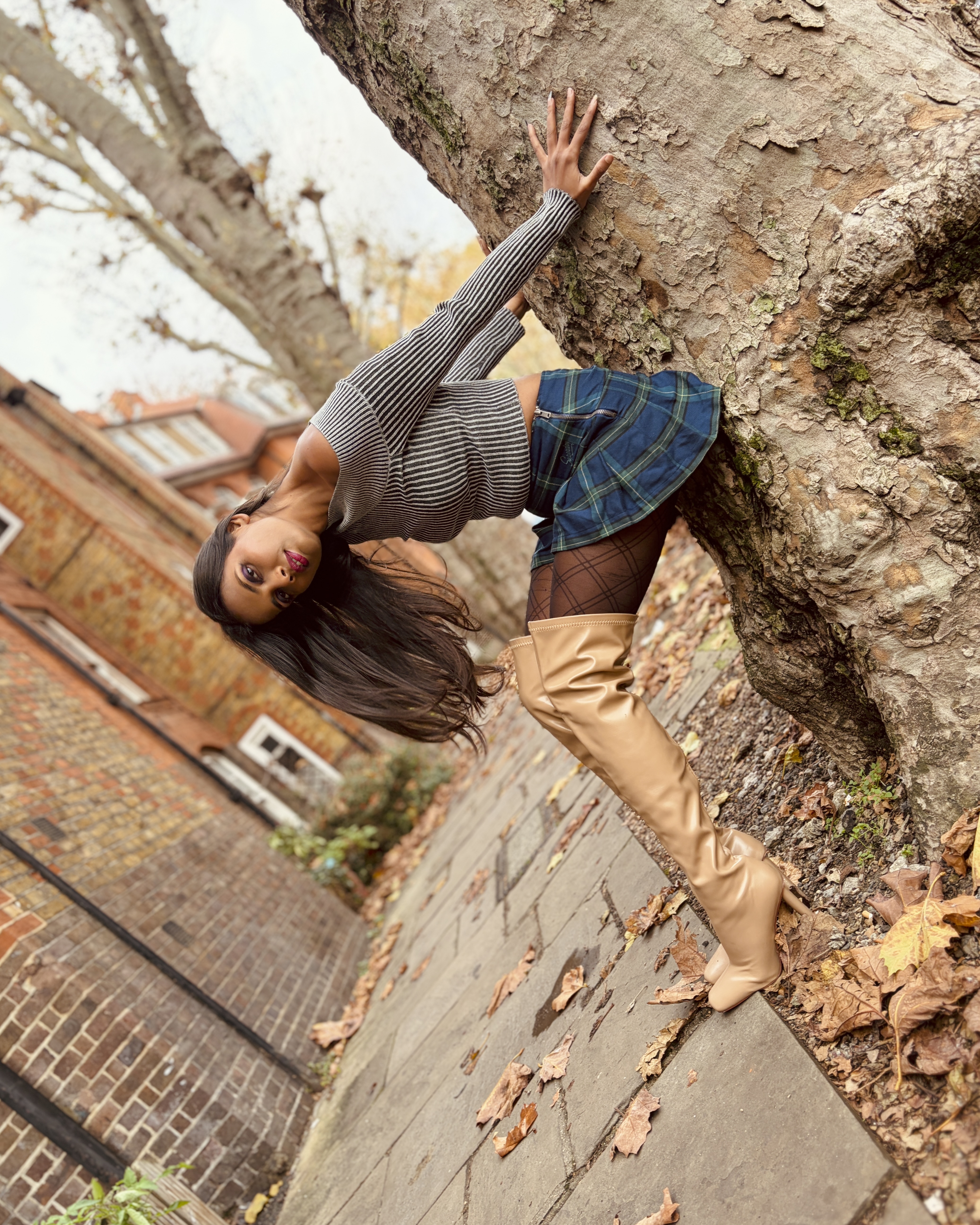
I hadn't really used ChatGPT before for a project like this, but I was impressed by the speed at which the app created a location-based itinerary in part of London that I’d not visited since the last century: Shoreditch.
It struggled to give me a usable map with a detailed route inscribed on it, but it did give me the following route, complete with a timetable – and each location had some suggestions on what type of subjects and shots I could expect to capture!
I checked out ChatGPT’s suggested route on Google Maps and was able to use Street View to get a better preview of the locations that it suggested I visit. Here’s the photo walk timetable, route and some potential photo subject suggestions, and even a selection of shooting tips that it suggested:
Route Summary:
Start at Boxpark Shoreditch → Walk along Redchurch Street → Head to Brick Lane → Turn into Chance & Whitby Streets → End at Arnold Circus.
Time 0:00 – 0:20
Location Boxpark Shoreditch
Style / Highlights Urban, modern lines, signage.
Photo Ideas Geometric backdrops, glass reflections
Time 0:20 – 0:45
Location Chance & Whitby.
Style / Highlights Streets Graffiti concentration, artistic vibe
Photo Ideas Edgy portraits, shade light tests, color contrast
Time 0:45 – 1:15
Location Redchurch Street
Style / Highlights Boutique storefronts, muted tones, cobblestones.
Photo Ideas Shopfront portraits, mirror reflections, lifestyle
Time 1:15 – 1:40
Location Arnold Circus
Style / Highlights Soft greenery, vintage London brick, calm atmosphere.
Photo Ideas Depth layering on staircases, natural skin tones
Time 1:40 – 2:00
Location Brick Lane
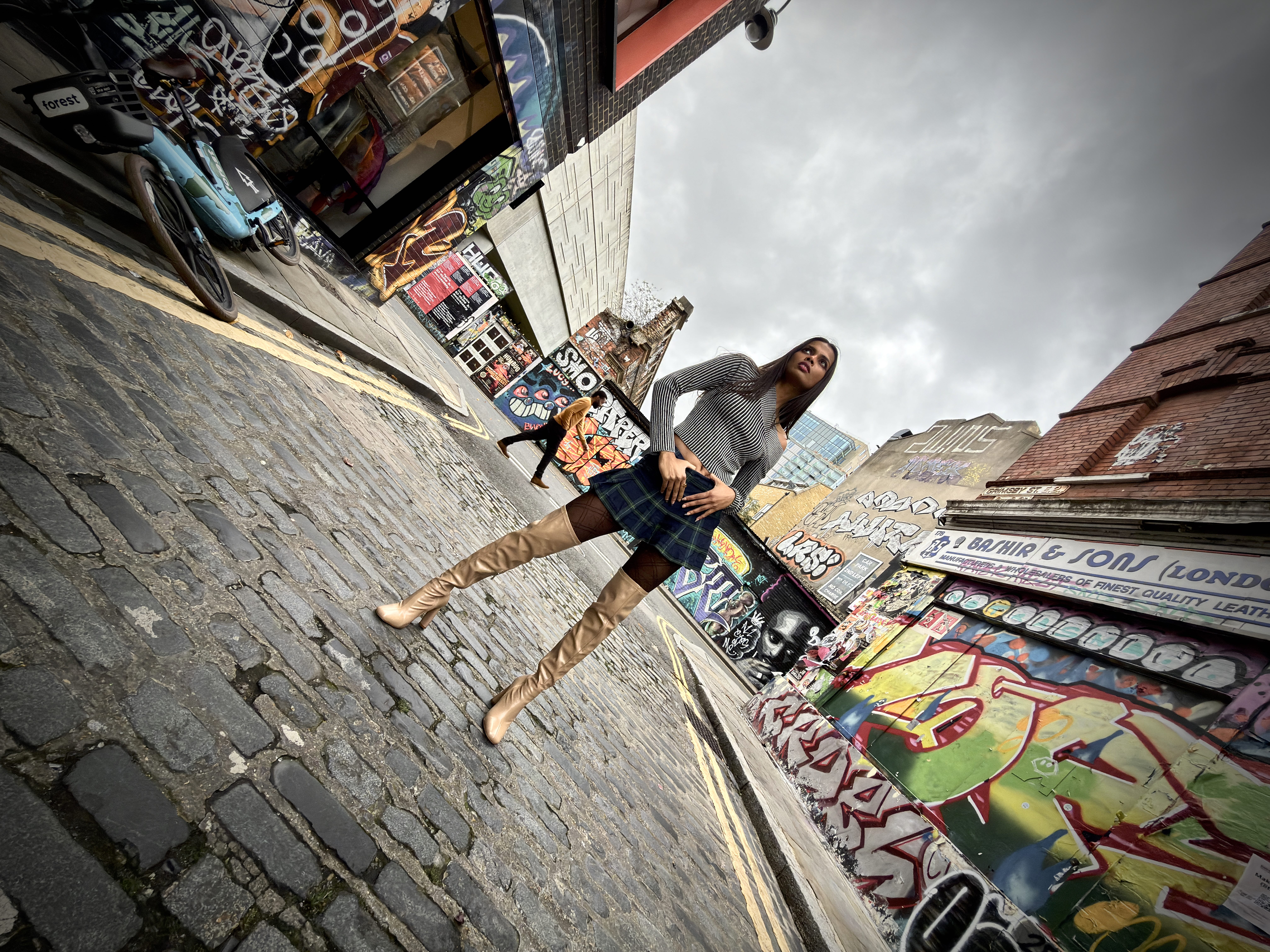
Style / Highlights Street art, graffiti, markets, lively texture.
Photo Ideas Murals as backdrops, walking shots, wide vs portrait
Shooting Tips:
Best time: Early morning or golden hour for softer light and fewer crowds. Bring a small reflector or white card for shaded shots. Test ultra-wide for murals, standard for portraits, and telephoto for compression shots. Each stop is 5–8 minutes apart — stay flexible for spontaneous moments.
So, armed with my AI-powered itinerary, I headed to London. I planned to meet my model, Maddy (@Runway.voguish), at 14:00, so I arrived an hour early to do a quick recce of ChatGPT’s proposed route. I soon realized that there was a fair bit of zig-zagging, so I re-ordered the itinerary in my iPhone 17’s Notes app.
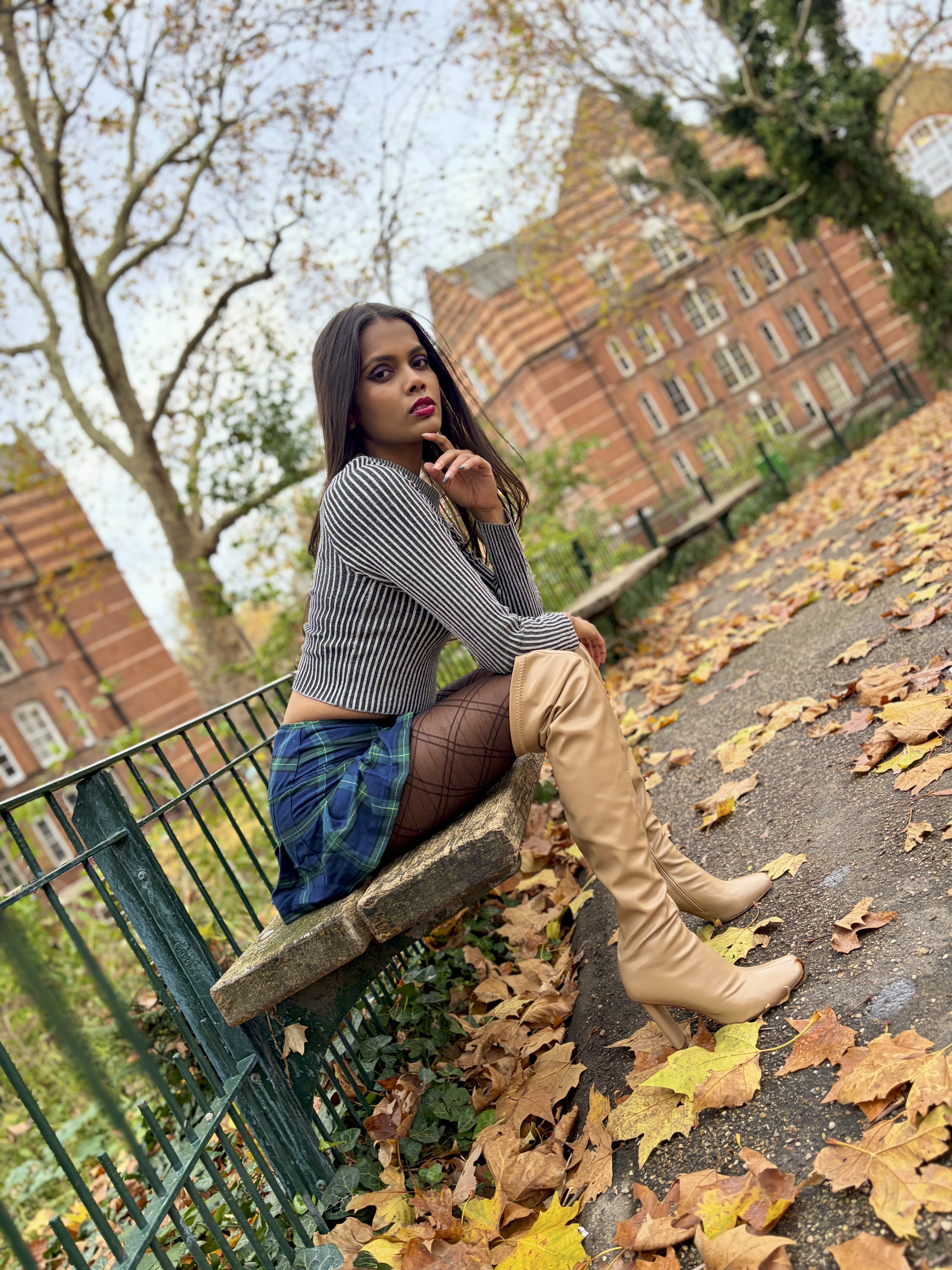
The recce was a good idea, as it showed me that ChatGPT had indeed provided me with some fantastic locations, from the autumnal leaf-strewn Arnold Circus, to a park surrounded by beautiful Victorian red-brick mansion blocks and tenements, to the shop fronts and graffiti-sprayed walls of Brick Lane.
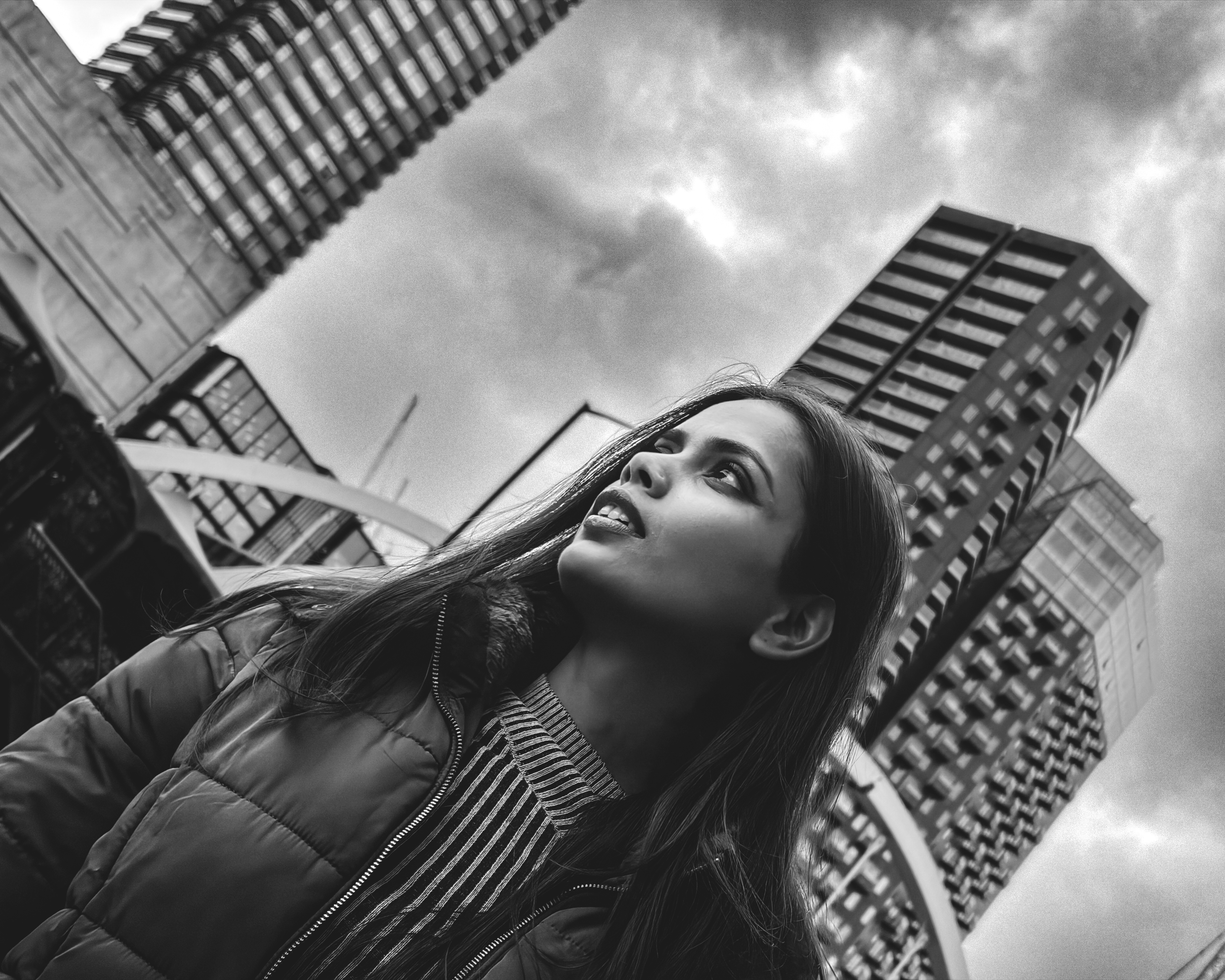
When I met Maddy I was completely relaxed, as I knew where I was going and what backdrops I would be shooting her against. This gave us time to fit in a coffee break in a beautiful non-franchise coffee shop, which itself provided a lifestyle photo opportunity of Maddy drinking her coffee.
I enjoyed my ChatGPT-inspired photo walk, and it certainly provided me with a much wider range of subjects and backdrops than I usually get from my regular photo walk haunts. I used ChatGPT’s suggestions as a springboard for my shoot and was happy to tweak its timetable and location suggestions once I’d recce’d the location.
It’s certainly an experiment that I can highly recommend – and as you’ll hopefully see from my shots, I captured a wide range of colorful and varied images on the iPhone 17, using its Ultra Wide 13mm, 26mm Main, and 52mm Telephoto lenses.