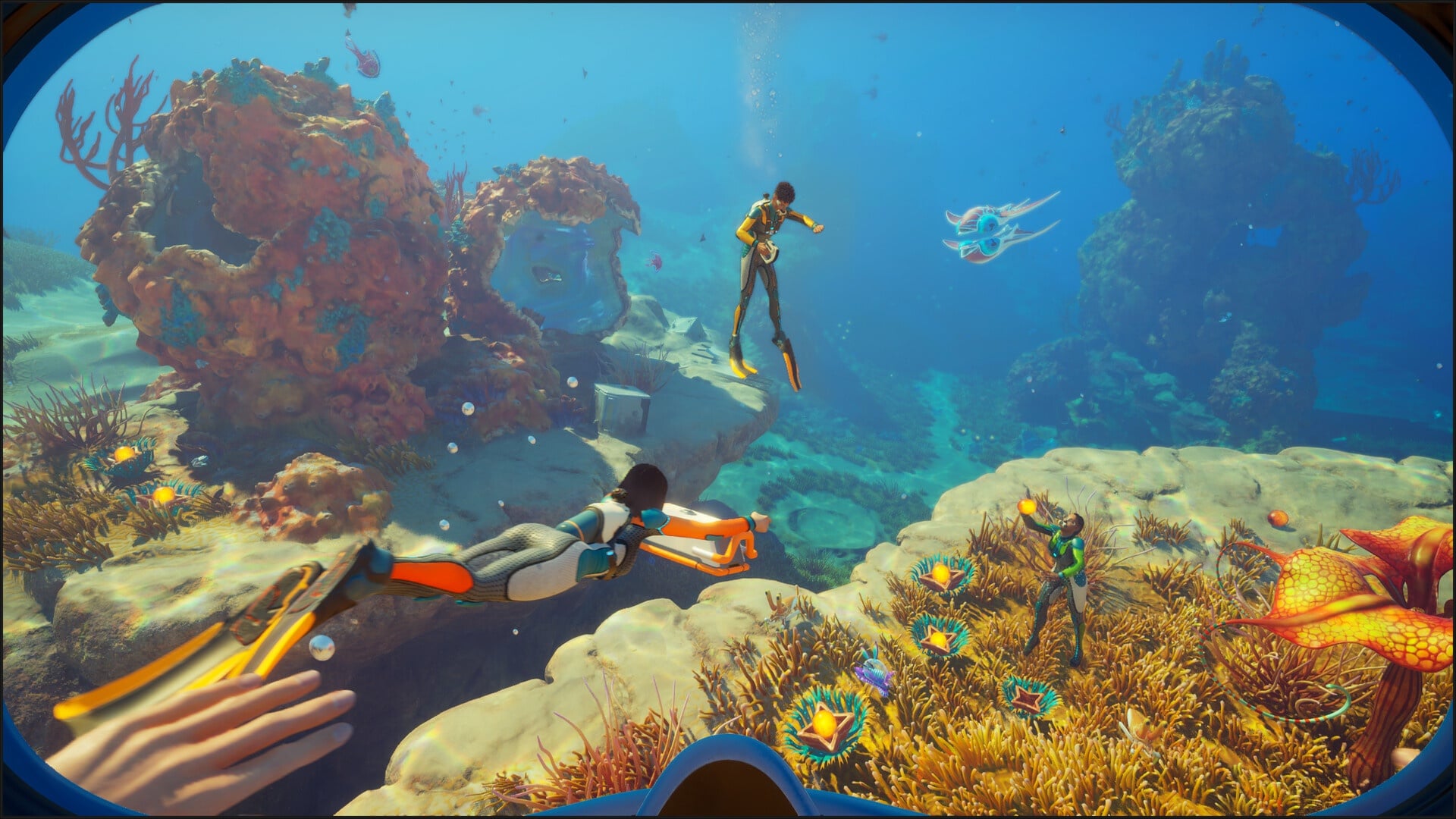
Subnautica 2 is now available in early access, and we can take advantage of the in-game settings for the best visual performance. This isn't the most demanding of games to release in recent times. However, you'll still want to ensure general smoothness on your underwater adventures.
Best Subnautica 2 graphics settings
Here's my current set of specifications that I am using to run Subnautica 2.
- AMD Ryzen 5600G
- 16 GB of DDR5 RAM
- NVIDIA RTX 3060 12 GB
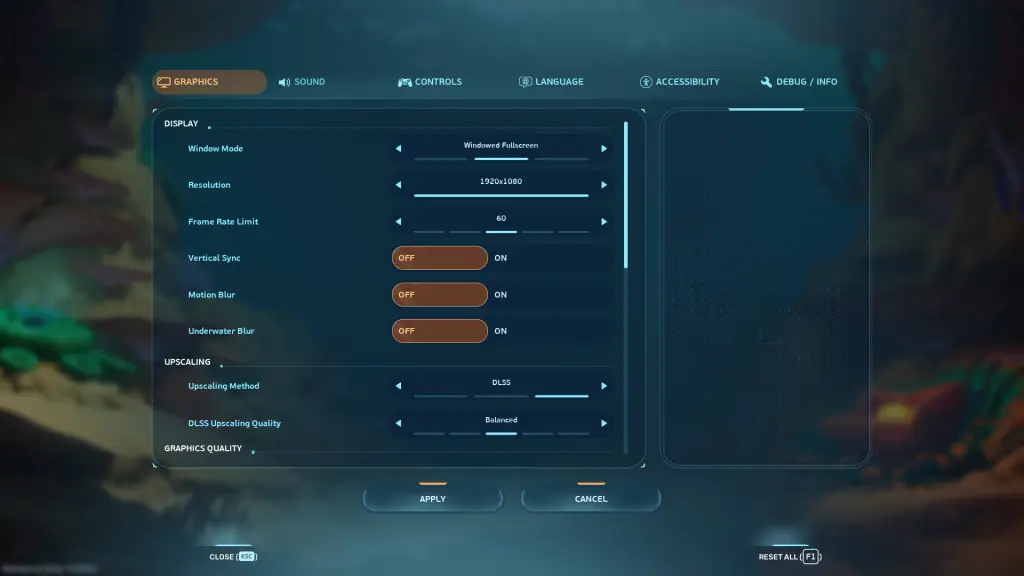
Here's the current set of Graphics settings I am using with the early access build.
- Window Mode: Windowed Fullscreen (Go Fullscreen if you're using only one monitor)
- Resolution: 1920x1080 (Personal preference)
- Frame Rate Limit: 60 (I tried higher settings, but there have been brief moments of stuttering. It's best to wait for a few post-launch patches before giving the higher FPS limit a try).
- Motion Blur: Off
- Vertical Sync: Off (You lose very little by turning this off).
- Underwater Blur: Off
- Upscaling Method: DLSS (TSR if you're using an AMD card)
- DLSS Upscaling Quality: Balanced
- Global Illumination: Medium
- Shadows: Low
- View Distance: High
- Textures: Medium
- Shading: Medium
- Foliage: Medium
- Effects: Low
- Reflections: Medium
- Post Processing: Medium
- Landscape: Medium
- Clouds: Low
While Subnautica 2 is an early access launch, the graphics have felt pretty smooth so far. The only incidents of stuttering occurred when I didn't limit my FPS. Once I put a 60 FPS limit, I haven't encountered any lag.
If you're still encountering lags, just change from Medium to Low and test how the game performs. You can also apply a 30 FPS cap. While the results won't be optimum, you should be able to keep the lag away.
I am also expecting Unknown Worlds to drop post-launch patches soon. Some of it will be related to new content, like more Blueprints, but it should also help improve the general optimization of Subnautica 2 on different devices.
The post Best Subnautica 2 graphics settings for no lag and max FPS appeared first on Destructoid.