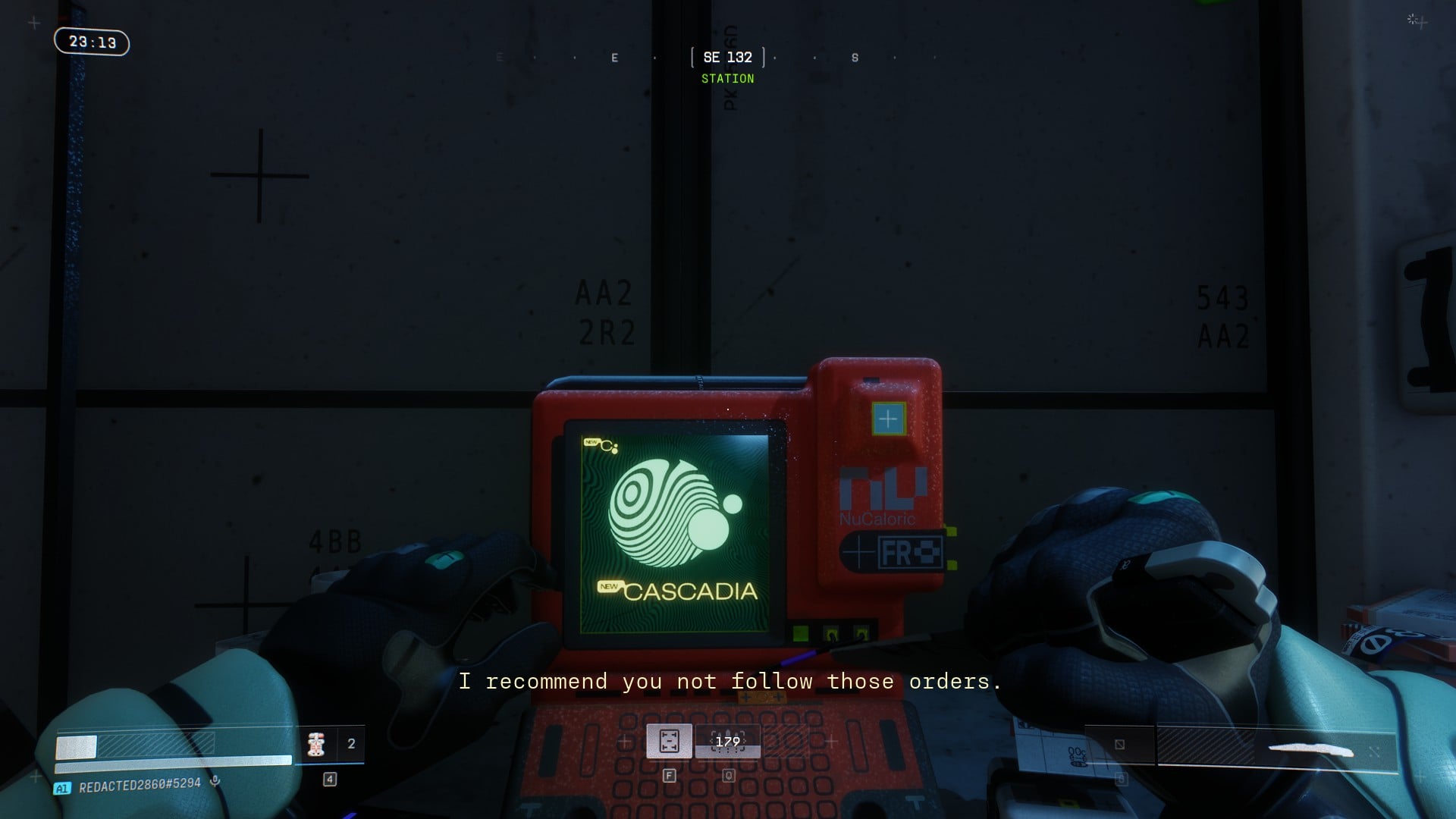
Marathon is now live on PC and consoles, and you can change a fair amount of settings on the former platform to get the best out of your hardware.
Things are looking pretty well-optimized on the first day of launch. However, you still make a few more tweaks to get the smoothest gameplay, minus any lag or stutter.
Best Marathon graphics settings
Before I deep dive into the best settings, here's my current system.
- AMD Ryzen 5600G
- NVIDIA RTX 3060 12 GB
- 16 GB of DDR5 RAM
Here are my current settings that I am using for the game.
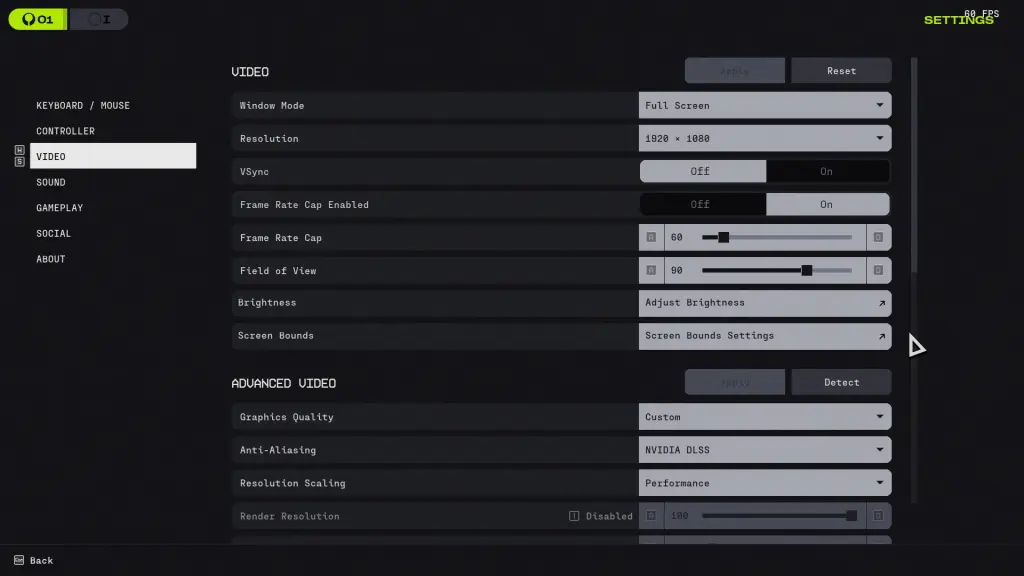
- Resolution: 1920x1080 (Depends on your personal setup)
- Vsync: Off
- Frame Rate Cap Enabled: On
- Frame Rate Cap: 60
- Field of View: 90
- Graphics Quality: Custom
- Anti-Aliasing: NVIDIA DLSS/AMD FSR
- Resolution Scaling: Performance
- Screen Space Ambient Occlusion: Highest
- Anisotropic Filtering: 4x
- Texture Quality: Medium
- Shadow Quality: Low
- Environment Detail Distance: High
- Character Detail Distance: High
- Foliage Detail Distance: Medium
- Light Shafts: Medium
- Motion Blur: Off
- Chromatic Aberration: Off
- NVIDIA Reflex: On
- UI Refresh Rate: Medium
A few pointers to note about the settings.
- Playing Marathon with uncapped FPS is definitely the way to go, but it seems to cause stutters on my end when an enemy explodes. Keeping the FPS capped to 60 has removed that problem for me and allows me to keep things smoother. A lag in a gunfight can be absolutely terrible, and more so if it's against an enemy player.
- I have turned off the Vsync since it offers very little, but eases the hardware load. This should be a must (turning it off) if you have relatively older hardware.
That's about the best video settings you can use in Marathon right now. Things could change once Bungie collects the feedback and drops some post-launch patches for PC.
The post Best Marathon graphics settings for no lag and max FPS appeared first on Destructoid.