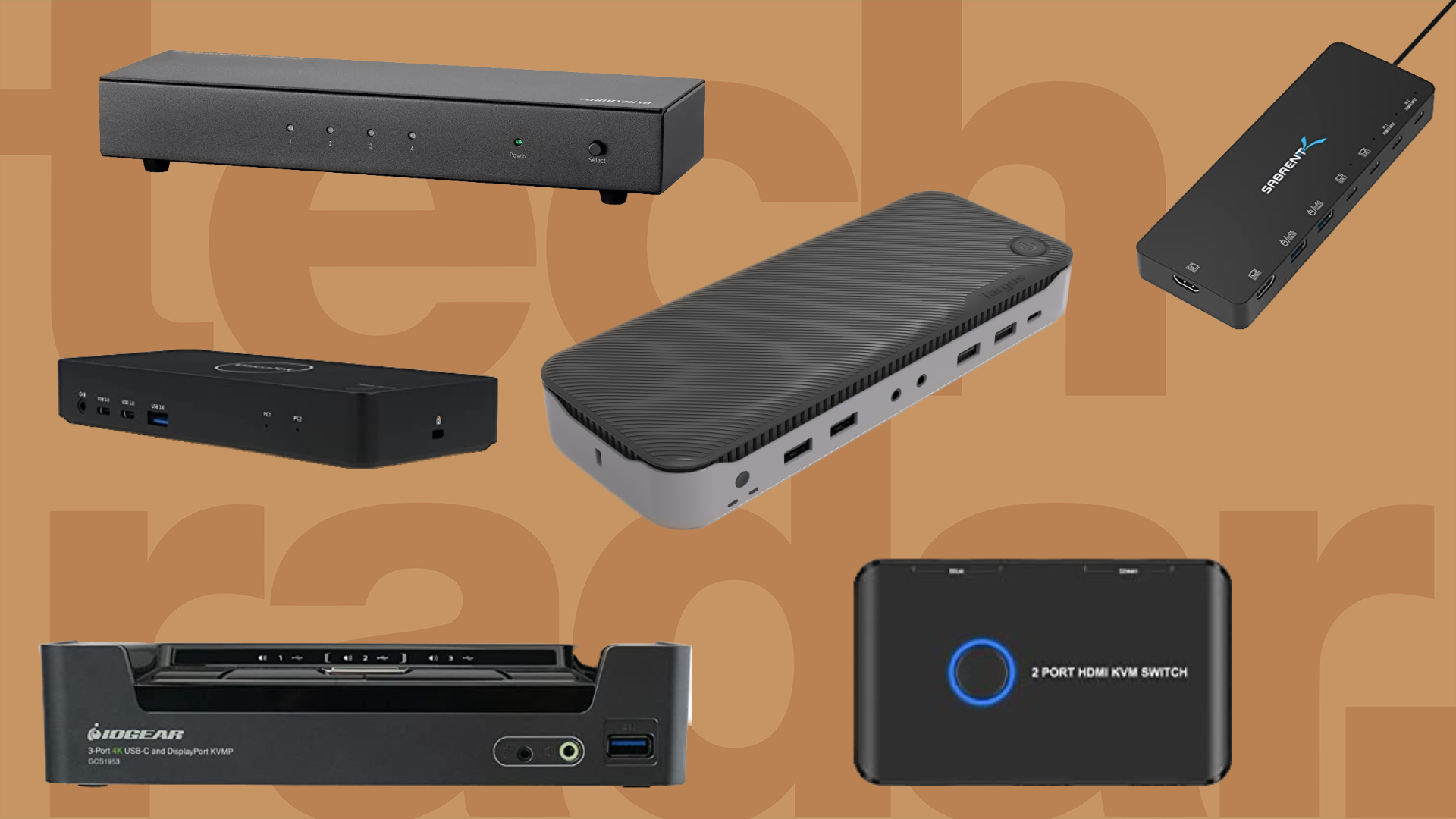
A KVM switch is what you need when you are trying to control two or more devices using a single set of keyboard, video output or mouse (KVM stands for Keyboard-Video-Mouse).
You may want to do this to improve your productivity, to make better use of your desk space or simply because your employer has decided to enforce the use of a company laptop.
It usually works across all types of devices and operating systems (Linux, Windows, MacOS, Android, Chrome OS). Devices can be anything: laptops, desktops, smart TVs, android boxes, gaming consoles, even smartphones or tablets and of course Raspberry Pi.
Note that a KVM switch is different from a laptop docking station, which usually handles only one device. They are often interchangeable though with some high end monitors also integrating KVM functionality.
Perhaps the most underrated and misunderstood computer accessories around, these peripherals were - for a long time - only found in enterprise setups where they were a common sight in data centers or server rooms. The shift to hybrid working and work from home changed all this and even more so in 2023 and 2024.
The cheapest and most basic ones are usually made out of plastic and have a limited number of ports while more complex ones will allow you to connect other peripherals (USB flash drive, webcam, headset etc) as well as control more devices and displays. Bear in mind that they do not usually provide an external power supply.
We’ve selected the best KVM deals based on their price at the time of writing and considered their features and overall ratings when including them. We have not reviewed all of them.
Best KVM deals of 2024
What is a KVM switch?
KVM stands for keyboard, video, and mouse. It’s traditionally a switching device which allows users to control multiple host machines from a single keyboard, monitor, and mouse.
It can split one computer into several different screens that all use the same keyboard and mouse. Or if your monitor has more than one input port, like an HDMI and DisplayPort you can use 2 different computers on one screen. Simply press a button to go back and forth. So for example; We have one large monitor that has 4x HDMI ports on the back. We can then plug 4x different computers into the monitor.
Your keyboard and mouse plug into the KVM switch. There is a box with a button that comes out the back of the KVM switch. This is used to select which computer you want to control. So what we see is a large monitor with 4 zones, each zone is a different computer. We press the button in the box to select which computer is active and the keyboard and mouse works with that. Select the button again and the second computer is active.
What is a software KVM and is it good?
Some KVM vendors have a companion software that can be optionally installed to facilitate the sharing of a keyboard and mouse over two connected host machines (Windows and Mac). When the dock is switched to dual host mode, it allows the control of either host machine by simply moving the mouse cursor to the desired host. Users can then start typing without needing to switch like a conventional KVM device. It’s very useful in situations where the end-user needs to work on two operating environments such as software coding or hybrid work desk used by thin client and laptop users. When operating in single host mode, like normal KVM switching, the software is not necessary.
Are KVM switches great for gaming (in terms of refresh rates and latency/lag)?
(Answered by David Mak)
The gaming market requires very different hardware compared to a conventional KVM switch. In these cases, a KVM switch supporting high refresh rate video connections is required. Most docking products are limited to 60Hz refresh rate, but competitive gaming requires 120Hz and beyond with very low input lag. This is must also be accompanied by graphics sustaining equally high frames per second, high refresh rate monitor, high polling rate input devices, and optimised internet traffic to deliver end-to-end low latency gaming performance. Obviously, talent contributes the biggest factor with good hand-eye coordination.
How to choose a KVM?
(Answered by David Mak)
It starts with understanding how many host machines you want to support and what connections (DP, HDMI, USB, Ethernet, Audio) you will need. Then, it’s important to understand the type of tasks that need to be performed. For example, if you work with highly sensitive data, you will want to pick a secured KVM product. If you work with mission critical tasks, then a high reliability KVM is preferred. If you want to control/switch host machines in different physical locations, then an IP-based digital KVM makes more sense.
How to choose a KVM?
(Answered by David Mak)
It starts with understanding how many host machines you want to support and what connections (DP, HDMI, USB, Ethernet, Audio) you will need. Then, it’s important to understand the type of tasks that need to be performed. For example, if you work with highly sensitive data, you will want to pick a secured KVM product. If you work with mission critical tasks, then a high reliability KVM is preferred. If you want to control/switch host machines in different physical locations, then an IP-based digital KVM makes more sense.
KVM switch vs docking stations vs USB switch : What's the difference?
(Answered by David Mak)
A KVM switch is a switching device allowing users to control multiple host machines from a single keyboard, monitor and mouse. A docking station is a port multiplication device which offers a multitude of ports preconnected to peripherals, making instant connection possible via single cable to the host machine. A USB switch is a kind to a USB hub that connects two host machines and is equipped with a switch for selecting between the two hosts. It typically does not have video switching capability unlike a KVM.