Online forms play a central role in how businesses collect data, capture leads, accept payments, and run internal workflows in 2026. Spreadsheets, email chains, and manual data entry no longer scale. Modern teams rely on form builder software to automate these processes without writing code.
Today’s best form builders do more than collect responses: they connect forms to CRMs, trigger automations, handle payments, and organize data in real time. Many also replace simple surveys, intake systems, and internal tools that once required custom development.
This guide compares the best form builders in 2026 for businesses, creators, and teams. Each tool is reviewed based on real-world use cases, not feature checklists. The goal is to help readers choose the right online form builder for their needs, budget, and workflow.
The best form builders of 2026
Jotform
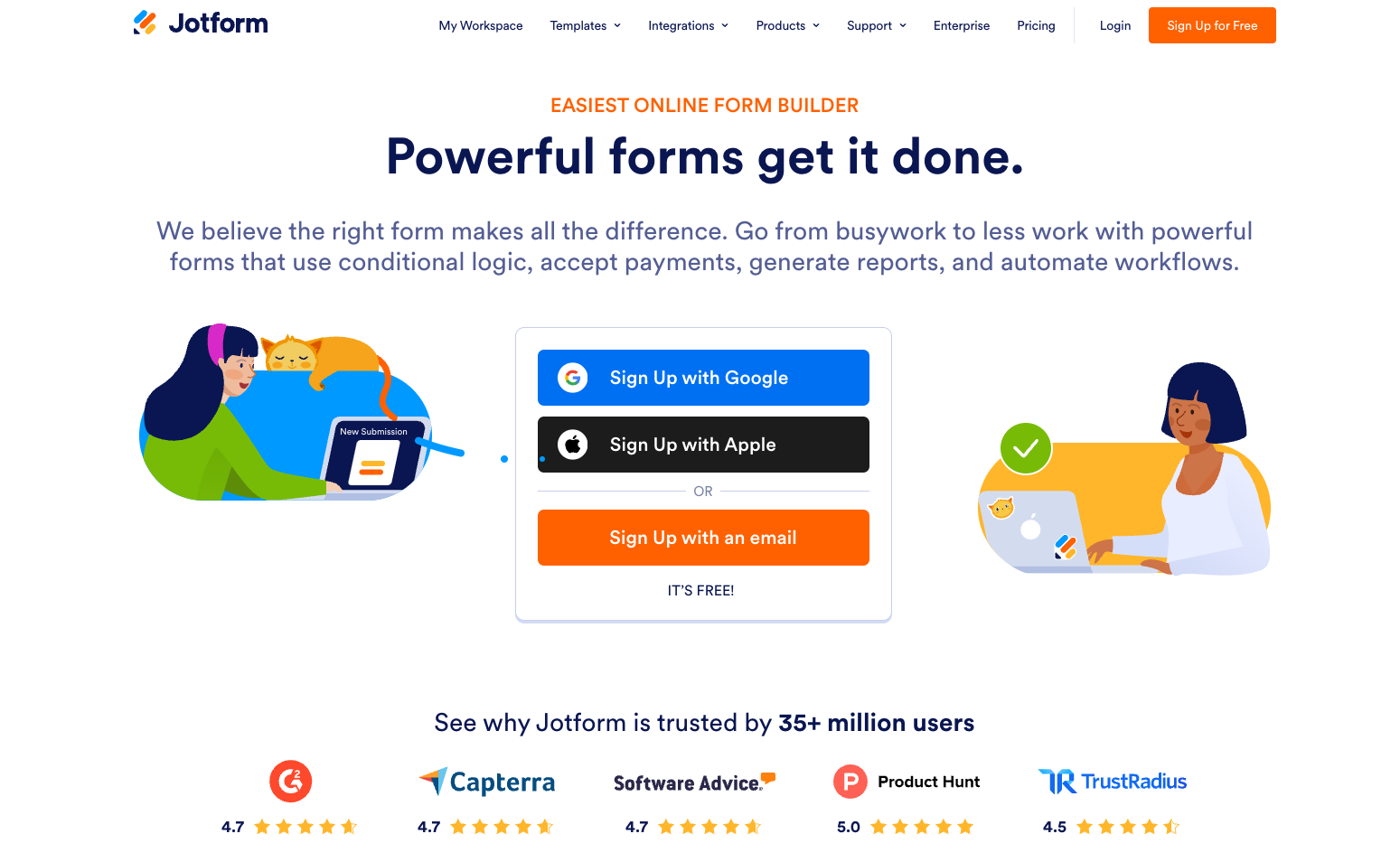 Image via Jotform
Jotform stands out as a flexible and complete form builder solution in 2026. It offers everything from simple contact forms to complex flows with approvals, payments, and conditional logic. The platform combines ease of use with advanced features, and that's what makes it suitable for small teams and large organizations alike.
The drag-and-drop builder is fast to learn. Forms can be styled heavily without custom code, and advanced features are available without forcing users into technical setup. The evolving Jotform AI features also make it easier to get started with just prompts, and Jotform even offers an AI form builder for Google Workspace.
Jotform pros
- Very simple drag-and-drop form builder
- Strong conditional logic and calculated fields
- Large template selection for many industries
- Built-in payment processing and approval flows
- Users can create AI agents, chatbots and no code apps
- Wide integration support with CRM and automation tools
- Almost all features are available on the free plan
Jotform cons
- Advanced workflows may have a learning curve
Jotform pricing plans
- Free starter plan, includes almost all features
- Bronze: $34/month
- Silver: $39/month
- Gold: $99/month
- Enterprise: Custom pricing
Jotform is best for
Teams that want one no-code form builder and a workspace to handle lead capture, payments, internal requests, and automated workflows without switching tools.
Typeform
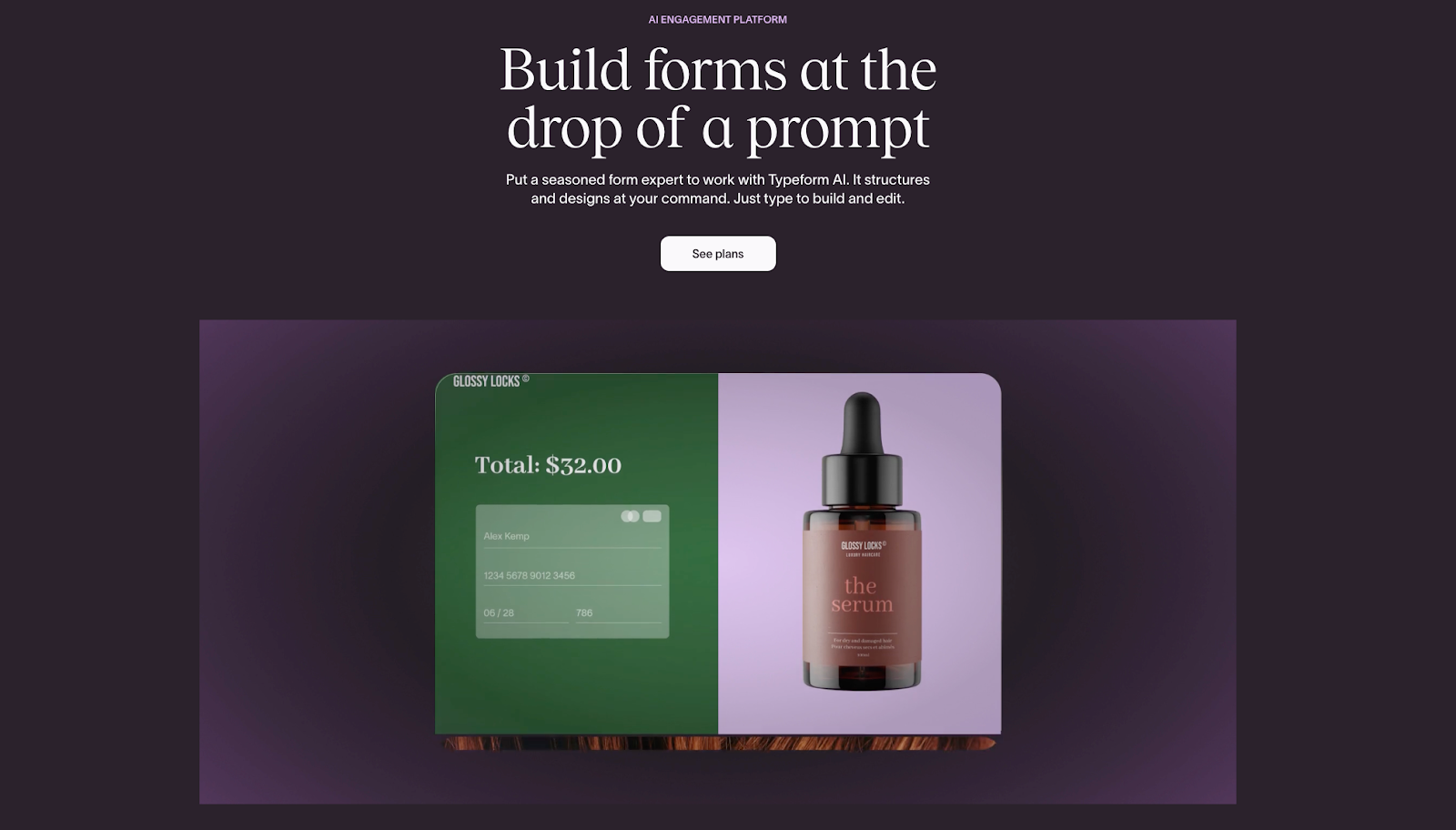
Image via Typeform
Typeform offers conversational forms designed to feel more like a guided experience than a traditional questionnaire. Each question appears one at a time, which can lead to higher completion rates for surveys and lead forms.
The platform is design-first and works well when presentation matters as much as data collection.
Typeform pros
- Modern and sleek design for forms and user interface
- High completion rates
- Easy to embed on websites
Typeform cons
- Limited layout options beyond one-question format
- More expensive compared to competitors
- Less suited for complex automated workflows,
Typeform pricing plans
- Free plan with some limited features
- Plans for everyone:
- Basic plan: $25/month
- Plus plan: $50/month
- Business plan: $83/month
- Enterprise plan: Custom
- Plans for marketers:
- Growth Essentials plan: $166/month
- Growth Pro plan: $291/month
- Growth Custom plan: Custom
- Plans for HR:
- Talent plan: $141/month
- Enterprise plan: Custom
Typeform is best for
Marketing teams and creators who want visually polished surveys or lead forms focused on user experience.
Google Forms
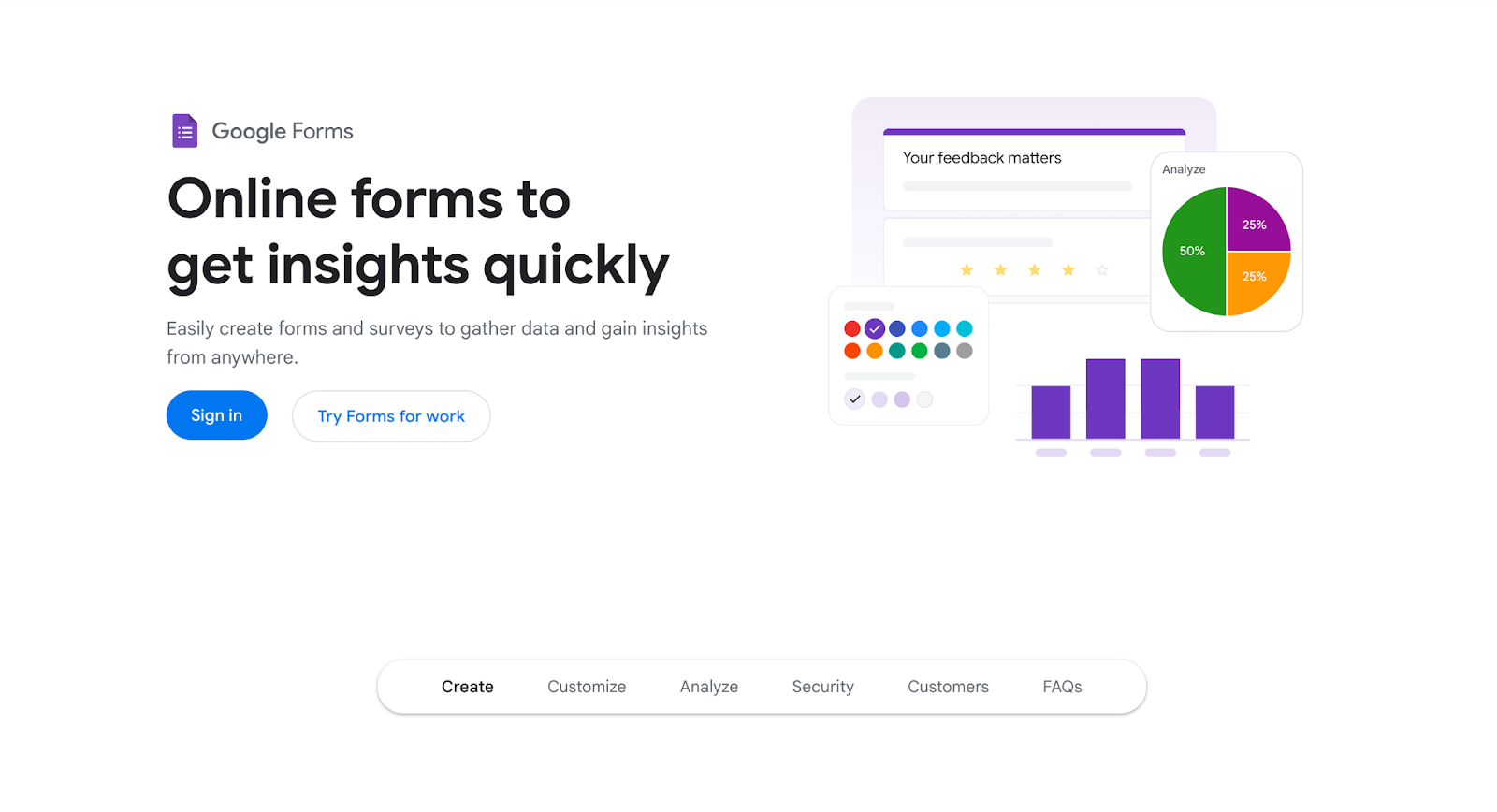
Image via Google Workspace
Google Forms remains a simple and accessible online form builder in 2026. It is tightly connected to Google Workspace and works well for basic data collection tasks.
The tool prioritizes speed and accessibility over customization or advanced logic.
Google Forms pros
- Completely free to use
- Seamless connection to Google Sheets
- Very simple setup
- Works well for internal data collection
Google Forms cons
- Minimal design control
- Limited conditional logic
- No native payment support
- Not suitable for customer-facing workflows
Google Forms pricing plans
Google Forms is free with a Google account.
Google Forms is best for
Educators, small teams, and internal surveys that do not require branding or automation.
Airtable
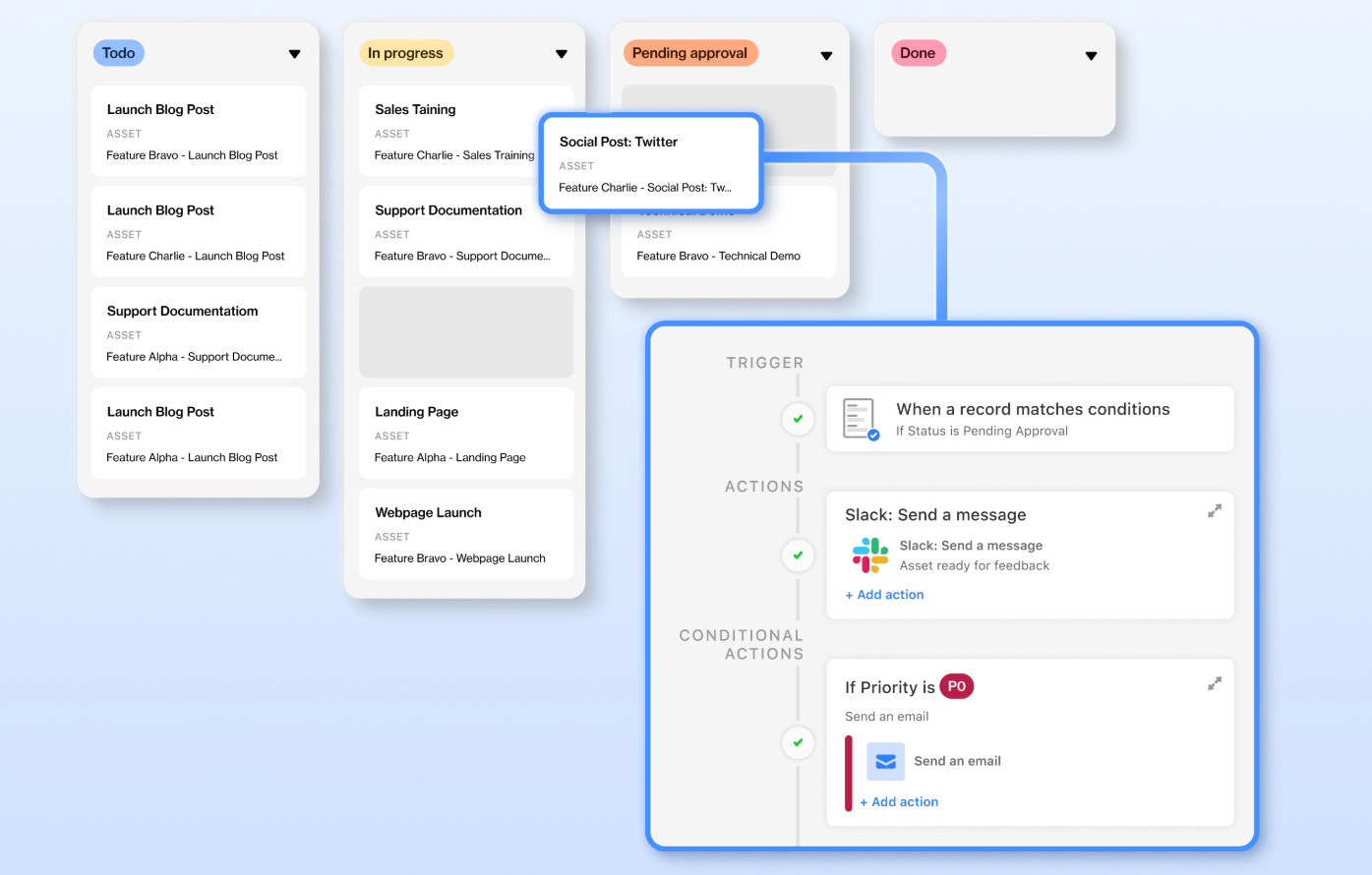
Image via Airtable
Airtable sits between a spreadsheet and a database, with forms acting as one way to collect data into structured tables. The form builder itself is basic, but the power comes from how data can be organized and connected after submission.
It works best when forms are part of a broader data system.
Airtable pros
- Strong data organization and filtering
- Forms connect directly to tables and views
- Useful for internal tools and workflows
- Supports automation and integrations
Airtable cons
- Form builder is limited in layout options
- Steeper learning curve for non-technical users
- Not designed for public-facing forms
Airtable pricing plans
- Free plan available
- Team plan: $20/seat/month
- Business plan: $45/seat/month
- Enterprise scale: Contact sales
Airtable is best for
Teams that want to collect form data directly into structured systems for tracking projects, inventories, or operations.
WPForms
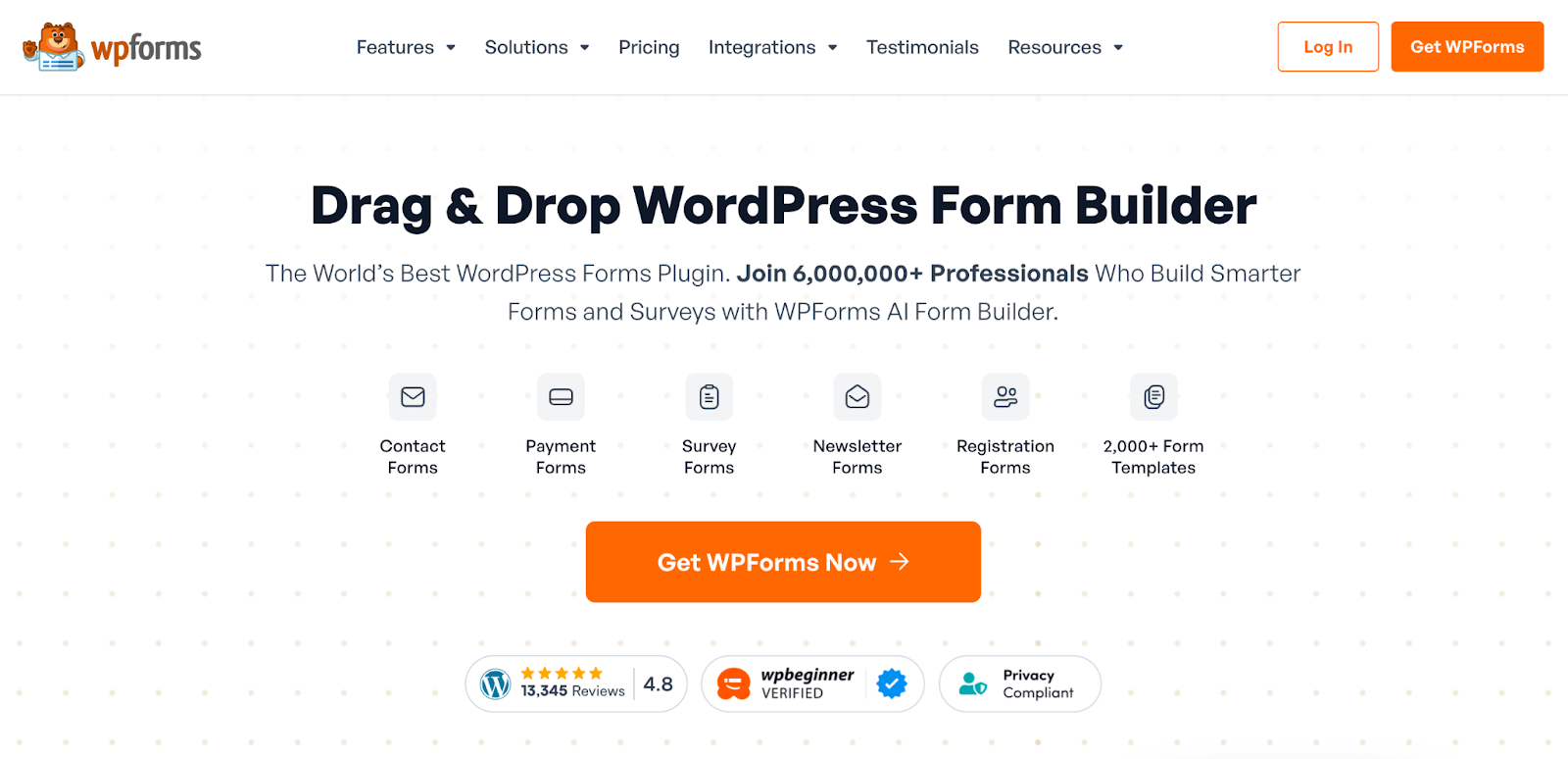
Image via WPForms
WPForms is a WordPress-native form builder focused on ease of use for WordPress site owners. It integrates tightly with WordPress themes and plugins, making it a common choice for small businesses running content-driven sites.
The builder is familiar to WordPress users and does not require external dashboards.
WPForms pros
- Built specifically for WordPress
- Simple, easy-to-use interface
- Spam protection available
- Works well with common WordPress plugins
WPForms cons
- Requires WordPress to function
- Fewer advanced workflow features
WPForms pricing
- A free limited version is available
- Basic plan: $49.50/year
- Plus plan: $99.50/year
- Pro plan: $199.50/year
- Elite plan: $299.50/year
WPForms is best for
WordPress site owners who want basic to mid-level forms without leaving their CMS.
Surveybot
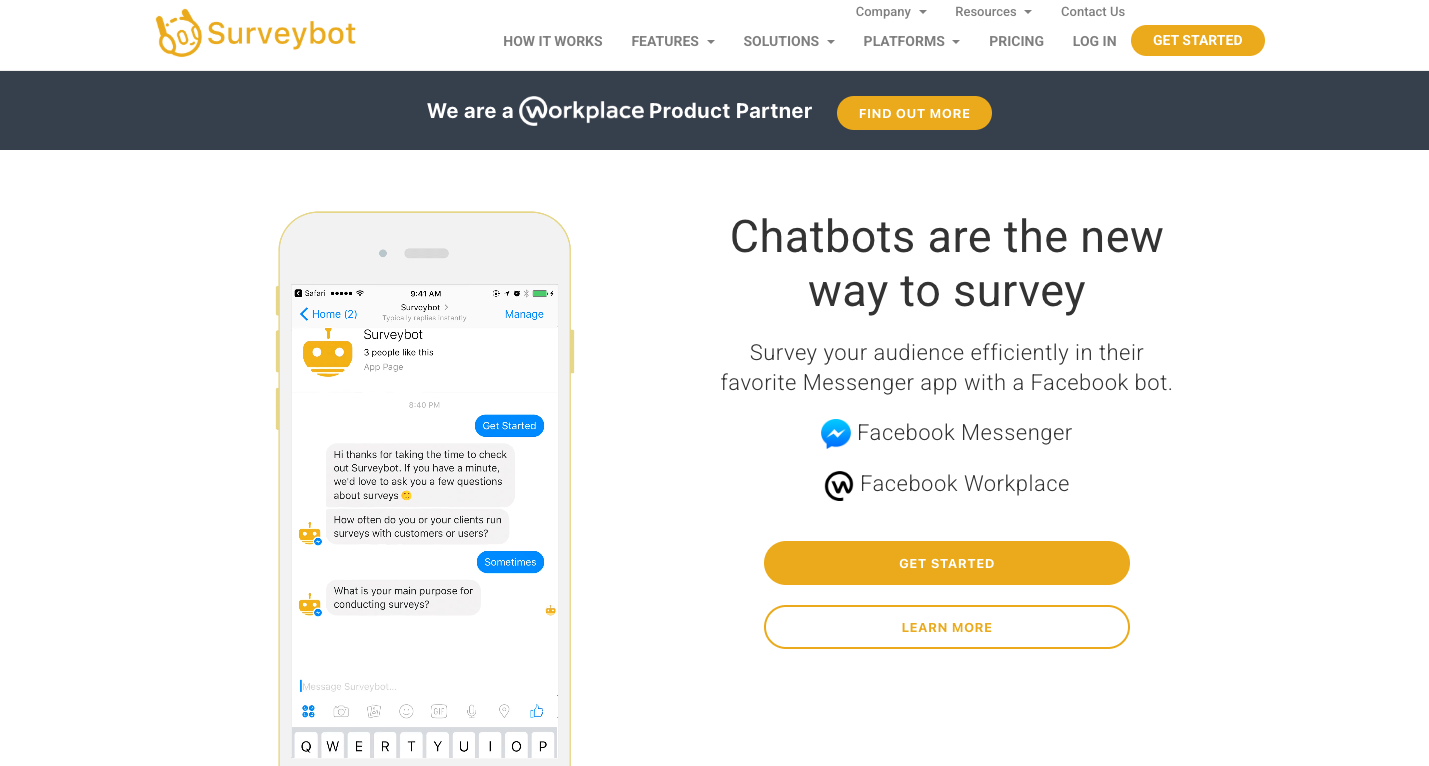
Image via Surveybot
Surveybot is designed for collecting responses through Facebook Messenger and Facebook Workplace rather than traditional web forms. This works well for internal feedback and quick surveys. It's a solid choice for small businesses who would prefer quick Facebook surveys instead of embedded or web forms.
Surveybot pros
- Native chat-based surveys
- Easy to deploy
- High response rates for short questions
- No external links required
Surveybot cons
- Limited design and layout control
- Not suitable for public websites, Facebook-only
- Few integration options
Surveybot pricing
- Free plan with core features
- Basic plan: $29/month
- Standard plan: $65/month
- Researcher plan: $99/month
- Enterprise plan: Contact sales
Surveybot is best for
Teams that want to collect feedback inside Facebook and want quick responses without formal forms.
Microsoft Forms
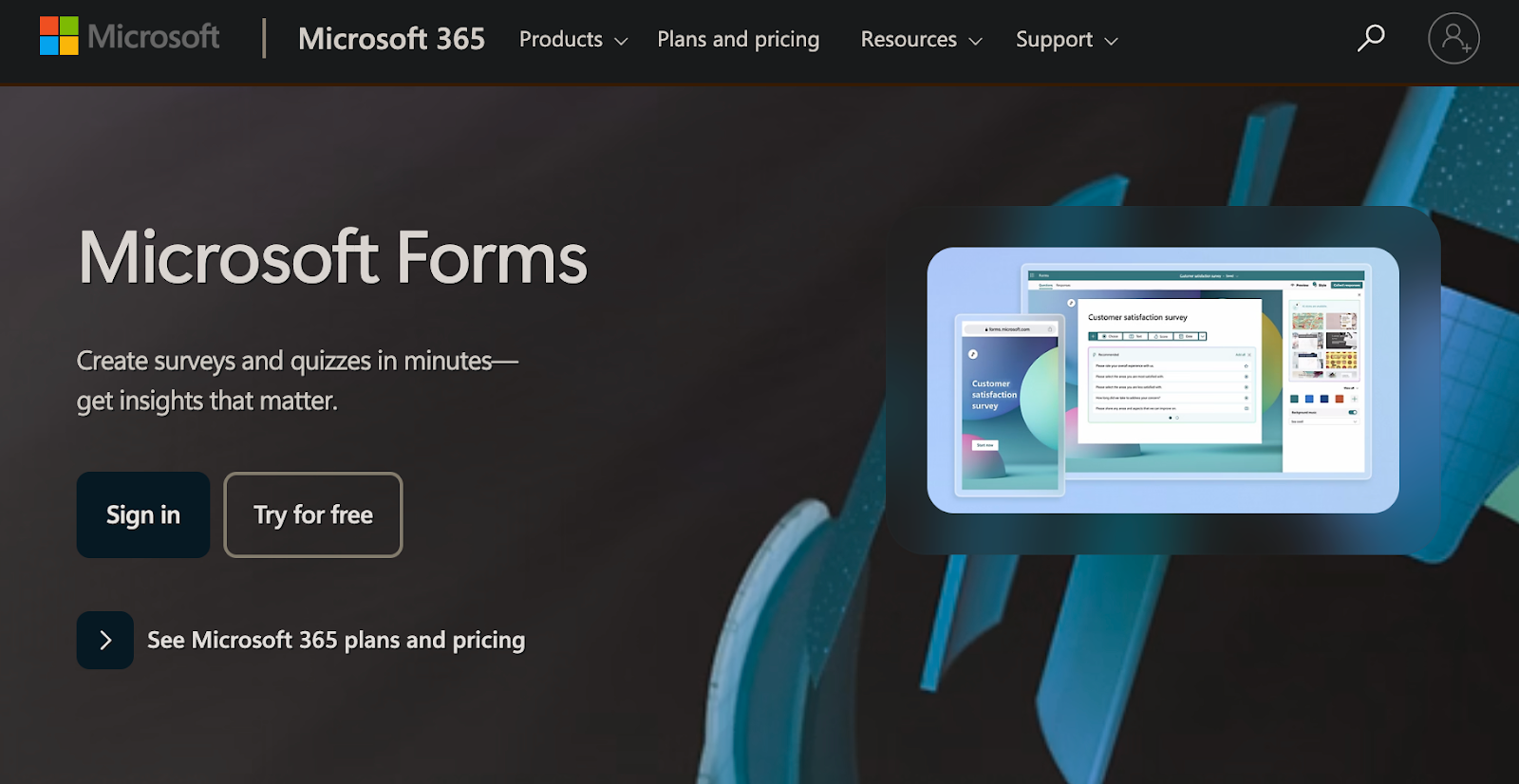
Image via Microsoft
Microsoft Forms is part of the Microsoft 365 ecosystem and works well for organizations already using Microsoft tools. It supports surveys, quizzes, and internal data collection.
Customization and automation options remain limited compared to dedicated form builder software.
Microsoft Forms pros
- Included with Microsoft 365
- Simple interface
- Good for internal surveys and quizzes
- Compliance features available
Microsoft Forms cons
- Basic design options
- Limited question types and integrations
- Not suited for customer-facing workflows
Microsoft Forms pricing
Microsoft Forms is included with Microsoft 365 subscriptions.
Microsoft Forms is best for
IT or HR teams at companies already using Microsoft tools.
Zoho Forms
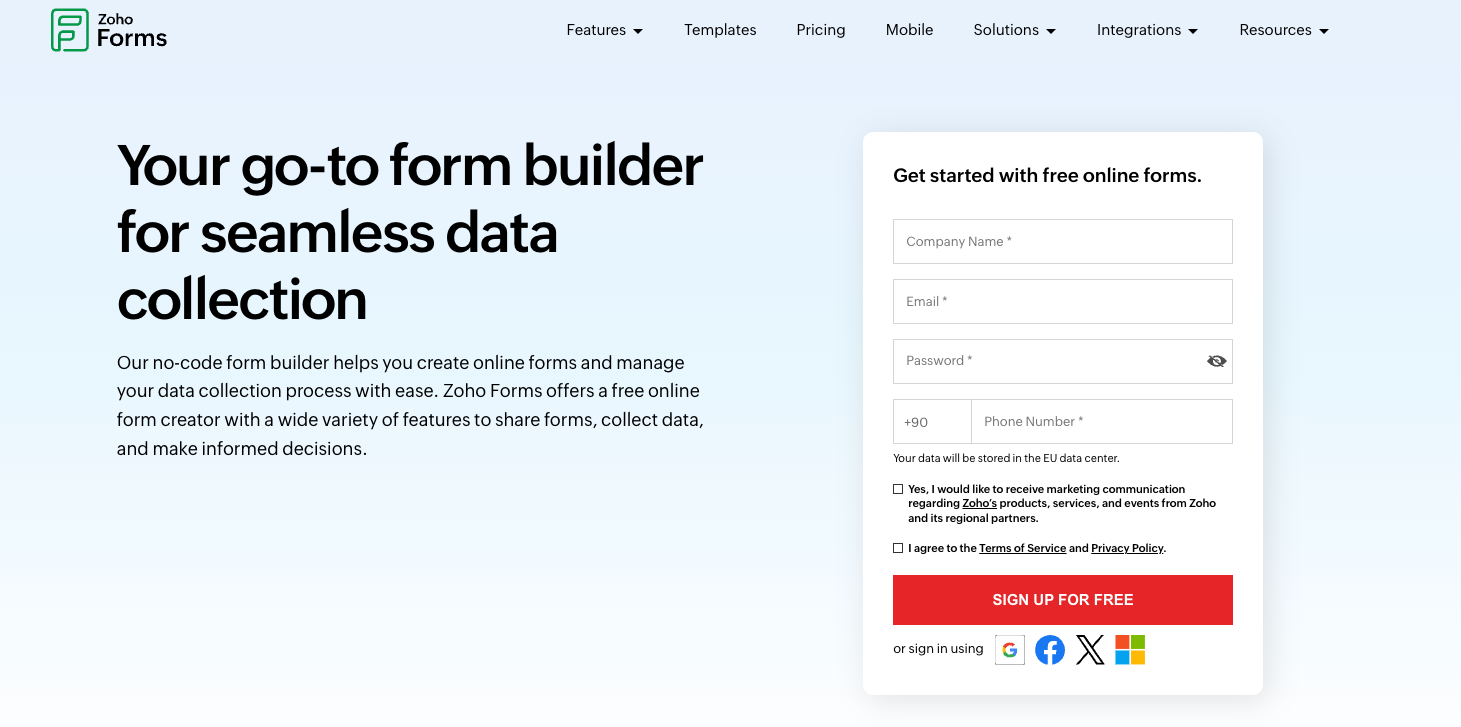
Image via Zoho
Zoho Forms is part of the Zoho business software ecosystem. It supports conditional logic and connections to Zoho CRM and other Zoho apps.
Outside that ecosystem, its value depends on specific needs. The design options are fairly limited compared to some other competitors.
Zoho Forms pros
- Strong integration with Zoho apps
- Logic and workflow features available
- Competitive pricing
Zoho Forms cons
- Interface can feel complicated
- Fewer third-party integrations outside Zoho
- Learning curve for new users
Zoho Forms pricing
- Free plan with some features
- Basic plan: $10/month
- Standard plan: $25/month
- Professional plan: $50/month
- Premium plan: $90/month
Zoho Forms is best for
Businesses already invested in Zoho products that want forms tied directly to CRM and internal systems.
Wufoo
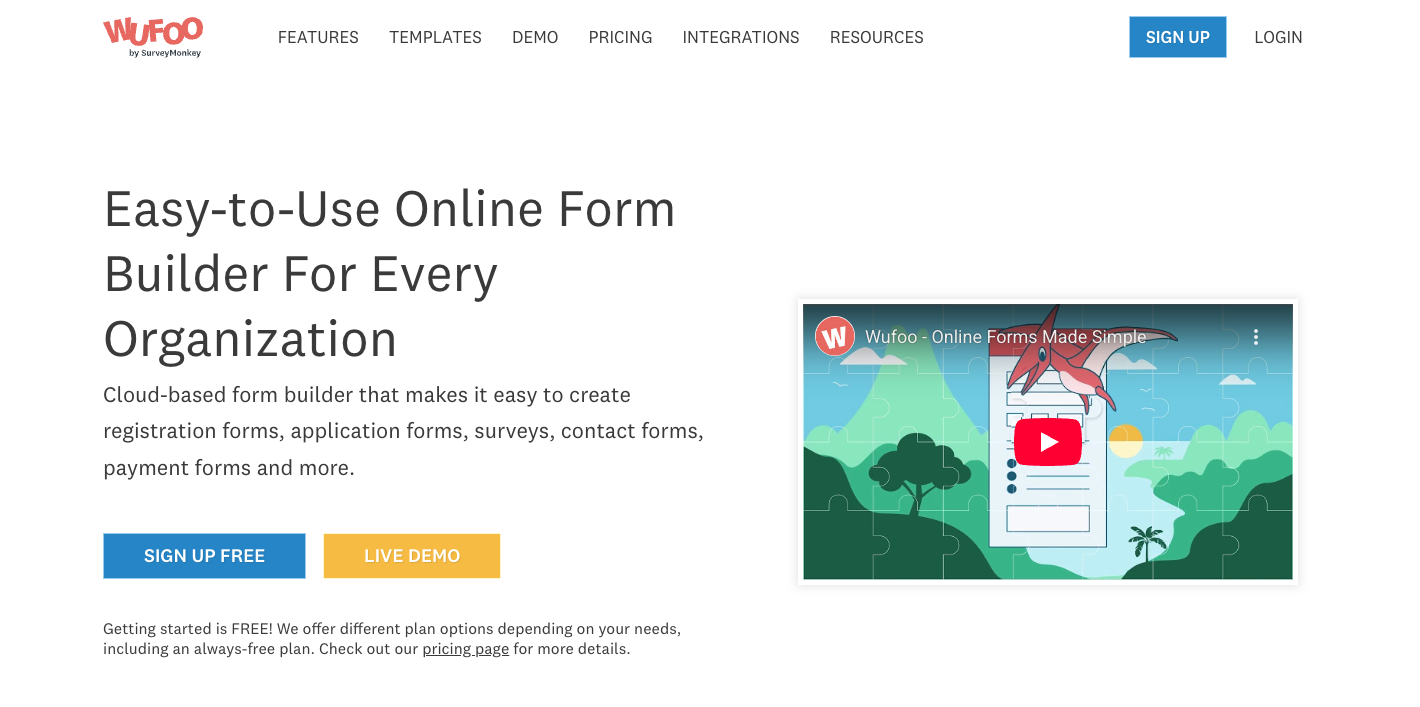
Image via Wufoo
Wufoo is one of the older online form builders still in use in 2026. It offers basic form creation with a traditional layout and simple logic along with templates users can choose from.
While reliable, it has not evolved as quickly as newer platforms.
Wufoo pros
- Straightforward form builder
- Easy setup for basic forms
- Stable performance
Wufoo cons
- Outdated interface
- Limited design flexibility
- Fewer modern integrations
- Less suitable for advanced workflows
Wufoo pricing
- Free plan with limited features
- Starter plan: $16.25/month
- Professional plan: $33.25/month
- Advanced plan: $83.25/month
- Ultimate plan: $210.25/month
Wufoo is best for
Users who need simple forms and prefer a traditional interface over newer design styles or AI features.
How to choose the best form builder in 2026
Choosing the right form builder depends on how forms fit into daily work. Some teams need fast surveys. Others need full workflows tied to payments, approvals, and CRM systems.
Here are key questions to consider when choosing the best form builder:
- Are the forms public-facing or internal
- Is payment collection required
- How much logic and automation is needed
- Which tools must the form connect to
- How important design control is
For most businesses, a no-code form builder that balances ease of use with advanced features offers the best long-term value.
Best form builders in 2026 comparison table
|
Tool |
Free plan |
Best for |
|
Jotform |
Yes |
Full-scale forms, workflows, and payments |
|
Typeform |
Yes |
Conversational surveys and lead forms |
|
Google Forms |
Yes |
Simple internal data collection |
|
Airtable |
Yes |
Structured data and internal tools |
|
WPForms |
Limited |
WordPress websites |
|
Surveybot |
Limited |
Chat-based surveys |
|
Microsoft Forms |
Yes |
Microsoft 365 users |
|
Zoho Forms |
Yes |
Zoho ecosystem users |
|
Wufoo |
Limited |
Basic traditional forms |
FAQ: Best form builders in 2026
What is the best form builder overall in 2026?
Jotform offers the widest range of use cases, making it the strongest option for most businesses.
Are no-code form builders secure?
Most leading platforms include encryption, access controls, and compliance options, though requirements vary by plan.
What is the best free form builder?
Jotform provides more advanced features on its free plan, while Google Forms works well for basic needs.
Can form builders replace spreadsheets?
For many workflows, yes. Modern form builders store, organize, and automate data better than keeping spreadsheets manually.
Which form builder is best for payments?
Jotform supports payment collection, calculations, and approval flows in one platform.