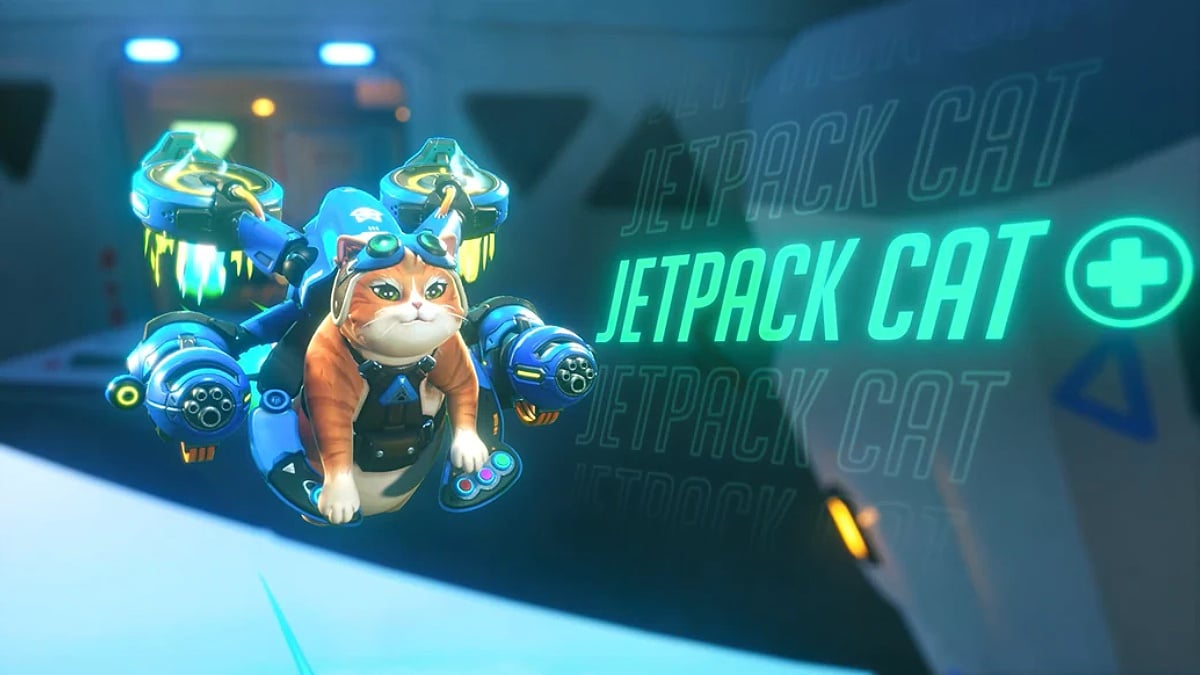
Unlike other Overwatch Supports, Jetpack Cat plays very differently, and your crosshair needs to match the feline’s unique playstyle, which is always airborne.
You’ll find yourself constantly gliding, weaving between teammates, and jiggling mid-air while playing as Jetpack Cat, firing Biotic Pawjectiles to both heal and damage.
Now, if your crosshair is too big, it clutters the screen and makes it difficult to track targets from above, and if it’s too small, you’ll lose it against heroes in constant motion and chaos. To fix that, here’s a breakdown of the best crosshair you can use for Jetpack Cat in Overwatch.
Table of contents
Best crosshair and settings for Jetpack Cat
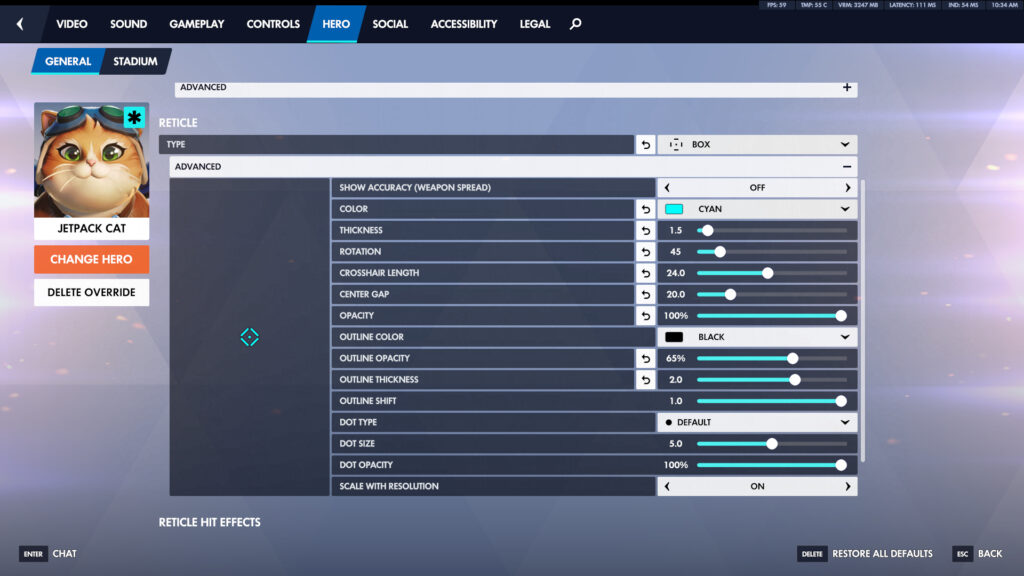
Jetpack Cat goes well with a Box-type crosshair with Cyan color, as it’s easy to see while flying and precise enough for consistent projectile shots.
| Setting | Value |
|---|---|
| Type | Box |
| Show Accuracy | Off |
| Color | Cyan |
| Thickness | 1.5 |
| Rotation | 45 |
| Crosshair Length | 24.0 |
| Center Gap | 20.0 |
| Opacity | 100% |
| Outline Color | Black |
| Outline Opacity | 65% |
| Outline Thickness | 2.0 |
| Outline Shift | 1.0 |
| Dot Type | Default |
| Dot Size | 5.0 |
| Dot Opacity | 100% |
| Scale with Resolution | On |
This crosshair setup will give you a solid dot for lining up Cat’s Pawjectiles, along with a diamond-shaped box that’ll help you with tracking while strafing and adjusting mid-air.
Jetpack Cat’s primary fire is a mid-range projectile spread that can heal allies and damage enemies, and you have to constantly use it while hovering and repositioning. You’ll need to see where your shots land, but the awareness of your surroundings is also equally important.
The box crosshair solves both problems:
- The dot gives you a precise focal point for flicks and micro adjustments
- The diamond box will help you track moving targets and judge the bullet spread
With Show Accuracy turned off, the reticle won’t bounce or expand, keeping the visuals stable, which is much needed for a game like Overwatch.
Best dot crosshair for Jetpack Cat in Overwatch
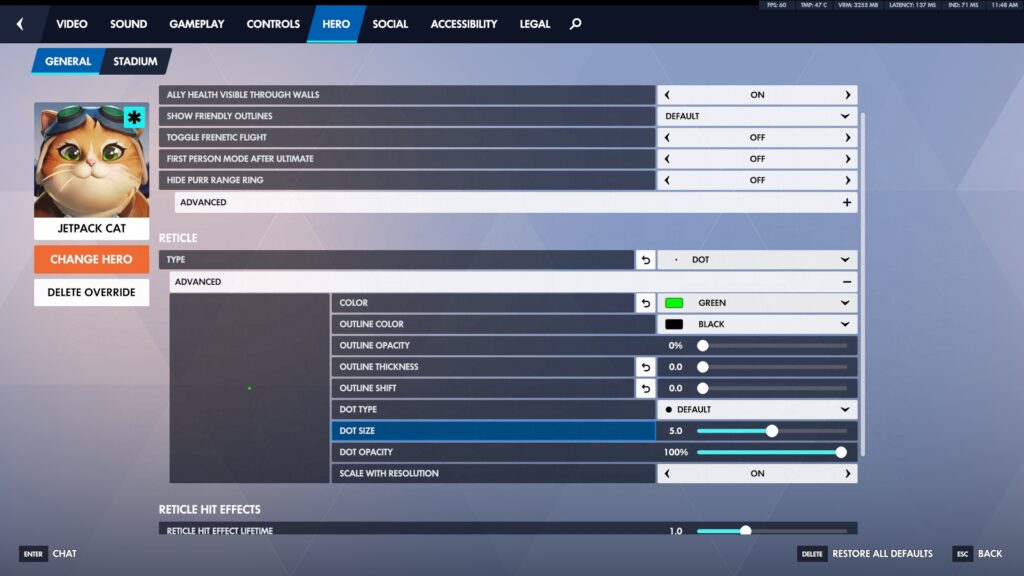
Alternatively, if you want to simply stick to the dot and get rid of the box, you can use these settings below:
- Type: Dot
- Color: Green or Cyan
- Dot Type: Default
- Dot Size: 5.0
- Dot Opacity: 100%
- Scale with Resolution: On
How to change your crosshair in Overwatch
To apply the settings mentioned above, you must know how to change your Overwatch crosshair first, and you can do that by:
- Pressing the Escape button to open Options
- From there, go to Hero
- Click on Change Hero, and select Jetpack Cat from the Hero pool
- Under General, scroll down to the Reticle
- Change Type to Box or Dot
- Then click on Advanced to open all customization options
Make sure to check this in the Practice Range, so that you can instantly see how each slider affects your reticle while shooting bots. In the meantime, you can also check the best crosshair for each Overwatch character.