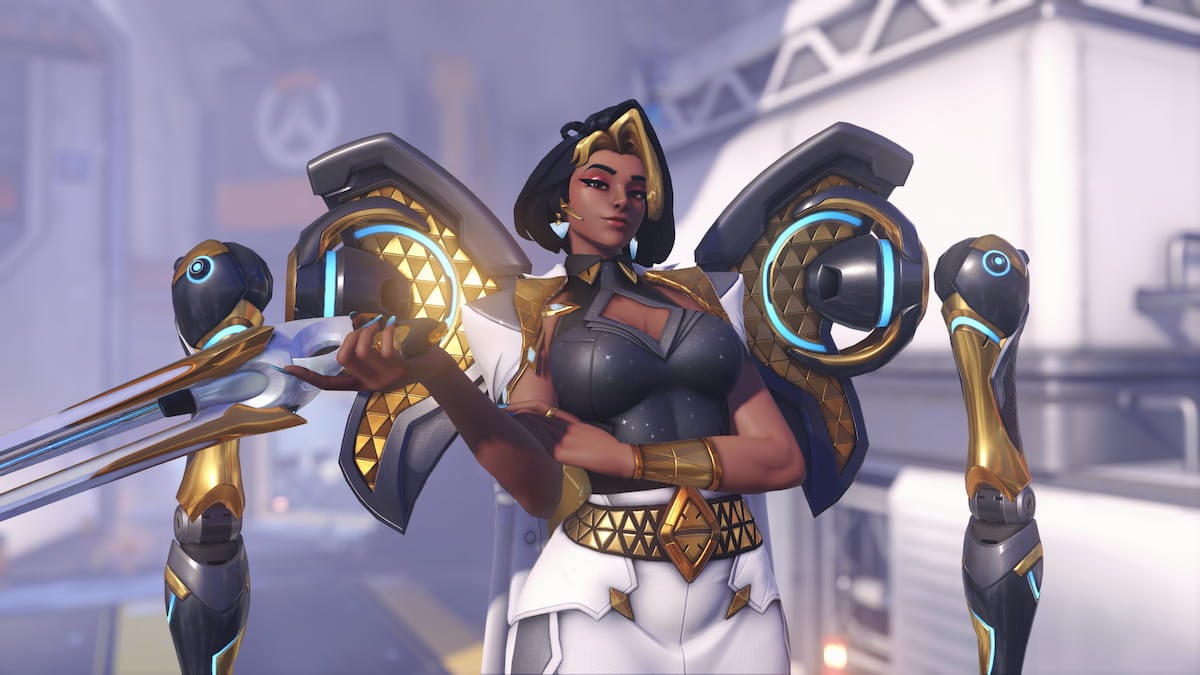
With the sheer amount of chaos happening in every Overwatch match, a good crosshair is a must to stay on target. For Domina, you need a crosshair that makes it easy to land precise shots at close range while remaining visible among all the special effects.
Here’s a simple and clean crosshair for Domina in Overwatch that is an improved version of the default reticle, but with less clutter and better visibility.
Table of contents
How to change your crosshair in Overwatch
In Overwatch, you can customize a crosshair for every individual hero. This means you can have one crosshair for Domina, and then a different one for Widowmaker, and another one for Anran, allowing you to tailor the crosshair to the hero’s playstyle.
To change the crosshair in Overwatch:
- Open the Settings.
- Go to the Hero tab and select Domina.
- In the General tab, scroll to the Reticle section.
- Open the Advanced sections to change the settings.
On the left of the settings, there’s a preview of the crosshair, making customization extremely straightforward.
Best Domina crosshair settings in Overwatch
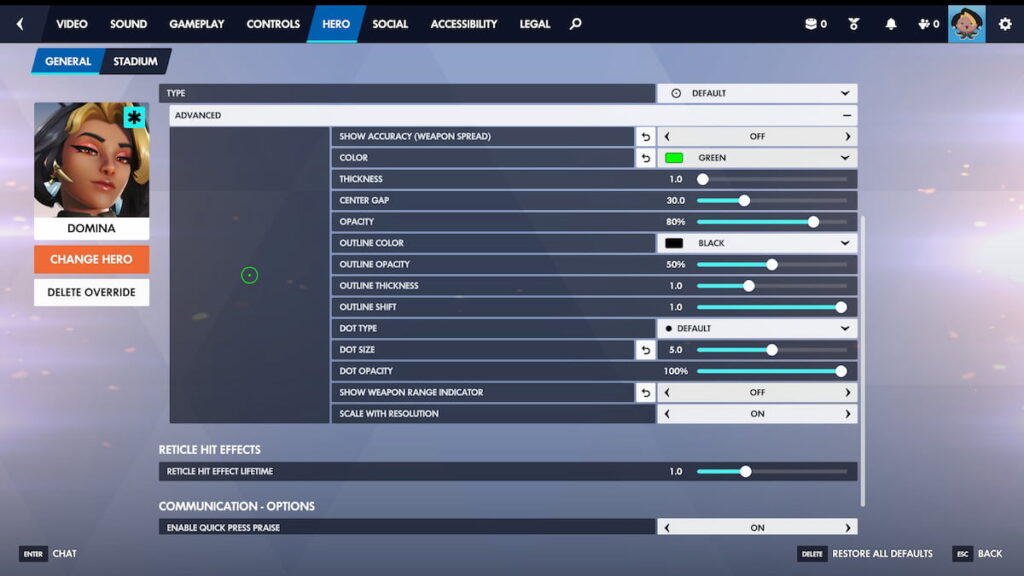
Domina’s maximum damage range is 25m, and most of your fights will take place at around 20m or closer. For that purpose, the default crosshair is already quite good, but there are a few settings you can tweak to make it less distracting in the middle of the teamfight.
Here are the best crosshair settings for Domina in Overwatch:
- Type: Default / Circle
- Show Accuracy: Off
- Color: Green / Personal preference
- Thickness: 1.0
- Center Gap: 30.0
- Opacity: 80%
- Outline Color: Black
- Outline Opacity: 50%
- Outline Thickness: 1.0
- Outline Shift: 1.0
- Dot Type: Default
- Dot Size: 5.0
- Dot Opacity: 100%
- Show Weapon Range Indicator: Off
- Scale with Resolution: On
While Domina is a hitscan hero, a dot or a smaller crosshair may be hard to keep track of in the middle of a teamfight. The circle helps align the shot when up close, as long as you disable Show Accuracy, which makes the reticle unnecessarily big.
To help the crosshair stand out more, you must change the color from white to anything else, as white blends with a lot of environments. Green is a solid universal color, but if it’s too saturated for you, Blue, Cyan, and Magenta are also decent options. The rest of the settings are more personal preference. Tweak the settings to make the crosshair more or less transparent, thicker or thinner, etc. The only exception is the Dot Size, which by default is a bit too big.
Domina has a unique reticle feature, called Show Weapon Range Indicator, displaying a marker over the center dot when the enemy (or any other target) is within damage range. You can keep it on if you’re still learning the hero, but eventually it becomes less useful and clutters the screen.