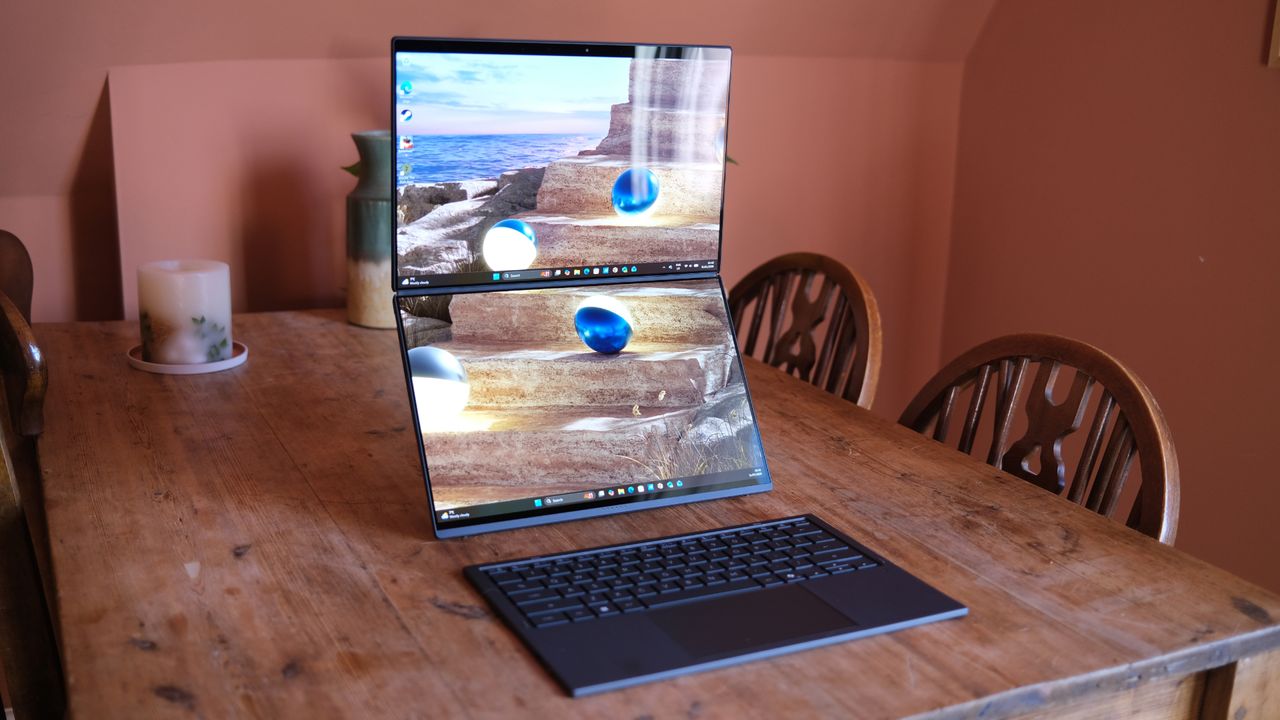
Asus has never been afraid of launching niche products – it might have pulled out of the phone business, but for years it was doing interesting things there, for example. Now, though, perhaps its biggest roll of the dice is happening in the world of laptops, perfectly exemplified by the Zenbook Duo (2026).
This continues Asus' commitment to the idea that a laptop with two screens is fundamentally more useful in many scenarios than a traditional one, and refines its design to make the case more persuasively than ever before.
With narrower bezels, a much-improved chip at its heart – Intel's Series 3 'Panther Lake' chips are really doing the business – and two gorgeous displays, a fortnight with the new Zenbook Duo has converted me impressively. For some people, this will be the best laptop (a lot of) money can buy.
Price & Availability
The Zenbook Duo was supposed to come out sometime in February 2026, but things are now a little more vague, with that slipping to an intended but not guaranteed "Q1" date for pre-orders to open. I can't say for sure that this is due to the incredible turbulence of the RAM market, but I wouldn't bet against that point.
For now, though, we do have a confirmed price, irrespective of when the laptop will be available to buy: $2,399.99 for the model I tested, and $2,099.99 for the step-down Core Ultra 9 386H version with lesser graphics (with regional pricing not yet fixed).
Obviously, that makes it a really premium option, albeit one that doesn't have a huge amount of natural competition to compare it against. Needless to say, if you're fine with a normal, single-screen laptop, then you could pick up a MacBook Pro for much less than this, but I'll explore that comparison later, too.
Design
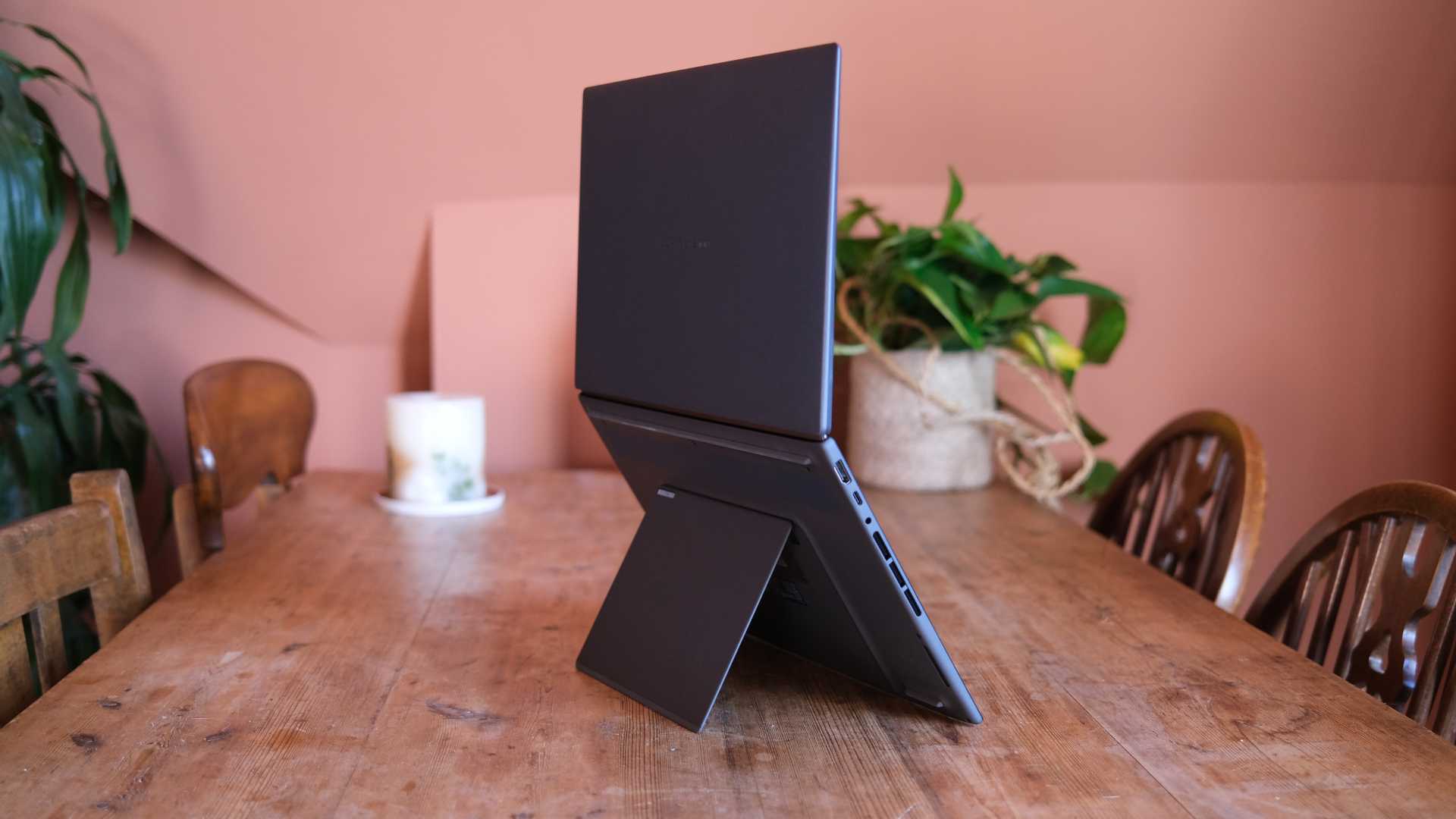
Asus hasn't ripped up its previous work when it comes to the newest Zenbook Duo, rather opting to refine things and basically just make the design sleeker and, well, better.
In particular, this means that when you open it up, you'll find smaller bezels around those displays, including a much smaller central gap between the two.
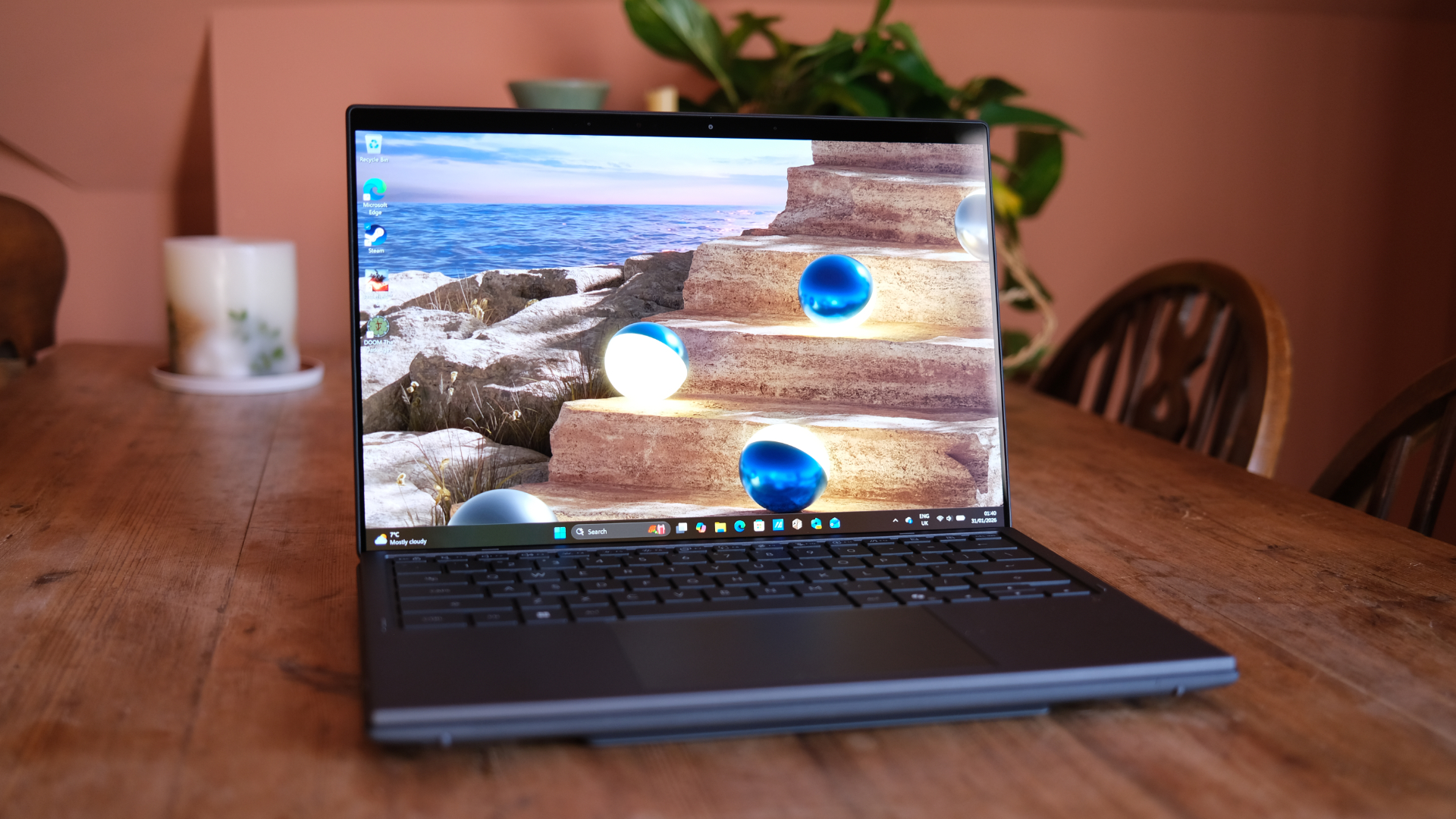
That's probably putting the cart before the horse, though. The Zenbook Duo, for those who haven't seen previous generations, is a laptop that hides an impressive secret. When you first open it up, it looks much like any other high-end laptop with an OLED display.
What's noticeable, though, is that it's quite thick on the bottom, with the layer housing its keyboard and trackpad standing out as being chunkier than you'd normally see. That's because it's fully removable, hiding a second identical OLED display underneath it.
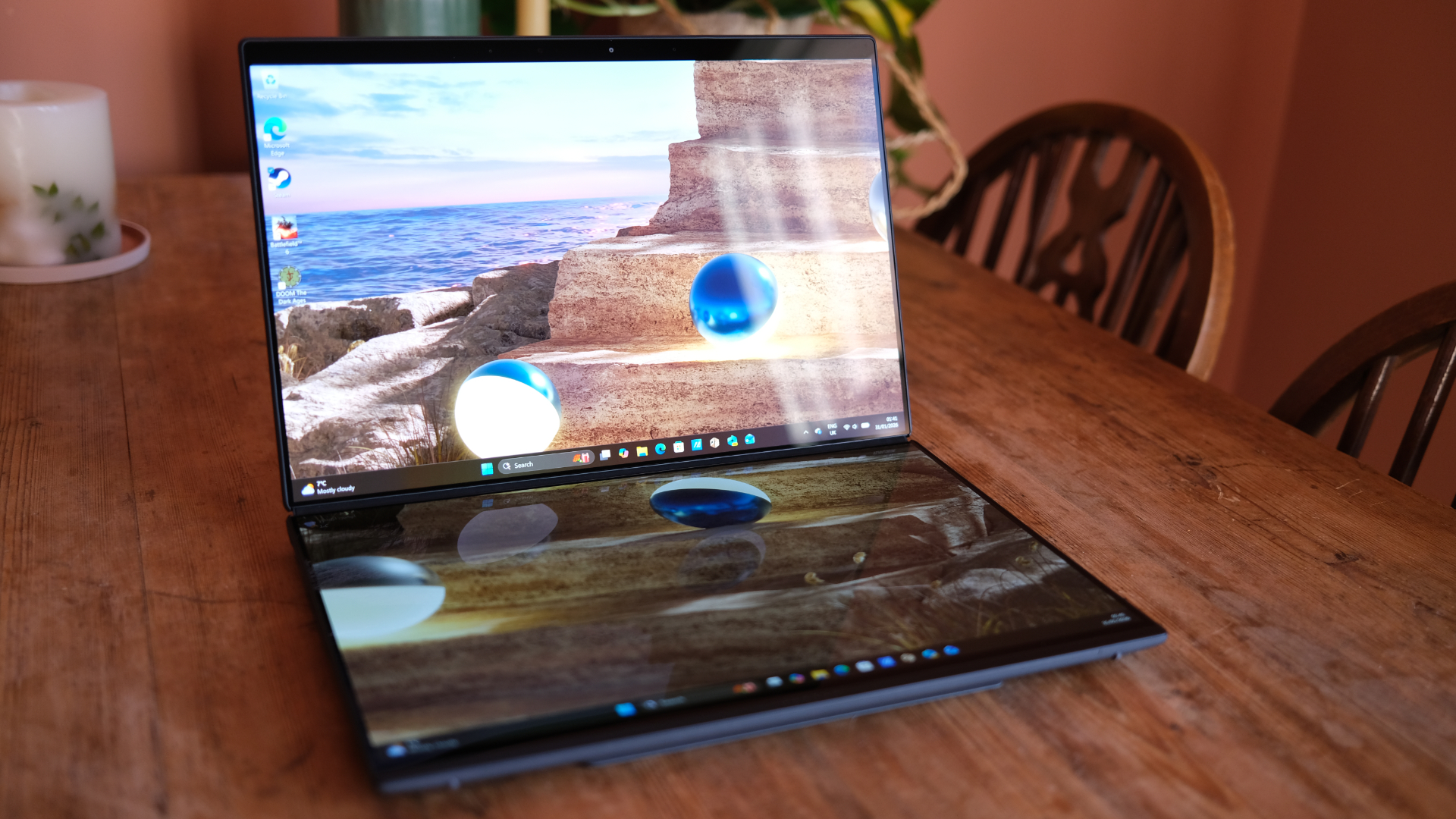
Once this is uncovered, there are a variety of ways you can arrange your machine, including standing it like an open book for two vertical screens, or using it propped up with one above the other for two landscape displays stacked on top of each other.
This basically means you get twice the screen real estate as normal, making it superb for productivity involving multiple windows at once.
This comes with downsides, too, though – the laptop is noticeably heavier and thicker than one-screen competitors, especially when you're not using it. That thickness isn't something that's easily avoidable, of course, since Asus would indeed be foolish to ship it without the docked keyboard and trackpad for ease of use.
That detachable layer is lightweight but sturdy enough, and attaches (and charges) magnetically. Detaching it is something you might find fiddly, although it doesn't take long to find a method that works for you – a little indentation to help wouldn't go amiss, though.
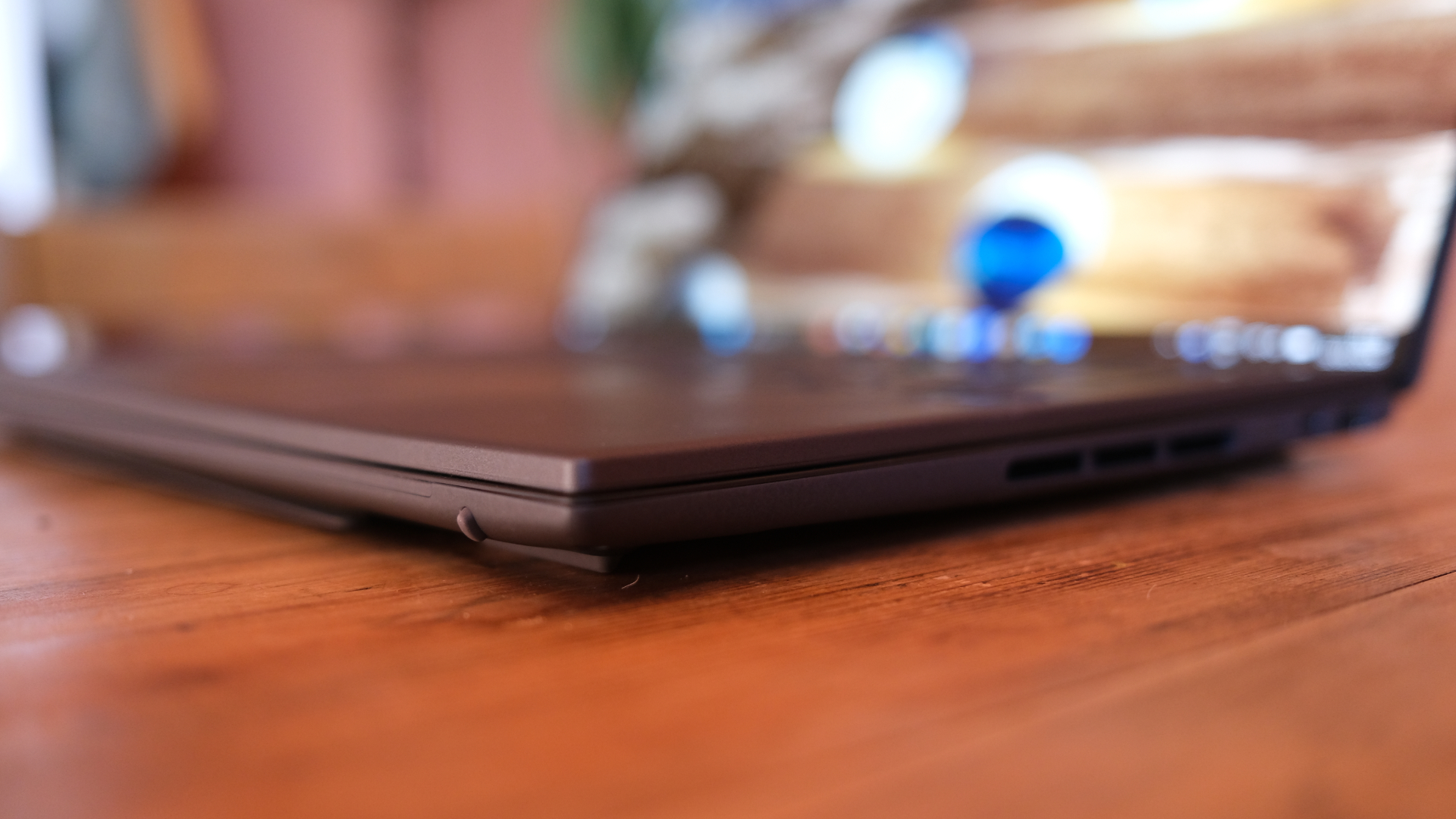
In terms of ports, one side of the laptop houses a USB-A and USB-C port each (along with the power button, which is bafflingly unsatisfying to press, as it's non-clicky). The other side offers another USB-C port, an HDMI port, and a headphone jack. The keyboard layer has its own USB-C for charging if ever needed, too.
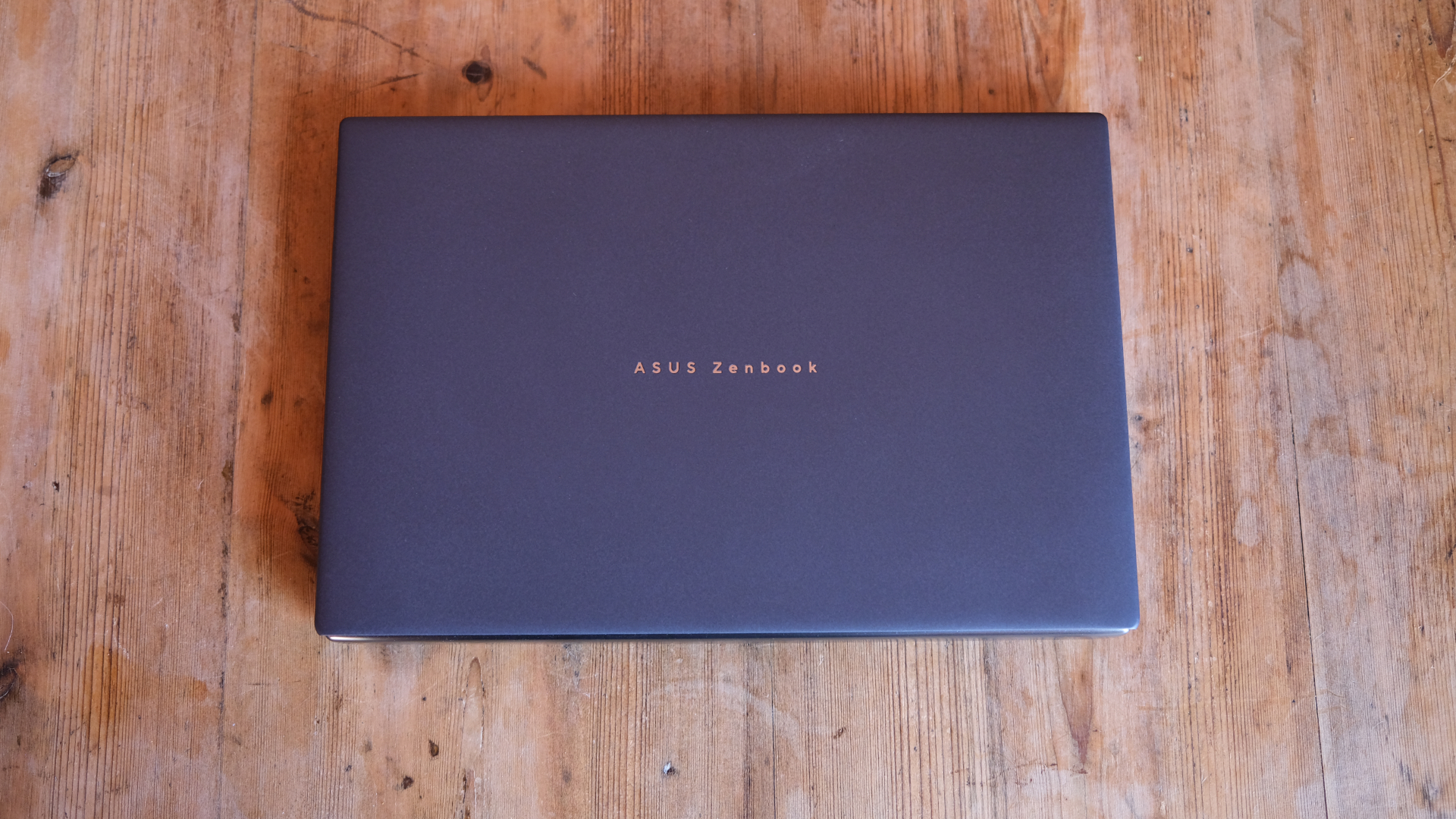
On both sides, you'll also see chunky vents – with double the displays to run, this is a machine that does need more ventilation and cooling than most laptops. Closed, though, it looks impressively stealthy, with just a Zenbook logo on the front hinting at its secrets.
On the bottom of the laptop, meanwhile, there's a really sturdy hinged kickstand that unlocks various arrangements and poses for it. It's a key part of the design, as you'll realise when you start using it, and I'm impressed by how well it works. Flimsiness here would be an Achilles' heel, and it's great that Asus has avoided the pitfall.
All of this praise doesn't negate one genuine negative about the kooky design and extra screens, though – it means a chunky and weighty laptop.
The 2026 Zenbook Duo comes in at 1.65kg, which is far from nothing, and at 23.4mm thick, it's also fairly fat. That makes it less portable and lightweight than the vast majority of laptops you might consider as alternatives. Then again, they all have one screen each.
Displays
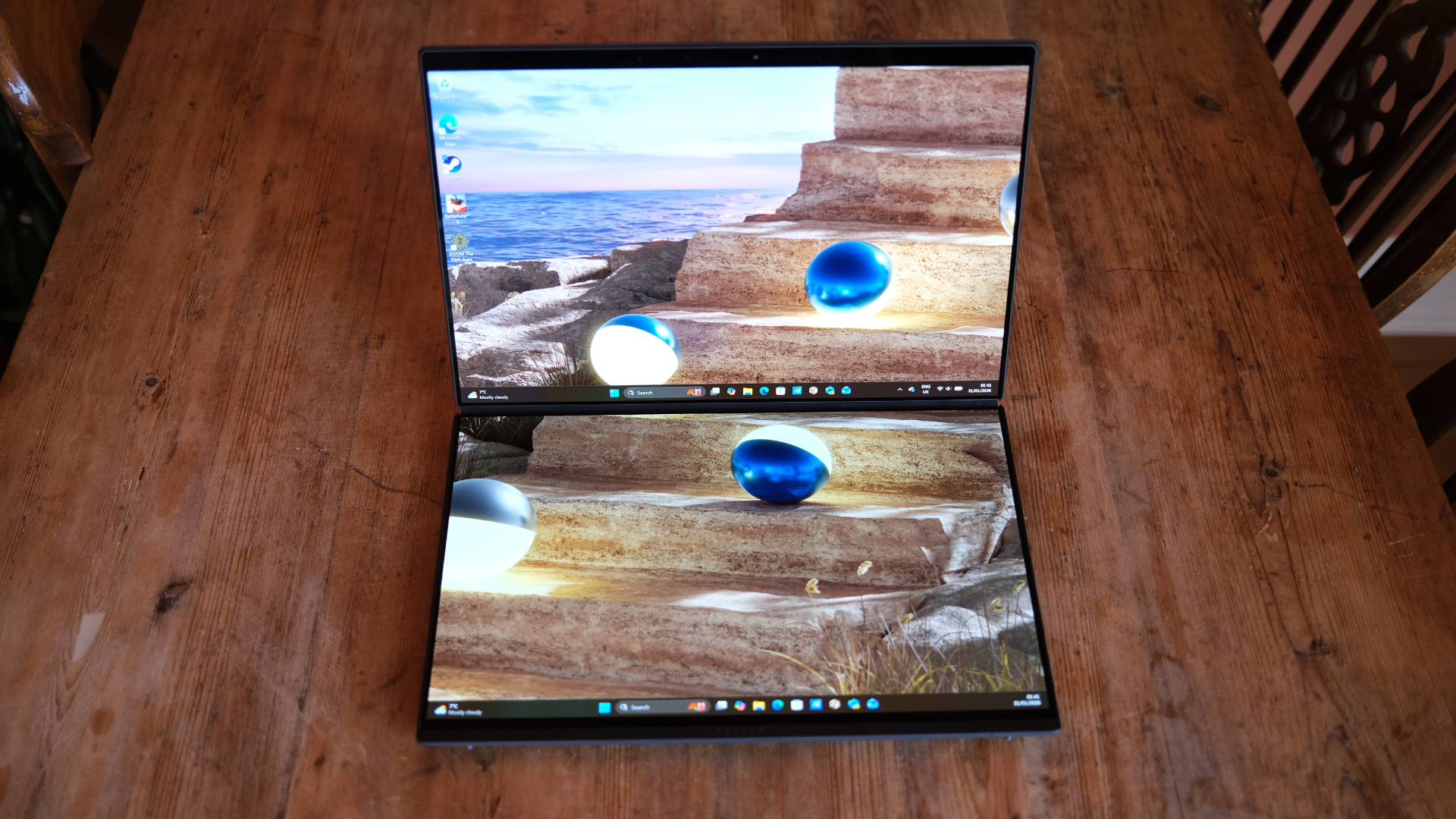
Moving on from its design to actually take a look at those twin displays, though, and it doesn't take long to see why Asus thinks this form factor could be a long-term winner.
Asus is great at high-end display choices, as proven by my favourite gaming laptop of 2025, the ROG Zephyrus G14, and it goes big here again.
Each display is identical to the other, for one thing, so you don't have to worry about the one below the keyboard being somehow second-rate.
They're both 14-inch, 2880x1800 OLED panels boasting 144Hz refresh rates. That means they're extremely smooth to use, whether you're editing video or doing some gaming.
They're also impressively bright, and that resolution ensures they're really sharp, too, making for a really brilliant array of display space for you to arrange as you see fit.
In my view, the vertical orientation with both screens in landscape is by far the best, but you might find other options useful in person.
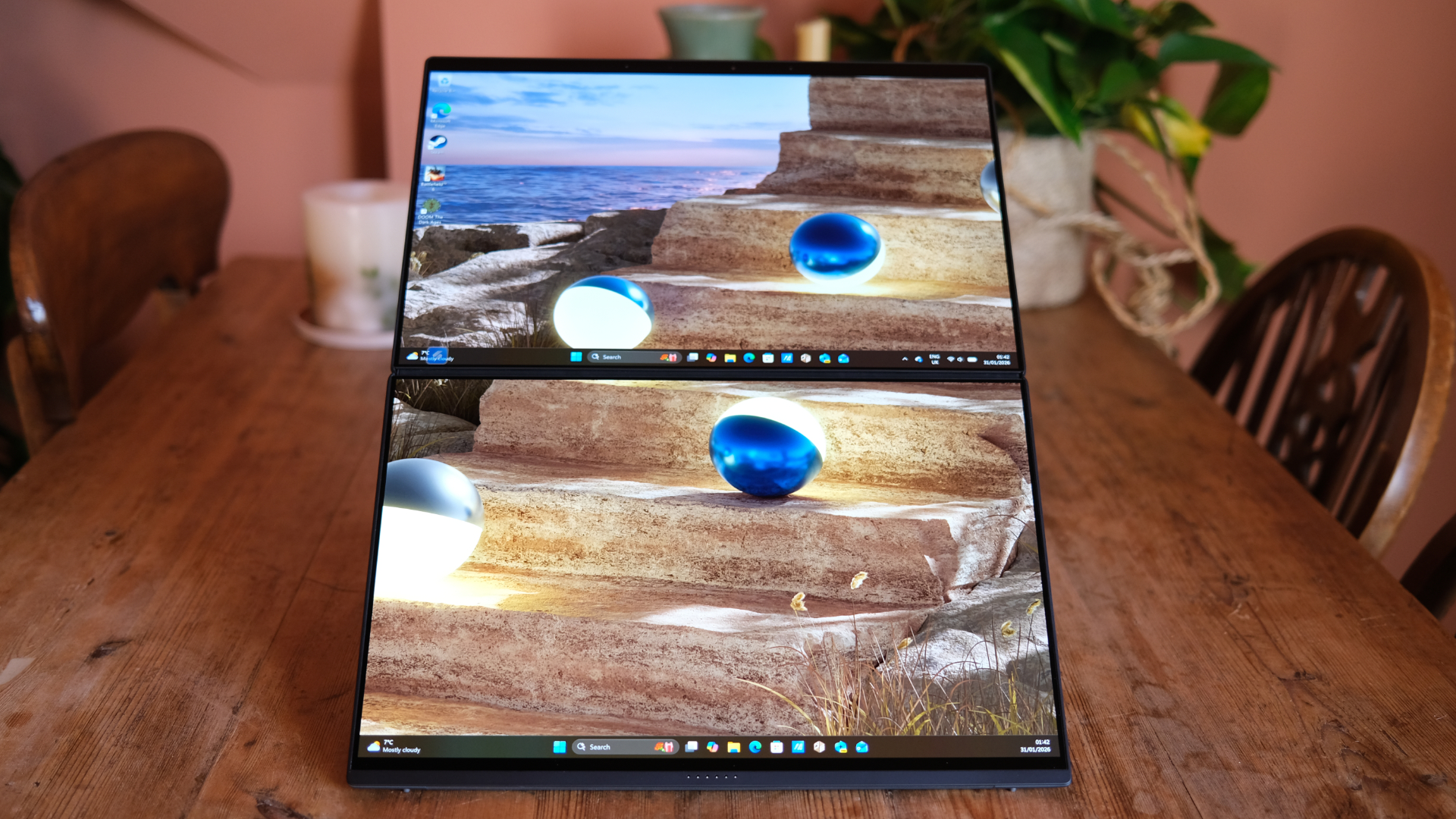
Asus bundles arguably too much software into the Zenbook Duo, with a lot of pre-installed programs that you don't really want or need, but for one very welcome instance is its display controller. This leaves a floating blue button on your desktop when the second screen is in use.
Tapping or clicking on it (since both screens are also good multi-touchscreens) lets you quickly access some options to rearrange your displays as you like, and there are also some quick shortcuts that it teaches you on first setup. These let you make five-finger gestures to move your displays around, and are helpful if you can remember them.
I used the Zenbook Duo as an everyday driver during my testing time with it, and that really underlined its huge and increasingly realised potential.
When you're on the move, there's no such thing as too much screen space, and being able to have double the room to play with immediately made my life easier.
It may also dominate whatever table or desk you're using a little more, but that's probably someone else's problem.
Keyboard & Trackpad
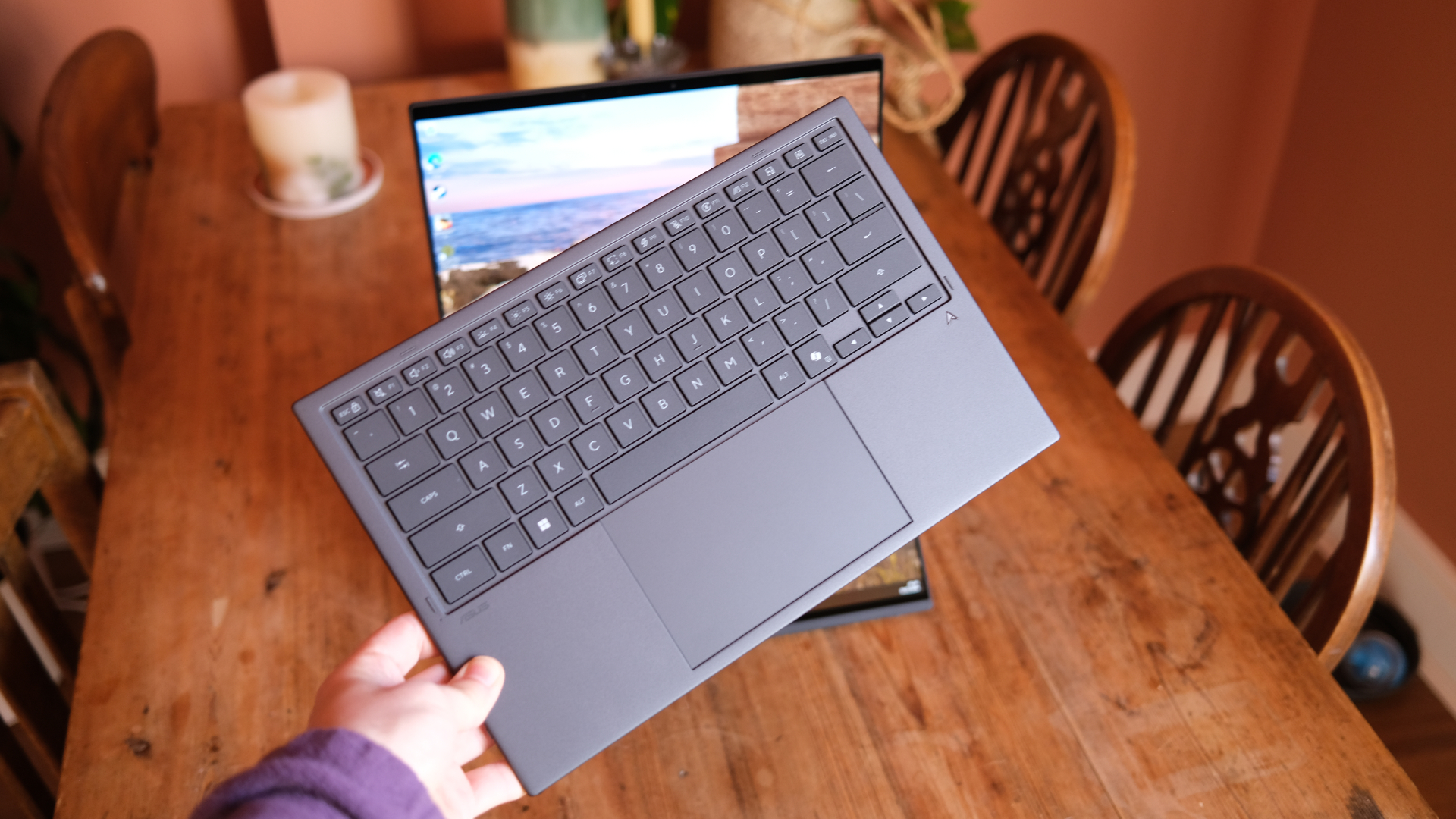
Another area of risk for Asus is that keyboard and trackpad layer – since it's detachable, it wouldn't be great if this lessened travel time and made either less satisfying to use than normal. Thankfully, that bullet has also largely been dodged.
The keyboard feels good to use, albeit it's still very much a laptop keyboard despite being detachable, and therefore is indeed relatively soft (not quite spongey, though). That large trackpad is also extremely solid.
That said, the fact that this layer sits flat on your desk in front of the displays is a slight ergonomic challenge. There's no ramp here to speak of, and it does mean your wrists will be very flat to the table while in use.
I can see that a kickstand would be complicated (and likely would require more rigidity and therefore weight), but I'll be interested if a solution can be found down the years.
Performance & Battery Life
The big headline inclusion in the 2026 Zenbook Duo is the latest generation of Intel's chips, and the model I tested boasted the high-end Intel Core Ultra X9 (388H), which is a truly beastly processor.
That means you can expect superb performance while using the laptop in either single or dual-screen mode, and I found that almost nothing I threw its way in terms of productivity gave it much pause for thought.
That included a whole heap of heavy web use (in a work context, meaning oodles of tabs at once), along with image editing, Slack and WhatsApp in the background, and sometimes more.
The chip never buckled at all under the strain, albeit without a hugely scientific method applied. On paper, the single-thread performance of these Panther Lake chips isn't that stellar, but that's a bit of a contradiction since it only applies to simple apps that you're unlikely to find laggy in the first place.
Once it clocks up to multi-thread performance, though, this chip is a beast, and I found it performed as such. As I noted at Intel's CES press conference, though, I think the biggest leap might be in gaming terms. Simply put, the iGPU offered by this chip, which is the Intel Arc B390 system, is a staggering leap forward.
Unplugged, I was able to get a playable 47fps average from Doom: The Dark Ages' benchmarking test on the Sentinel Command Station scenario (a hugely complex set of scenes) at 1080p on Low settings.
That might not sound too crazy, but it's a superb result, and with further configuration, you can get crazy performance from the chip. I've seen Cyberpunk 2077 running at 60fps, and was able to enjoy frame rates well over 100fps in Battlefield 6, which has more integrated support for Intel's frame generation features.
It all means that this dual-screen laptop can be genuinely decent for gaming, without any right to that level of claim. Similar praise goes in the direction of its battery life, too, which is really exemplary, powered by a chunky 99Whr battery (the largest of any laptop).
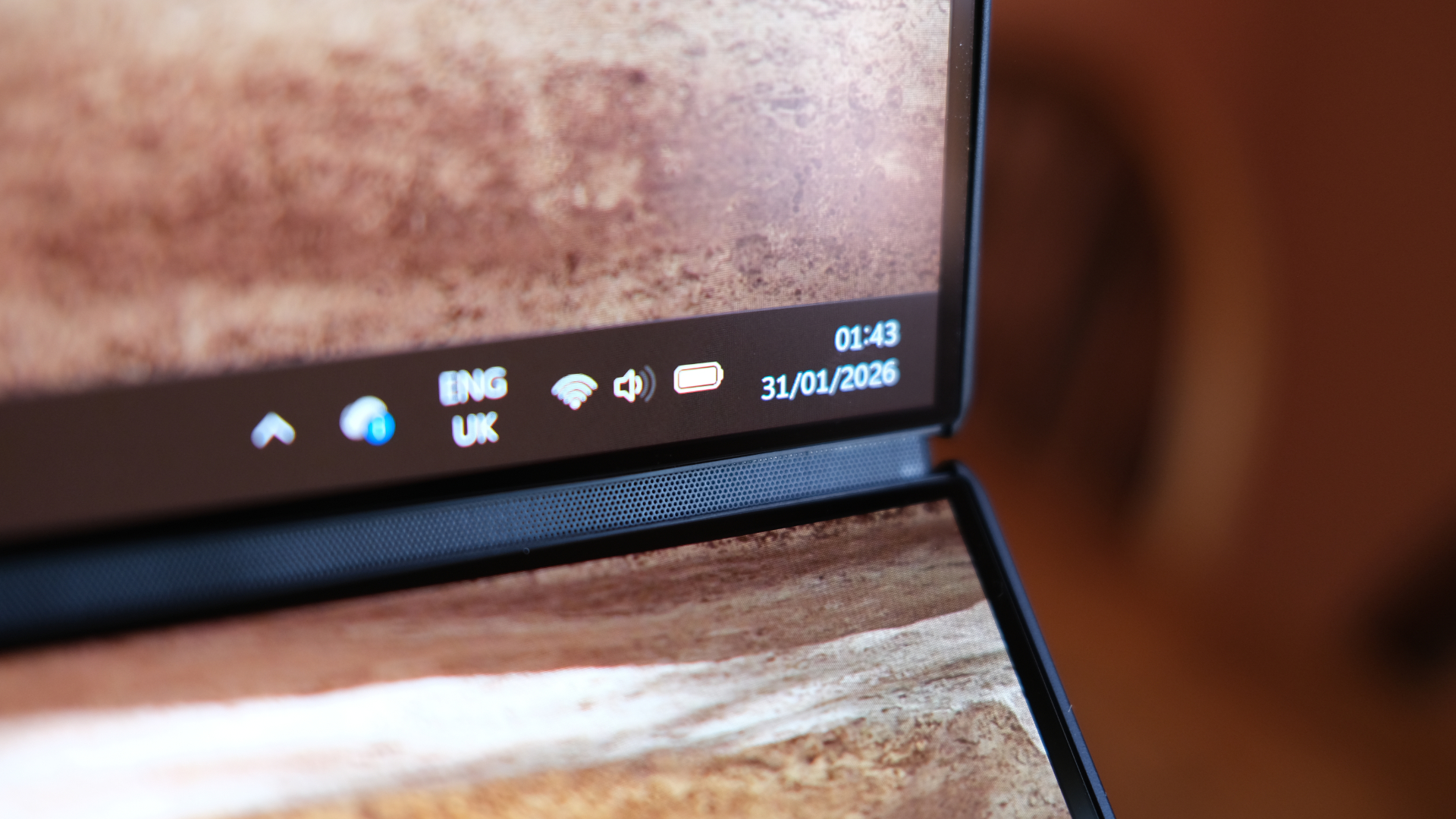
You'll need a few charging cycles for it to settle down and start showing its hand properly, but once you're into a normal routine, you'll get a day of work from the laptop – and in my testing, I found that to remain the case when using it in either single or dual-screen configurations.
In fact, the gap between the two modes wasn't huge – a matter of a few more hours in single-screen, rather than anything like doubled time. That's hugely impressive, needless to say, and it underlines how useful this machine could be for those looking to get more screen space flexibly.
Verdict
I didn't expect to enjoy my time with the Zenbook Duo nearly as much as I did – in fact, I'd almost say I'd assumed I'd find it a bit frivolous. There's still part of me that does, and that chunky price tag doesn't help. Still, it only took a few hours of using it to establish that it's a far more utilitarian device than it first seems.
Its two displays are stonking, and the new Intel chips squirrelled inside ensure that you have enough power and efficiency to drive them both for hours at a time without needing a power cable. Double the real estate onscreen makes it genuinely useful for productivity, meanwhile, and its hardware is clearly refined over previous versions.
I don't think it's the right laptop for everyone, mind, and its extra thickness and weight are noticeable. But if you have the budget and need a portable display monster, this is a superb bit of kit and the default option.
Also consider
Apple remains out there as the mainstream competitor in terms of silicon, producing its own chips and ensuring that a simple MacBook Air could be an amazing choice for those who don't need bleeding-edge power but want all-day battery life and a slimmer build.
If you want something that houses the newest Intel chip generation, though, we just reviewed the Samsung Galaxy Book 6 Pro and found it a stunning evolution that looks like a brilliant Windows choice. It could be a simpler, sleeker option too.