What you need to know
- Android 16 is rolling out for two of Asus' flagship phones, the ROG Phone 9 and Zenfone 12 Ultra.
- The update, which is around 1GB in size, includes various bug fixes and feature improvements.
- The update is rolling out gradually in batches for all supported models.
Enjoy our content? Make sure to set Android Central as a preferred source in Google Search, and find out why you should so that you can stay up-to-date on the latest news, reviews, features, and more.
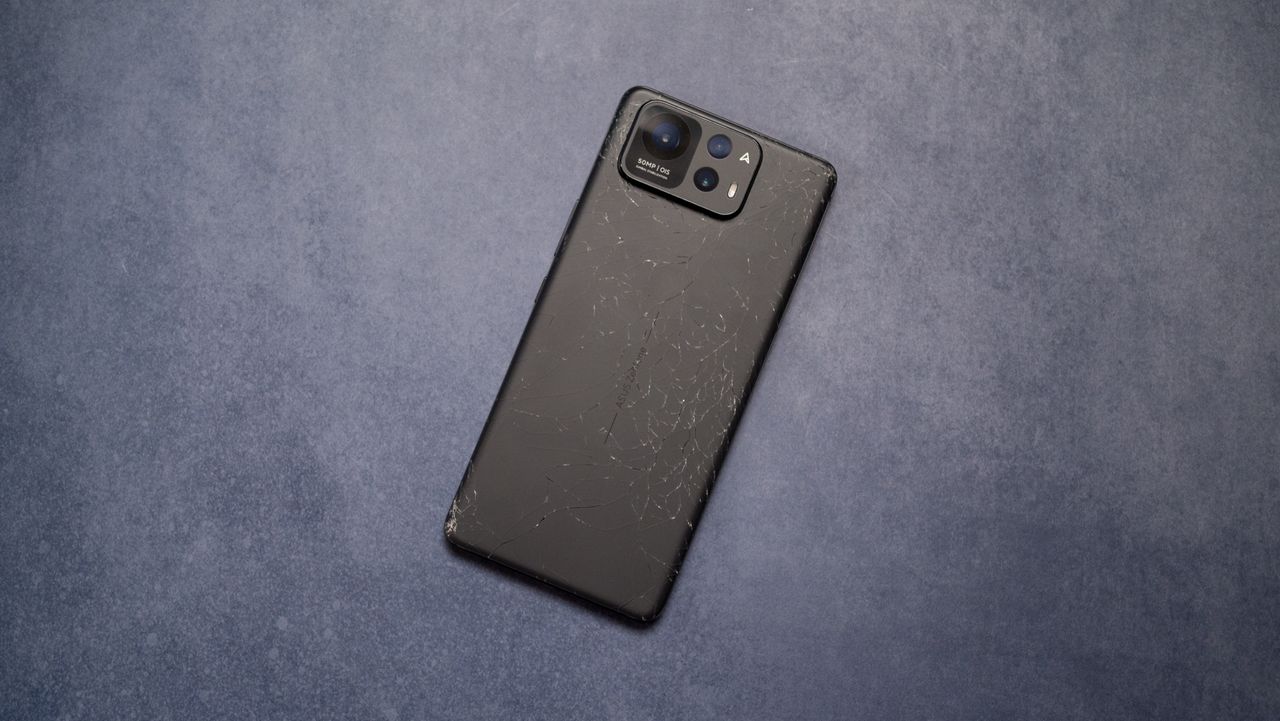
Asus is updating two of its flagship Android phones, the ROG Phone 9 and Zenfone 12 Ultra, to Android 16. The two devices launched with Android 15 in late 2024 and early 2025, respectively, and were some of the final major flagships still waiting to get an upgrade. Google released the Android 16 in June 2025, and said it spent time working with third-party OEMs beforehand to help deliver future Android upgrades quickly.
After a five-month-long wait, Asus ROG Phone 9 and Zenfone 12 Ultra users are starting to receive the Android 16 update. It comes with a version number of 36.0810.1810.43 for both phones, and each update should be around 1GB in size. The Asus ROG Phone 9 update includes more fixes and improvements, per the release notes, which makes sense considering it's the older device.
Asus warns users that some third-party apps aren't compatible with Android 16 yet, and recommends they back up their device before applying the update. It also explains the Android 16 update is rolling out in batches, based on device serial number, so it might take a few days for all Asus ROG Phone 9 and Zenfone 12 Ultra users to receive it.
Asus ROG Phone 9 update changelog
- Please back up your data before upgrading to Android 16.
- Upgraded system to Android 16.
- Adjusted the system navigation settings. The Predictive Back animation can be triggered by either the back gesture or long-pressing the back button.
- Added a power button option in the advanced setting, allowing users to configure quick access to the digital assistant by long-pressing the power button.
- Added the skip countdown button to the screen recording feature.
- In About Phone > Status setting, users can long-press the IMEI or Serial number field to copy the content.
- Fix the issue of occasional no sound during calls with bluetooth headsets.
- Some 3rd-party apps are not compatible with Android 16 yet.
- Updated game profiles for the following games: Arena of Valor (TW), Arena of Valor (US), Garena® Delta Force (TW) (Cooler X Pro), Delta Force (WW) (Cooler X Pro), Genshin Impact (WW), Free Fire (WW), KartRider Rush+ (WW), Mobile Legends: Bang Bang (WW).
- Updated AirTrigger profiles in ROG Instant Master for the following games: NEW STATE: NEW ERA OF BR (WW), Brawl Stars (WW), Genshin Impact (WW), Black Desert Mobile (WW), GODDESS OF VICTORY: NIKKE (TW) (Cooler X Pro), GODDESS OF VICTORY: NIKKE (WW) (Cooler X Pro), Racing Master (SEA)(Cooler X Pro), Need for Speed Mobile (TW).
- Updated Macro profiles in ROG Instant Master for the following games: Arena of Valor (TW), Arena of Valor (US), Zenless Zone Zero (WW), Mobile Legends: Bang Bang (WW), Genshin Impact (WW), Honor of Kings (WW), League of Legends: Wild Rift (TW), League of Legends: Wild Rift (US).
Asus Zenfone 12 Ultra update changelog
- Please back up your data before upgrading to Android 16.
- Upgraded system to Android 16.
- Adjusted the system navigation settings. The Predictive Back animation can be triggered by either the back gesture or long-pressing the back button.
- Added the skip countdown button to the screen recording feature.
- In About Phone > Status setting, users can long-press the IMEI or Serial number field to copy the content.
- Some 3rd-party apps are not compatible with Android 16 yet.
Asus ROG Phone 9 and Zenfone 12 Ultra users can manually check for the update by opening the Settings app, navigating to the System page, and tapping System updates. You can also learn how to manually flash the Android 16 update onto your Asus phone here.