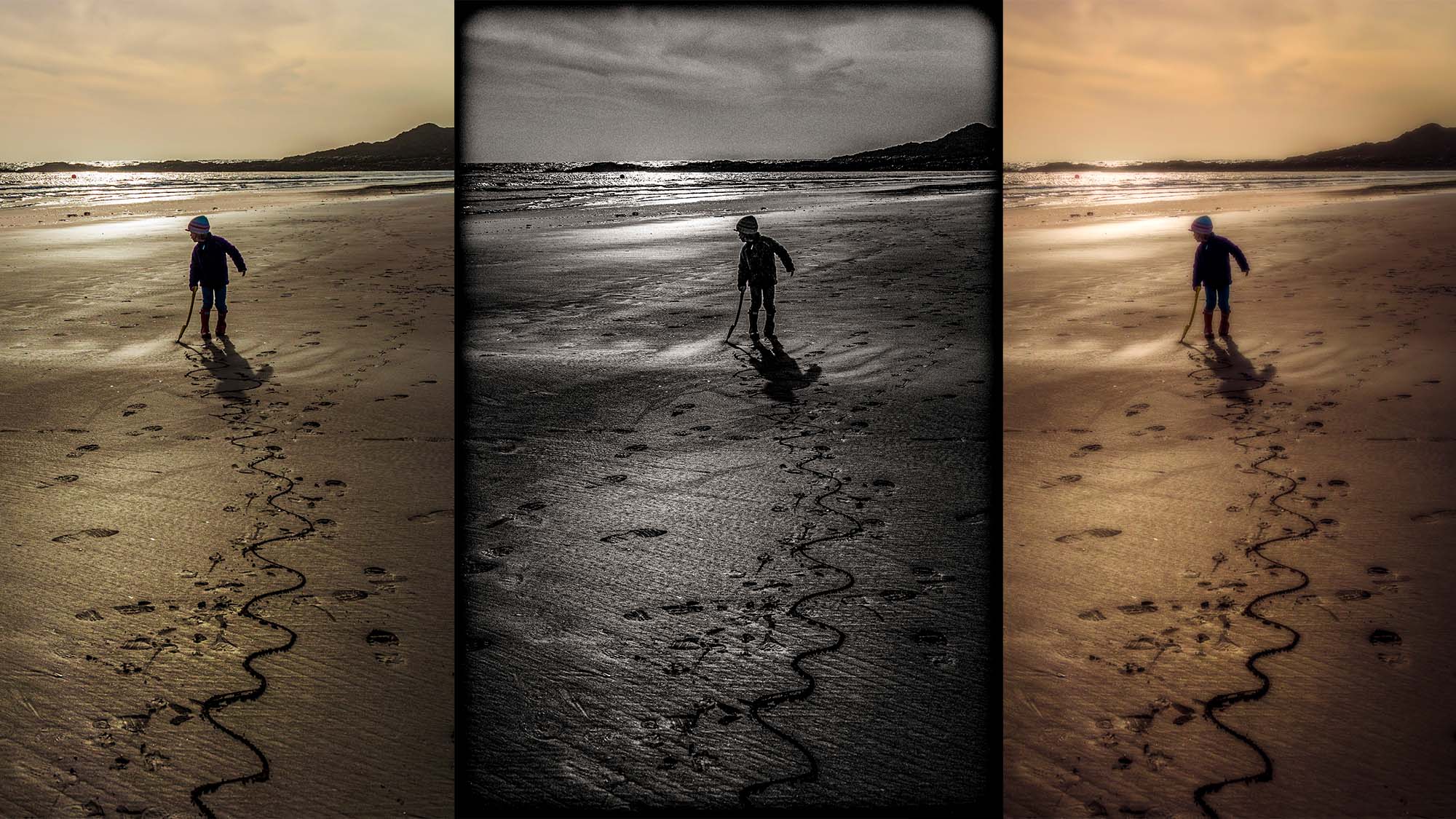
Trouble streaming the above video? View/download it here
Actions are custom scripts or mini-programs that automatically stack a bunch of image adjustments or filter commands together, and execute them in lightning-fast time. Stylized treatments and imaging effects that could take ages to create and fine-tune manually can be conjured up with one mouse click.
Actions have several advantages for the times when you want to give a photo a new look, or take it in a new creative direction. The benefit of working with a complete set that’s ready-made is not only the joy of applying a broad variety of different effects really fast, it’s also the chance to generate new looks you’d simply never have thought of.
Use the link below to get set of custom-made Actions for Photoshop CC called Retro Chic. As the name implies, these will take your shots back in time to add a real sense of nostalgia. These finishes will amplify the emotional appeal of your photographs in an old-school style.
Download the project file(s) to your Downloads folder of your computer (not recommended if you are reading this on a phone)