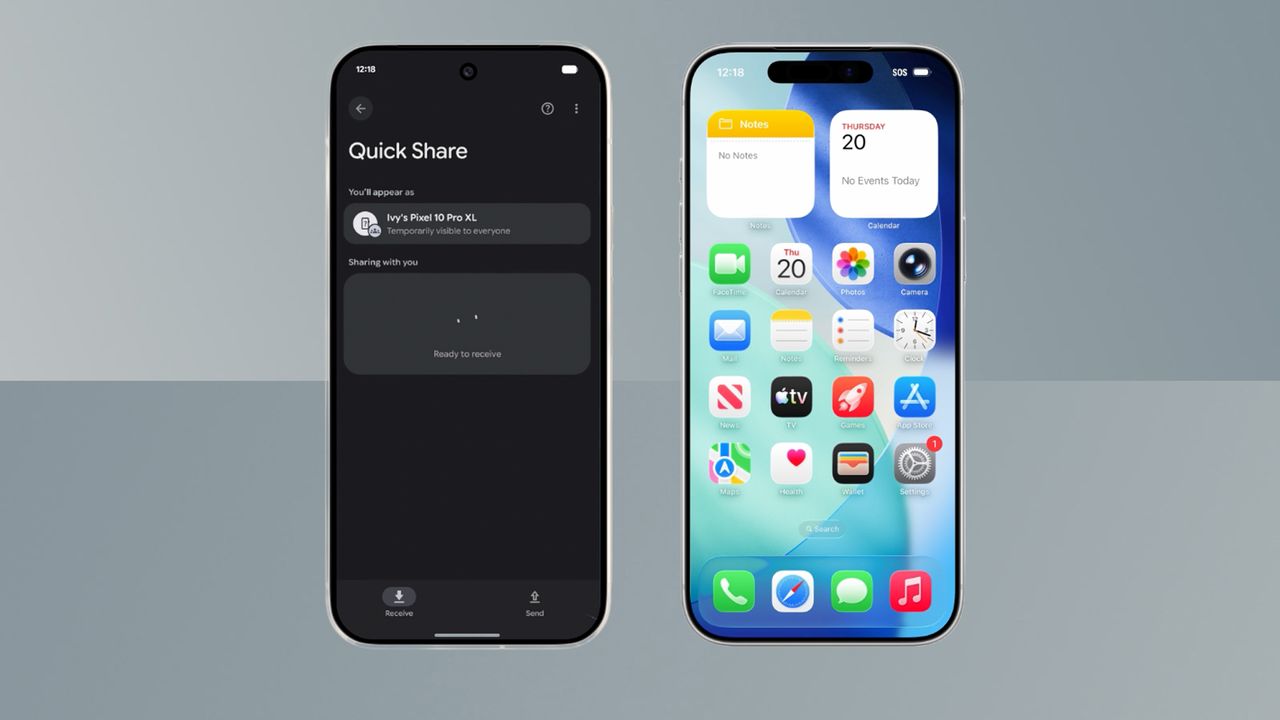
Google has announced that Android Quick Share now works with Apple’s AirDrop, allowing owners to transfer pictures and files across platforms.
You will need to have a Pixel 10 device and Apple devices will need to be in "Everyone for 10 minutes" mode, but it's still great news.
There is some big news in both the Apple and Android worlds today – Google has announced that its Android Quick Share now works with Apple’s AirDrop. Yes, you have read that correctly and no, it’s not an April Fools, we are in November.
This allows some Android devices – more on that in a second – to transfer files to an iPhone, iPad or Mac easily. And rather than being a partnership between the two Silicon Valley companies, Google has taken this step on its own back – it says the move is its “own implementation”.
What's the catch?
At present, the feature only works when Apple devices have their AirDrop privacy settings on “Everyone for 10 minutes” rather than in the “Contacts only” mode. Still, that’s a lot better than it was before, and it means it will be much easier to transfer photos, videos and other files between the Android and iOS.
For Android users, specifically Pixel 10 users (there’s the other catch), Apple devices that have their “Everyone for 10 minutes” mode on will appear in the fullscreen Quick Share interface. For Apple devices, Android devices will appear as options when you go to share a file using AirDrop.
According to Google: “This feature does not use a workaround; the connection is direct and peer-to-peer, meaning your data is never routed through a server, shared content is never logged, and no extra data is shared.”
It also told 9to5Google that it would “welcome the opportunity to work with Apple to enable 'Contacts Only’ mode in the future”.
To start seeing Apple devices in the Quick Share option, Pixel users will need to open Settings and tap on their name at the top for Google services. You will then need to select ‘All services’ followed by ‘Privacy & security’ and then ‘System services’. From there, update “Quick Share Extension” and restart you phone.
Happy file sharing.