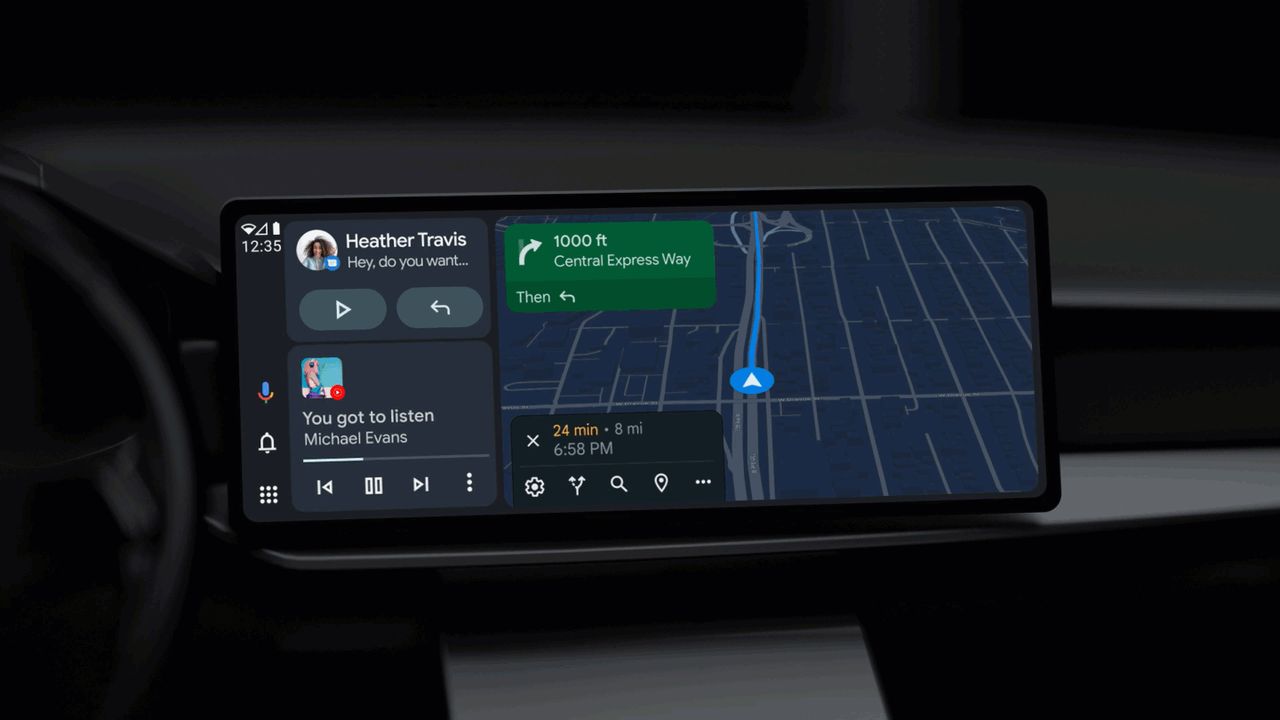
Android Auto is finally replacing Google Assistant with Gemini in your car. Announcing the news on Thursday, Google says it will begin the switch for the 250 million cars that have the technology built in.
The system is an app on your phone that connects to a car’s smart display, putting apps like Google Maps, Spotify, and more directly on your car's infotainment system. Gemini integration will allow users to have more complex back-and-forth conversations with the AI assistant while driving.
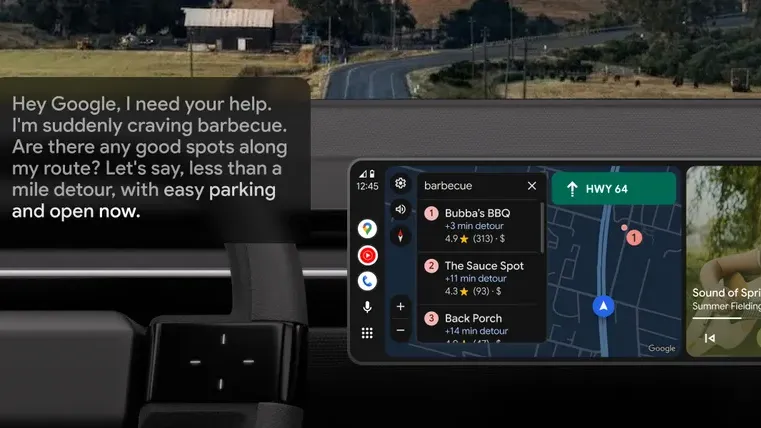
For example, you could ask Gemini to scout out good BBQ spots on the route you are currently taking. If Gemini finds a good option, it can offer up details about the restaurant. Is it dog-friendly? What’s the most popular dish? Or even what the overall vibe is like.
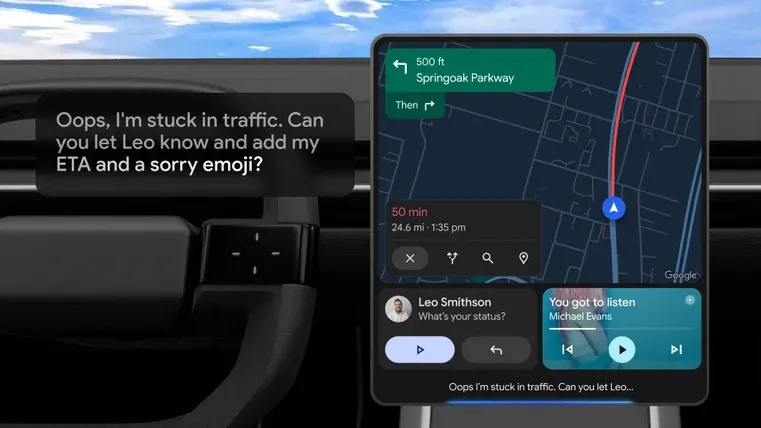
Drivers can also use Gemini to reply to texts, utilizing the AI to include key details. For example, asking Gemini to text your friend that you are running late, but also including your ETA from Google Maps.
It’s not just texts you can send while driving, though. If you connect Gemini to your Gmail account, you can send emails too, or ask the AI to scan through your emails for information such as flight times or how to navigate to the address given by LAX parking in an email.
Gemini can also connect to non-Google apps in this process. One new feature that will likely excite music fans is the ability to create playlists on the go. Google says you can ask Android Auto to “make a roadtrip playlist, ideally upbeat and 3 hours long,” and Gemini will be able to craft something using your use of streaming service of choice, whether that's YouTube or Spotify.
If you get bored while driving, you can also simply chat with Gemini, having a back-and-forth voice conversation. This can help brainstorm an idea, or provide some virtual company to keep drivers alert.
How to use the new Android Auto
For now, Gemini will be rolling out in 45 languages across the globe so as long as your car supports Android Auto, you can use it anywhere in the world.
To access it, you’ll need to have both the Gemini and Android Auto apps on your phone. With both of these installed, you’ll see a message on your car display once the feature is available for you to use.
While Google has promised a global rollout, exact details haven’t been given. This means particular regions could take slightly longer to receive the update. We'll be taking Gemini out on the road as soon as we can to find out how it holds up.

Follow Tom's Guide on Google News and add us as a preferred source to get our up-to-date news, analysis, and reviews in your feeds.