What you need to know
- A new Android Auto bug is causing the cellular signal icon to disappear from the car's display for some users.
- The issue doesn't affect actual connectivity, as calls, data, and navigation continue to work normally.
- Reports suggest the bug may be linked to Android Auto version 16.5, with some users fixing it by downgrading.
Android Auto users are no strangers to bugs and issues, and now a new report claims a bug is causing the cellular signal icon to disappear from their displays.
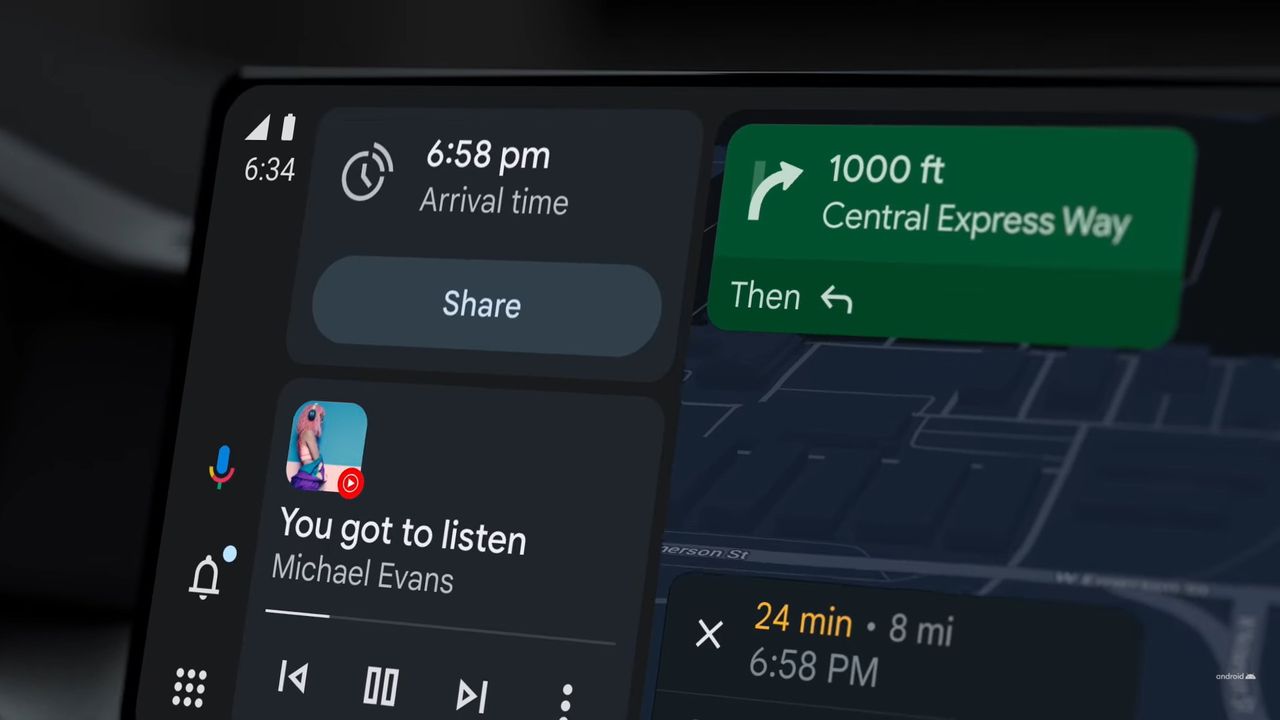
Google has been working to make Android Auto more useful, recently adding features like AI-based EV battery predictions in Google Maps. However, that doesn't mean the platform is bug-free. As spotted by Reddit users (via Android Authority), many are reporting that the cellular signal icon on their car's head unit is no longer visible.
According to the users, the signal icon no longer appears on their Android Auto screen when connected to the car's headset. Thankfully, this doesn't seem to be a connectivity issue itself. Users say only the icon disappears, while connectivity continues to work as expected. Calls, data, and navigation still function normally, but the icon is missing from the interface.
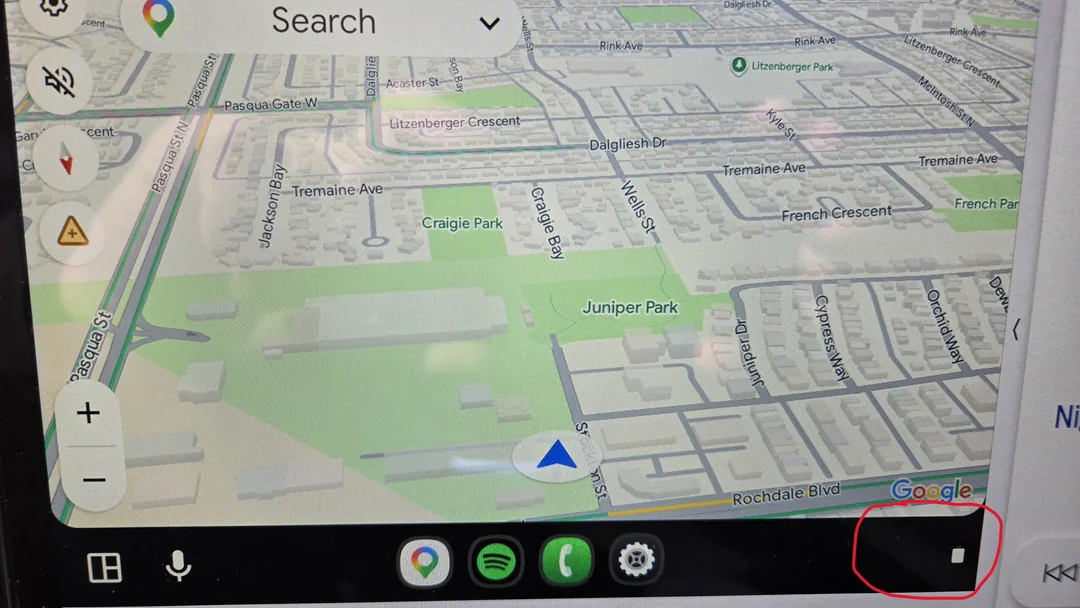
That said, the missing icon has caused concern for some users, especially when driving through areas with weak network coverage. There's no clear indication if the bug affects specific devices, but it does appear to be linked to Android Auto v16.5. Rolling back to v16.3 has reportedly fixed the issue for some.
There are also theories that Google may be revamping Android Auto's UI icons, which could explain the disappearing signal indicator.
It's reassuring that connectivity isn't actually broken, but imagine loosing the signal icon when you are driving through a not-so-familiar area — Google needs to fix this ASAP!
Google hasn't officially acknowledged the issue yet, but given the number of reports, a fix is likely on the way. We will update this article as and when Google rolls out a fix. But, until then, downgrading to an older version of the app seems to be the only workaround.