What you need to know
- Android 16 QPR3 Beta 1 is here just weeks after QPR2, likely marking the final tune-up before Android 17.
- You can finally toggle off the "At a Glance" widget to reclaim space on your home screen.
- The Quick Settings tile now features a slider to control beam intensity rather than just a simple on/off switch.
- A new setting lets you swap the order of the back and recent keys in the three-button navigation bar.
Just a few weeks after releasing Android 16 QPR2 to the stable channel, Google has launched Android 16 QPR3 Beta 1. This is probably the last quarterly platform update before Android 17, and while it doesn’t bring big changes, it’s designed to make daily use easier for Pixel users.
Quarterly Platform Releases, or QPRs, help Google improve Android between major updates. Rather than waiting for a yearly upgrade, these updates add small improvements, new features, and background fixes.
Android 16 QPR3 Beta 1 is now available for Pixel phones from the Pixel 6 up to the newest models through the Android Beta Program. The stable version is expected to arrive around March 2026.
On the surface, this beta focuses on usability tweaks that Pixel owners have been asking for. One of the most noticeable changes is flashlight control. Instead of a simple on-or-off toggle, you now get adjustable brightness, letting you dial the intensity up or down depending on the situation (via Android Authority).
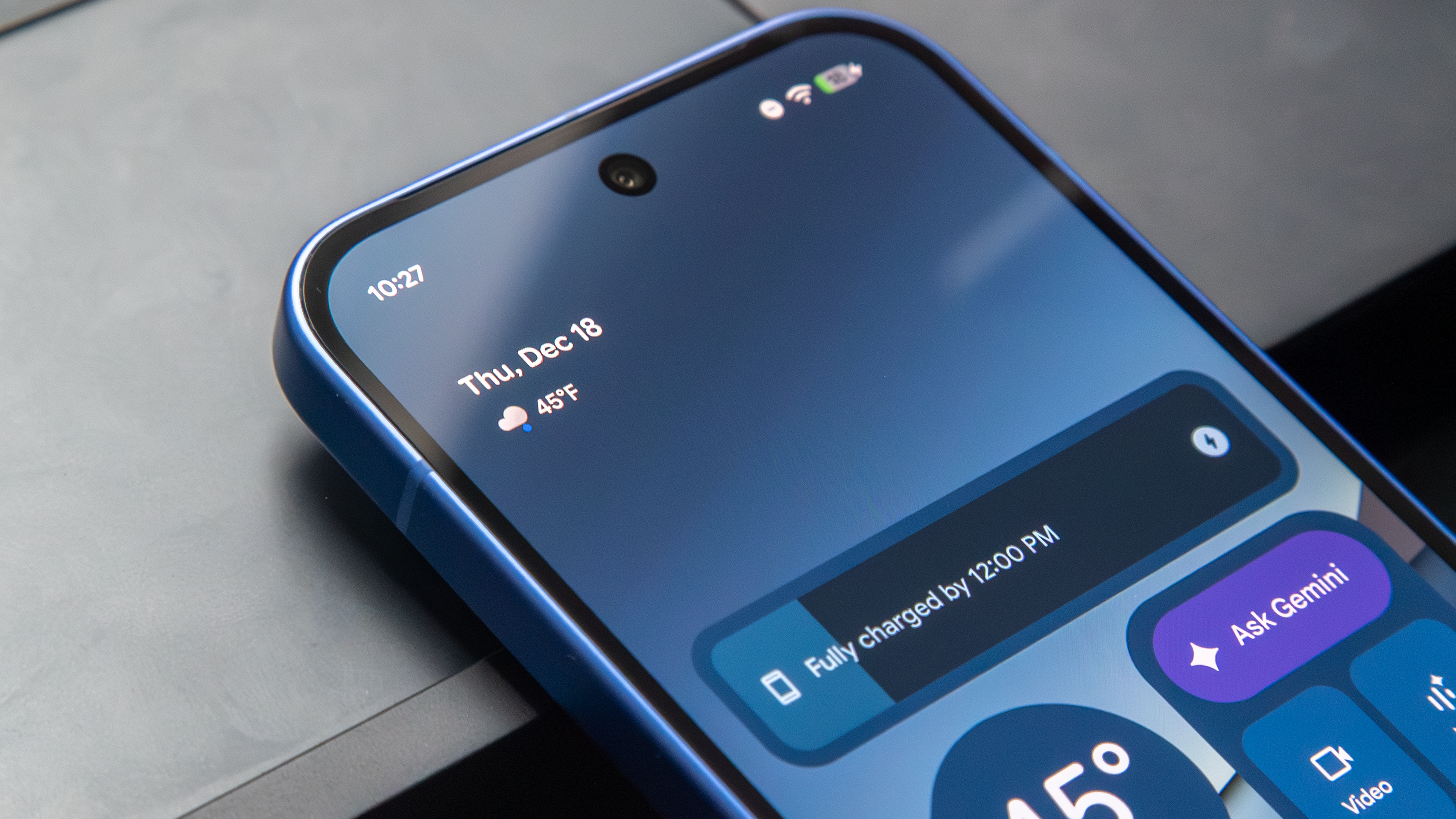
The main highlight is the ability to remove the At a Glance widget from your home screen. In this beta, you’ll find a new "Show on home screen" option in the widget’s settings. Turn it off, and the widget disappears, giving you more space to organize apps, add widgets, or simply enjoy your wallpaper.
Navigation is now more flexible, as Google lets users reverse the order of the classic three-button navigation keys. This will feel familiar to anyone who has used Samsung phones.
See which app is tracking you
Privacy and transparency are improved as well. Android 16 QPR3 Beta 1 adds an expandable location indicator in the status bar, so you can easily see which app is using your location. Tapping it gives you more details, instead of just showing a generic icon.
The update also includes support for over 160 new emoji from Unicode 17.0, helping to modernize the platform in a subtle way.
Of course, this is still beta software. Bugs, battery quirks, and performance hiccups are part of the deal, and opting in means you’re committing until the stable release lands, unless you’re willing to wipe your device.