Every Sphere Module in Palworld gives your Pal Spheres a unique bonus, whether it’s increasing capture power, improving accuracy, or changing how a throw behaves.
Unlike regular spheres, these upgrades are equipped to your character and apply to every capture attempt until you swap them out. Here’s every Sphere Module in Palworld 1.0, what each one does, and how to unlock and craft them.
Table of contents
What are Sphere Modules?
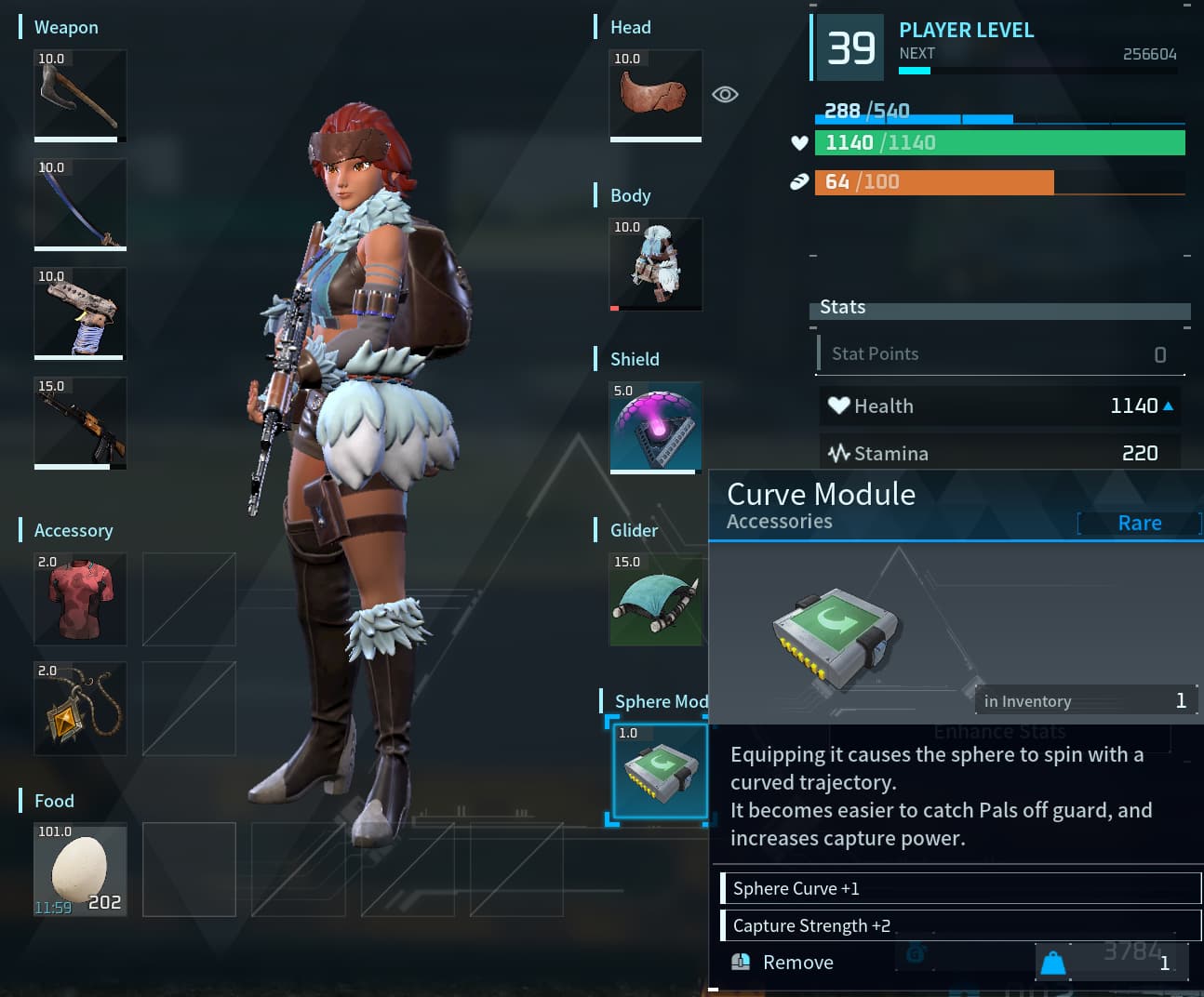
Sphere Modules act as upgrades for your Pal Spheres, impacting the trajectory of the orb as you throw it and increasing the chances you will successfully catch a wild Pal. The various types of modules offer slightly different effects; some home in on creatures, while others put a slight curve on a Sphere instead. But there’s one trait in common across all modules; they all increase your odds of capturing a Pal.
You can only have one Sphere Module equipped at a time. Like other accessories or gear, these items need to be slotted into an equipment slot before you’ll start seeing their effects. Once you have one equipped, it will modulate all Pal Spheres you use, regardless of their level.
All Sphere Modules in Palworld, their effects, and how to get them
There are a total of six Sphere Modules in Palworld. To unlock these items, you’ll need to head over to the Technology tree and reach each level that corresponds to the module. Once you have the crafting recipe unlocked, Sphere Modules can be created at either a Sphere Workbench or a Sphere Assembly Line by a Pal with the Handiwork specialty.
Below are all of the current Sphere Modules in Palworld, the level you need to reach to unlock them, and their required crafting materials.
| Module Name | Technology Level | Description | Required Crafting Materials |
|---|---|---|---|
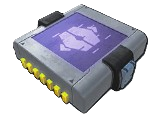 Heavy Weight Module |
11 | Equipping it makes the Sphere heavier, reducing its range but increasing capture power. | 10 Paldium Fragment 10 Ingot 20 Stone |
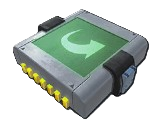 Curve Module |
23 | Equipping it causes the Sphere to spin with a curved trajectory. It becomes easier to catch Pals off guard and increases capture power. | 30 Paldium Fragment 30 Ingot 50 Stone 5 Ancient Civilization Parts |
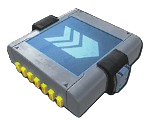 Sniper Module |
31 | Equipping it increases the Sphere’s range, allowing it to sharply capture Pals and enhancing capture power. | 50 Paldium Fragment 50 Ingot 30 Cement 10 Ancient Civilization Parts |
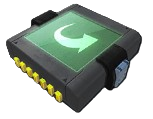 Slider Module |
39 | Equipping it adds a slider spin to the Sphere. The Sphere curves at a sharp angle, making easier to catch Pals off guard and increasing capture power. | 100 Paldium Fragment 50 Refined Ingot 50 Carbon Fiber 15 Ancient Civilization Parts |
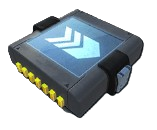 Sniper Module II |
47 | Equipping it significantly increases the Sphere’s range, allowing it to sharply capture Pals and enhancing capture power. | 200 Paldium Fragment 50 Pal Metal Ingot 30 Carbon Fiber 30 Ancient Civilization Parts 5 Ancient Civilization Core |
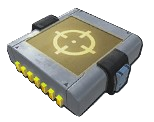 Homing Module |
57 | Equipping it makes the Sphere home in on Pals, further increasing capture power. | 50 Soralite Ingot 3 AI Core 40 Ancient Civilization Parts 50 Dark Fragment 5 Ancient Civilization Core |
How to equip a Sphere Module
Equipping a Sphere Module works the same as slotting in a Glider or a food item. If you do not have a Sphere Module currently equipped whenever you pick one up from the worktable or assembly line, the game will automatically equip it for you. If you’d like to replace a module with another, follow these steps:
- Open your inventory by pressing the Tab key or the menu button on the controller.
- Hover over the Sphere Module you want to equip.
- Right-click on your mouse or press Y or Triangle on controller.
- The Sphere Module will move into the designated slot.
Sphere Modules weren’t the only new feature that hit live servers with the Feybreak update. Players also got a new Sphere Critical feature, a Pal Expedition system, plenty of new species, an additional island to explore, and much more. You can check out the full list of changes on Palworld‘s official Steam page.
Can you equip multiple Sphere Modules at the same time?
No. Players only have one dedicated Sphere Module equipment slot, so you can only equip a single module at a time. If you want a different effect, such as switching from Sniper Module II to Homing Module, you’ll need to replace your currently equipped module.
Do Sphere Modules get consumed when you catch a Pal?
No. Sphere Modules are permanent equipment once crafted or obtained. Unlike Pal Spheres, they are not consumed during captures and can be swapped between loadouts whenever you need.
Do Sphere Modules work with every type of Pal Sphere?
Yes. Sphere Modules apply their effects regardless of which Pal Sphere you throw. Whether you’re using a basic Pal Sphere or a higher-tier option, any equipped module bonuses remain active during the capture attempt.