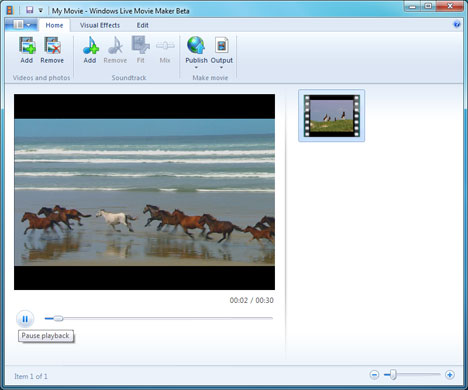
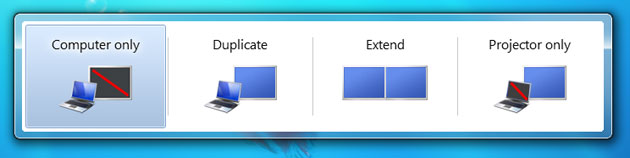
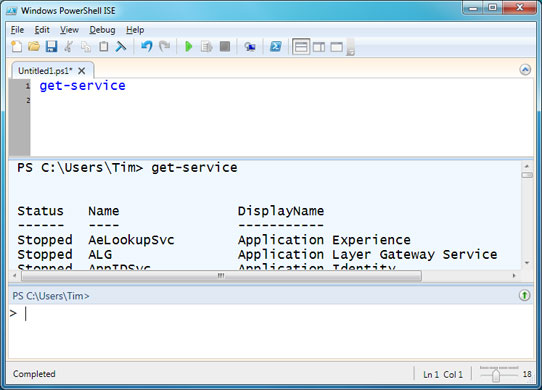
Not everything is better in Windows 7 – Live Move Maker is a separate download and has fewer features than Movie Maker in Vista. Microsoft says it is rewritten "from the ground up" – but some aren't happyPhotograph: Public DomainRunning a projector or dual screens? Win+p opens a simple utility which controls the second screenPhotograph: Public DomainCommand-line junkies will like Powershell, an advanced scripting engine supplied with Windows 7Photograph: Public Domain
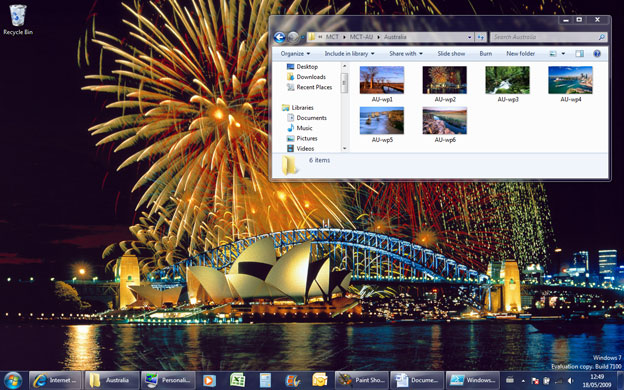
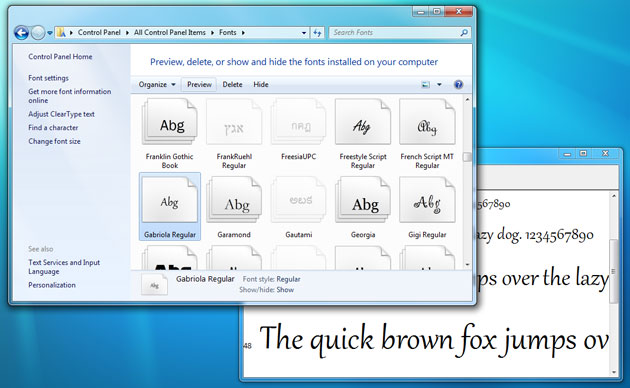
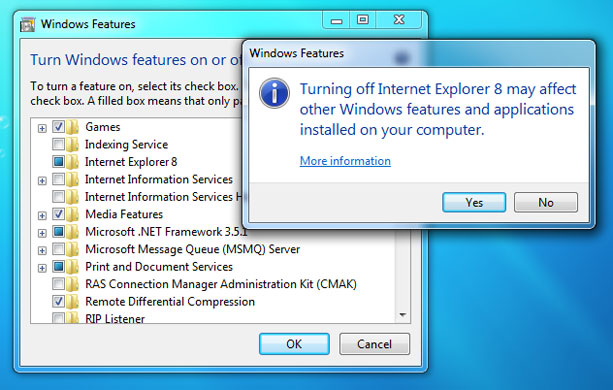
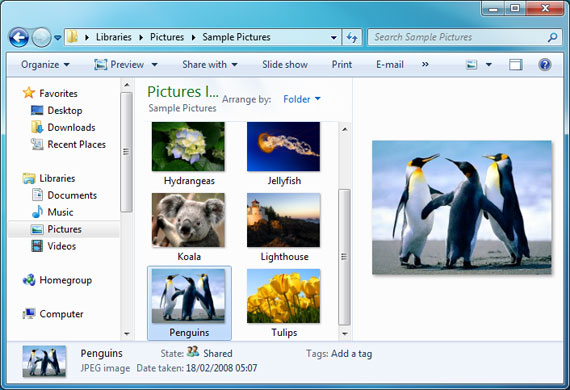
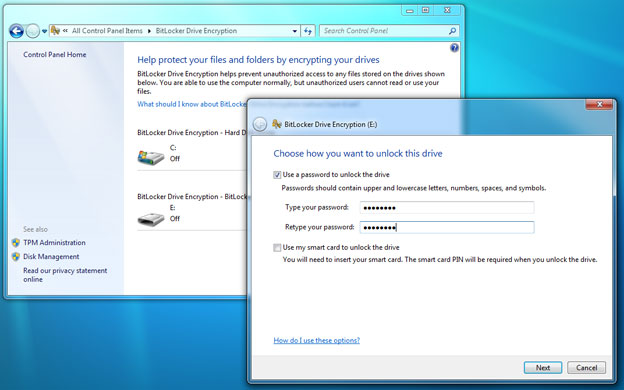
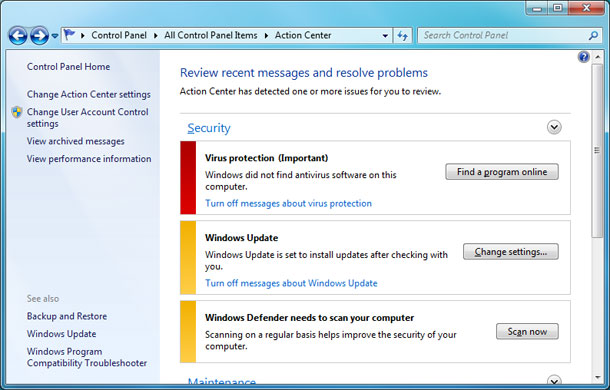
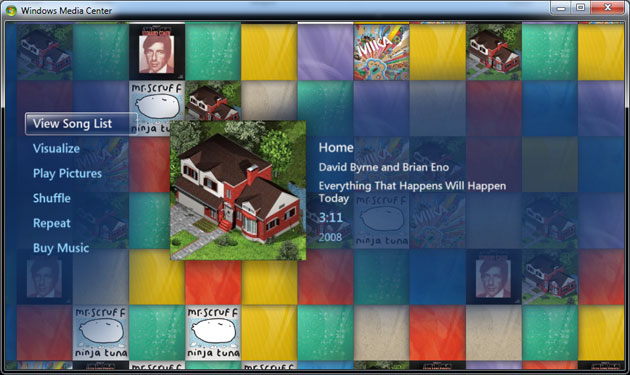
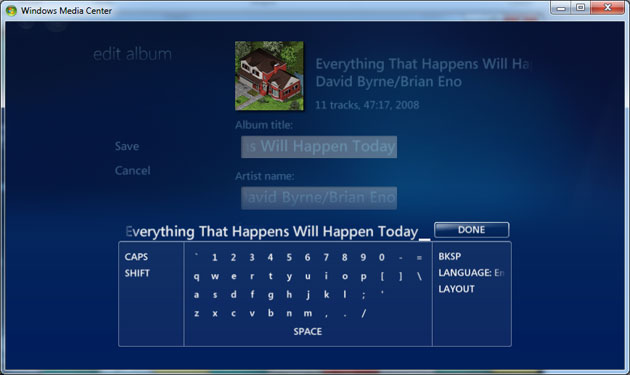
Windows 7 has themes for various geographic regions, such as Australia, which are available to all usersPhotograph: Public DomainFont management in Control Panel is greatly improved in Windows 7, and there are new fonts available including Gabriola, which has a cursive stylePhotograph: Public DomainWindows 7 lets you turn off – effectively, remove – Internet Explorer, though you have to pass a warning. A nod to the EU's competition commission, perhaps?Photograph: Public DomainPressing Alt+p in Windows Explorer opens or closes a preview window, useful for seeing more detail about photos, films or documentsPhotograph: Public DomainBitLocker drive encryption can now be applied to USB drives as well as hard drives, encrypting files and securely protecting them with a password – but is only expected to be available in the Enterprise, Server and Ultimate versionsPhotograph: Public DomainThe Action Center is intended as a one-stop location for system maintenance and messages. Messages are colour-coded to indicate importancePhotograph: Public DomainThe updated Windows 7 Media Center has a new look and new features: a floating "gadget", moving images dissolve behind menus, and there's support for copying remote content Photograph: Public DomainMedia Center now has an on-screen keyboard for living room use: control what appears on your TV but is playing on your computerPhotograph: Public Domain
Sign up to read this article
Read news from 100’s of titles, curated specifically for you.