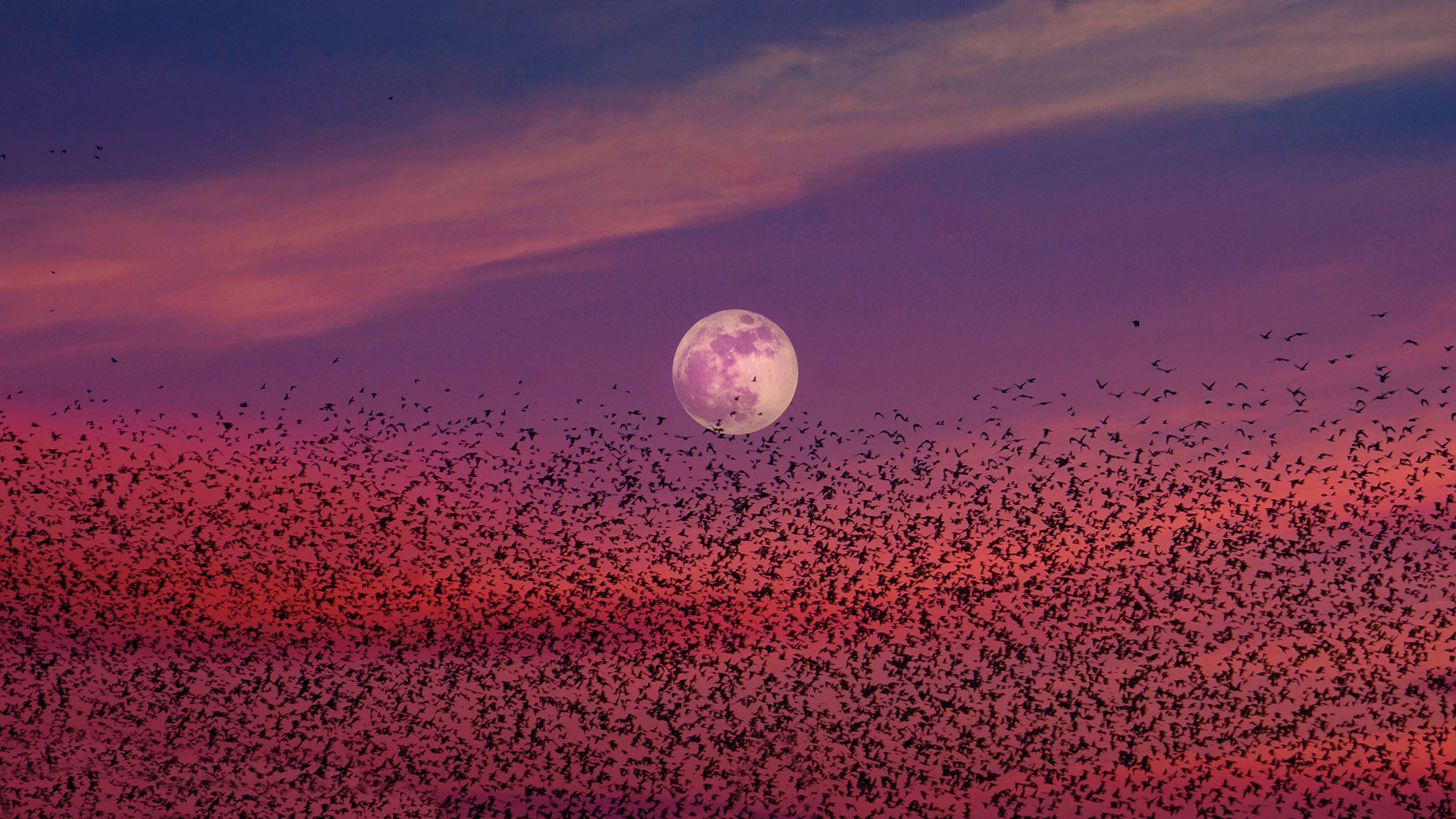
Improves: Color
Adjusting the white balance (WB) settings is crucial to avoid color cast issues that can be difficult to edit or correct in post-processing. Furthermore, it could take hours of work when dealing with multiple images, so it’s best to invest time in adjusting these settings beforehand.
To perfect customized settings, many cameras come equipped with a white balance bracketing mode. Here, you capture a series of frames, each with different WB settings on either side of the selected parameters, and merge them together.
Most modern cameras have preset white balance modes, which are tuned to center color based on a predetermined standard. However, these presets can remove the shifts in color (determined by the kelvin value of each setting, which affects the color temperature) that we want to capture.
To use these settings like a pro, start by taking the auto settings as a reference and customize them further to control the hues of the scene.
Tutorial
1. Use Auto WB
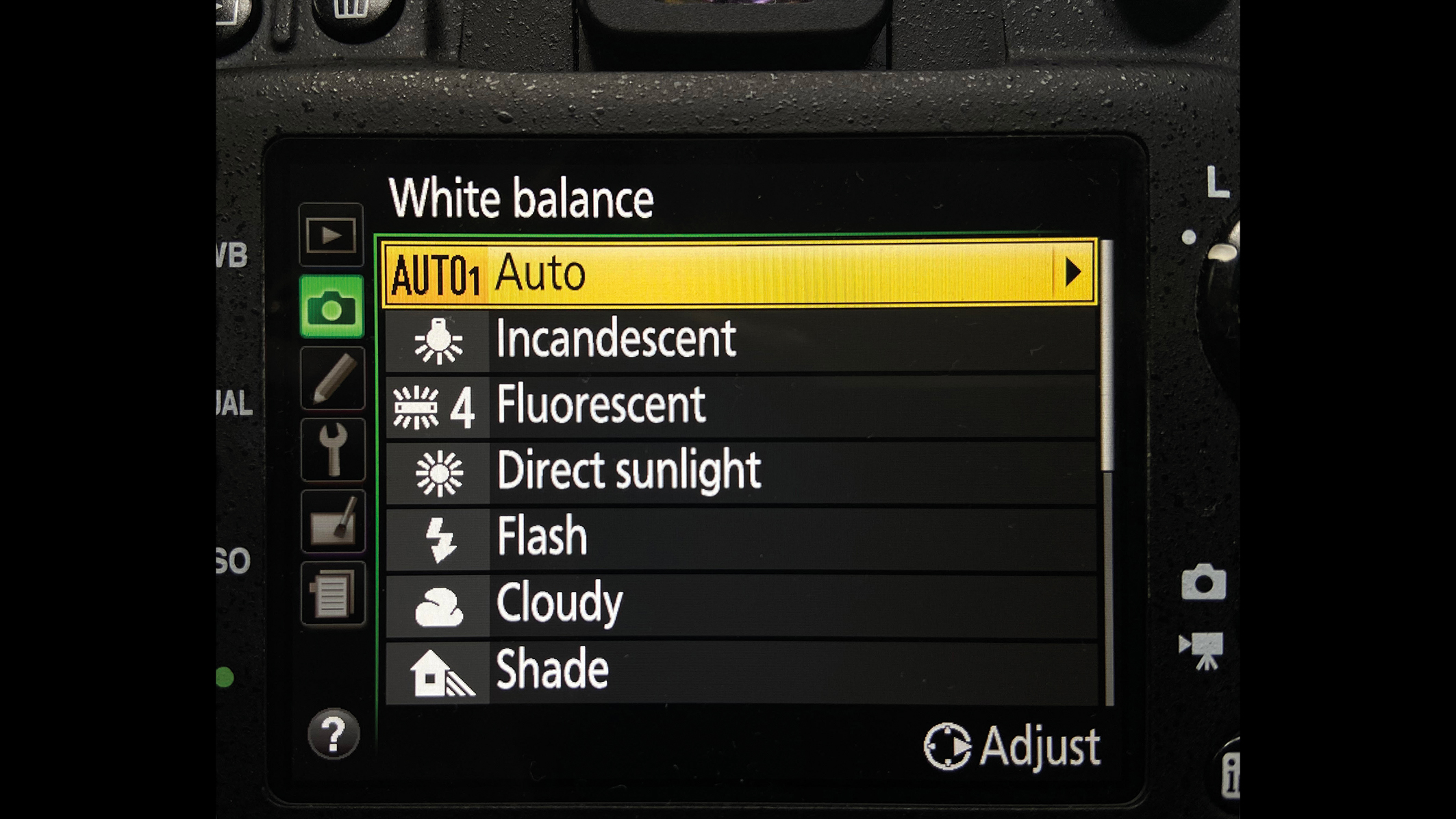
To do this, first create a neutral reference image in Auto WB mode. The colors will appear dull and flat, but it’s a helpful step to avoid creating an unnatural color palette and over-saturated tones in the following adjustments.
2. Choose preset
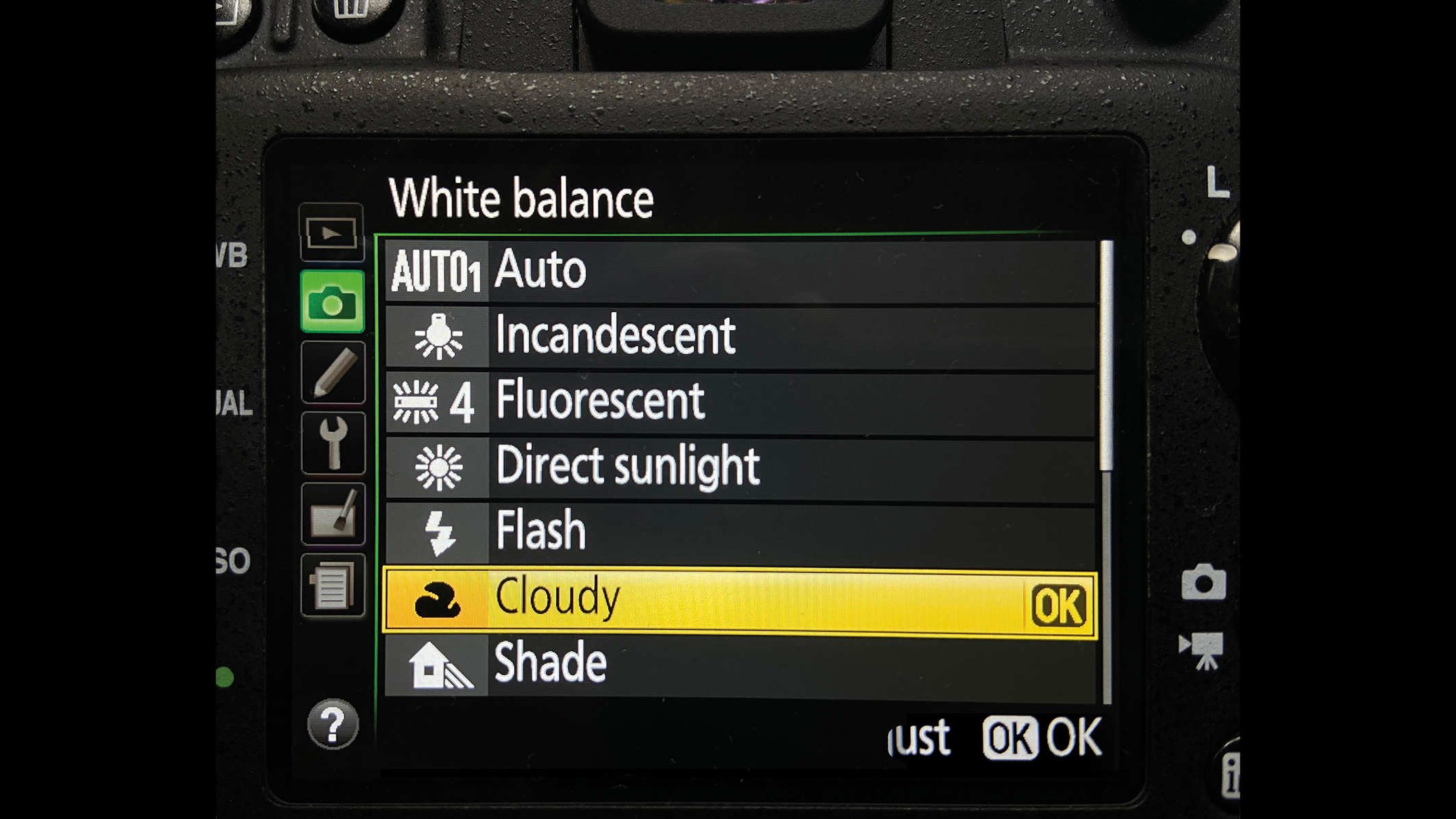
Select an Auto WB mode that matches the lighting in the scene, while also boosting the hues. Here, for example, you can choose between Daylight, Shade, Cloudy, Incandescent and Fluorescent settings, and these will result in a noticeable improvement.
3. Customize WB
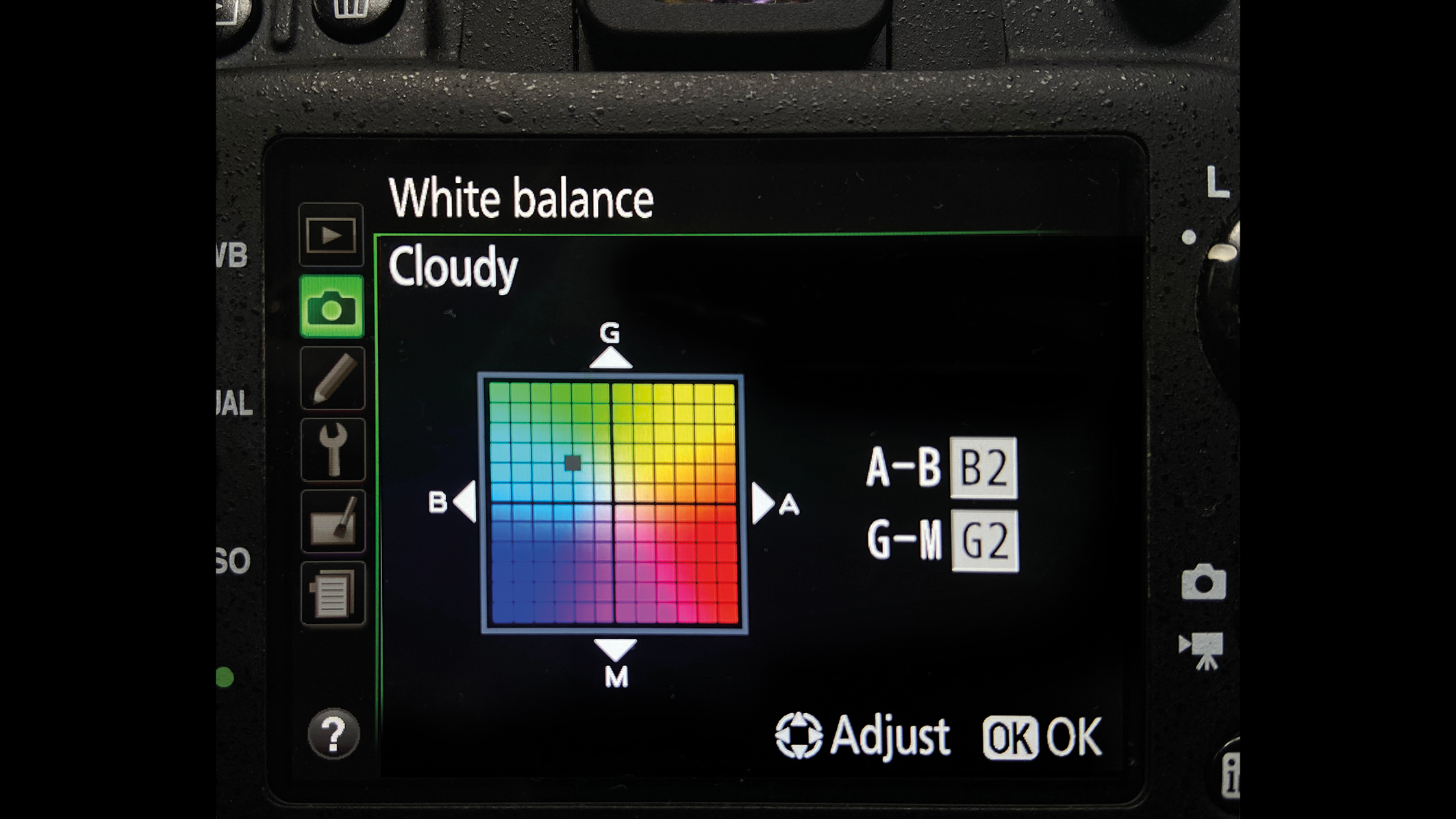
To achieve the best possible color palette, either select the appropriate preset or switch to custom white balance (sometimes called Kelvin Control) and select a color temperature that’s similar to the preset, and add more specific tonal customization.
Check out our explainer on what is white balance, along with other useful photography tips to get the most out of your camera.