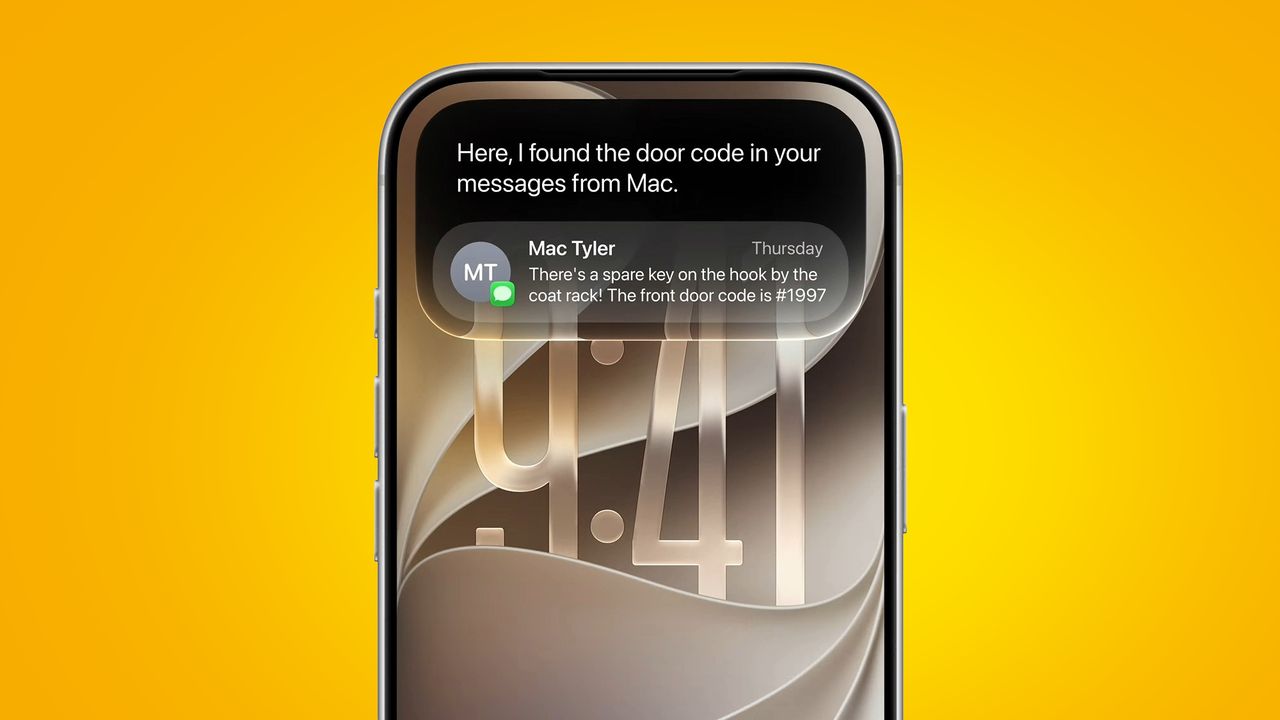
iOS 27 has been a topic of conversation for months now, but finally, following WWDC 2026, Apple's next iPhone-based software upgrade has been officially unveiled — and better yet, there's a beta version out now.
This is a developer beta, so it's primarily intended for people developing iOS apps, but it's accessible to anyone. Note, however, that a public iOS 27 beta will likely follow before long, and might be more stable, so you may prefer to wait for that — or for the finished release, which is expected to land alongside the iPhone 18 series in September.
If you are set on downloading the iOS 27 developer beta, though, then it's quite straightforward to do. We've detailed every step below — from signing up as a developer (if you haven't previously done so) to actually downloading the beta to your phone.
Before you start, it's worth backing up your iPhone, just in case something goes wrong with the installation of the beta or with the beta itself.
How to install the iOS 27 developer beta on your phone
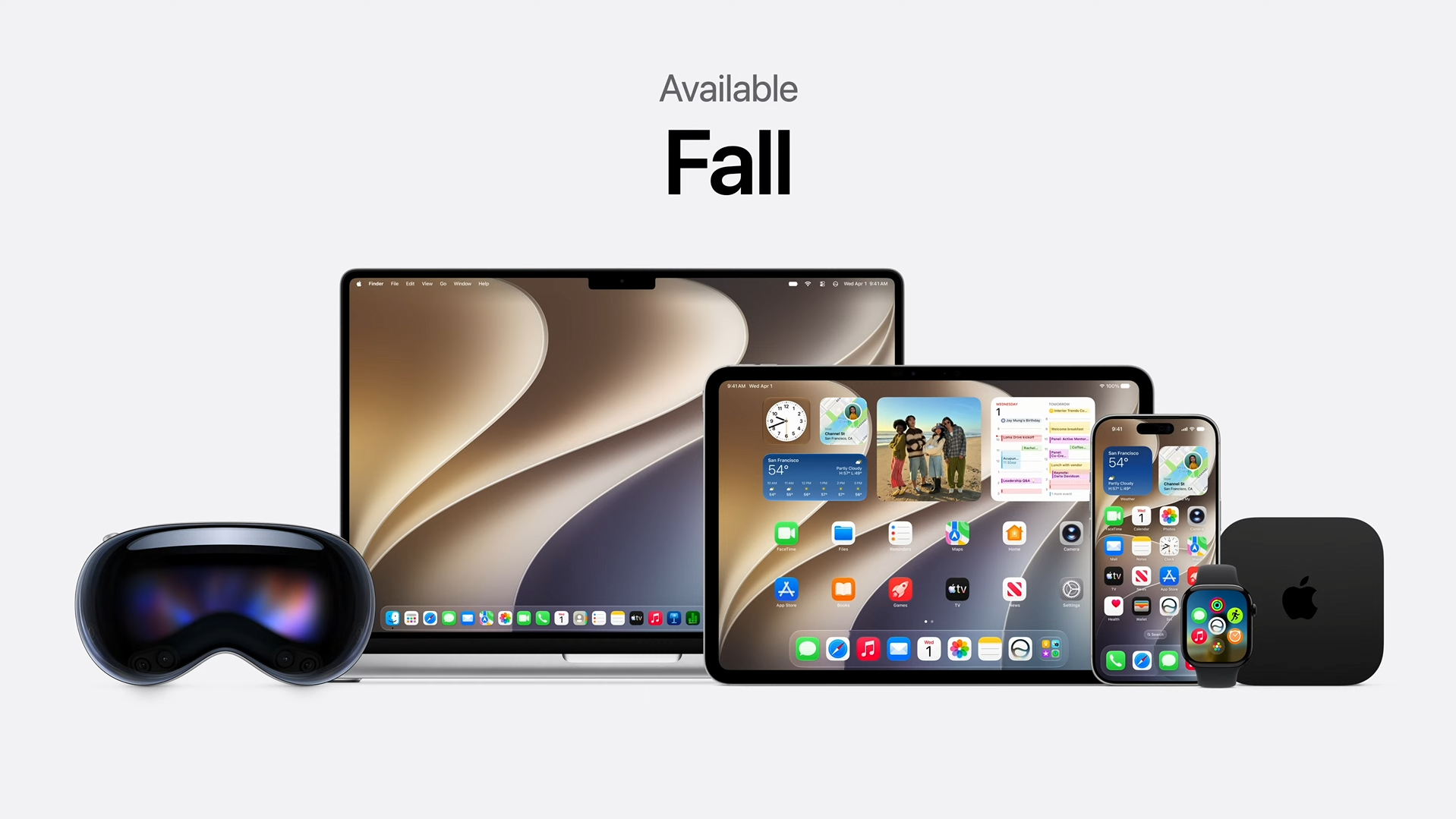
To become eligible for the iOS 27 developer beta, you first need to enroll in the Apple Developer Program. Fortunately, this is easy to do. So if you’re not already signed up for this, just head to the enrollment page and click ‘Start your enrollment’. Then sign in with your Apple ID, and click ‘Continue enrollment on the web.’
You’ll then be asked to fill in your name and address, and you’ll have to select your ‘entity type’ (which, in most cases, will be ‘individual’), then accept the agreement. This will take you to a payment screen, but if you just quit out from here, you should still be enrolled in the free tier of the Apple Developer Program, which is all you need to access the betas.
Alternatively, you can use the Apple Developer app to enroll — just select the ‘Account’ tab in the app and then sign in to your Apple account.
With that done, actually downloading the iOS 27 developer beta is simple — on your iPhone, just head to Settings > General > Software Update, and then tap ‘Beta Updates’ followed by ‘iOS 27 Developer Beta’.
After following that process, the latest developer beta should appear as an option to download. So, tap that and follow the on-screen instructions to install it.
Then, just sit back and wait for it to install — note, though, that this is a large update, so the installation may take a while, and your iPhone will reboot during the process.