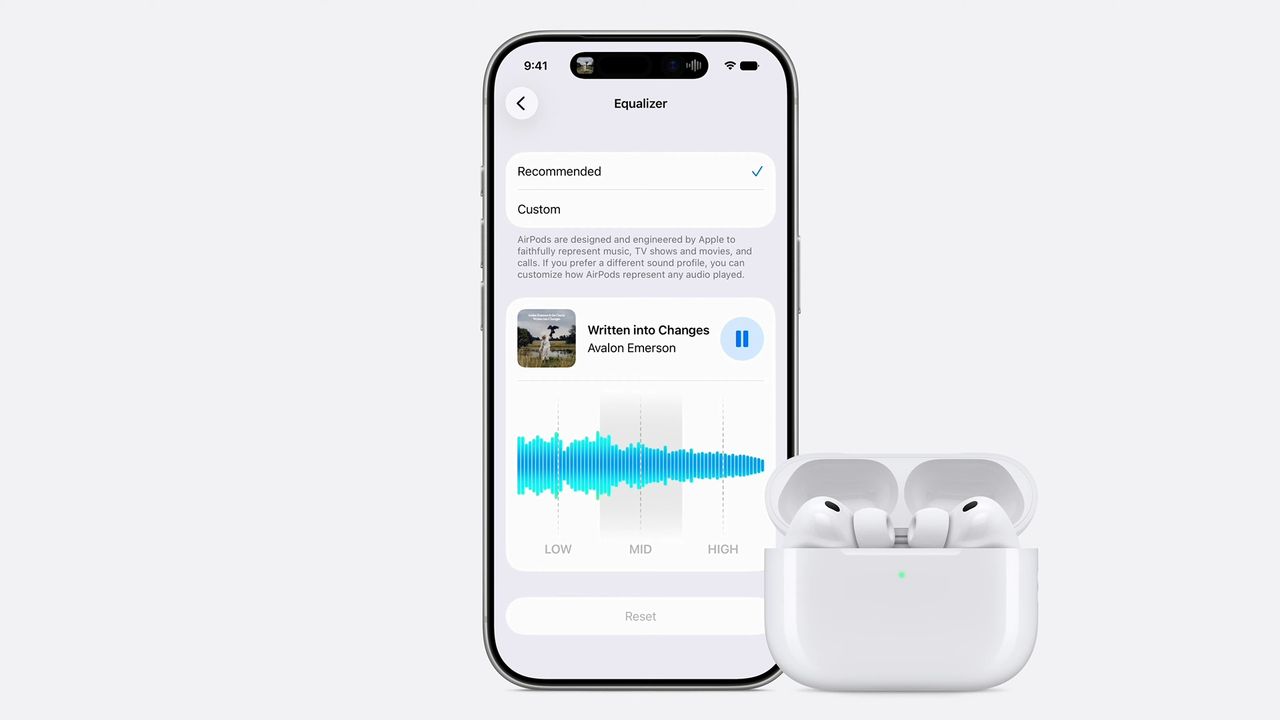
- AirPods are getting a universal custom EQ at last
- You'll be able to see the results live as a song plays
- It's set to come in iOS 27, as part of the AirPods' Settings screen
Apple just announced that one of the longest-requested features from AirPods users is finally coming as part of iOS 27: a custom EQ. Announced during the WWDC 2026 keynote, Apple hasn't revealed full details of the feature, but we did get a first glimpse.
There will be a screen that looks like the image at the top of this page, and if you tap 'Custom' then a blue line is overlaid on the frequency graph. You appear to be able to move the blue line to increase or decrease the frequency bands.
There's a live waveform that plays, so it appears that you'll be able to see the result on the sound signature live, as well as hearing it, obviously.
In the past, it's been possible to make some changes to AirPods' sound using accessibility tools, but this really isn't designed for making subtle changes to your music profile, it's designed for the hard of hearing to boost frequencies they struggle with.
There's also been an EQ in Apple Music, but that doesn't help if you use another app for music, and doesn't preserve the EQ when you switch devices or other apps in general.
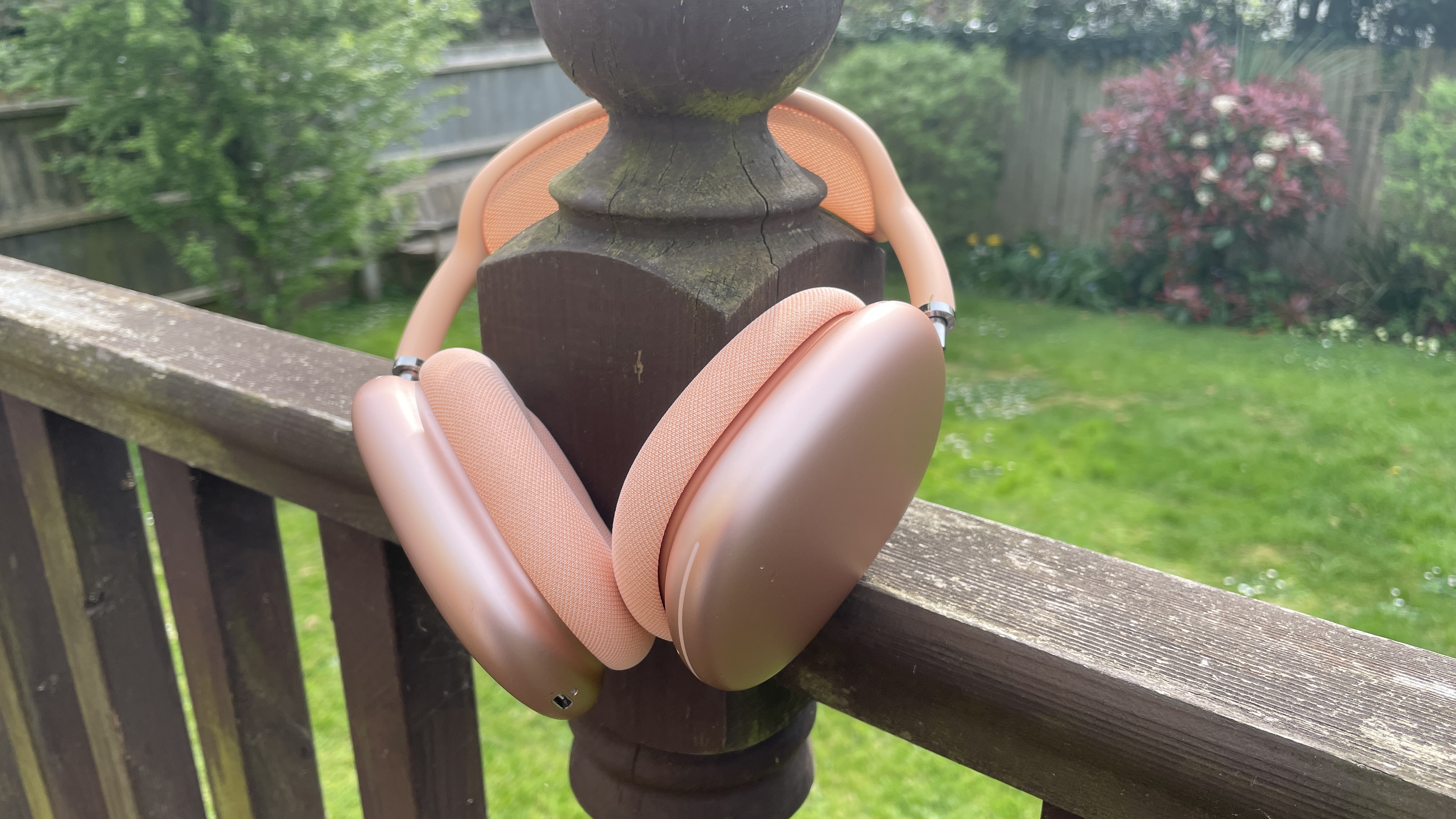
There are interesting differences in the sound of different AirPods models. The original AirPods Max are much more neutral than the AirPods Pro 3, for example, and I can easily see that some people might choose to give the over-ears a little extra poppy punch at times — or might want to just take a slight edge off the earbuds.
However! The obvious thing that's missing in the images we've seen so far is a clear option to save presets, so the scenario I've described above might not be that easy. This might be in the final version, of course, or there might be a way to create this using Shortcuts.
However, I wouldn't be surprised if Apple keeps this pretty basic. The screen doesn't really encourage you to make changes: the description in the setting says, "AirPods are designed and engineered by Apple to faithfully represent music, TV shows and movies, and calls. If you prefer a different sound profile, you can customize how AirPods represent any audio played."
Still, given that the original AirPods model launched in December 2016, I'm just glad we're getting finally getting it as an option at all.